Zorin OS, the popular beginner friendly Linux Distribution, announced the Beta release of version 18 yesterday!
Zorin OS is a Linux distribution designed for newcomers switching from Windows and macOS. It features Ubuntu package base, and customized GNOME desktop experience, while a lite version is available for choice with XFCE4 desktop.
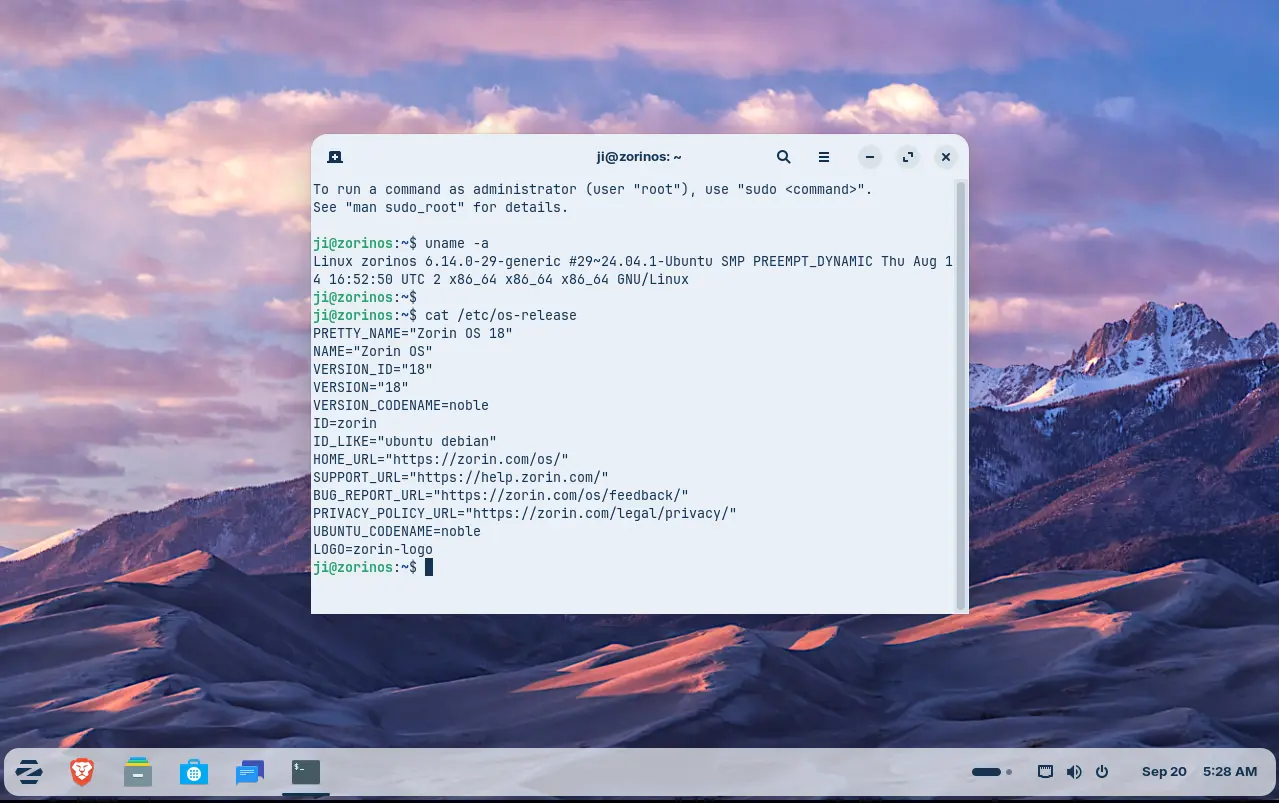
Zorin OS 18 is based on Ubuntu 24.04 LTS. Thanks to the upstream, the new release upgraded from Kernel 6.8 to Kernel 6.14 with tons of new drivers, new and improved hardware support. See what’s new in Kernel 6.14 (replace 6.14 in URL link, e.g., 6.13, for changes other Kernel versions).
Thanks to GNOME upstream changes, it features GNOME 46 (customized) desktop with a “dot and pill” icon to trigger overview, and indicate which workspace you’re working in. There are as well new camera app, remote login with RDP protocol, and OneDrive support in online accounts.
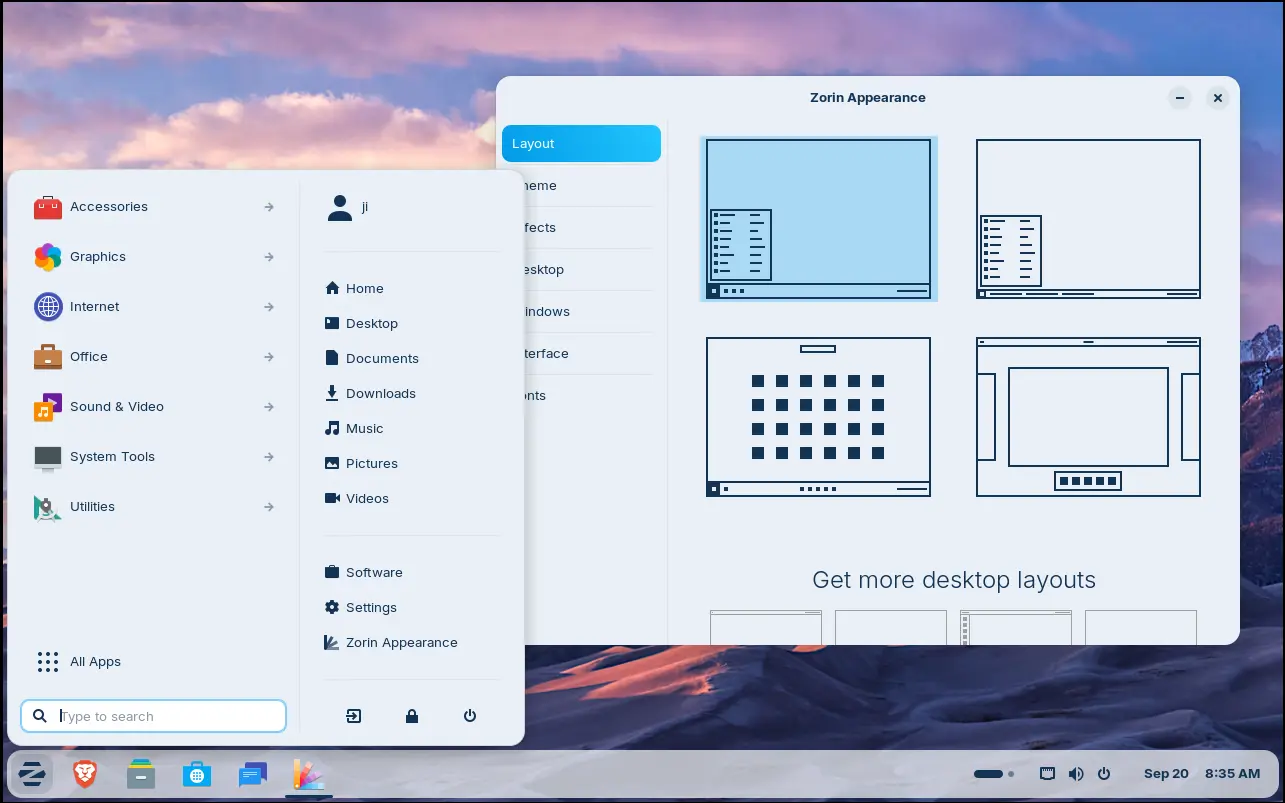
Besides the upstream changes, Zorin OS 18 refined the default desktop appearance with floating panel and rounded corners. While, user may easily change the layout with a single mouse click by using the built-in Zorin Appearance utility.
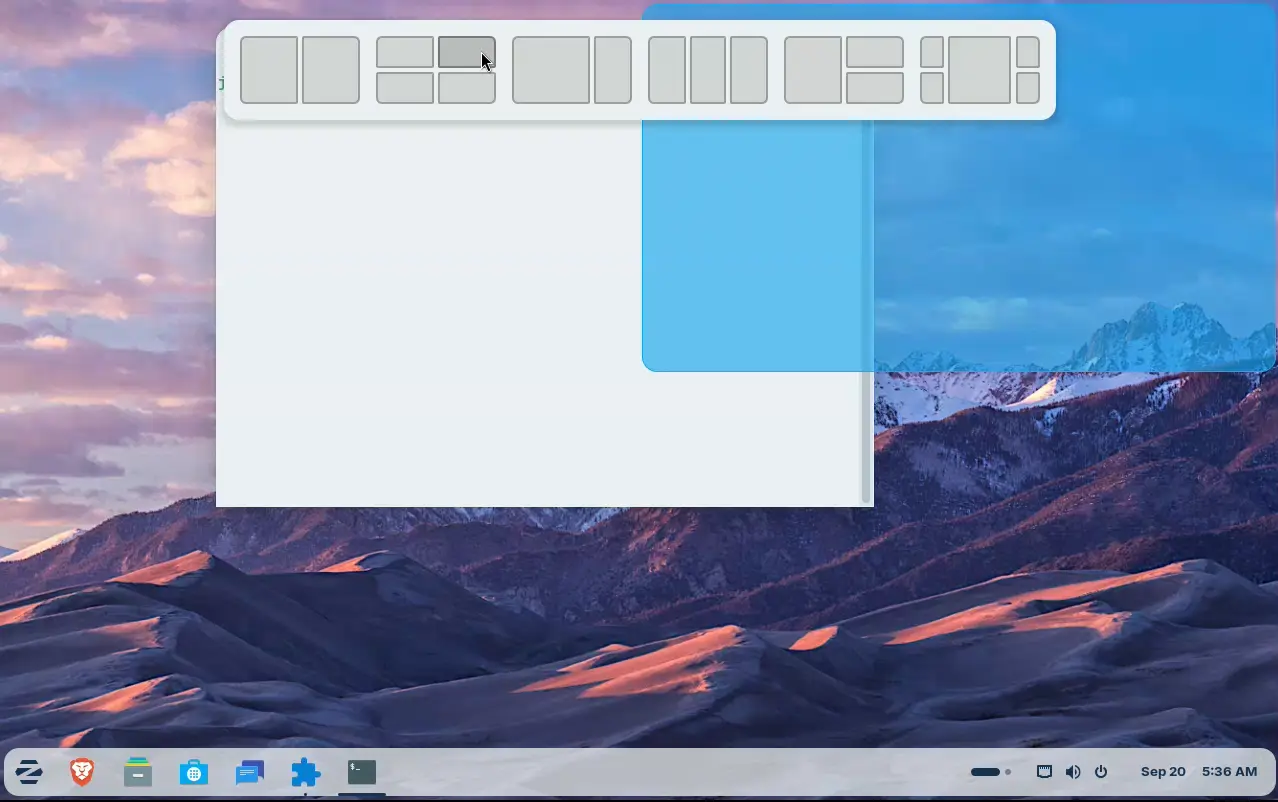
Like Ubuntu 24.04, the release also introduced a tiling window extension. Simply drag a window to screen top, it will show you a list of tiling layout, allowing to easily move and resize window automatically into selected screen edge.
By going to Zorin Appearance -> Windows -> Advanced Window Tiling, you may enable the indicator icon for the extension, and configure more about it.
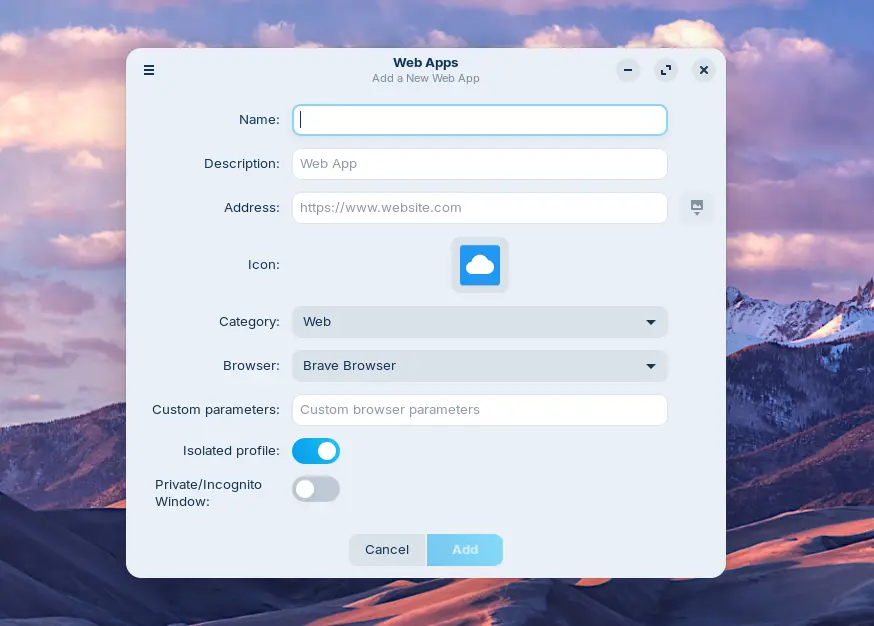
For users who need Office/365, Teams, Adobe Photoshop, etc apps, the release also introduced a WebApp Manager allowing to easily turn your favorite websites into apps, by using either the default Brave web-browser or any other browser (if installed) as you want.
Other changes in the release include:
- Update built-in database to suggest alternatives to more Windows apps.
- New Yellow and Brown theme colors.
- 3 new panel layouts: Compact, Linux Mint like, and elementary OS like layouts (for Pro, paid version only).
- Use Pipewire instead of PulseAudio as default sound server.
- Improve Zorin Menu with multi-monitors support.
- Center new windows at launch.
- Global search in Files, and more!
Get Zorin OS 18 Beta
The official release note as well as the .iso image are available in its website via the link below:
NOTE that Zorin OS 18 is so far available for Beta testing, it’s not recommended to install it on production machine at the moment.
The minimum hardware requirements include 2 GB RAM, 15 GB disk space, and 1024 × 768 resolution display.

 Login
Login