Login
Login
Linux Kernel 6.17 Released! Mainline PPA updated for Ubuntu 24.04 +

Linux 6.17 is out as the latest Kernel release! Linus Torvalds announced it yesterday afternoon in lkml.org:
No huge surprises this past week, so here we are, with kernel 6.17 pushed out and ready to go.
Below is the shortlog for just the last week – not the full 6.17 release – as usual. It’s not exciting, which is all good. I think the biggest patch in there is some locking fixes for some bluetooth races that could cause use-after-free situations. Whee – that’s about as exciting as it gets.
…
What’s New in Kernel 6.17
Linux 6.17 introduced Attack Vector Controls, which provides a simple method to manage CPU vulnerability mitigations. Which, so far supports 5 sets of attack-vector mitigations: User-to-Kernel, User-to-User, Guest-to-Host, Guest-to-Guest, and Cross-Tread. See the official documentation for more about it.
For Intel, the kernel added Intel IPU7 driver for web camera support on Lunar Lake and Panther Lake laptops. And, it added perf profiling support for Panther Lake, and EDAC (Error Detection and Correction) support for Granite Rapids D, Wildcat Lake, and Raptor Lake HX, and Core i5 14600, i7 14700 processors.
It as well added initial support for Wildcat Lake integrated graphics, enabled OpenGL and Vulkan support for Xe3 Panther Lake graphics by default, and added SR-IOV (Single Root I/O Virtualization) support for Battlemage GPUs but limit to Arc Pro graphics card.
There are as well DRM Panic support for the Intel i915 and Xe kernel drivers, Wildcat Lake “WCL” display enablement, and experimental flip queue support for Lunar Lake and Panther Lake hardware, and NPU accelerator support for Wildcat Lake.
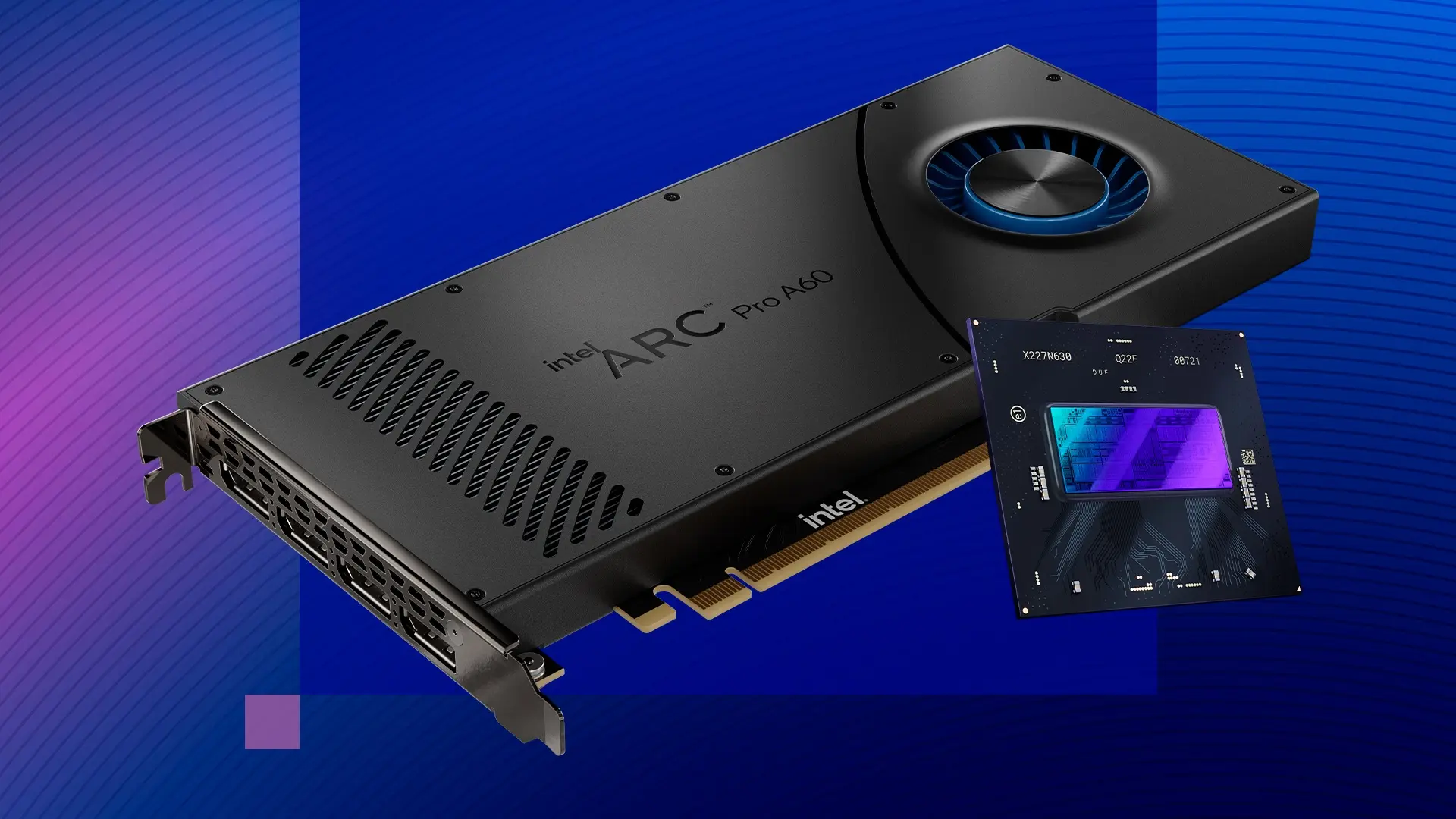
image from Intel.com
On the AMD side, the kernel merged AMD’s Hardware Feedback Interface driver for dynamic core ranking, improved task scheduling, and better support for processors with mix of classic and dense cores.
It also added SmartMux support for hybrid laptops that dynamically switch the GPU being used. For example, when gaming, the system can be switch the active display to the discrete GPU for better performance.
Other AMD changes include CPUID faulting support, and fix for AMDGPU hibernation, which can save 50 minutes on large GPU servers.
Image by anirudhlv from Pixabay
Other changes in this Kernel release include:
- Apple System Management Controller (SMC) driver for being able to reboot modern M1/M2 Macs
- BRBE (Branch Record Buffer Extension) support for ARM64.
- Drop non-SMP (Symmetric Multi-Processing), meaning for system with only one CPU core, there might be small performance regression.
- Turbostat command-line utility can now display CPU L3 cache topology information.
- Much faster CRC32C error detection on modern Intel and AMD AVX-512 processors.
- Added “pm_async=off” parameter to disable async suspend/resume with the Linux kernel
- Large folio support for Btrfs (experimental).
- Multi-device filesystems like btrfs and bcachefs can handle certain device loss without the need to shutdown the whole filesystem.
- New driver for powering on the T-HEAD TH1520 RISC-V SoC’s GPU.
There are as well many new and updated hardware support, including:
- Raspberry Pi RP1 PCI device support
- Marvell PXA1908 and the CIX P1 SoC
- Andes Tech QiLai SoC and the Sophgo SG2000.
- NVIDIA Tegra264.
- Samsung Snapdragon X laptop support.
- Add support for Touch Bars on x86 MacBook Pros.
- BCM5325 switches.
- Support 50 / 100 / 200 / 400 / 800 gigabit Ethernet cards.
- Lenovo WMI Gaming Series Drivers for Lenovo Legion Go S gaming handheld.
For more changes about Linux Kernel 6.17, see either this page or kernelnewbies.
How to install Linux 6.17 in Ubuntu
Ubuntu 25.10 has already included Kernel 6.17 RC, while the stable release will be available soon in the final release.
For Ubuntu 24.04, it will probably have Kernel 6.17 in next 24.04.4 point release. If you can’t wait, try the mainline kernel PPA.
NOTE: The mainline Kernel is built for testing purpose! It’s NOT signed, so you need to disable secure boot for being able to boot the kernel. And, it may have compatibility issues with proprietary drivers.
For amd64, arm64, armhf, ppc64el, and s390x CPU architecture types, the Kernel PPA provides Linux Kernel 6.17 package at the link below:
If you don’t know your CPU type, run dpkg --print-architecture command to tell, then select download & install the proper packages for your system.
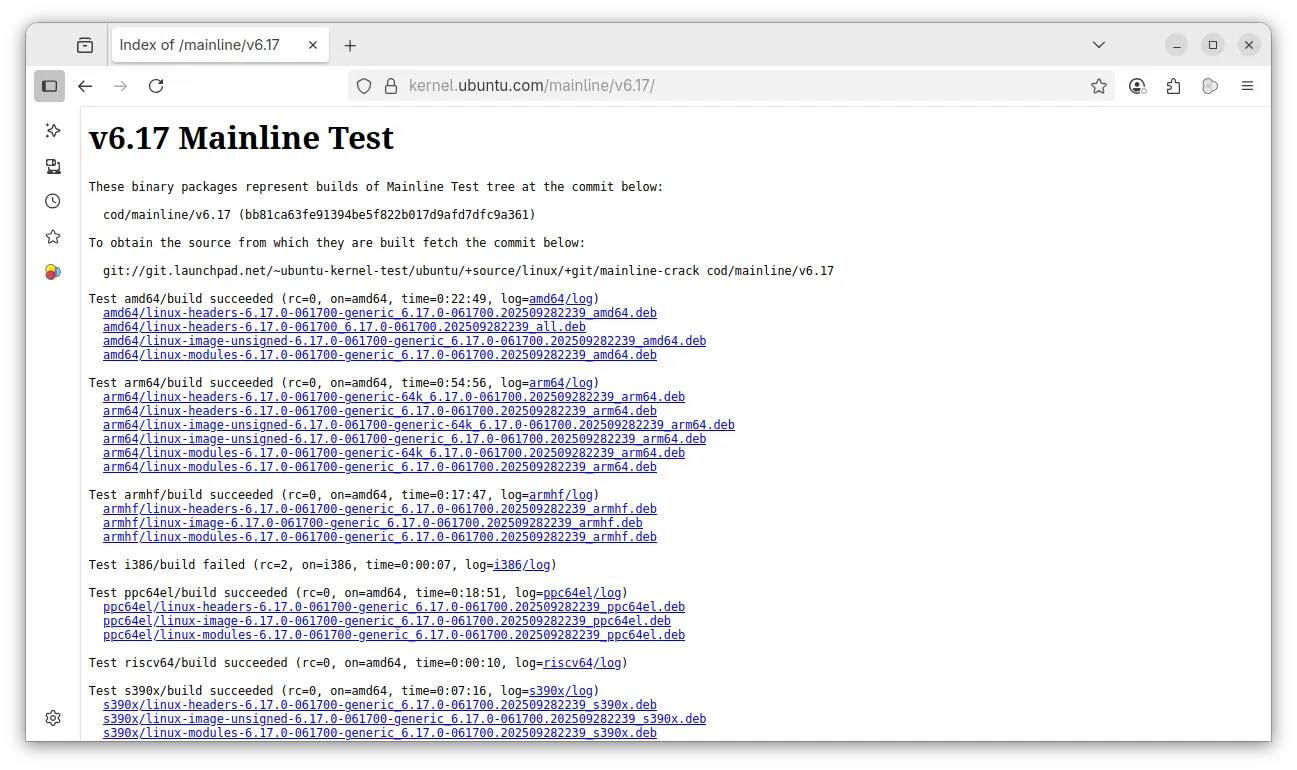
For modern Intel/AMD (amd64) platform, open terminal (Ctrl+Alt+T) and run the commands below one by one to download & install the kernel:
wget -c https://kernel.ubuntu.com/mainline/v6.17/amd64/linux-headers-6.17.0-061700-generic_6.17.0-061700.202509282239_amd64.deb

wget -c https://kernel.ubuntu.com/mainline/v6.17/amd64/linux-headers-6.17.0-061700_6.17.0-061700.202509282239_all.deb

wget -c https://kernel.ubuntu.com/mainline/v6.17/amd64/linux-image-unsigned-6.17.0-061700-generic_6.17.0-061700.202509282239_amd64.deb

wget -c https://kernel.ubuntu.com/mainline/v6.17/amd64/linux-modules-6.17.0-061700-generic_6.17.0-061700.202509282239_amd64.deb

sudo apt install ./linux-headers-6.17.0*.deb ./linux-image-unsigned-6.17.0*.deb ./linux-modules-6.17.0*.deb
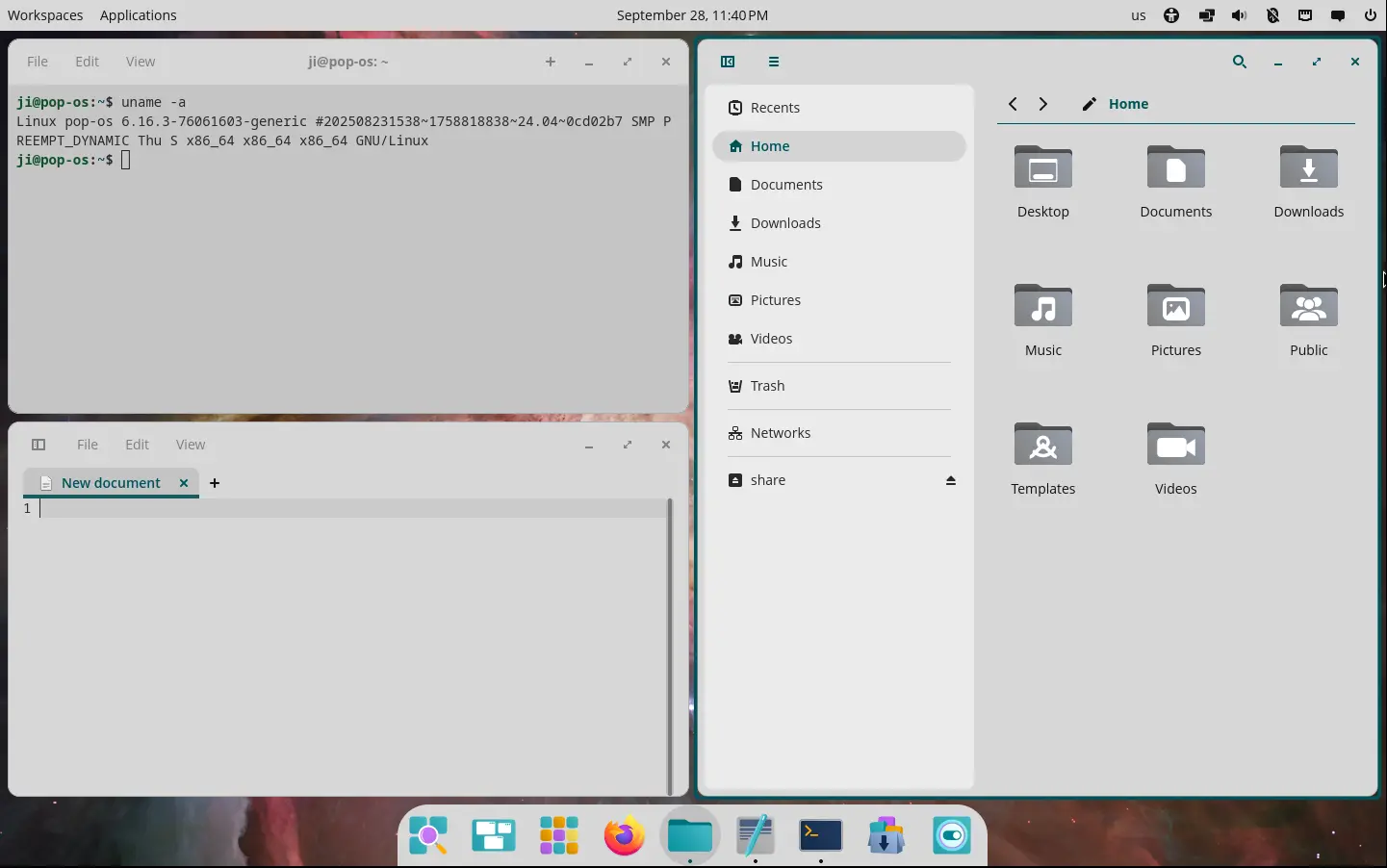
After installed the kernel, restart and run uname -a to verify the new kernel.
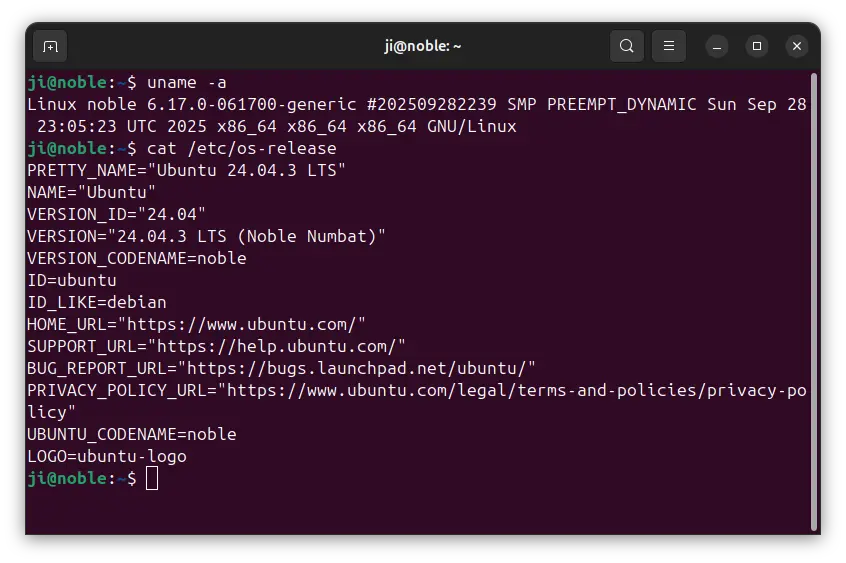
Uninstall Kernel 6.17
To remove the kernel 6.17, reboot and select boot an old kernel entry from Grub boot-loader (usually under Advanced menu), then run the command below to uninstall:
sudo apt remove linux-modules-6.17.0-*-generic linux-headers-6.17.0-061700