Login
Login
elementary OS 8.0.2 Released with Kernel 6.14, based on Ubuntu 24.04

elementary OS, the Ubuntu based Linux Distribution that features Pantheon desktop environment, released new 8.0.2 version few days ago.
This is a second and last minor release for current 8.0 series, while, the developer team is busy working on the next major 8.1 version due to be released before year end.
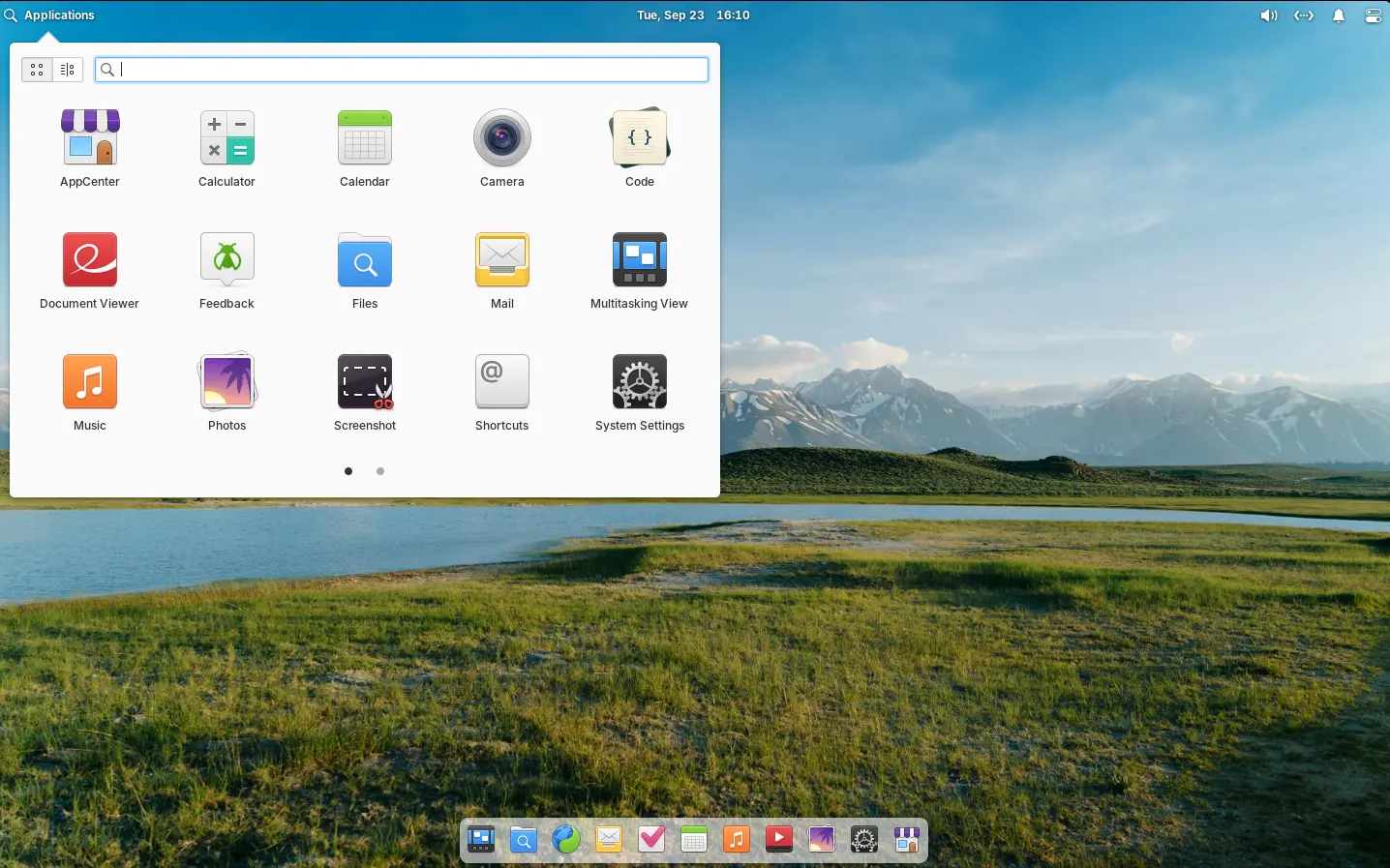
elementary OS 8.0.2
elementary OS 8.0 is based on Ubuntu 24.04 LTS. The new 8.0.2 point release added the most recent Hardware Enablement stack from Ubuntu.
They include Linux Kernel 6.14 that features improved gaming performance, extended battery life, and more gamepads, wifi, microphones, etc hardware support, and, Mesa 25 with Vulkan 1.4 API and RDNA4, and new NVIDIA/Intel hardware support.
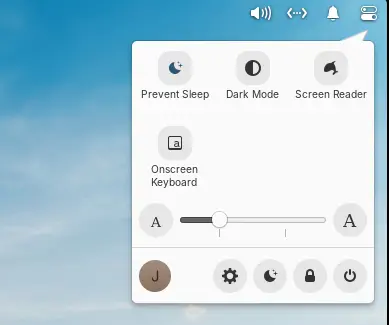
Besides the benefits from Ubuntu upstream, the new point release improved the top-right Quick Setting menu, with new “Prevent Sleep” toggle option. Which is useful when watching video or running other jobs that need to prevent system from going to sleep.
It also added new Gesture Controller, with ability to swipe up in Multitasking View to close windows. App titles in Multitasking View are now always shown, making them accessible for touch screen setups. And, screenshots taken with a keyboard shortcut will send a notification allowing to view it in Files.
For those who are blind or have low vision, the release improved screen reader support by adding password quality feedback in the installer and initial setup. Alt-Tab window switcher, and Notifications and Shortcut Overlay are also updated with screen reader support.
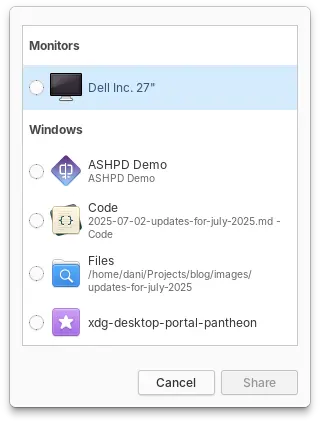
elementary OS 8.0.2 also improved the Screencast Portal an improved design for selecting which display or window should be captured, as well as respecting options for capturing the pointer.
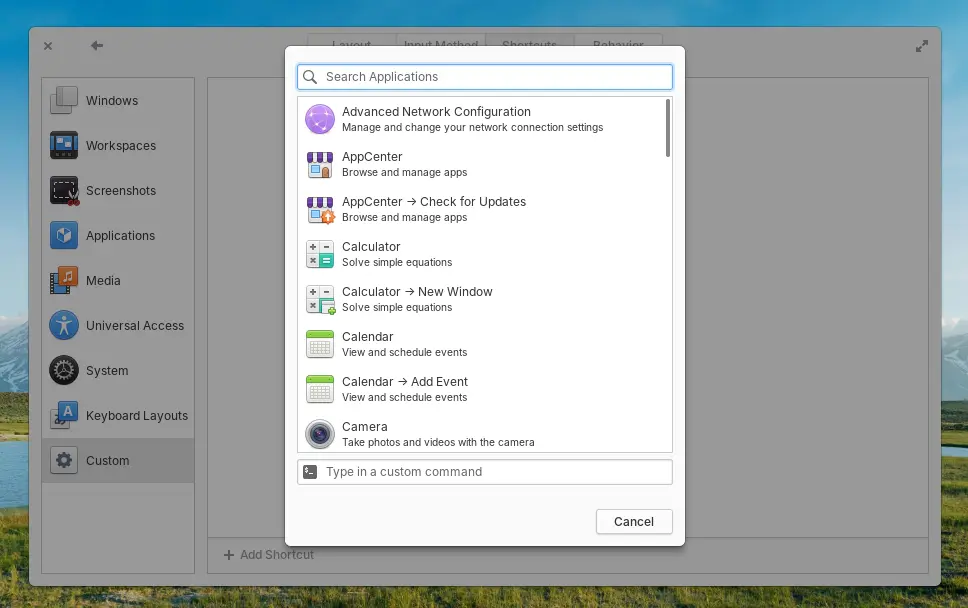
And, the custom keyboard shortcut dialog now displays a list of installed apps and their actions, allowing to easily add keyboard shortcut for launching selected app or performing an app action.
Other changes include:
- Fix the “Dark Mode” toggle so it won’t break timed or sunset-to-sunrise dark mode schedule.
- Refresh the Locale settings layout.
- Long press on dock app icon to open context menu.
- Warn when pasting command into terminal that include options to skip confirmation like
-y,--interactive=never, and--force. - Add ability to clone git repositories directly from inside “Code” text editor via the projects menu in the sidebar.
- Terminal inside “Code” editor now follows Natural Copy/Paste settings from the Terminal app.
- Add context menu to remove individual track in Music app.
- Save and ability to restore the queue and last played track in Music.
- Show album art in media controls in the panel and elsewhere.
- Redesign Bluetooth Settings, with keyboard navigation and screen reader experience.
- Add System Updates entries in the Dock context menu, Application Menu, and search.
There are also tons of other changes and improvements, see the official release note for details.
Get elementOS 8.0.2
The iso image for Intel/AMD platform is available to download in its website via the link below:
Tips: set custom value to 0 if you want to try it out before donate. And recommended hardware specs include 4 GB RAM, 32 GB disk space, and 1024×768 display.