gThumb, the Gnome image viewer, browser, and organizer application, released new 3.12.8 version in last week.
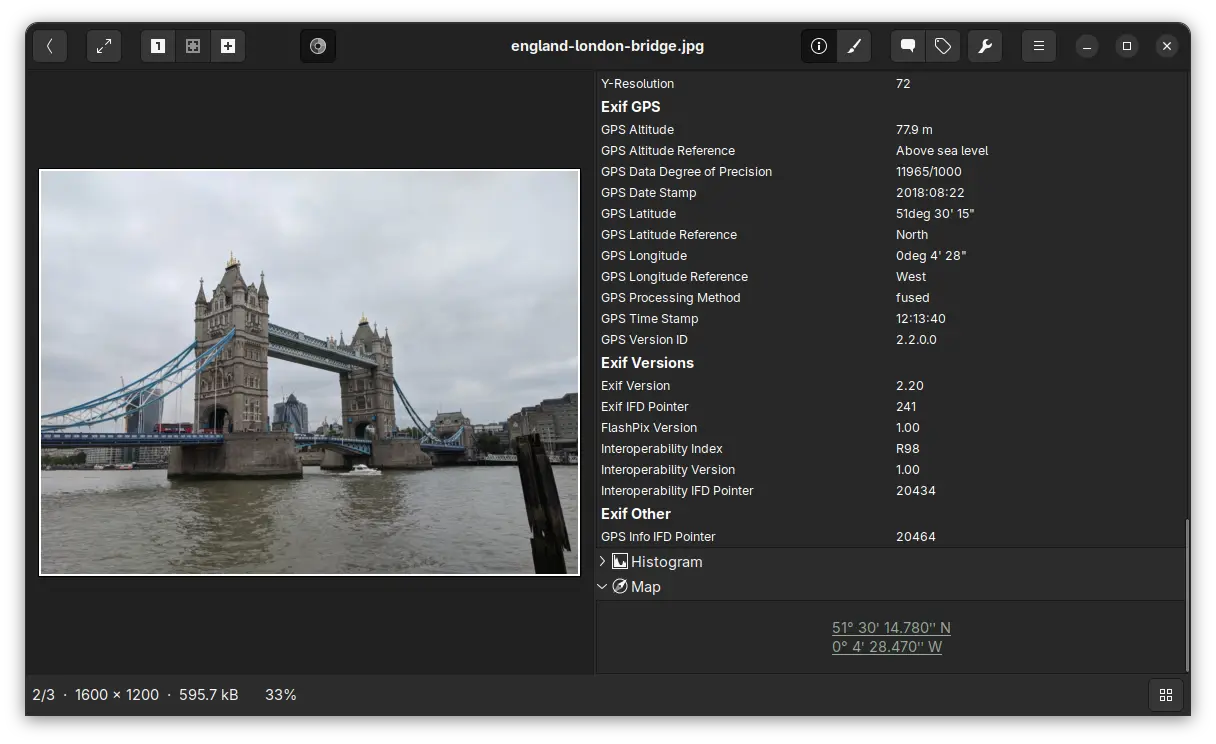
The new release of this application finally added support viewing the GPS metadata in your photo images. Meaning for photos taken by cameras or phones have location services enabled, the image viewer will show where they were taken with latitude and longitude location data.
And, by enabling the new “Open Map” extension in the Preferences dialog, it will display a “Map” section in image properties, allowing to click open the location using the OpenStreetMap free wiki world map service. So that you can see exactly where it is in world map.
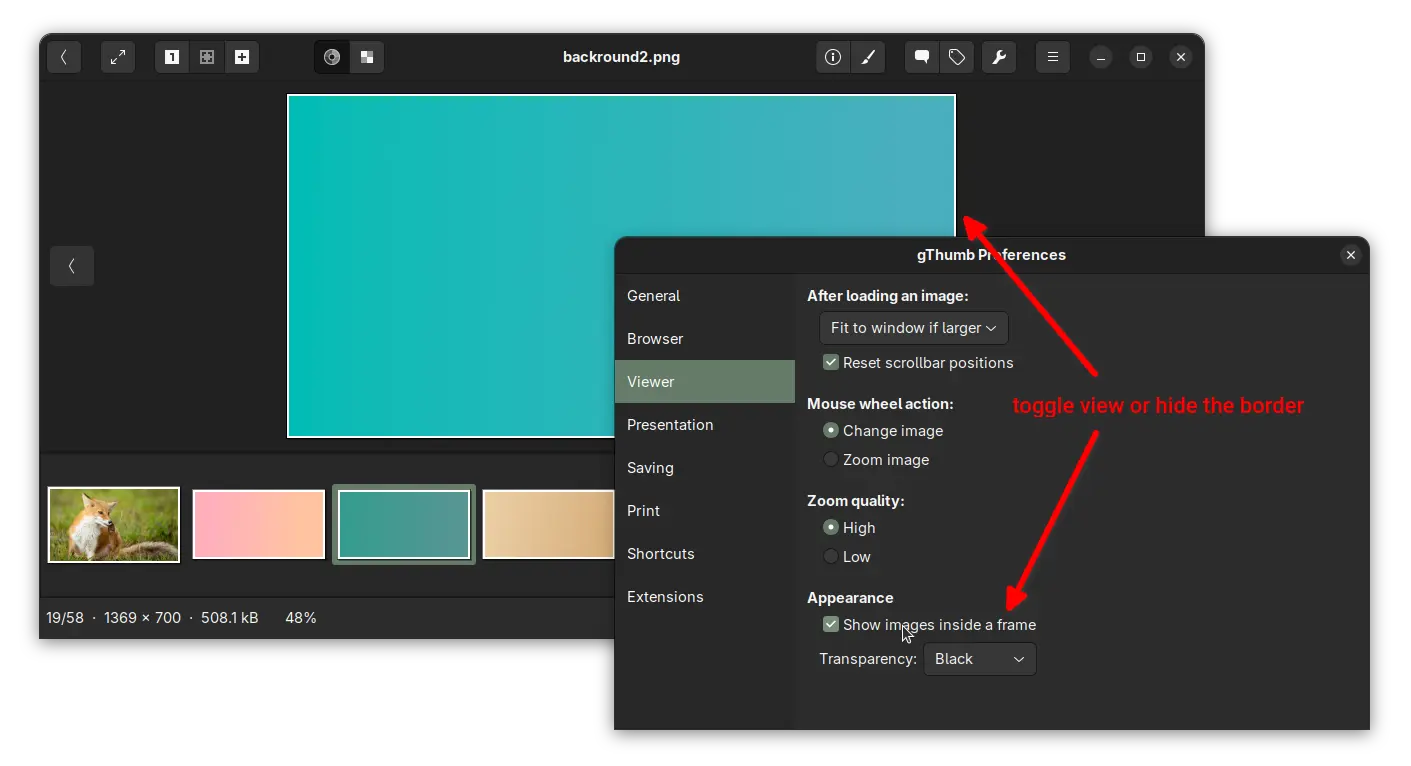
Besides that, the release added an option in Preferences dialog, allowing to hide the white border (aka frame) of the image you’re viewing. Which, however does not work for thumbnails.
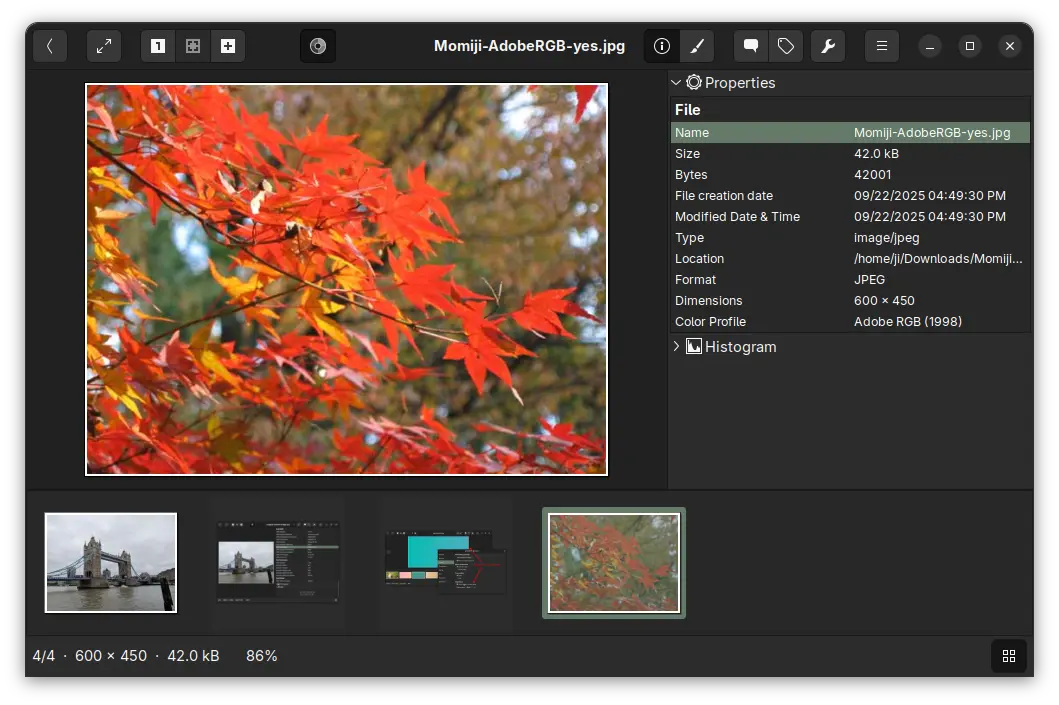
gThumb 3.12.8 also updated the video viewer to rotate videos respecting the orientation tag, added ability to sort images by creation time, and added support for the AdobeRGB profile.
It now applies the embedded ICC profile for TIFF, applies the color space specified in EXIF data for PNG, and saves the color profile as well for AVIF images.
Other changes include:
- Lossless WEBP and TIFF rotation by setting EXIF orientation tag.
- Transform the profile to sRGB before saving an image with a profile.
- Fix broken thumbnail panic.
- Fix thumbnails not updated after saving an image.
- Fix date and tag selectors on Wayland.
- Use a darker gray for the background in image viewer.
- Translation updates and various other bug-fixes.
How to Install gThumb 3.12.8
gThumb does NOT provide official installer packages. Besides building it from the source code, you may install it through either Flatpak, Snap, or Ubuntu PPA.
1. Snap package
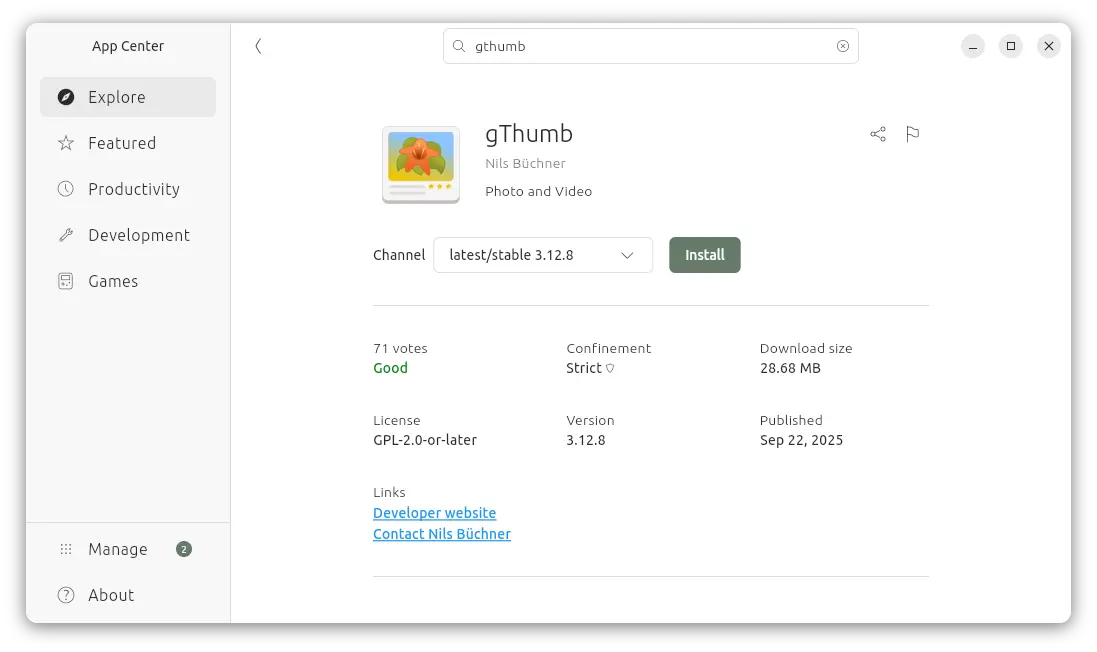
For modern Intel/AMD platform, there’s a snap package that can be easily from either Ubuntu Software or App Center, though it’s NOT updated to v3.12.8 at the moment of writing.
2. Flatpak package
Like Snap, The Flatpak runs in sandbox environment and works in most Linux distributions on both amd64 and arm64 platforms.
Ubuntu users may simply open terminal (Ctrl+Alt+T) and run the 2 commands one by one to install the package:
If the app icon is not visible after installation, either log out and back in or run the command below to start it from terminal:
flatpak run org.gnome.gThumb
And, you may replace run with update in last command to check & install updates regularly.
3. Ubuntu PPA
For Ubuntu users who prefer the native .deb package, I’ve uploaded the package into this unofficial PPA for Ubuntu 20.04, 22.04, 24.04, 25.04, and 25.10 on amd64, arm64/armhf platforms.
To install it, open terminal (Ctrl+Alt+T) and run commands below one by one:
sudo add-apt-repository ppa:ubuntuhandbook1/apps
sudo apt update
sudo apt install gthumb
Uninstall:
To uninstall the Snap package, use Ubuntu Software or App Center.
To uninstall the Flatpak package, use command:
flatpak uninstall --delete-data org.gnome.gThumb
Optionally, you may run flatpak uninstall --unused to remove useless run-time libraries.
For the PPA package, uninstall it via command:
sudo apt remove gthumb gthumb-data
And, remove the Ubuntu PPA by using either “Software & Updates” under “Other Software” tab, or running command:
sudo add-apt-repository ppa:ubuntuhandbook1/apps
Also run sudo apt update to refresh cache afterward, though it should be done automatically.

 Login
Login