Login
Login
GIMP 3.2 RC2 added Barrel Rotation support for Mypaint Brushes

The second RC development release for the GIMP image editor 3.2 is out!
The new release introduced less features compare to the last RC1, but focused on improvements to performance and existing features and vulnerability fixes.
First, for user with a stylus pen, the MyPaint Brushes tool now support barrel rotation when relevant to the specific brush selected. The feature however is not tested because the developers don’t have a stylus to try it out.
Unfortunately I can’t test as we don’t have any stylus with such barrel rotation feature (and unfortunately this hardware feature is discontinued and getting a stylus with this is extra-hard now), but that should work. And at the very least, it does match with MyPaint’s implementation.
This RC also improved the Paint Select support. It’s an experimental feature introduced since version 3.0. User may try the feature by starting GIMP with --show-playground option, then go to preferences -> playground to enable it. Though, the gegl library needs to be compiled with workshop enabled.
In the release, it added progression feedback and improved local region computation to this experimental feature. And, it now processes more events, reset the scribbles at every stroke.
GIMP 3.2 RC2 also removed the restriction that prevented saving and exporting when no drawables are selected, raised the clipboard brush and pattern max size limit to 8192 for 64-bit processors, while it stays 1024 on 32-bit architecture, and it greatly improved the speed for initial font loading.
It now has a much more robust path importing from SVG by latest C-based librsvg code, and uses opaque path IDs for the ‘id’ attribute for SVG exporting, but not the GUI-visible path name anymore, to match the SVG specs.
To prevent infinite loops with cycling links, it also added a few safety checks when creating new link layers and when loading XCF files with link layers.
Other changes include:
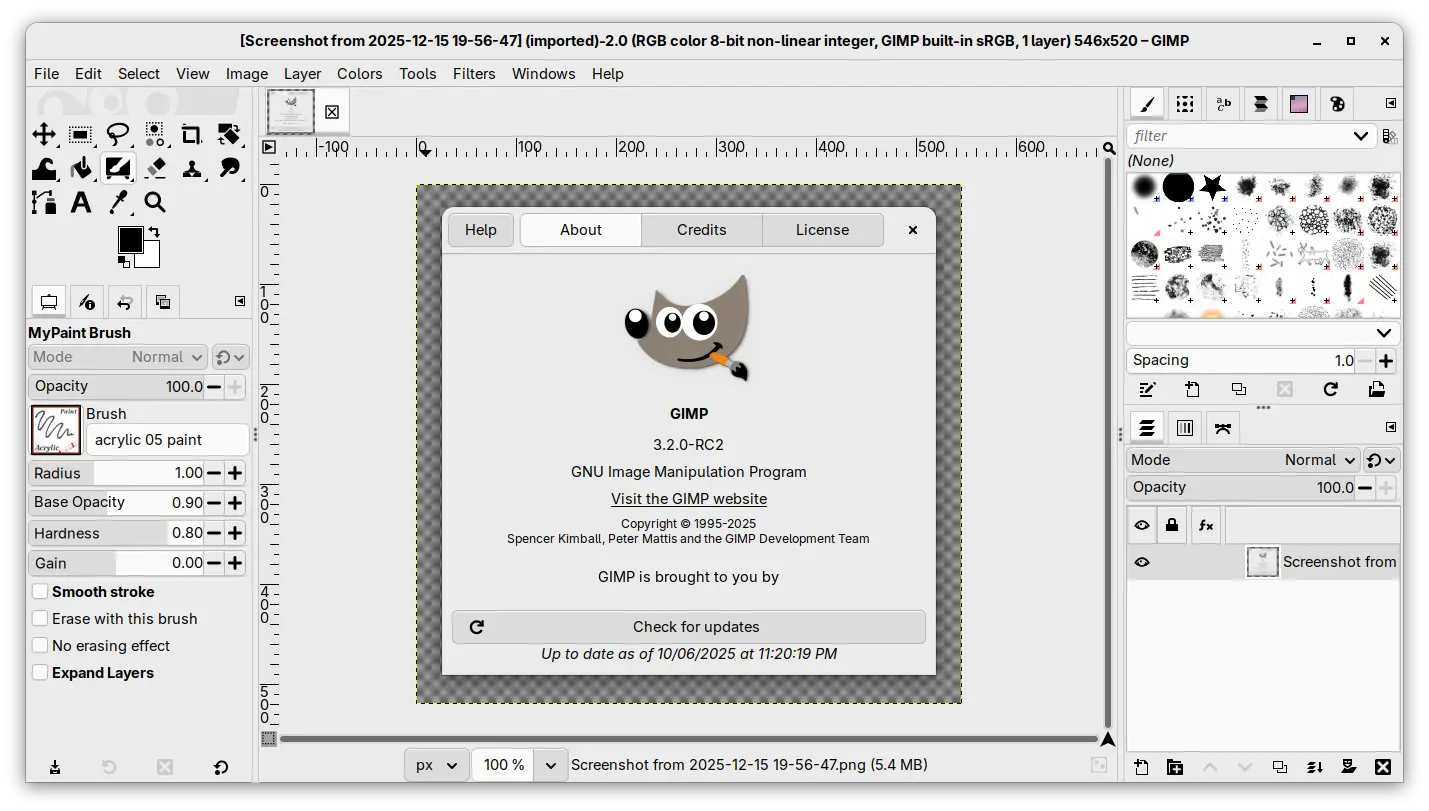
- New startup splash.
- Set default PS/EPS export unit to millimiter instead of inch.
- Import legacy PSD Outer Glow layer style.
- Add Bash completion for the command line interface.
- Vulnerability fixes: ZDI-CAN-28311, ZDI-CAN-28273, ZDI-CAN-28158.
- Other fixes and build updates.
Get GIMP 3.2 RC2
The new RC2 is not announced at the moment of writing, though you may keep an eye on its news page for announcement.
For the source tarball, as well as the official packages for Linux, Windows, and macOS, they are available to download via the link below:
For Linux, select download the AppImage for either x86_64 (AMD/Intel) or aarch64 (for e.g., RasPi or SnapDragon X processors), then run to launch the image editor after adding executable permission.
Though, Ubuntu since 22.04 needs to install libfuse2 package for being able to run AppImage:
sudo apt install libfuse2
For those who prefer the Flatpak package, it’s also available to install via:
flatpak install --user https://flathub.org/beta-repo/appstream/org.gimp.GIMP.flatpakref
And, users who already installed the package can update it via command:
flatpak update org.gimp.GIMP//beta