Reading view

VLC 3.0.22 Adds Qt6 & AMD AI Frame Interpolation Support [Ubuntu PPA]

VLC, the popular free open-source media player, rolled out the new 3.0.22 version few days ago.

This is the twenty-third release of VLC 3.0 branch, code-name “Vetinari”, with the work of more than a year of development.
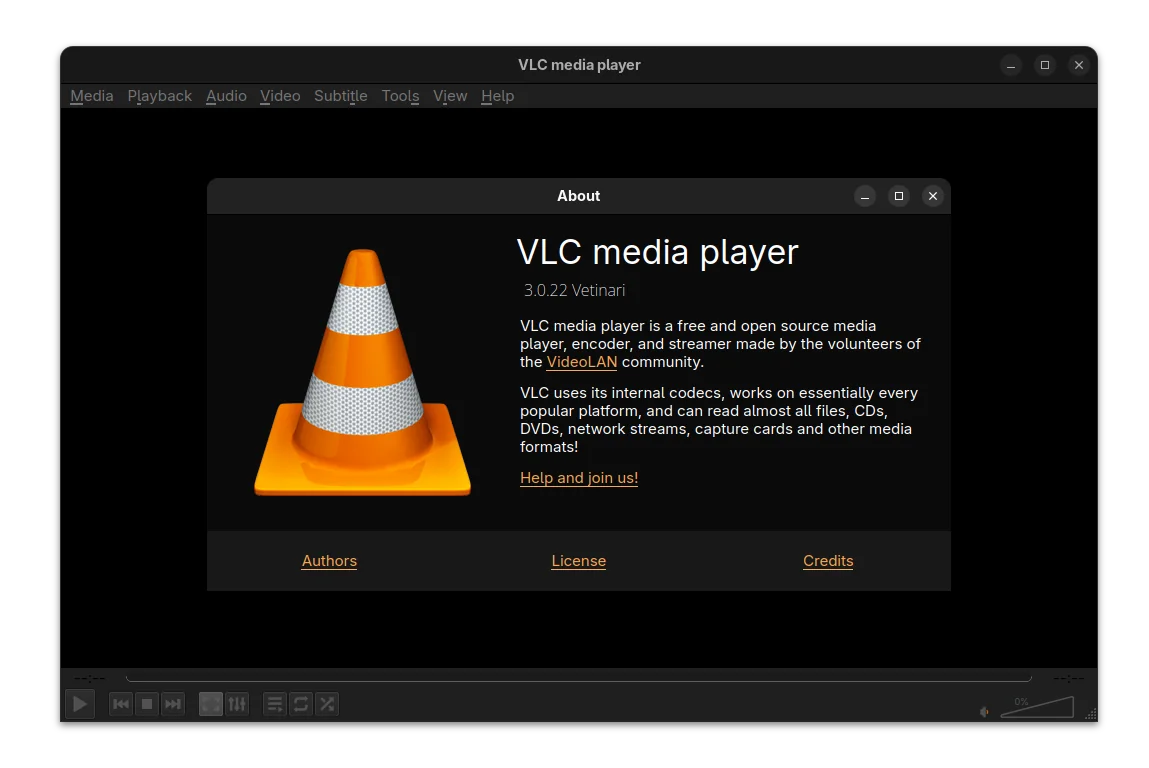
VLC qt dark interface

For Windows user, the release added official ARM64 build (for e.g., snapdragon processors), though it needs at least Windows 10 RS5 17763 / 1809.

It fixed the support for Windows XP SP3, though restricted the SystemParametersInfo calls. And, now it allows to rename, move, or delete the playing files on Windows.

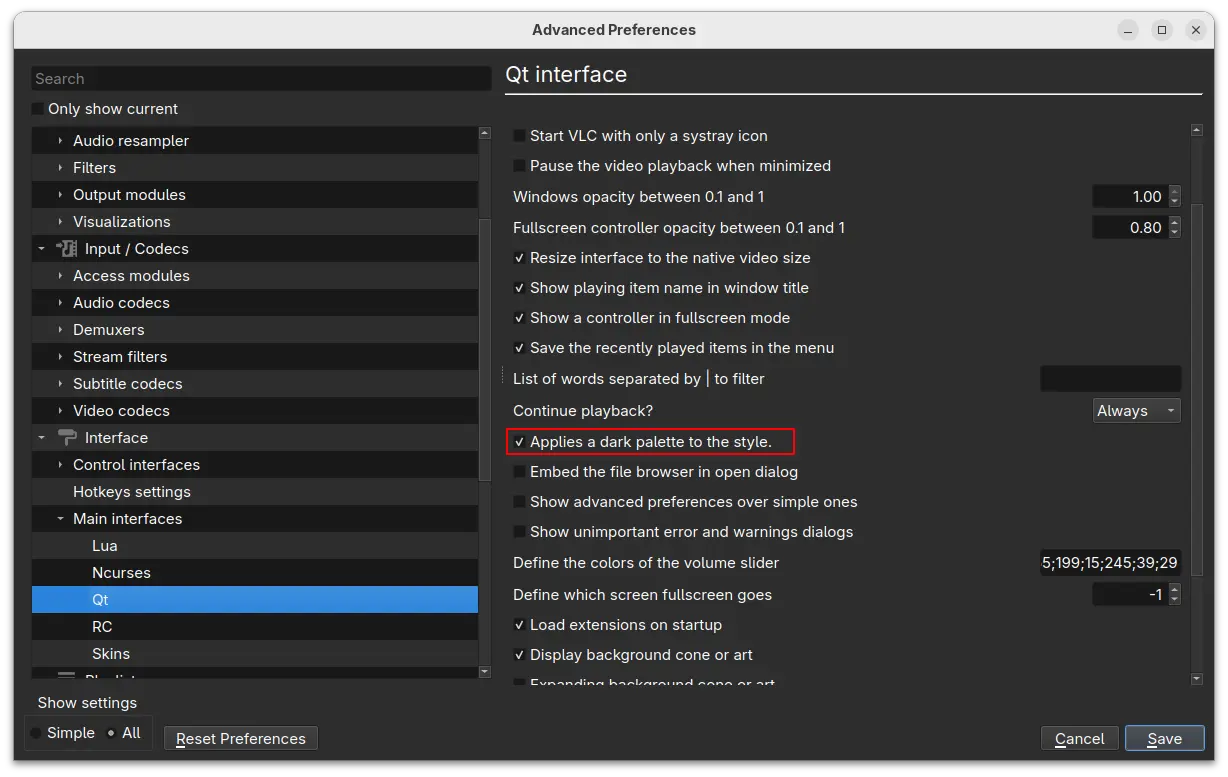
The UI now can be build with Qt6, while Qt5 is still supported. And, it introduced a dark palette for the Qt interface.
For user with AMD graphics card, VLC 3.0.22 added AMD Fluid Motion Frames (AFMF) support. It’s a video enhancement technology that use AI to generate and interpolate frames between existing frames in a video, resulting more fluid and high frame rate video.

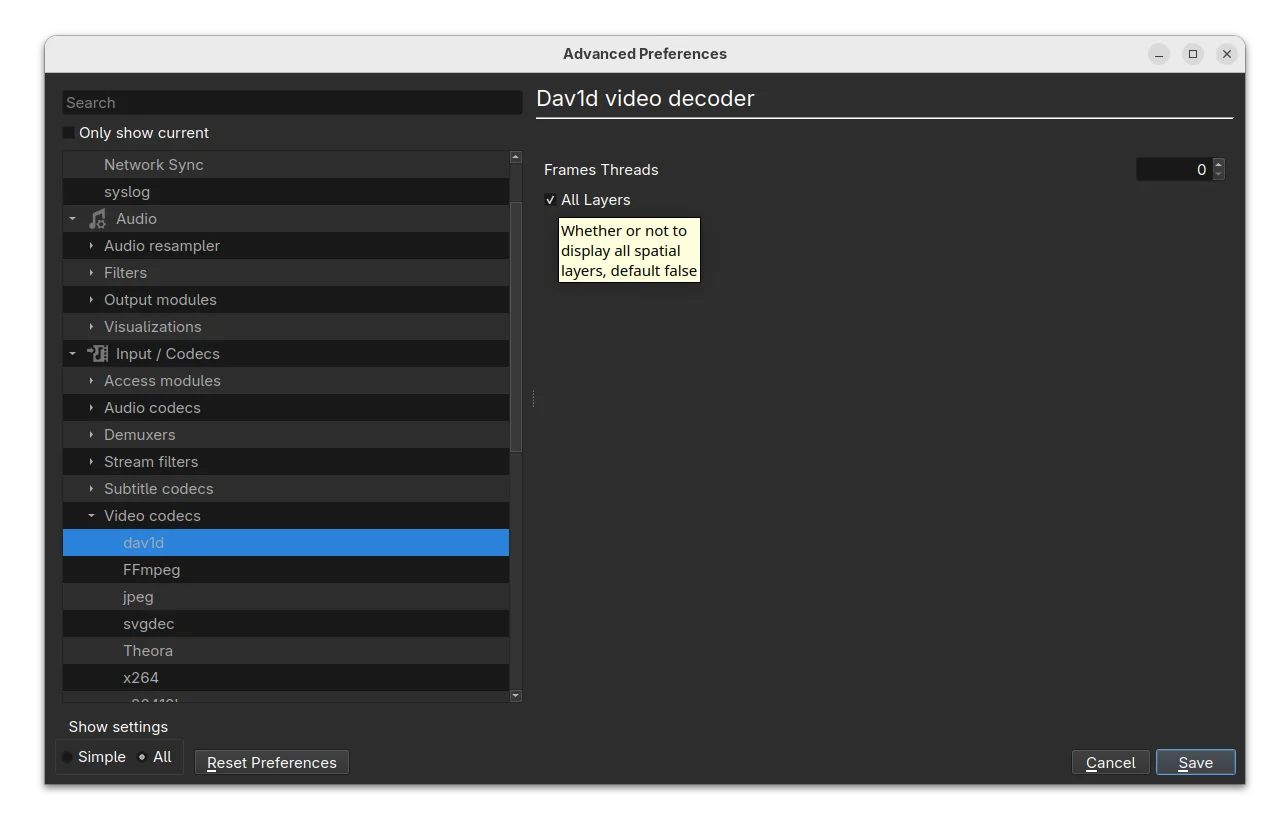
It also added dav1d-all-layers option for the dav1d decoder, to control whether or not to display all spatial layers. The feature is disabled by default, but you may enable it to make the decoder output every available spatial layer in the video higher-quality playback experience.
Other changes include A_ATRAC/AT1 (Sony ATRAC1 Codec) support in matroska, handle pictures in FLAC, as well as:

  • Assume subpictures are in SDR by default
  • Fix Opus channel mapping
  • Fix hardware decoding with VideoToolbox of XVID MPEG-4 video
  • Fix DVD CEA-608 captions parsing
  • Fix ProRes 4:4:4:4
  • Disable decoding using libdca, libmpeg2 and liba52 by default in favor of libavcodec
  • Handle mkv-use-chapter-codec option
  • Prevent FLAC seeking logic get stuck
  • Fix VOB/AOB LPCM/MLP detection failing occasionally
  • Cut QNap title on first invalid character
  • Fix display of certain JPEG files
  • Fix playback of very short ASF files (duration less than 1s)
  • Fix crashes in multiple demuxers
  • Fix SFTP seeking for large files on 32-bit OS
  • UPnP: remove SAT>IP channel list fallback
  • Use a better stretch mode in wingdi
  • Fetch missing device information when running in UWP

Install VLC 3.0.22

VLC 3.0.22 is not officially announced yet, though the source code now is available to download via the link below:

For Debian, the Deb Multimedia repository has made the package for Debian Unstable. And I’ve uploaded the new release package into this unofficial PPA for Ubuntu 22.04, Ubuntu 24.04 and 25.04.

To add the PPA and install VLC 3.0.22 in Ubuntu, open terminal (Ctrl+Alt+T) and run commands below one by one:

sudo add-apt-repository ppa:ubuntuhandbook1/vlc
sudo apt update
sudo apt install vlc -t "o=LP-PPA-ubuntuhandbook1-vlc"

  •  

Firefox 143.0 is out with Microsoft Copilot AI Integration

Firefox 143.0, the new monthly release of the popular free open-source web browser, is available to download.

The new release of Mozilla’s web browser added support installing websites as web apps for Windows user.

For running website, there’s a new “Add tab to taskbar” icon in the right corner of address bar. By clicking on it, will install the website as web app, and pin it into task bar.

The web app uses the website’s favicon as app icon. It runs in a separate header-less browser window without losing access to your installed add-ons. The features so far is only available for Windows, but not for Firefox installed from Microsoft Store.

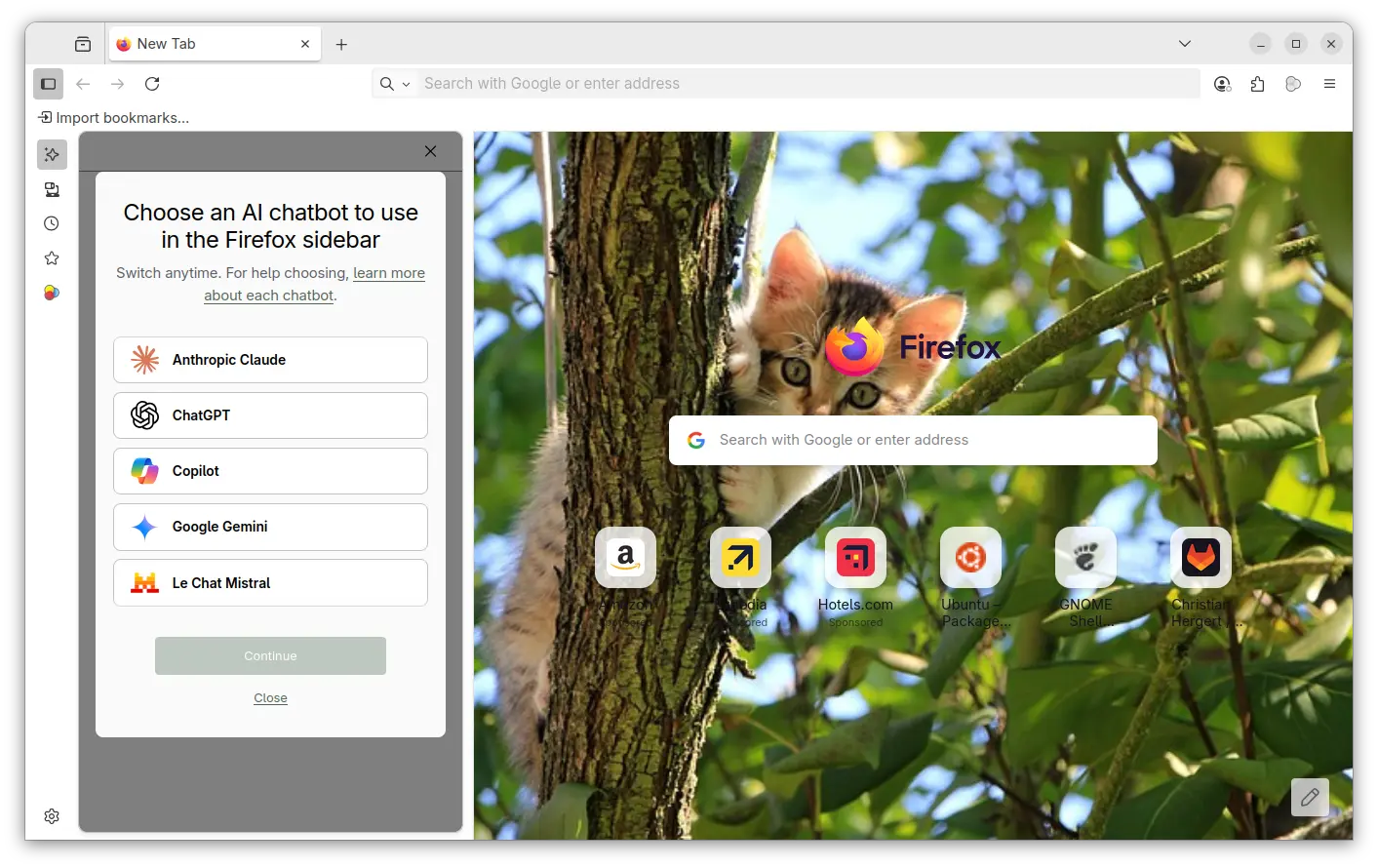
For AI users, the new Firefox release added Microsoft Copilot support. It so far supports “Quick response” and “Smart (GPT-5)” chat mode in my case, with ability to generate text, image, and code, and analyze image. It’s free without login required, though a pad version is available for choice that needs an account.

Also for Windows, the browser release added support Windows UI Automation, which improves support for accessibility tools such as Windows Voice Access, Text Cursor Indicator and Narrator. Though, it’s a progressive roll-out feature that may be not ready for you.

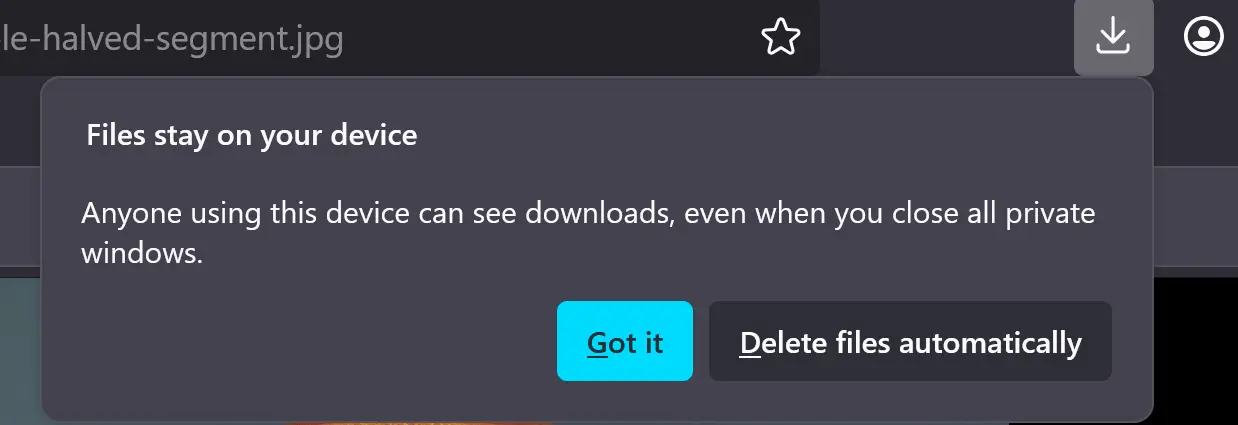
When downloading a file in the Private mode, Firefox now asks whether to keep or delete it after that session ends. You have the choice to disable this behavior, by navigating to “Files and Applications” in Settings page.

Other changes in Firefox 143.0 include:

  • Pin a tab by dragging to the start of the tab strip.
  • Preview camera inside the permission dialog.
  • Display events and dates in address bar, for users in United States, United Kingdom, Germany, France, and Italy regions.
  • xHE-AAC audio playback on Windows 11 22H2+, macOS, and Android 9+
  • Expand Fingerprinting Protection by reporting constant values for several more attributes.
  • Various security fixes.

As well there are some change for developers, including:

  • updated grid sizing algorithm
  • <input type=color> now recognizes the CSS <color> format in addition to the color hex format
  • Uncheck the Group Similar Messages now prevents successive similar messages from being grouped.
  • Remove restrictions that prevent setting the display property on <details> elements, added a ::details-content pseudo-element to style the expandable/collapsible contents of those elements.”,

Get Firefox 143.0

The official release note and download link are available in Firefox website via the link below:

The link is not ready at the moment of writing, and this tutorial is written according to the Github release note.

For Ubuntu, user may either choose download the official package, or install it via Snap, Flatpak or Ubuntu PPA.

  •  
❌