Login
Login
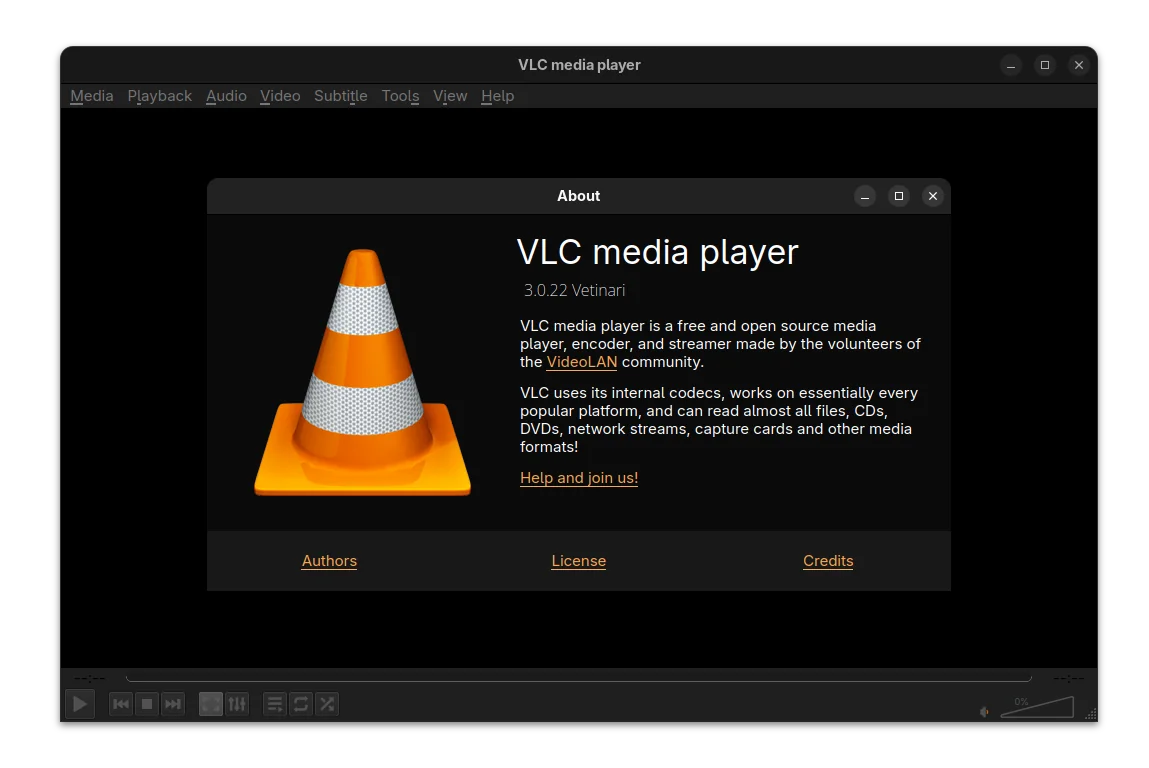
VLC 3.0.22 is Available with AMD Frame Rate Doubler & .mus Support

After almost a year and a half of development, VLC 3.0.22 is finally available to download! PPA updated for Ubuntu 20.04, Ubuntu 22.04, Ubuntu 24.04, 25.04 and 25.10.
After two RC releases, VLC 3.0.22 is finally made available with some new features, UI changes, bug-fixes, and many security fixes.
First, it backported the DMXMUS plugin from VLC 4.0, adding ability to play .mus music files from the 1990’s DMX sound library such as Doom, Doom II and Heretic.
The RC1 release said that it supports compiling against Qt6, which is in fact NOT possible, meaning the UI is still only build with QT5, though it updated with newer versions of Qt5 libraries support.
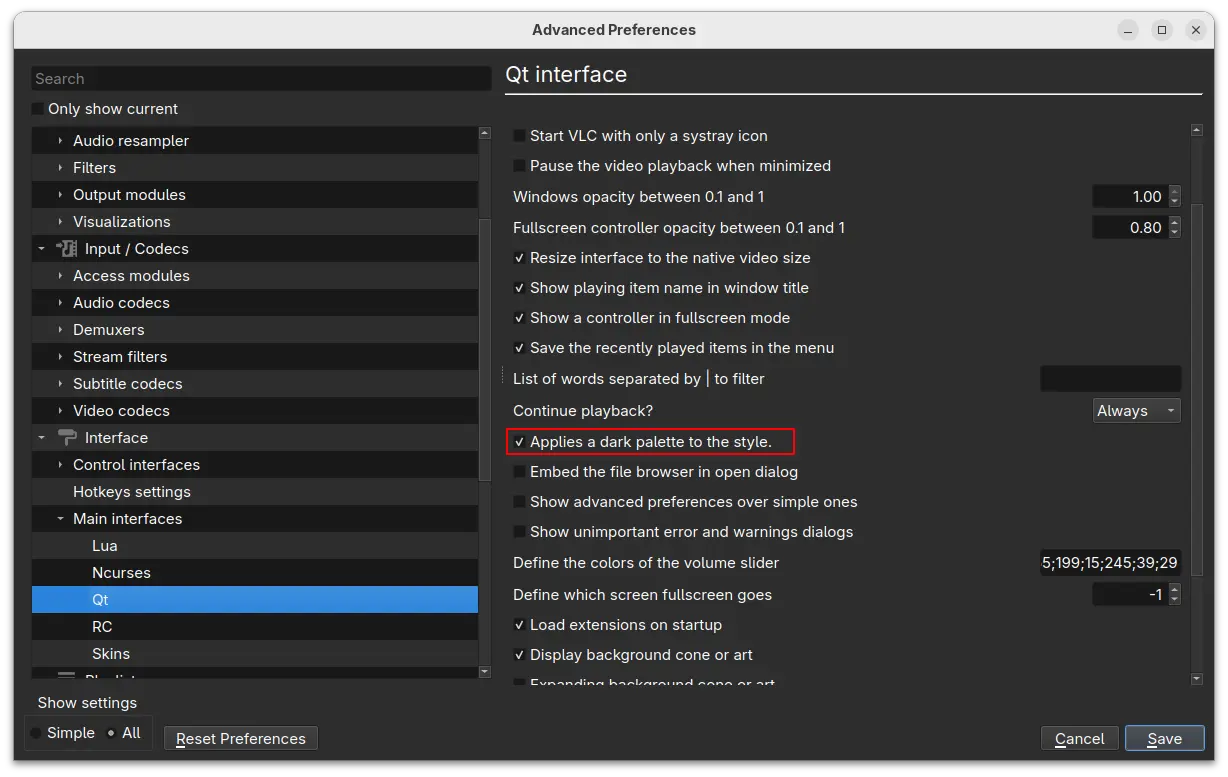
In Advanced Preferences -> Interface -> Main Interfaces -> Qt, a new toggle option “Enable Dark Mode” is added. With it enabled, the tool-bar and menus go dark. However, buttons are not updated to well fit this dark interface.
For user with AMD GPU, VLC 3.0.22 added new Frame Rate Doubler video filter, allowing to use AMD Fluid Motion Frames (AFMF) technology to generate and interpolate new frames in video playback to increase the frame rate. This feature however requires Direct3D11 API, meaning Windows only. And, I don’t have an AMD GPU to try it out.
Also for Windows, the version finally added official ARM64 architecture type support, which was in nightly testing for almost a year. Meaning VLC now works on Microsoft Surface Laptop, ASUS Vivobook S 15, etc machines with Qualcomm Snapdragon X processors. Though, it requires Windows 10 RS5 17763/1809 or later.
As well, it fixed Windows XP SP3 support and added support renaming, moving, or deleting of playing file on Windows.
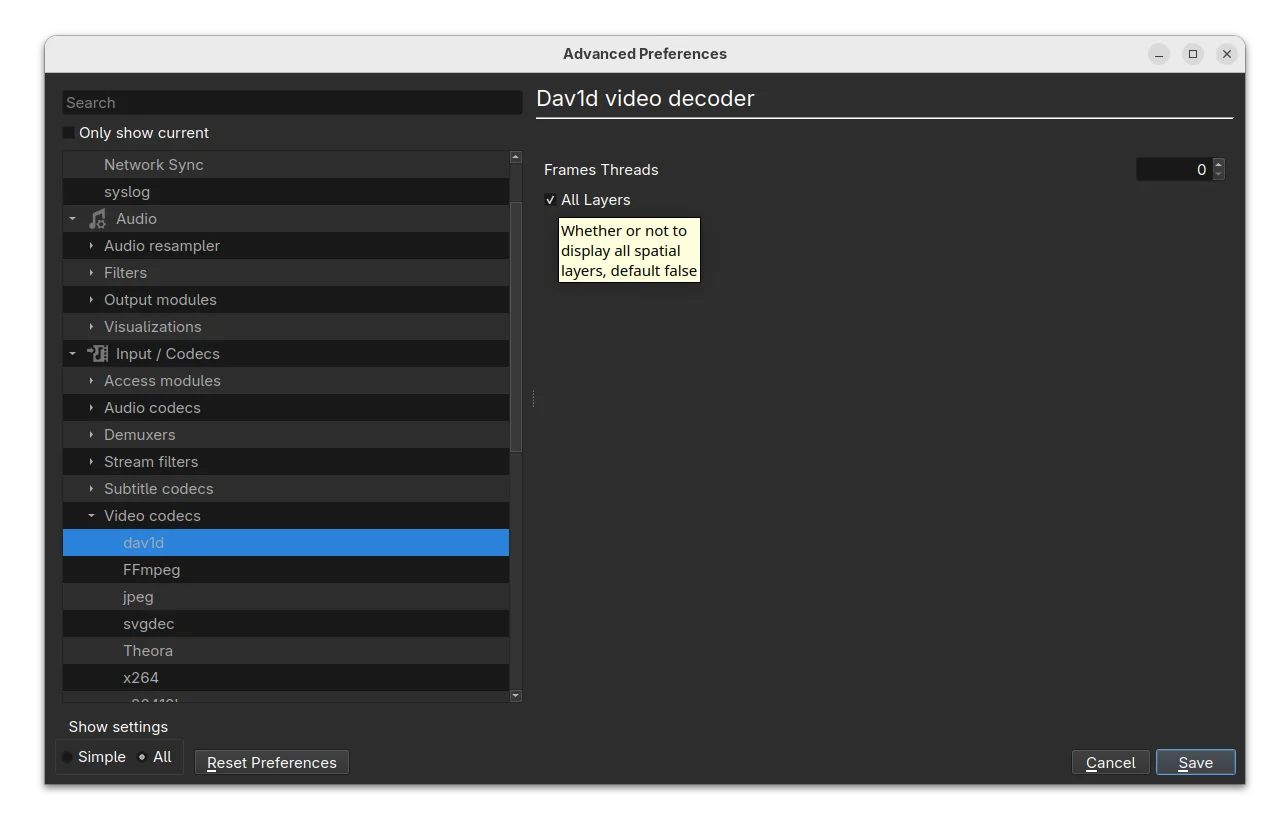
For dav1d decoder, the release added dav1d-all-layers option, allowing to control whether or not to display all spatial layers. The feature is disabled by default, but you may enable it to make the decoder output every available spatial layer in the video which is useful for debugging purpose.
It also added A_ATRAC/AT1 support in matroska container. Meaning it can now play the Sony’s proprietary audio compression format, originally used in MiniDisc players in the 1990s, without transcoding.
Other changes in VLC 3.0.22 include:
- Decoding with FFmpeg libavcodec instead of libdca, libmpeg2 and liba52.
- Support mkv-use-chapter-codec option.
- Handle pictures in FLAC.
- Assume subpictures are in SDR by default.
- Fix scrolling on volume slider.
- Fix crash for macOS when drag’n drop items in the playlist.
- Improve visualization of low frequencies in spectrogram
- Fix hardware decoding with VideoToolbox of XVID MPEG-4 video
- Security fixes and various other fixes. See NEWS page for more.
How to Install VLC 3.0.22
The new release is not officially announced at the moment of writing, but you may download the source code, as well as macOS and Windows installers from the link below:
Or, you may keep an eye on its main page.
For Ubuntu from 20.04 LTS to 25.10, I’ve made the new release package (backported from Debian Multimedia) into this unofficial PPA for amd64, arm64/armhf and i386 platforms.
To add the PPA and install VLC 3.0.22 in Ubuntu or Linux Mint, open terminal (Ctrl+Alt+T) and run 3 commands below one by one:
sudo add-apt-repository ppa:ubuntuhandbook1/vlc
sudo apt update
sudo apt install vlc -t "o=LP-PPA-ubuntuhandbook1-vlc"
NOTE: due to mistake, I previously built VLC 3.0.22 RC1 as the latest stable version. You need to update the package, and identify by running vlc --version command in terminal.
For choice, there’s also community maintained VLC Flatpak package that works in most Linux and runs in sandbox environment. Though it’s NOT updated to the latest at the moment of writing.
Uninstall VLC
If the PPA package is somehow not working good for you, then either run the command below to install ‘ppa-purge’ tool, and use it to purge the PPA and downgrade VLC to the stock version:
sudo apt install ppa-purge && sudo ppa-purge ppa:ubuntuhandbook1/vlc
Or, use the commands below to remove PPA and uninstall VLC as well as its dependency libraries:
sudo add-apt-repository --remove ppa:ubuntuhandbook1/vlc
sudo apt remove --autoremove vlc-data vlc-bin libvlccore9
Keep an eye on terminal output before you confirm to uninstall the packages, as it may also uninstall other apps that depends on VLC library.