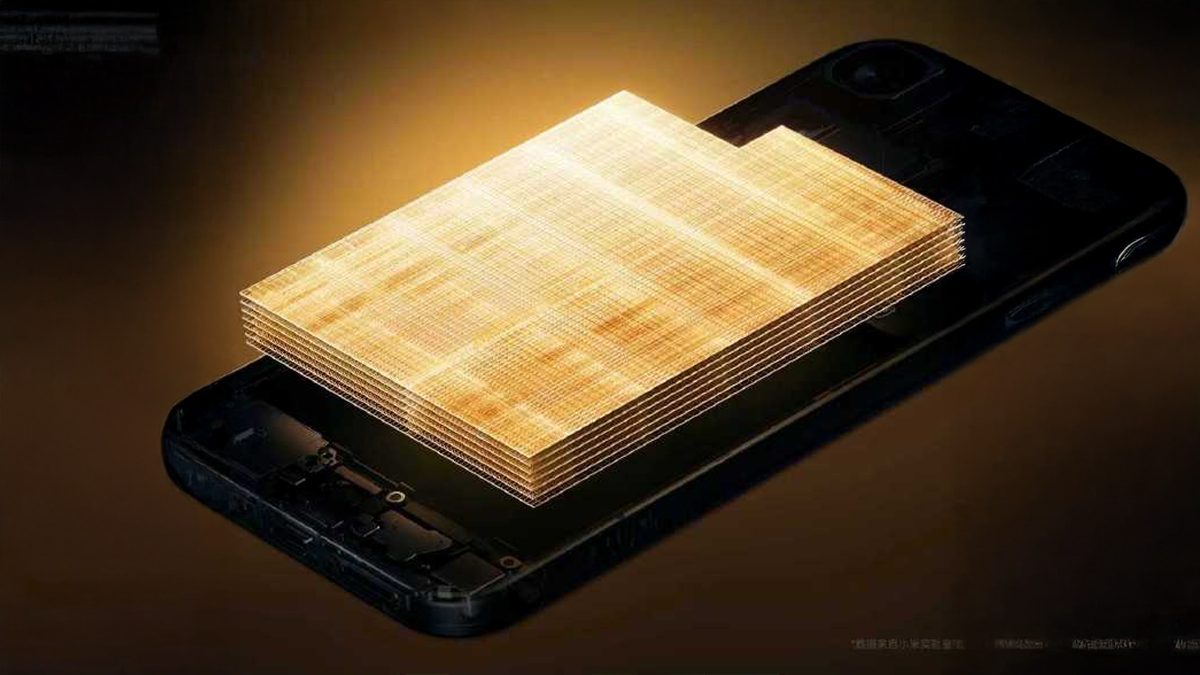
OmniVision has officially announced the OVB0D mobile phone CMOS sensor, a game-changing component that’s positioned to go toe-to-toe with Sony’s latest and greatest in high-end smartphones. Measuring 1/1.11 inches in size, this new sensor boasts a staggering 200MP resolution, making it the key headlining feature of Xiaomi’s flagship devices next year.
Technical Specifications and Sony Rivalry
The newly released OVB0D sensor is engineered to compete directly with the recently announced Sony LYTIA 901. Physically, the OmniVision sensor measures 1/1.11 inches, making it marginally larger than the 1/1.12-inch Sony alternative. That size advantage theoretically affords it better light intake, which is important for low-light photography.
While the LYTIA series uses a complex Quad-Quad Bayer Coding structure, OmniVision is using standard Bayer filters. This architectural difference suggests that with Sony perhaps keeping a slight edge in pure detail rendering, OmniVision is taking a more balanced approach to image reconstruction and color accuracy.
Advanced HDR and LOFIC Technology
To set itself apart in the premium segment, OmniVision has loaded the OVB0D with advanced technologies. The sensor incorporates a high full-well capacity of 400,000 electrons and offers a dynamic range of 108dB. It also embeds second-generation Dual Conversion Gain (DCG) and Lateral Overflow Integration Capacitor (LOFIC) technology to enable superior High Dynamic Range (HDR) capture.
These technologies make the sensor capable of capturing high-contrast scenes effectively and offer highly detailed shadows and highlights with no ghosting artifacts associated with traditional HDR capture methods.
Future Availability in Xiaomi Devices
Industry reports and tips from renowned technology analyst Ice Universe suggest the OVB0D sensor will be adopted by several major manufacturers. It’s said to feature in the primary camera systems of various flagships from Xiaomi, Vivo, OPPO, and Honor in the coming year.
On the other hand, Samsung is reportedly going to skip this generation of large sensors altogether, owing to increasing production costs and decreasing profit margins, continuing with the smaller 1/1.3-inch HP2 sensor. This strategically puts Xiaomi ahead in a key hardware aspect, allowing the company’s next premium devices to boast better sensor physics than that of some rivals.
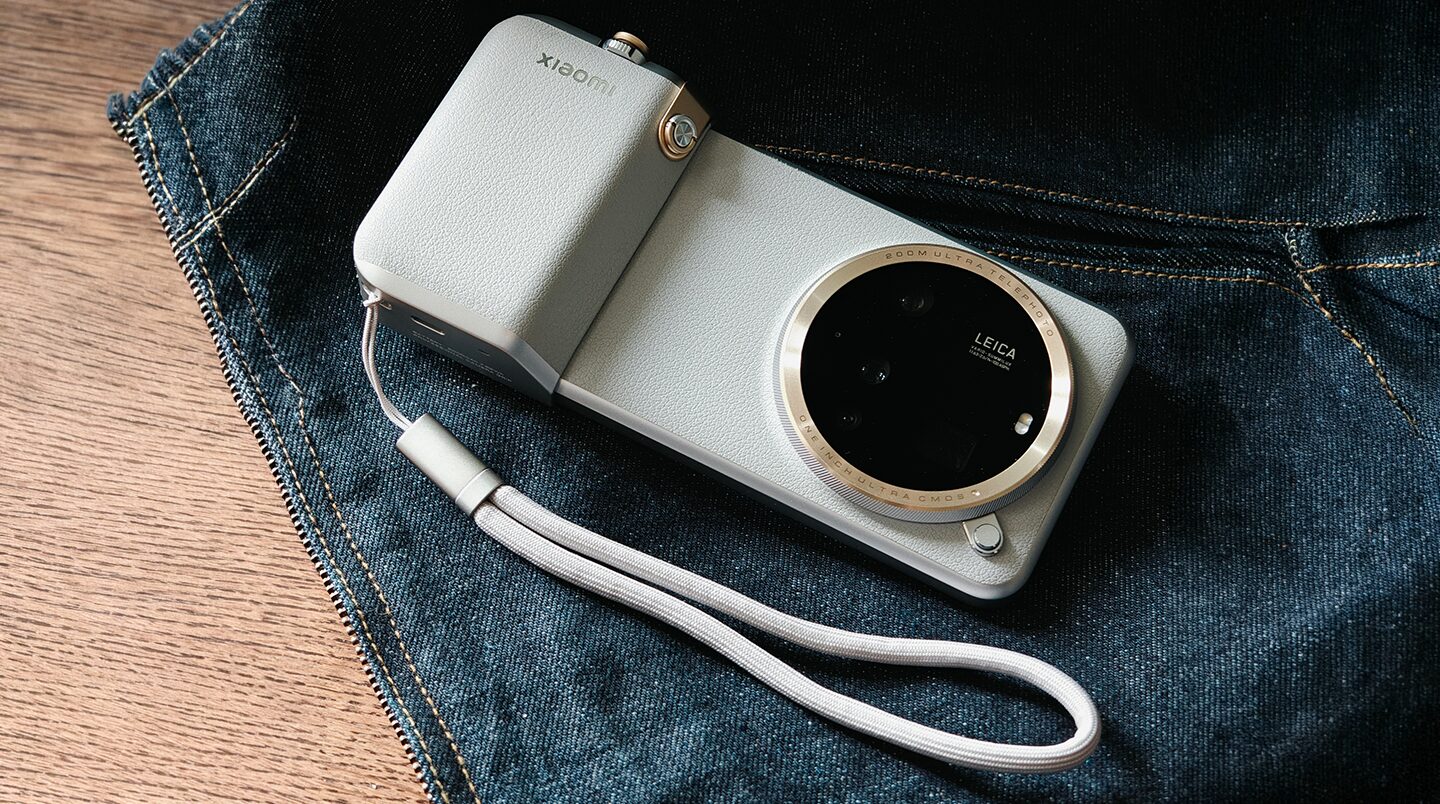
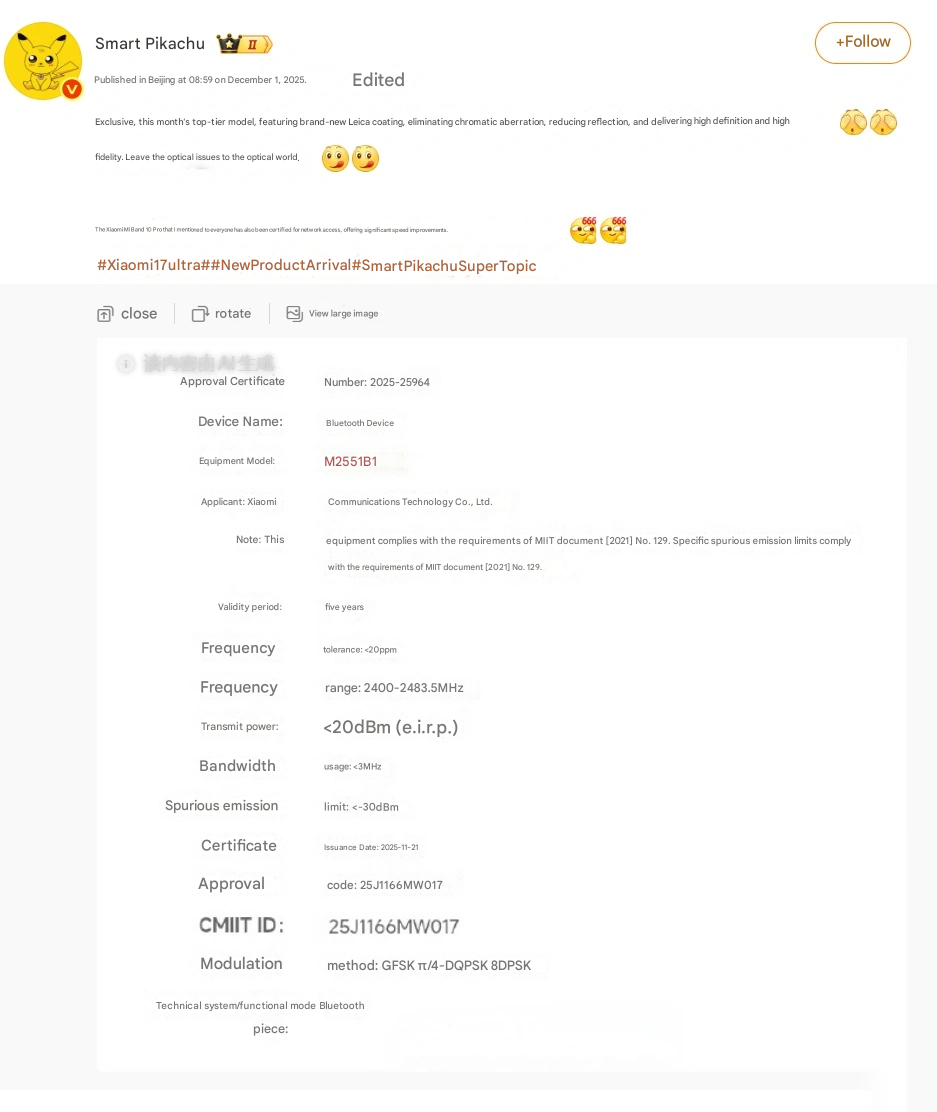
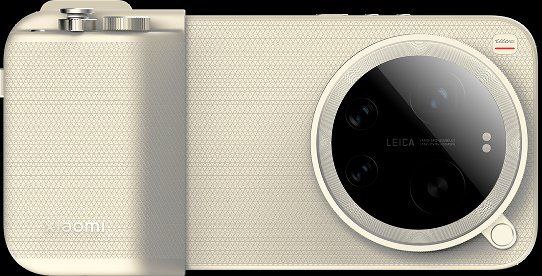
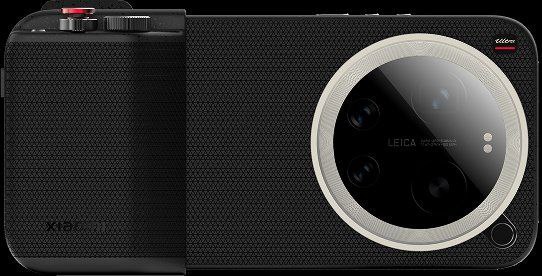
Exciting times are ahead for the Xiaomi community, as it’s now confirmed that a new flagship is on its way. If recent leaks are anything to go by, then the Xiaomi 17 Ultra will be officially launched later this month. This “supersized” smartphone is expected to bring with it an all-new Leica coating technology that will boost light transmittance for better color accuracy. But that is not all; this mobile powerhouse has been complemented by the network certification of the Xiaomi Band 10 Pro, meaning a big ecosystem expansion is right around the corner.
Revolutionary Optical Improvements
The most important highlight in this coming flagship is, of course, related to its cameras. According to the popular tech analyst @SmartPikachu, the Xiaomi 17 Ultra uses a brand-new Leica coating, which is designed to eliminate color differences, and more importantly, to minimize the reflected light.
Emphasizing that “high definition and high fidelity” are the key points for Xiaomi, it means that optic problems should be solved by physical optics but not by software processing. That would give photos more clarity and a more natural feel with minimal ghosting.
Top-Tier Hardware Specifications
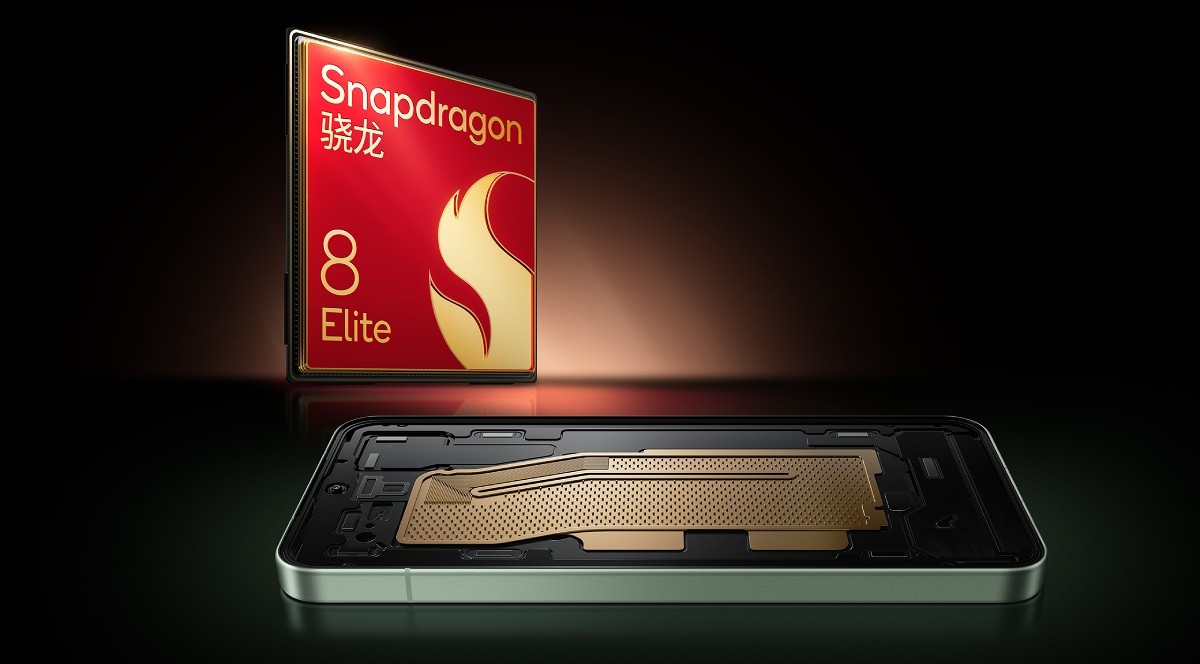
The hardware driving this machine would be class-leading and according to rumors, the next-generation Snapdragon 8 Elite processor will make sure the machine works at its peak. Speaking about imaging hardware, the leaks indeed point toward the OmniVision OV50X sensor. This sensor features a dynamic range of over 100dB combined with a large size, hence providing excellent light intake.
Telephoto and Zoom Capabilities
Complementing the main sensor is a robust telephoto system. It has been rumored that the device will feature a 200-megapixel periscope lens. This lens is designed to capture high-quality images from both close-up and faraway distances, covering any photography scenario, at an equivalent aperture of roughly F8.6.
Ecosystem and Software Improvements
And it is likely that more than just the smartphone will be unveiled at the launch event. The certification of the Xiaomi Band 10 Pro points to an accelerated release schedule for Xiaomi’s wearables. On top of that, users should prepare their existing devices for the newest connectivity features coming their way.
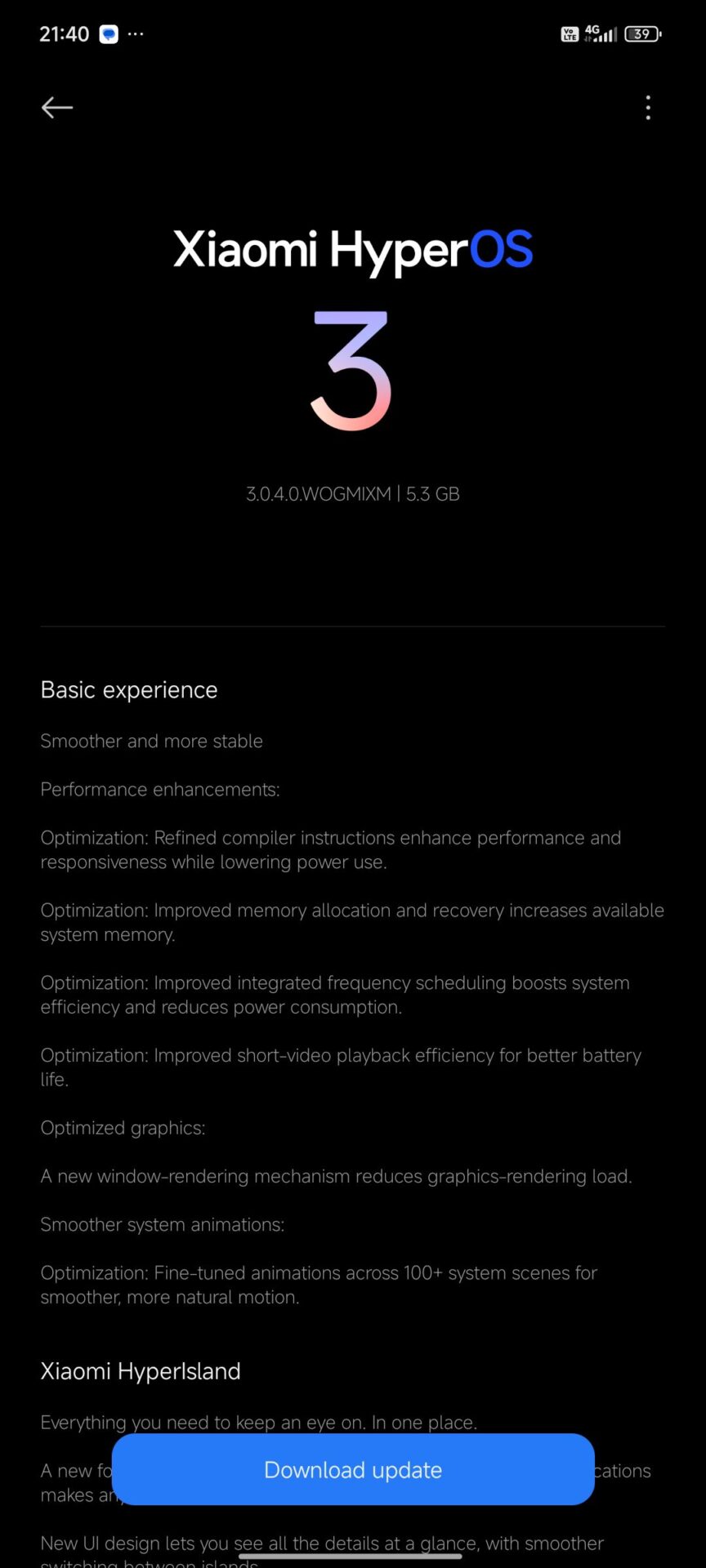
And it has been worth the wait for Global users who have been awaiting developments on the latest software. Well, as we predicted earlier this month, Xiaomi has officially commenced the HyperOS 3 update for the Redmi Note 14 4G. This update is a significant software upgrade that elevates the device directly to the latest Android 16 platform; thus, performance and security will be considerably better.
Users identifying their device by the codename “tanzanite” can now access the stable build number OS3.0.4.0.WOGMIXM, marking a critical step forward in Xiaomi’s software ecosystem evolution.
Android 16: A Whole New Dimension
This update serves as a major functional revamp for the Redmi Note 14 4G, which drives it to the latest Android 16 operating system. And surely, Xiaomi has polished its user interface once again with a primary focus on fluency, aesthetic appeal, and deep optimization.
The changelog for this is quite interesting, presenting a number of key improvements that modernize the user experience. Advanced AI capabilities optimize battery life and performance based on daily usage patterns. In addition, visual language is redesigned with all-new icons, but not without featuring the “Super Island” notification system to provide seamless interaction, one often referred to as akin to the iOS flagship experience.
Overview of Technical Specifications
The rollout is currently available for the Global region. Specific technical details about the release are as follows:
Device: Redmi Note 14 4G
Codename: tanzanite
HyperOS Version: 3.0.4.0.WOGMIXM
Android Version: Android 16
Region: Global
Update Status: Stable Mi Pilot Release
How to Access the Update
Users can wait for the OTA notification to reach your devices. Still, to ensure your device has the latest versions of specific system applications mentioned here, we encourage you to use our dedicated resources. You may update the individual system apps via HyperOSUpdates.com or download our MemeOS Enhancer application directly from the Play Store.
Xiaomi is working relentlessly to perfect the ecosystem of HyperOS for seamless interaction with all smart devices. Although the operating system is very stable, the enormous number of features involved often creates minor bugs. Xiaomi team of developers and beta testers are regularly monitoring performance to find these glitches and get them fixed right away. This report covers specific optimizations and fixes that are implemented in this week’s update so that your POCO smartphone or Xiaomi tablet continues to give only the best performance.
Weekly HyperOS Optimization Report
The anomaly isolation, which affects certain regions and models, is closely monitored by the software engineering team through feedback from the global community. Volume 224 focuses on resolving application conflicts and system path errors to maintain high brand reliability.
Transparency plays an important role in our processes, and the following breakdown categorizes the reported issues, the affected software versions, and the official solutions provided by the development team.
Detailed Issue Log and Solutions
It has identified a number of specific behaviors this week, from critical alarm failures to interface glitches on larger screens. The team moved swiftly to provide stable application updates and server-side corrections to effectively handle these disruptions. The following is a comprehensive list of affected devices and the current status of each reported bug.
POCO X7 Pro – System Stability
Issue: The system experiences a freeze state immediately after the alarm rings.
Status:Fixed. The issue originated from the Clock application. A fixed version has been released.
Action Required: Users should update their Clock app immediately. You can easily update this system app and unlock other hidden features using our MemeOS Enhancer application available on the Play Store.
Xiaomi Pad 7 – Interface Glitch
Issue: The Screen Recorder floating button fails to appear during operation.
Affected Version: OS3.0.4.0.WOZMIXM.
Status: Under Analysis.
Temporary Workaround: Users can restore functionality manually by navigating to Settings > Apps > Manage apps > Screen Recorder > Other permissions and enabling “Display pop-up windows”.
POCO F7 Pro – Gaming Performance
Issue: Unexpected frame drops occurring during gameplay.
Affected Version: OS3.0.4.0.WOKMIXM.
Status: Under Analysis. Developers are investigating the scheduler to optimize performance stability.
Redmi Note 14 – Installation Error
Issue: Users receiving a “Couldn’t update” error during installation.
Affected Version: OS1.0.6.0.UOGTRXM (Beta).
Status:Fixed. This was caused by a temporary OTA update path configuration error. The server-side configuration has been corrected, and the update can now be installed normally.
Commitment to Quality Assurance
With that, Volume 224’s technical analysis comes to an end. The development team continues to work towards the speedy deployment of patches to ensure system stability across all regions. Maintaining the integrity of the user experience requires active participation in the feedback loop. If any further system abnormalities are encountered, reporting via the official ‘Feedback App’ or using the specific ‘ROM’ sub-forum enables the engineering team to capture logs necessary for expediting a solution in upcoming firmware updates.
Customization is still a hallmark of the Xiaomi ecosystem, giving users unmatched abilities to customize their interfaces with great efficiency. A more advanced new theme has emerged, titled “Star burning”, which effectively brings the visual identity of Samsung’s OneUI 8 to Xiaomi HyperOS devices.
This theme brings a refined aesthetic for users who appreciate the aesthetic behind the Galaxy interface design but find themselves on Xiaomi hardware. It’s fully compatible with all Xiaomi HyperOS versions, making it available for a wide variety of smartphones.
A Seamless Visual Overhaul
Well, the “Star burning” theme is more of a comprehensive visual overhaul rather than just a skin. This package, developed by “Follow the light,” brings in high-quality icons, a redesigned status bar, and a notification shade that gives the feel of Samsung. The attention to detail in ensuring the interface appears consistent and professional is great, really. Be it a flagship device or a mid-ranger, it will keep the system fluidity intact while offering a fresh look somewhat similar to the OneUI 8 interface.
Key Features of the OneUI theme for Xiaomi
High Quality Icon Pack: Emulates the unique rounded-square feel of Samsung’s app icons.
System-Wide Consistency: Updates settings menu and control center to OneUI design language along with the dialer.
HyperOS Support: Fully optimized for Xiaomi HyperOS 1,2 and even 3; there are no performance lags.
Custom Lock Screen: Clean and functional lock screen layout, typical of Galaxy devices.
Installation and System Management
Since this personalization is a third-party modification, the process of installation relies on a backup file (.bak)rather than a direct download from the Global Theme Store. To correctly apply the “Star burning” theme, users will need to import the particular backup file.
Managing system applications is very important to users who want extra control over their device. In order to update system apps such as the Theme Store, or enable some of the hidden Xiaomi HyperOS features, we recommend the MemeOS Enhancer app, which will finally enable you to update your system apps using our project at HyperOSUpdates.com and directly perform screen updates using the advanced features from the Play Store
The transition from curved “Edge” displays to flat screens represents one of the most important design reversals in recent smartphone history. Once a clear indicator of premium positioning, curved panels gradually lost momentum due to durability issues, usability limitations, and rising manufacturing costs. As big brands, including Xiaomi, refined their design philosophy, flat and micro-curved structures became the norm.
The Rise and Fall of the Curved Display Paradigm
Curved OLED displays became popular in the mid-2010s, as manufacturers showed off their advancements in flexible panel technology. In concept, this was supposed to offer futuristic aesthetics, thinner visual borders, and a generally more immersive view.
In reality, as the industry matured, brands slowly began to realize that curved screens indeed meant long-term ergonomic and durability trade-offs. Sku’s shift has encouraged manufacturers to focus more on usability, gaming performance, and repairability instead of pure aesthetic experimentation.
The Original Promise of Curved Panels
The curved-edge design, initially touted as an innovation that eliminated visual boundaries and created a floating-screen illusion, defined the premium smartphone category for many years. However, long-term user feedback revealed practical difficulties, including accidental touches, stronger glare, and challenges with protective accessories. As expectations about user experience shifted, curved designs were no longer serving their original purpose well in flagship-class devices.
Functional Limitations That Ended the Trend
One key reason for the switch, though, was an inability to resolve various ergonomic and optical issues. Software optimizations could circumvent some of these issues, often at the cost of new limitations. As display quality, responsiveness for gaming, and stylus behavior became more critical, flat screens provided more consistent results across various use scenarios.
Persistent Touch and Interaction Challenges
Users often reported accidental activations along the curved edges due to reduced passive grip areas. While the palm-rejection algorithms improved over time, their sensitivity interfered with intentional inputs. The narrow radius of curvature created an interaction zone hard to optimize, especially in one-handed use. Over several model cycles, the industry came to a conclusion that maintaining touch accuracy required reducing or fully eliminating curved edges.
Optical and Visibility Issues
This is because the curved glass bends incoming light in a way to increase glare and reduce color uniformity toward the edges. Such distortions were hardly possible to correct on a physical level, let alone when ambient conditions are bright.
Thus, the result was an elegant-looking panel on the shelves but not really capable of maintaining that consistent color reproduction expected from modern high-end OLED displays.
How can one use deductive reasoning in this regard?
Structural Durability and Cost Pressures
Curved glass exposed more surface area to impacts and greatly increased the likelihood of cracking from side drops. This engineering constraint became increasingly important as repair costs rose and consumers held on to their devices for longer periods. Ultimately, a flat display supported by a more rigid frame offered better longevity and helped reduce service-center load.
Influence on Manufacturing and Service Economics
Flexible OLED production demands greater precision, thus yielding lower production yields compared to flat-panel manufacturing. Simultaneously, the cost of flagship-class components has increased—such as Snapdragon 8 Elite chips and high-end camera modules.
Moving to flat displays facilitated a balancing of the growing bill-of-material pressures for these brands without sacrificing core performance or camera capabilities. Moreover, repair service providers appreciate the much easier disassembly procedures, which reduce the long-term cost of maintenance for both customers and the device manufacturers themselves.
How Xiaomi and Chinese Manufacturers Evolved the Concept
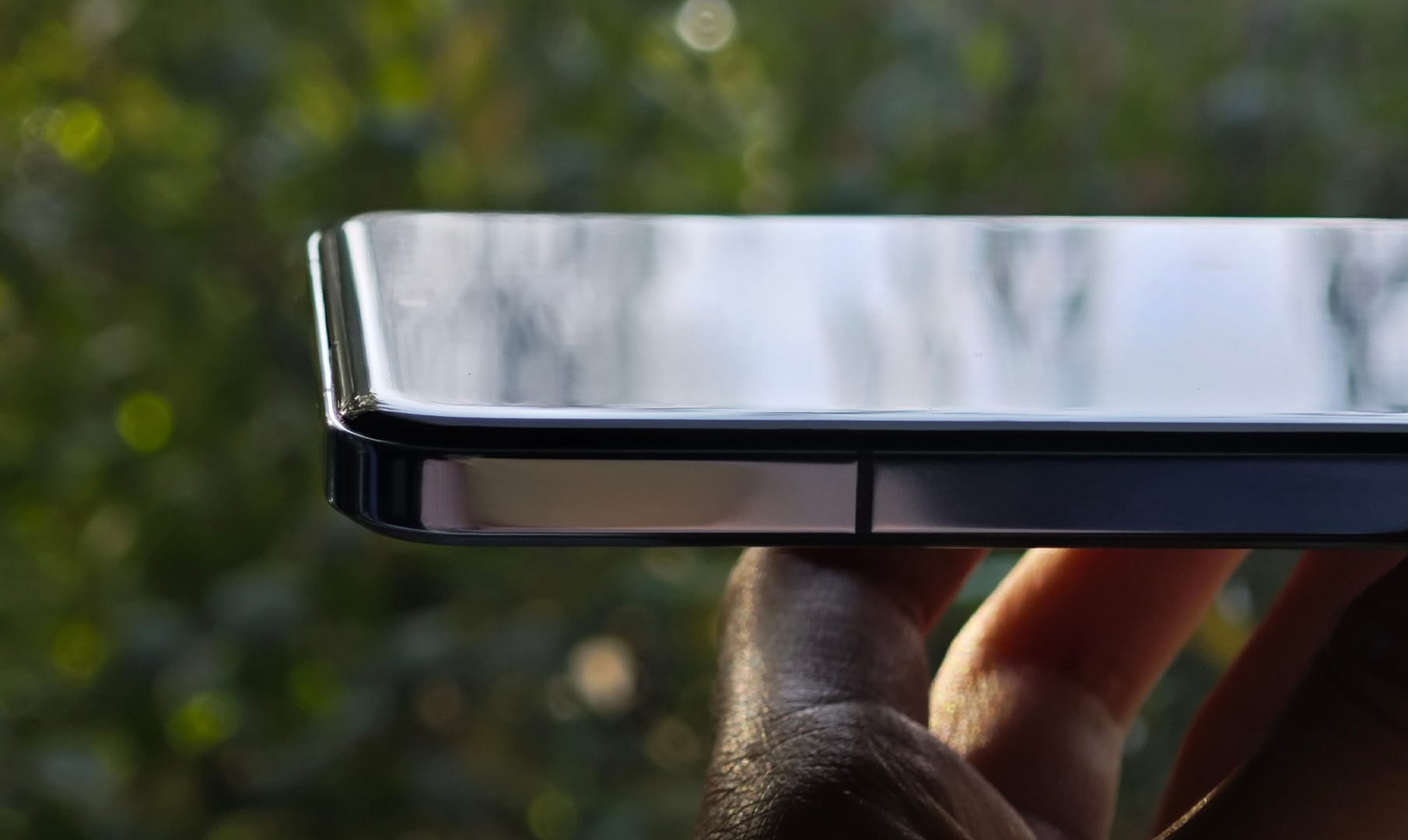
Xiaomi, Honor, and other Chinese brands did not completely let go of the aesthetic aspects. Instead, they brought in “Quad-Micro Curve” or “Floating Micro-Curve” glass designs. These displays keep a nearly flat OLED panel underneath while polishing the protective glass edges on all four sides. This keeps the premium tactile feel without the optical and durability drawbacks of the older “waterfall” designs.
Balancing Aesthetics and Practicality
The micro-curved technique ensures smoother hand contact without distorting the underlying image. Xiaomi has applied this strategy in various high-end models to ensure an ergonomic and refined surface while maintaining the structural stability of a flat panel.
This hybrid design aligns with the expectations of Asian customers, where gentle curvature proves popular for its premium look. In contrast, fully flat panels remain the dominating choice for Western markets, where customers show more preference for durability and compatibility with screen protectors and protective cases.
Being a long-time Xiaomi user and HyperOS expert, the first thing I do with every new device is get rid of system ads and optimize the user experience. If there’s one thing annoying pop-ups do, it’s not just interrupt your workflow but actually slow you down, drain focus, and make the device feel less polished. Setting up my phone or configuring company devices, that’s always step one: remove distractions.
Below is my personal approach, the same process I’ve developed over years of working with HyperOS.
1. Disabling System Ads Through Settings
HyperOS still includes some ad-related services that must be manually toggled off. I start with the system-level options provided by Xiaomi, first of all-even if they are not always easy to find.
Turn Off HyperOS System Ads
Open Settings
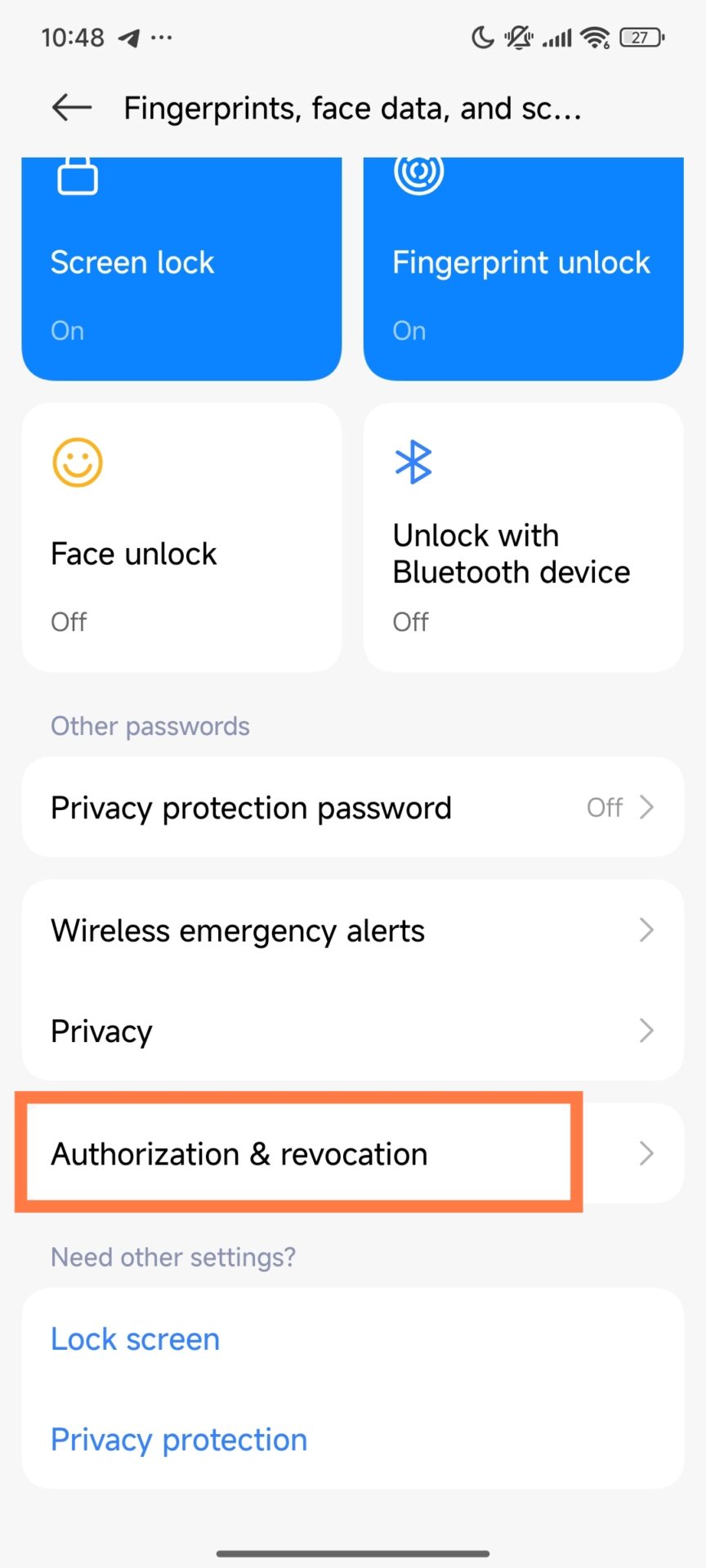
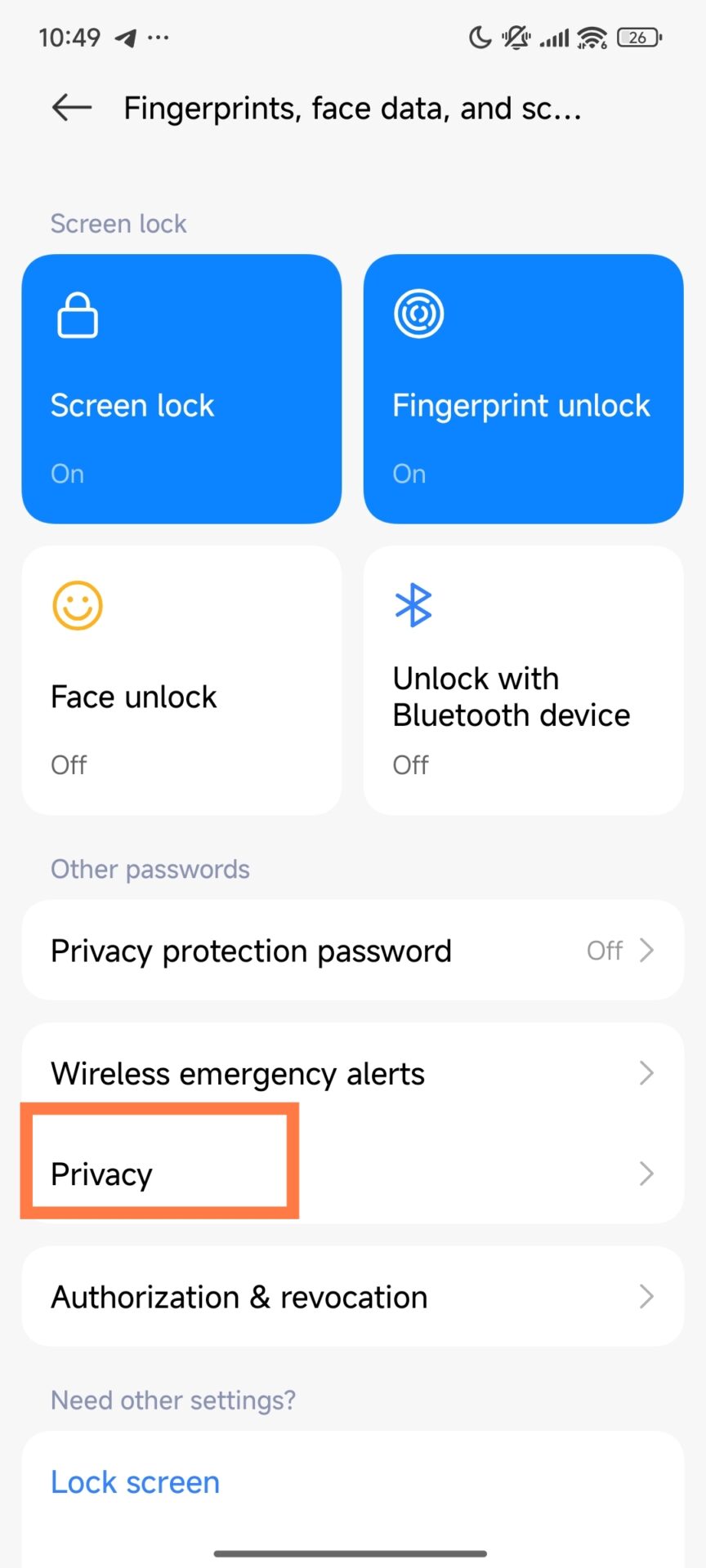
Go to Fingerprints, Face Data & Screen Lock
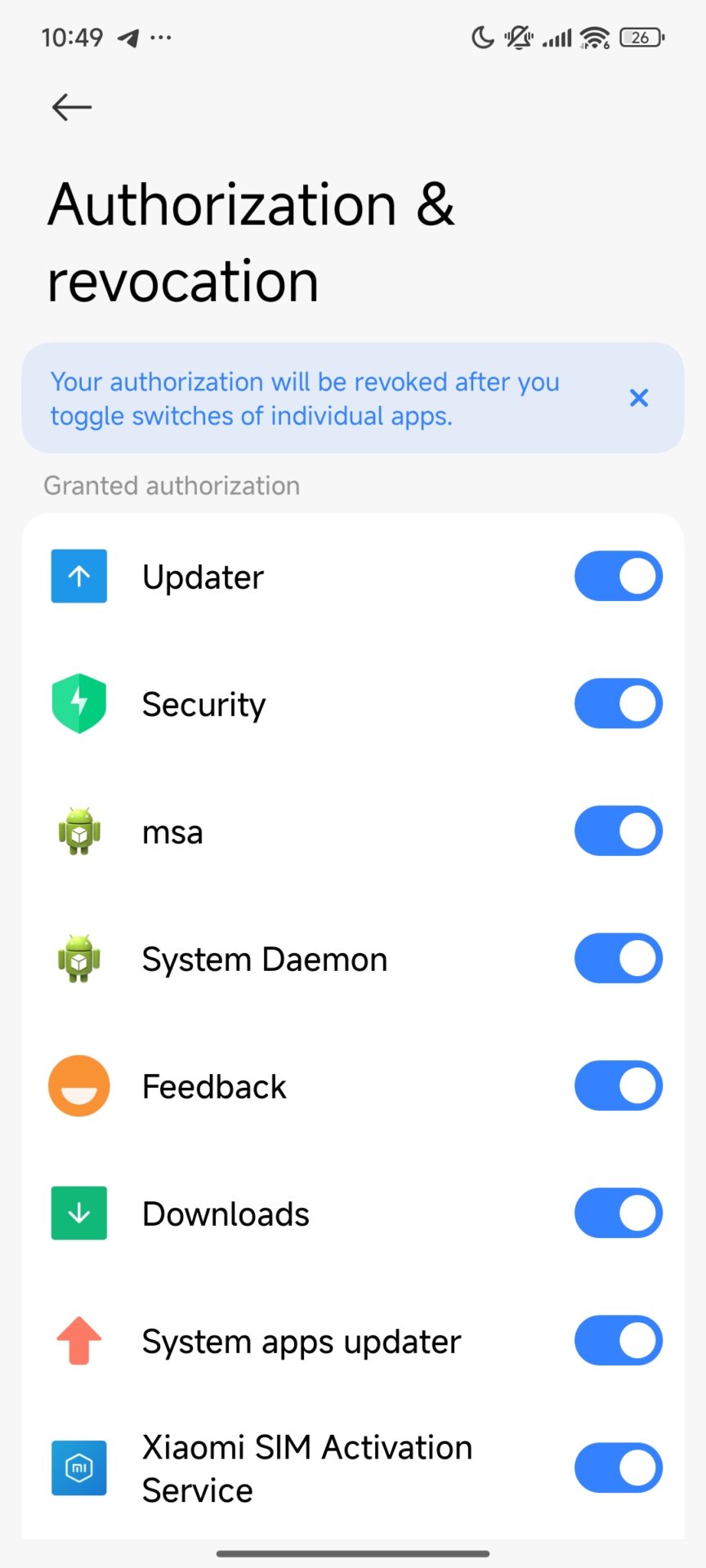
Click on Authorization & Revocation
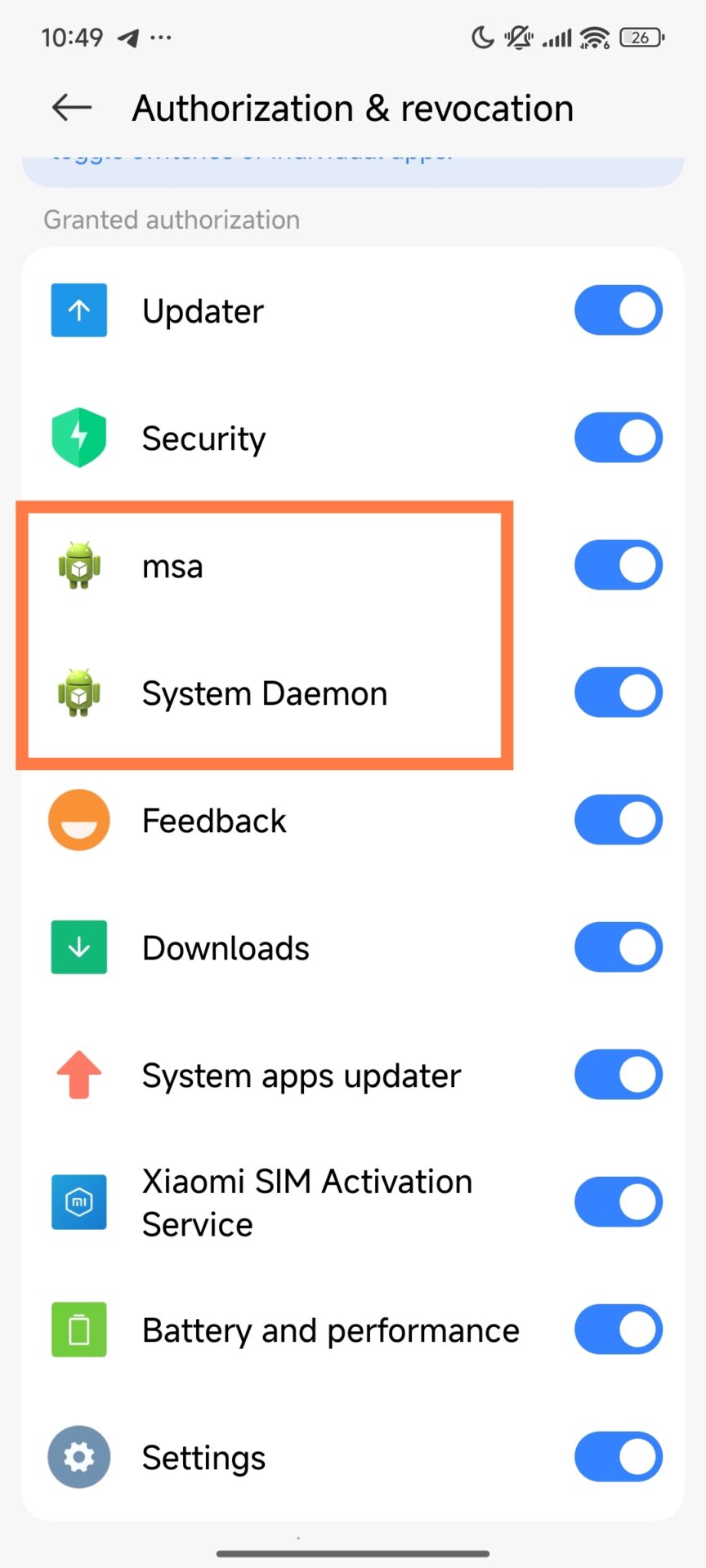
Find MSA and MiuiDaemon or System Deamon
Disable both
These two components account for most system ads, so once these are turned off, immediacy reduces interruptions.
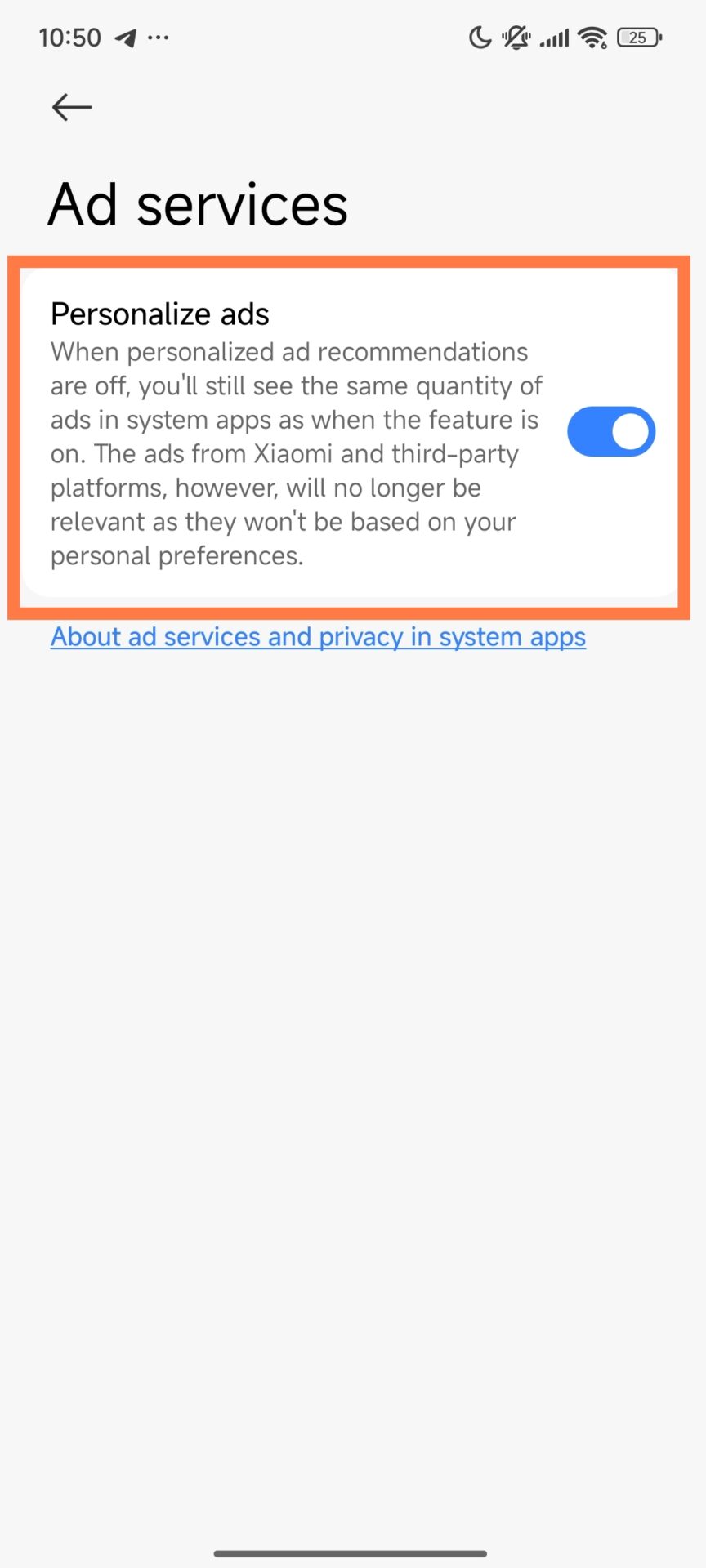
Disable Personalized Ad Recommendations
Open Settings
Navigate to Passwords & Security
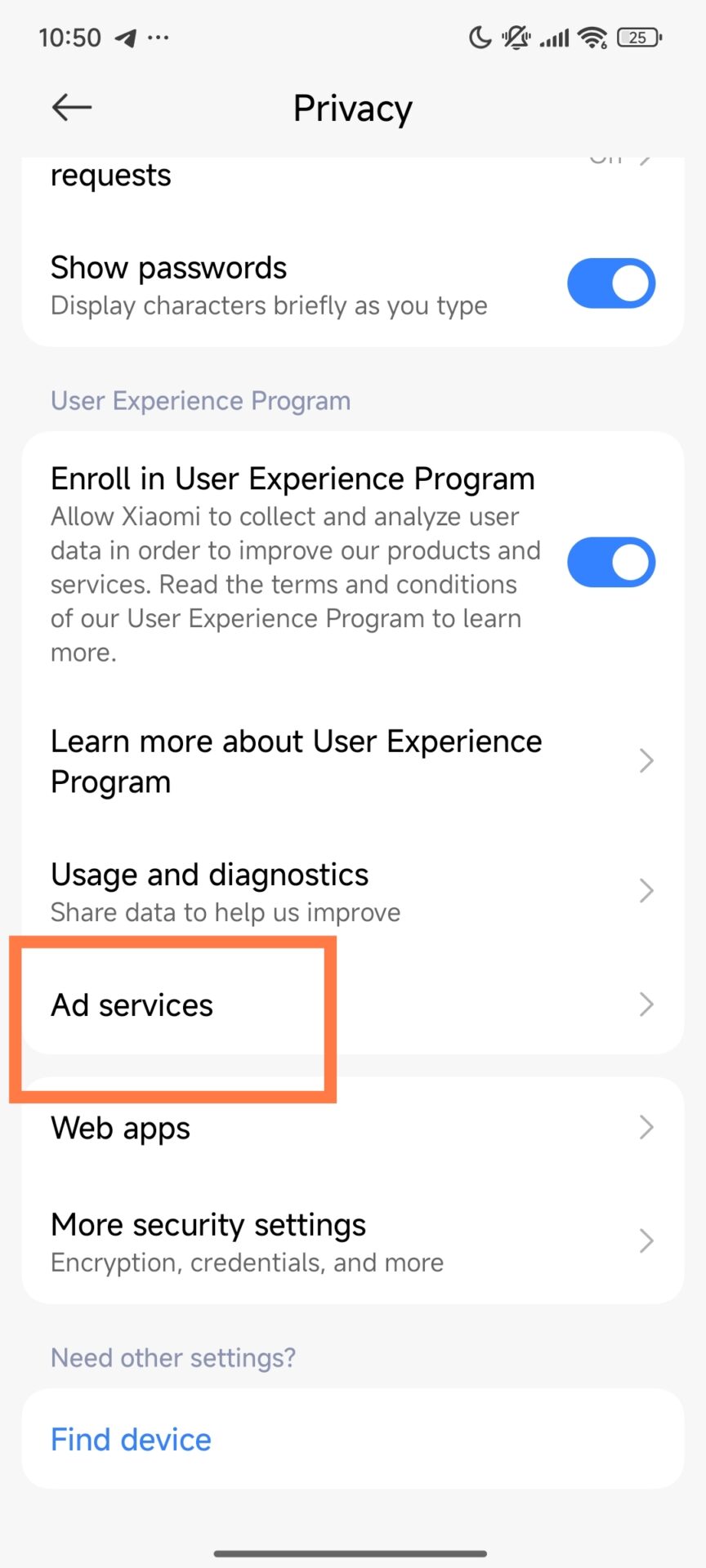
Enter Privacy
Tap Ad Services
Deactivate Personalized Ad Suggestions
This stops Xiaomi from using your data to target ads.
Turn Off System App Ads If Available
Not all devices have this option, but when they do, I always disable it:
Open Settings
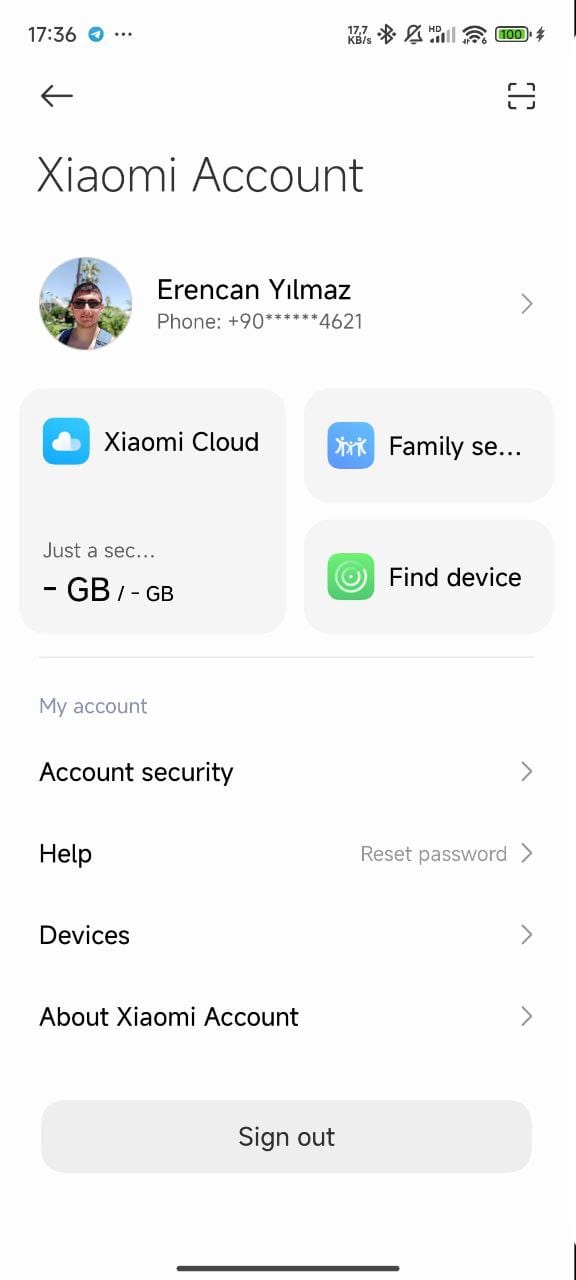
Enter Mi Account
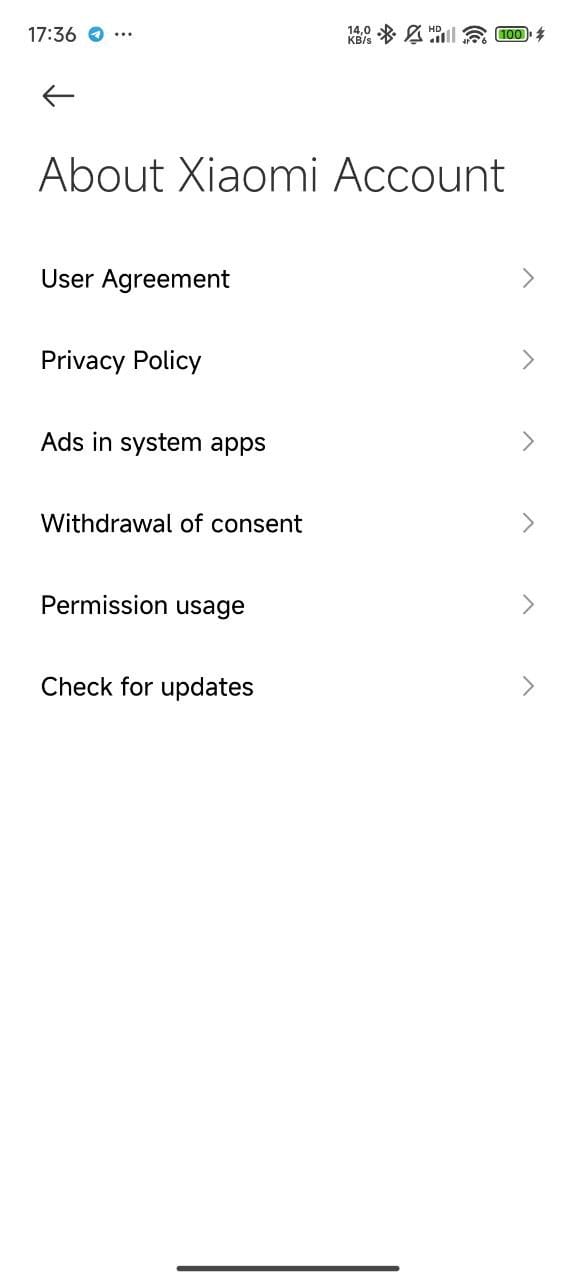
Tap About Xiaomi Account
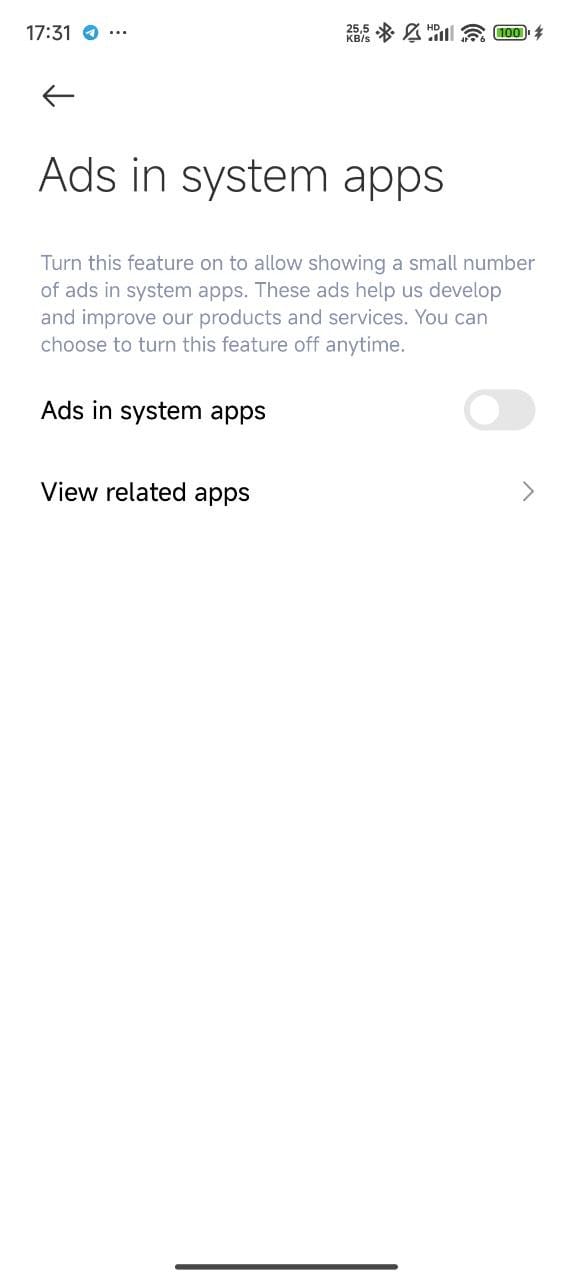
Disable Ads in System Apps
With these steps completed, most visible ads across HyperOS are gone.
I use ADB to uninstall ad-related system packages for a deeper cleanup, especially on corporate or shared/long-term business devices. This gives a clutter-free experience and is also good from a privacy perspective.
ADB Commands I Use
Once the device is connected and ADB is enabled, I run:
These remove analytics tools, regional services, pre-installed apps, and ad-delivery components.
Important: ADB is powerful. Removing the wrong package can affect system functionality, so this step is best for advanced users or IT administrators. These remove analytics tools, regional services, pre-installed apps, and ad-delivery components.
Extra Optimization
For even more finetuning, I sometimes use theMemeOS Enhancer app from the Play Store, which provides extra controls for system behavior and performance, as well as updates, particularly in business.
Why This Matters
Once this is all set up, the Xiaomi device feels faster, cleaner, and far more professional. Productivity improves instantly, and privacy is enhanced via limited unnecessary data collection. This is why the first thing I do with any new HyperOS-powered phone is to remove the ads.
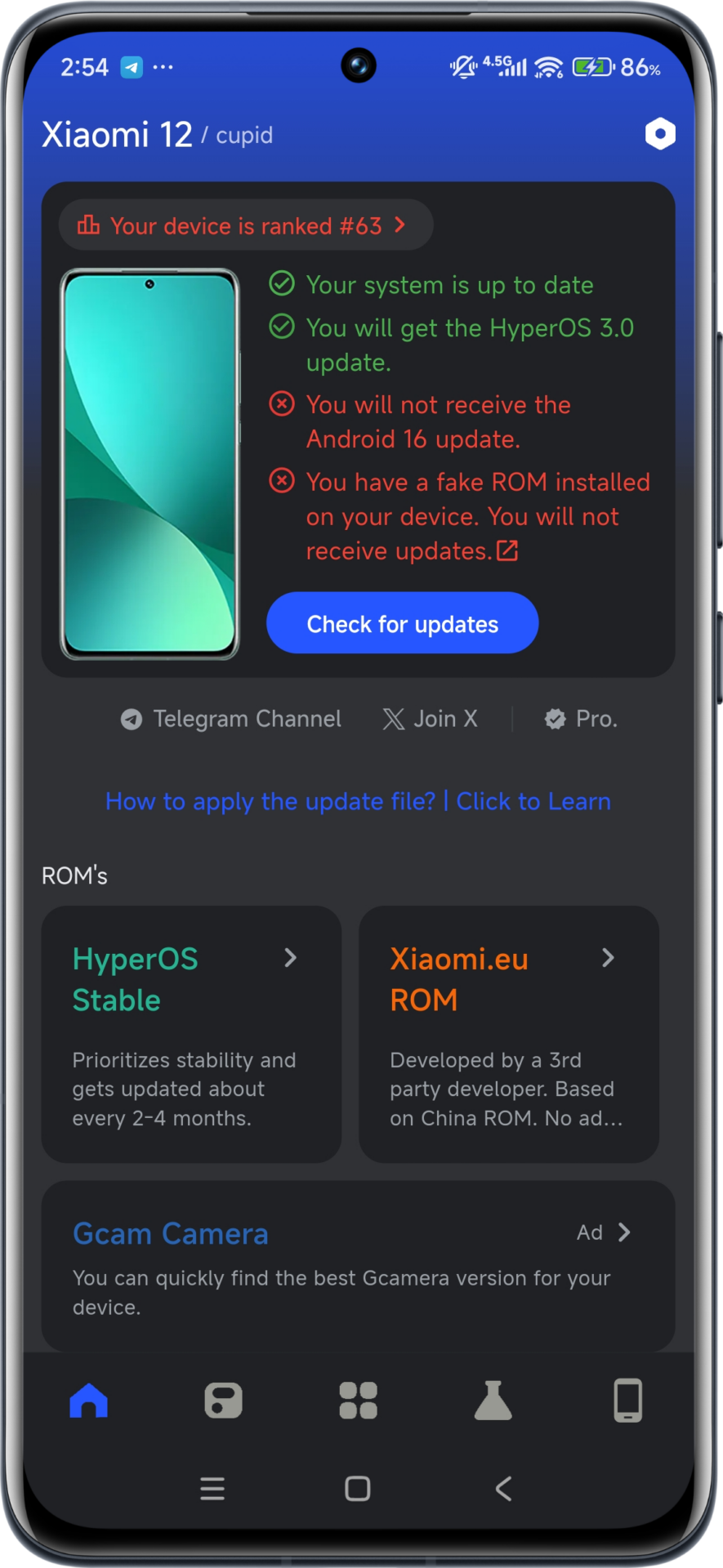
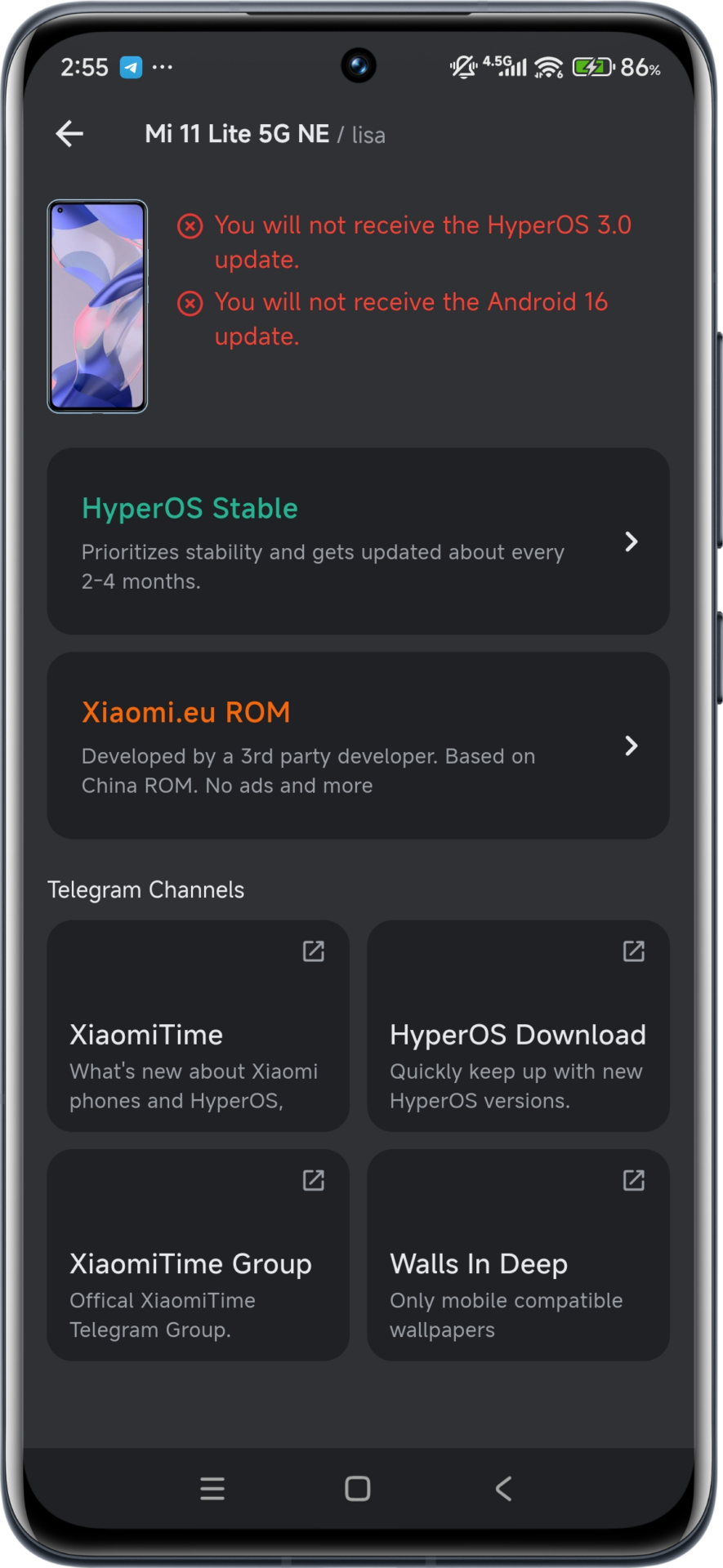
It can be tricky to keep your Xiaomi phone in sync with the latest software, particularly with HyperOS 3 just around the corner. Luckily, there’s now an easy way to see whether your phone will be supported by the forthcoming HyperOS 3 update rather than going through months of forum browsing and announcements. The recently launched MemeOS Enhancer tool, besides identifying HyperOS 3 supported devices, provides extra system tools that every Xiaomi fan would find useful. This handy tool automatically identifies your phone’s model and immediately indicates whether your phone is supported by the forthcoming HyperOS 3 upgrade and saves you both time and stress.
How MemeOS Enhancer Works
MemeOS Enhancer functions by examining your device specifications and matching them with Xiaomi’s official database of eligible updates. Here’s why this app is vital to every Xiaomi user:
Auto-device detection – No need to individually select your model
HyperOS 3 eligibility checking – Real-time validation of update suitability
Android 16 compatibility details – Check whether your phone will be supported by the subsequent Android version
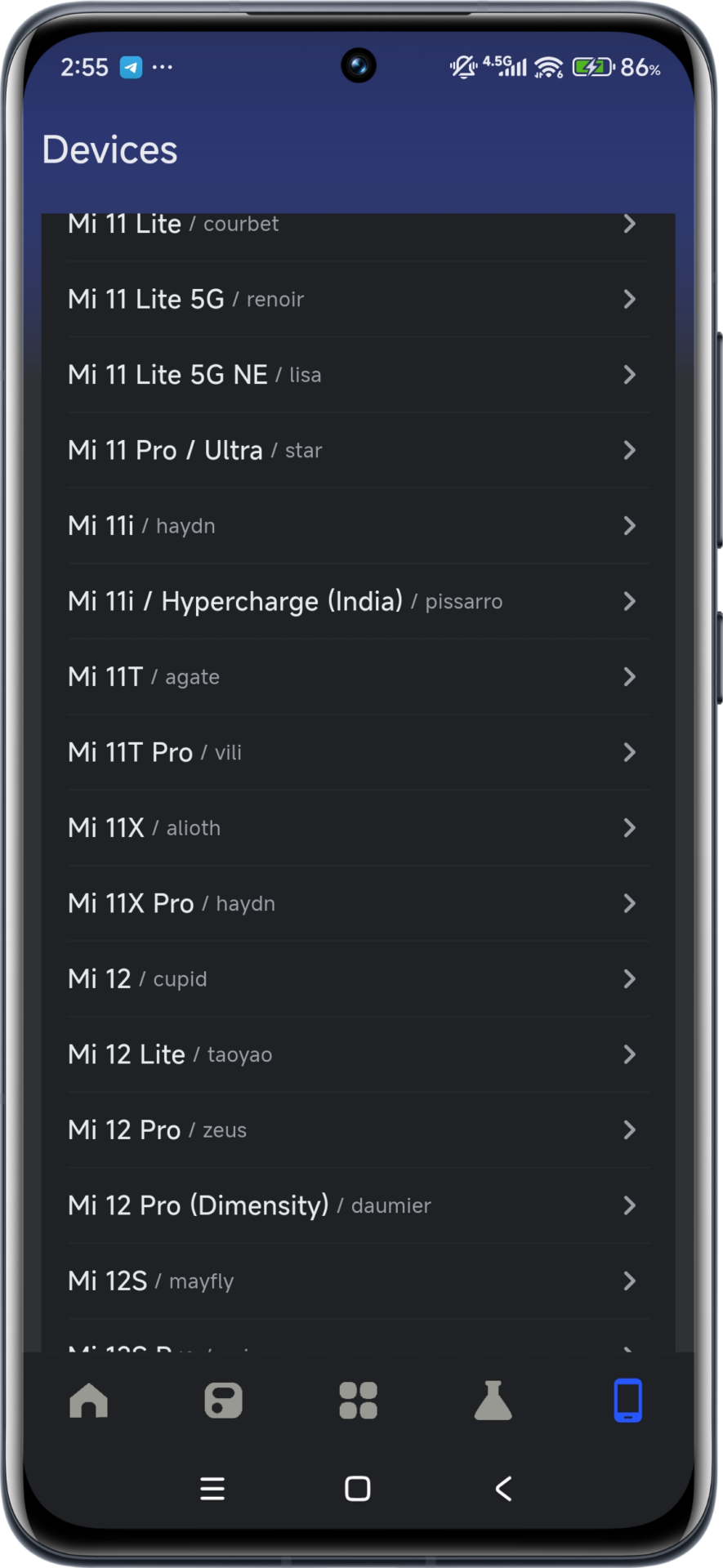
Multi-device support – Verify compatibility of any Xiaomi device using the “Devices” tab
The app itself has an intuitive interface that is accessible to everyone, even those with limited technical experience. Once installed, just launch the app and you will see instantly whether your existing device can be upgraded to HyperOS 3.
More Features Making This App Indispensable
In addition to checking for updates eligibility, MemeOS Enhancer has some impressive features that boost your Xiaomi experience:
Fake ROM Detection – Check whether your phone is operating with authentic Xiaomi software
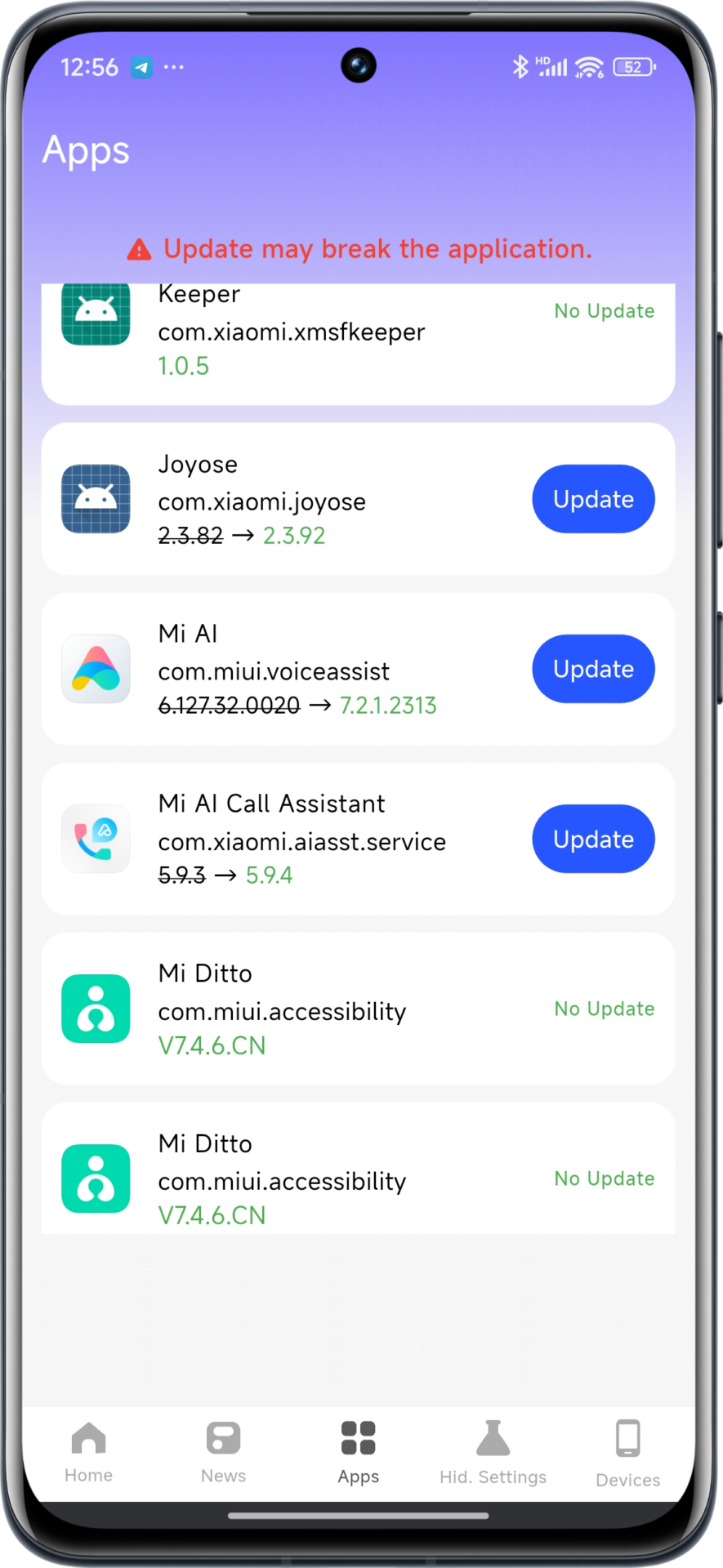
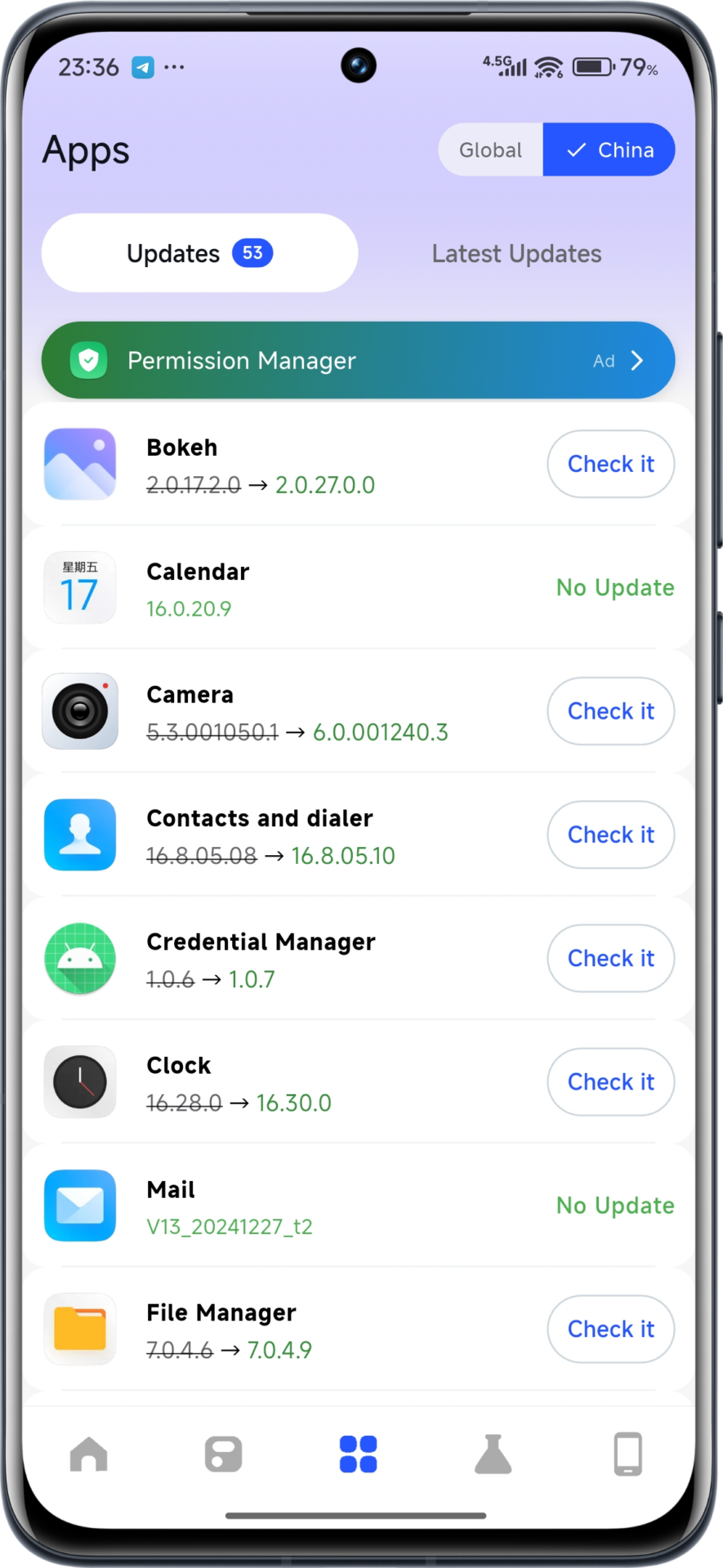
System App Updates – Update Built-in Apps Without Waiting for Full System Updates
Hidden Features Activation – Unlocks hidden Xiaomi features inaccessible via default settings
These added tools render MemeOS Enhancer an essential tool to utilize to unlock your Xiaomi phone’s full capabilities and security.
When to Expect HyperOS 3
Insider sources suggest that Xiaomi will launch HyperOS 3 in October of 2025. The highly anticipated upgrade promises to bring improved performance, interface, and additional AI features.
The MemeOS Enhancer application keeps you posted regarding your eligibility and offers you approximate timeframes of when your particular model of device can expect to have the upgrade. Prepare yourself to experience the future of Xiaomi’s operating system by downloading MemeOS Enhancer now from the Play Store!
Xiaomi has concluded the December release list for the HyperOS 3 update, which promises systemwide AI improvements, reshaped icons, fluid animations, and a better Super Island interface. Based on the latest internal builds, many smartphones and tablets are now ready for release, while some models are still under testing. Users can check previous device lists by visiting our HyperOS update tracker or learn more about upcoming Xiaomi features and HyperOS AI upgrades via our other related coverage.
Xiaomi Devices Confirmed to Get HyperOS 3 in December
The following devices already have release-ready builds and will reportedly start getting the HyperOS 3 OTA from December. Each of the versions below is the finalized regional firmware.
Xiaomi and MIX Series
Xiaomi’s flagship series leads the way, with several regions cleared for the rollout; the updates are centered around system stability and the latest AI-powered features.
Xiaomi Pad Mini – OS3.0.3.0.WAOMIXM, OS3.0.1.0.WOATWXM
Redmi models also join the list, including the latest mid-range devices, with stable builds prepared for release.
Redmi Note 14 4G – OS3.0.4.0.WOGMIXM
Redmi Note 14 Pro 4G – OS3.0.3.0.WOFMIXM
Redmi 14C – OS3.0.6.0.WGTMIXM
Redmi 13 / 13X – OS3.0.4.0.WNTMIXM
Redmi Pad 2 4G – OS3.0.1.0.WOWMIXM, OS3.0.2.0.WOWEUXM
Redmi Pad 2 (Wi-Fi) – OS3.0.1.0.WOVEUXM
Models currently not ready: Redmi Note 13 Pro, Redmi 15, Redmi Pad 2 Pro 5G, Redmi Pad 2 Pro Wi-Fi
It is imperative to keep the harvested rhizomes away from moisture and light in order to protect them from respiration.
POCO Series to Deploy HyperOS 3 in December
Since Redmi K Series devices are China-exclusive and their devices arrive as POCO in Global markets, a lot of POCO users will get HyperOS 3 this month. The updates will bring better performance, new icons, and even more refined AI processing.
Models currently not ready: POCO F6, POCO M6 Pro, POCO C75
What HyperOS 3 Brings to These Devices
HyperOS 3 concentrates on stability, consistency in design, and enhancing the cross-device ecosystem with Xiaomi HyperConnect. Although the update doesn’t change the interface very much, a few areas show refined enhancements. Key Improvements: AI-based optimization of scenes
Updated icons and subtle UI effects
Faster animations with improved frame stability
Enhanced Super Island behaviour
Modernized system apps and deeper ecosystem integration
All the builds labeled “ready” have already passed the release certification by Xiaomi. Not Ready models are still in the process of final validation and will get HyperOS 3 once the internal testing is concluded. Xiaomi has continued its policy of gradual rollout for ensuring system reliability across diverse markets.
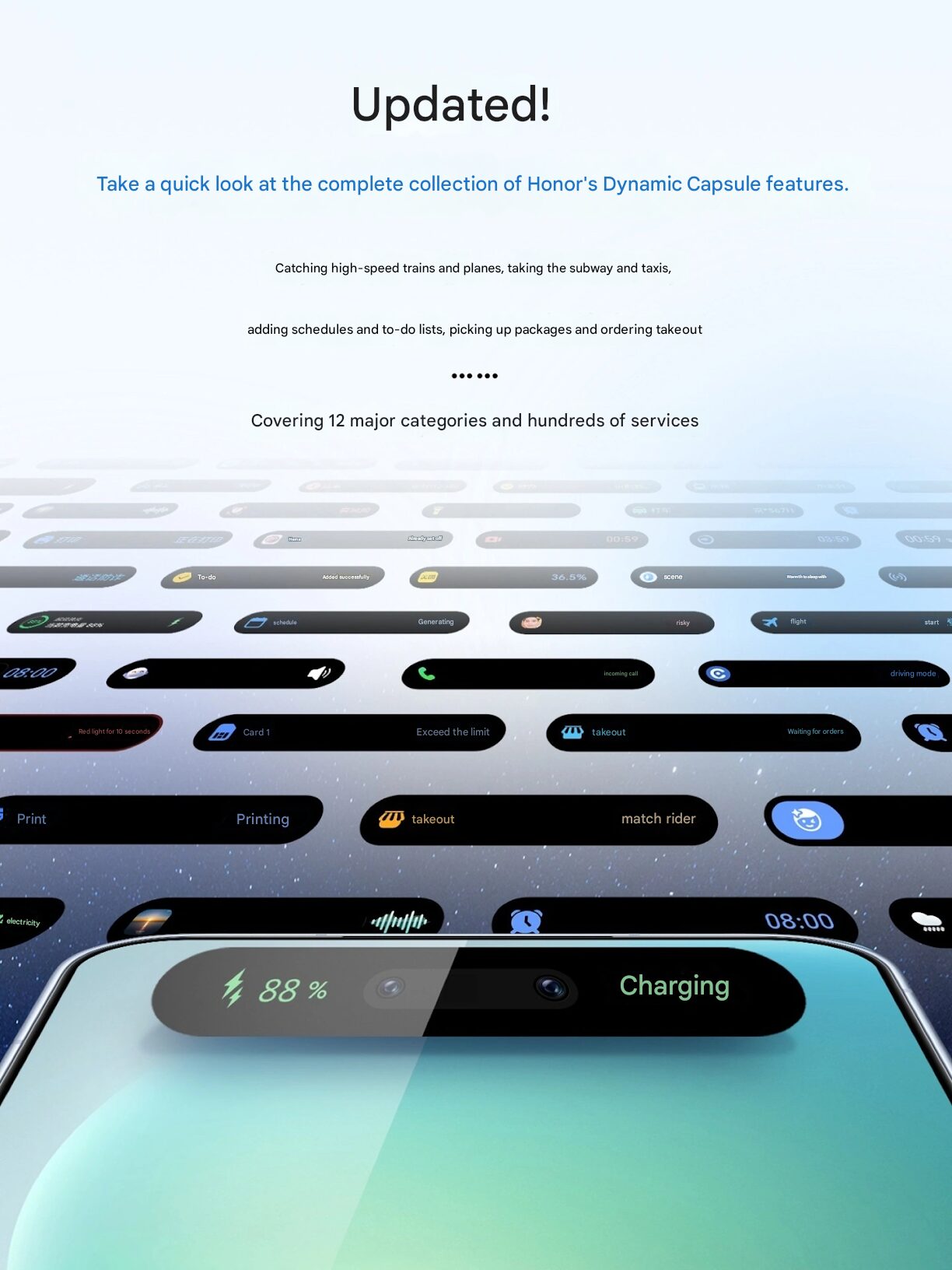
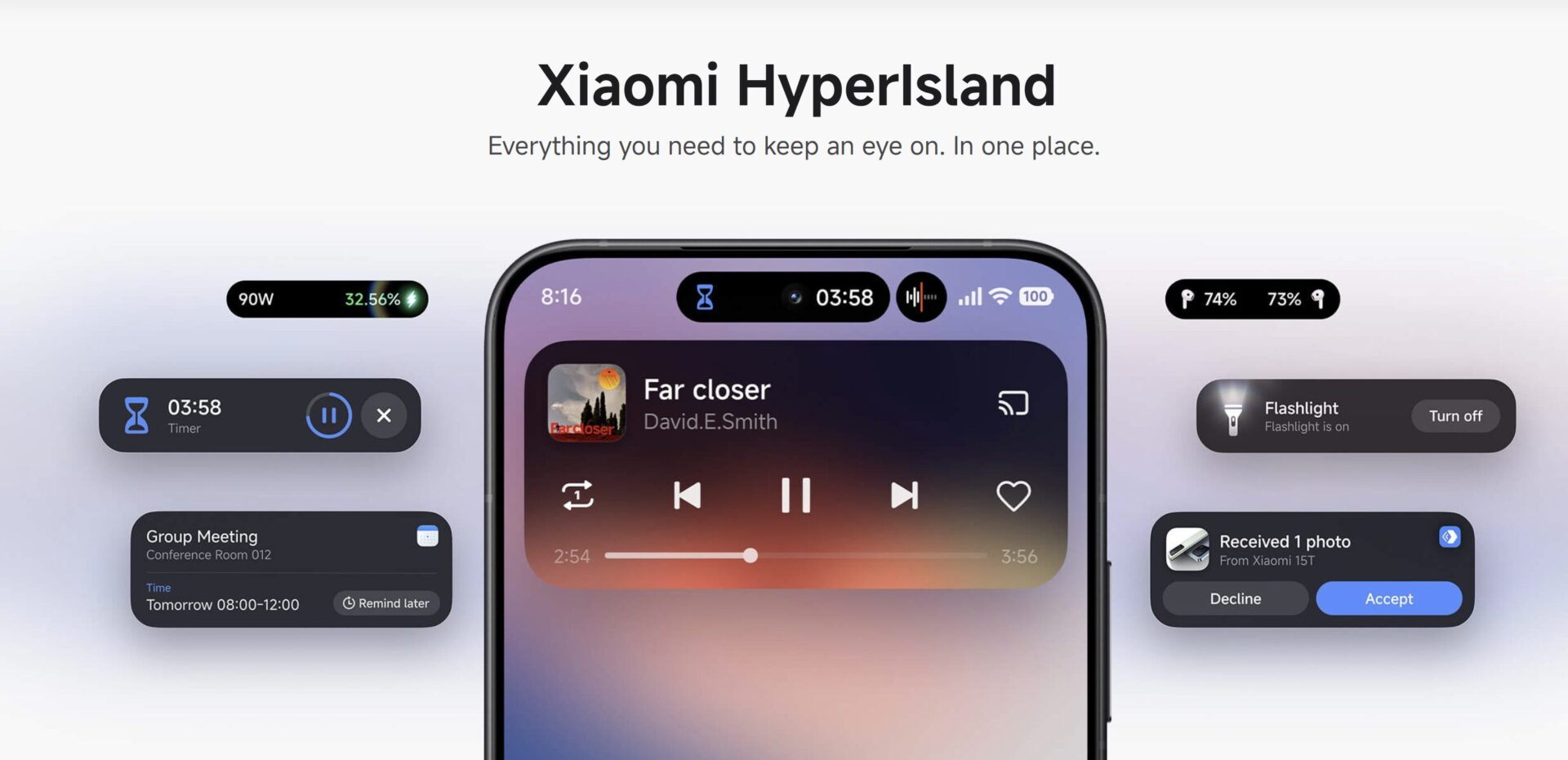
Honor officially expanded the functions of Agile Capsule in MagicOS 10, supporting more daily scenarios, including charging, NFC card access, face recognition, and accessories management. This update follows the industry trend of interactive capsule design, first driven on iOS and then rolled out by Xiaomi as Hyper Island in August 2025.
Expanded Agile Capsule Scenarios in MagicOS 10
Meanwhile, Honor introduces several new scenario capsules designed at simplifying task management within MagicOS 10. According to the company, this is all about faster access, with consistent visual feedback for much more intuitive control during multitasking.
NFC and Device Interaction Enhancements
The enhanced NFC Capsule can now instantly open wallet cards, and switch between several cards without menu navigation, enhancing the payment, transport access, and secure entry experience. The users also get extended benefits for interaction with the device through headphone and recording capsules.
Key System Capsules in MagicOS 10
The upgraded capsules currently included in MagicOS 10 are:
NFC Capsule: Fast access to the card and easy card switching.
Screen Recording Capsule: It includes recording time, supports pause and resume activities, and ends without blocking the screen.
Ringtone switching capsule: Represents silent, ring or vibration mode when ringtone changes.
Recording Capsule: Record audio from the capsule in just one tap.
Flashlight Capsule: Fast on/off toggle within the capsule. Charging Capsule Real-time battery status and charging indicators. Face Unlock Capsule: Shows the face recognition status while unlocking.
Stopwatch Capsule: Live stopwatch elapsed time with pause and end controls • Alarm Reminder Capsule: Allows one-touch alarm operations.
Travel Capsules: Includes travel updates on 12306 Railway;, reminders about Damai performances;, and status indicators for Hello Bike/Ride.
How Agile Capsule Improves User Experience
The Agile Capsule is a single interface that shows ongoing tasks and provides instant actions. Positioned at the top of the screen, it contracts into a small pill-like bubble when not in use and then expands back to a full capsule when required. Honor introduced the feature previously as Dynamic Capsule on MagicOS 8.0 with the Magic 6 series.
This design concept fits into the wider industry approach seen on competing platforms. Xiaomi’s own Hyper Island in HyperOS provides a similar interactive pill for optimizing multitasking, introduced earlier in 2025. Honor’s update shows further refinement of this user experience trend across smartphones.
MagicOS 10 significantly expands the use scenarios of this Agile Capsule feature, further supporting more device functions and real-time monitoring. These changes ensure smoother interactions during everyday tasks, from charging and recording to transportation and accessory management. The update underlines the increasing industry focus on capsule-based interaction models, granting users greater control without interrupting their workflows.
Heavy mobile gaming is one of the most intensive workloads applied to modern smartphones, and besides the question of durability, there’s also component aging. Equipped with advanced thermal systems and HyperOS optimizations, Xiaomi devices can handle the most demanding scenarios, but still, long sessions of gaming at high load undoubtedly develop more heat and increase routine wear on several of their hardware components.
How High-Load Gaming Affects Xiaomi Hardware
Heavy gaming creates continuous performance peaks, and this heightens thermal output. The modern Xiaomi flagships and even mid-range devices have vapor chambers, high-efficiency heat-dissipation layers, and thermal regulation modules based on HyperOS. These throttle overheating by dynamically lowering CPU frequencies.
Though these prevent catastrophic failure, the outcome accelerates the natural component degradation process over a period. Such effects tend to show up mainly in the power-delivery modules, thermal materials, and AMOLED panel longevity.
Battery Aging Under Gaming Workloads
While it is natural that batteries degrade, gaming increases this timeline because the battery operates at higher temperatures and goes through more charge cycles. When temperatures above 40°C are common in normal operation during gaming, chemical aging accelerates, probably decreasing the maximum capacity after long-term use. Users who charge while playing increase both thermal and electrical load, which could shorten effective battery lifetimes. Regular battery replacements are still affordable worldwide, especially in comparison to other components.
Component-specific Effects in Xiaomi Smartphones
Xiaomi hardware platforms differ from model to model, but certain elements exhibit predictable wear under exposure to sustained thermal stress.
Motherboard and Solder Joints
Since many materials in smartphones have different thermal expansion behavior, repeated cycles of heating and cooling over a protracted duration of gaming may cause mechanical stresses across solder joints. Older models, like the POCO X3 Pro, have been known to fail from thermal cycling and other board design limitations.
More modern examples, including the POCO F5, POCO F6, Xiaomi 13, and Xiaomi 14, have introduced better-performing vapor chambers, optimised PCB layouts, and refined underfill materials, drastically reducing the likelihood of board-level failures during regular gaming use.
AMOLED Panel Longevity
Most Xiaomi mid-tier and flagship devices utilize AMOLED panels with organic materials that gradually age. High brightness and static UI elements during gaming increase subpixel wear. Even with the inclusion of screen-protection patterns and brightness algorithms in HyperOS, static in-game HUD elements pose a more long-term risk for localized aging, or burn-in. These effects are usage-intensity dependent and do not generally imply immediate failure.
Global Repair Economics
The deterioration of hardware is inevitable for all smartphones; however, repair costs vary by region and model type.
Motherboard Replacement Costs
The motherboard replacement is the most expensive repair for Xiaomi devices due to complex component integration. The repair cost for modern flagships usually reaches $370–$480, which makes repairing not as economically reasonable as replacement. For the mid-range models, the example here being POCO F6, the repair costs are considerably lower. And entry-level Redmi boards remain the cheapest.
Display and Battery Replacement
Premium model curved LTPO AMOLED screens cost in the range of $150–$350, depending on the region. Flat AMOLED panels, as seen on the POCO F5/F6 and Redmi Note models, are much more affordable. On the other hand, battery replacements remain very cost-effective in all regions, typically within the range of $20–$35 for parts, making them the most feasible maintenance part for hardcore gamers.
Recommendations for Users of Xiaomi
A few practical approaches will help gamers using Xiaomi smartphones to optimize device stability and prolong its service life. Enjoy long gaming sessions with regular breaks. Avoid charging while playing to reduce battery stress.
Employ HyperOS performance and battery settings for balanced operation.
Lower display brightness while gaming to reduce AMOLED stress.
With modern thermal management, heavy gaming on Xiaomi phones does not cause sudden or catastrophic damage, though it does increase the natural aging rate of certain components, especially the battery and AMOLED sub-pixels. With some basic precautions, these effects can be minimized, ensuring a very stable and long-lasting gaming experience across the full device range of Xiaomi.
Xiaomi continues to strengthen its HyperOS-powered office ecosystem by offering highly functional tools for both corporate and home-office environments. The company’s rapid shift from hardware-centric development to a fully integrated cross-device platform has reshaped user expectations. Xiaomi’s monitor lineup, lighting solutions, and network systems now work seamlessly across other devices like Xiaomi Pad 8 and Xiaomi 17 advanced cross-screen connectivity. The article below describes the most important office-focused Xiaomi products available in international markets.
Strategic Office Vision of Xiaomi
Xiaomi’s “Human x Car x Home” strategy incorporates workplace technology into the personal and automotive ecosystems. The concept turns traditional office equipment into a series of interconnected functional nodes: monitors, routers, and tablets communicate directly through the use of Xiaomi HyperConnect, with real-time continuity of data. Core parts of this vision are cross-screen copy-paste, auto-environment adjustment, and wireless projection, creating a more efficient workflow for the modern professional.
Xiaomi Professional Display Solutions
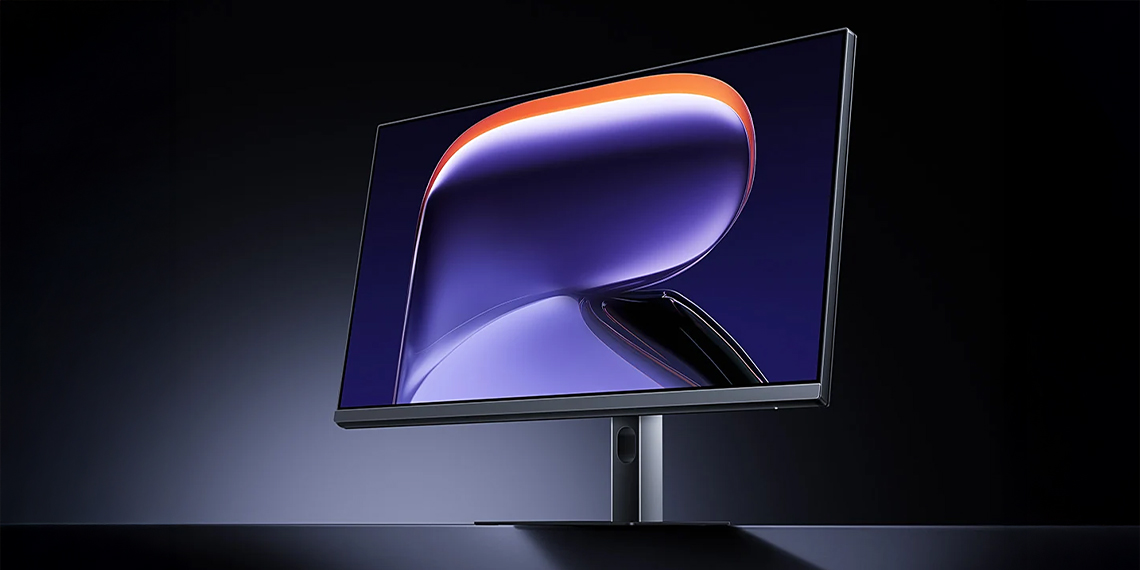
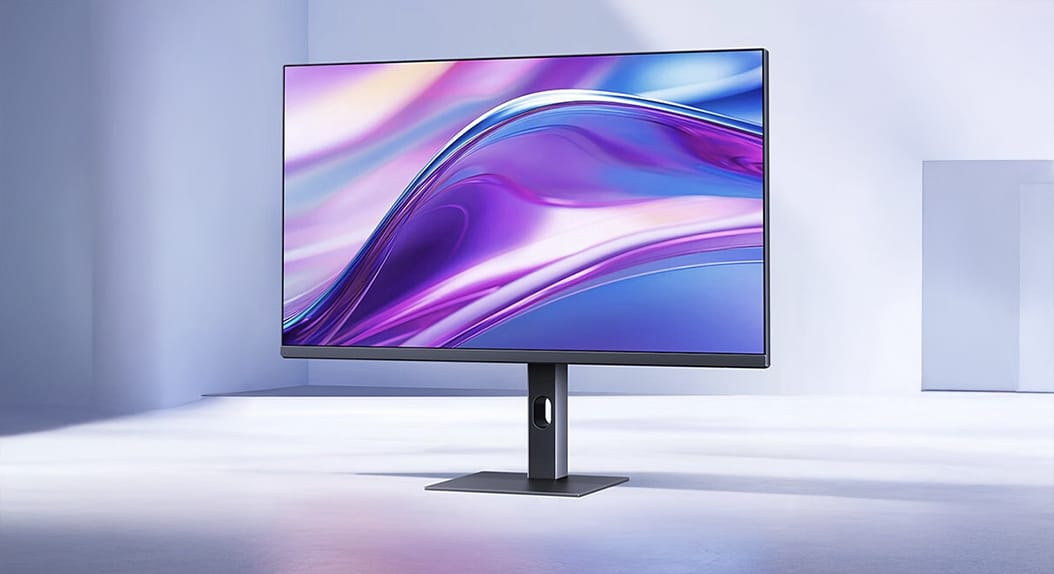
Xiaomi 4K Monitor A27Ui
The A27Ui was designed for creative professionals and executives looking for 4K IPS clarity combined with excellent factory calibration. Featuring Delta E < 1 accuracy, it ensures color precision for designers and video editors alike. The USB-C hub features 90W PD support and turns the monitor into a workstation center where a tidy, single-cable desktop setup is possible. This model addresses growing demands for high-fidelity visuals combined with ergonomic productivity.
Xiaomi Mini LED Gaming Monitor G Pro 27i
Although designed on gaming standards, the G Pro 27i is equally suitable for software developers and hybrid workers who need higher refresh rates. The panel features 180Hz, HDR1000 brightness, and Mini LED local dimming that displays deep blacks and high contrast. The performance benefits dense spreadsheets, timeline-based editing, and real-time dashboard monitoring.
Xiaomi Monitor A27i
For workplaces that prioritize cost efficiency, the A27i strikes a balance with a Full HD experience on a 100Hz refresh rate. With a frameless design to support multi-monitor expansion, this affordable display fits well in large enterprises and call centers as well as administrative departments.
Xiaomi Office Lighting Technologies
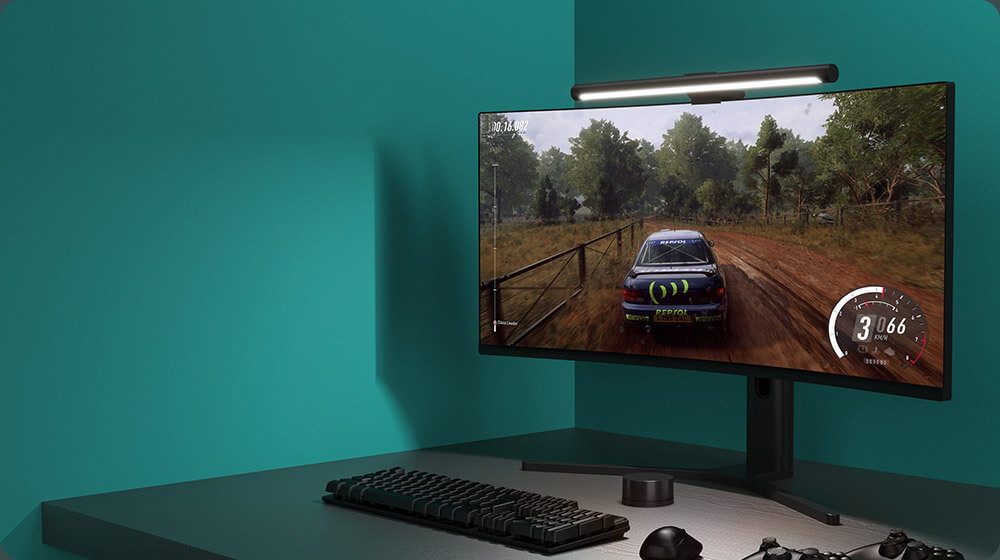
Mi Computer Monitor Light Bar
This asymmetrical light bar eliminates reflections by directing illumination only to the desk surface. The wireless control puck allows for an adjustment in brightness and color temperature comfortably, without clutter. With a CRI 95 rating, the device is highly suitable for professionals examining printed materials or color-sensitive samples.
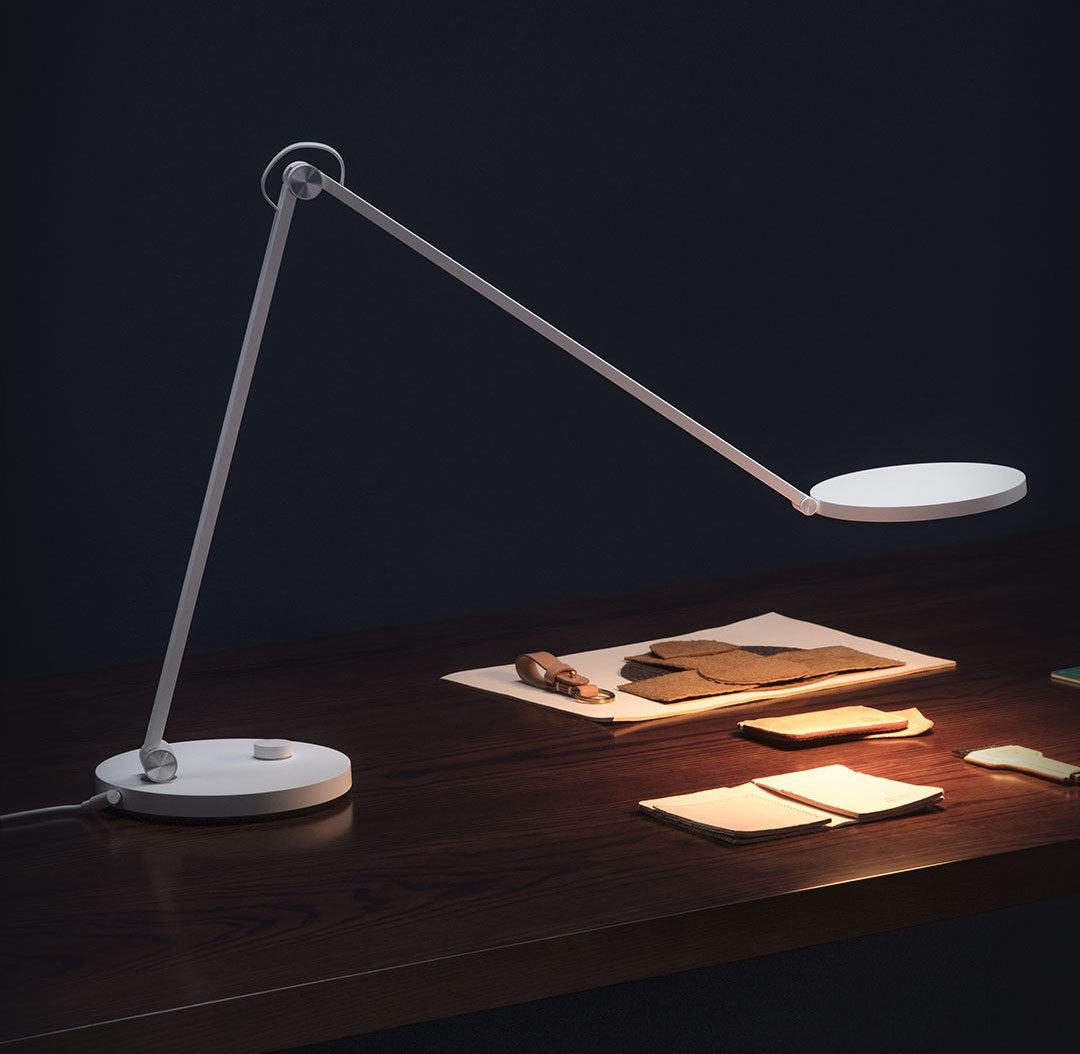
Mi Smart LED Desk Lamp Pro
Xiaomi’s desk lamp provides advanced lighting: uniform, with high CRI values and variable temperature. Its optical design limits visual fatigue during very long work sessions. With HyperOS, users can program lighting scenarios with Xiaomi Home routines to improve overall ergonomics in both home and corporate applications.
Networking and Connectivity Solutions by Xiaomi
Xiaomi Wi-Fi 6 and Wi-Fi 7 Mesh Systems
Xiaomi’s mesh routers offer stable multinode networking, very important for modern office environments that require constant high-bandwidth performance. Their AI-optimized routing, WPA3 security, and wide-range antenna structures minimize dead zones, ensuring reliable connectivity for online meetings, cloud services, and remote collaboration. They are also easily integrated with HyperOS devices, allowing real-time monitoring and management of connection priority.
Xiaomi’s ever-expanding office ecosystem shows how the firm has transitioned from a pure device maker to an integrated productivity platform. The fusion of monitors, lighting systems, routers, and tablets strikes a balance in bringing professionalism with cost efficiency. To users in worldwide, Xiaomi offers an affordable, high-end, and connected office setup, ready for 2025 and beyond.
Theme customization is one of the most recognizable parts of Xiaomi’s ecosystem, especially with the transition from MIUI to HyperOS. Many users often ask whether applying themes decreases battery life, and while this concern is valid, the answer depends on several independent factors like display technology, animation load, rendering behavior, and background services. Xiaomi’s software architecture, its theme engine, and features such as Super Wallpapers all play a measurable role in overall energy efficiency.
How Display Technologies Influence Theme-Related Power Consumption
The relation between a theme and battery consumption is strongly linked to the panel type.
LCD Display
An IPS LCD panel behaves differently compared to an AMOLED screen in terms of color rendering and backlight control.
On the IPS LCD displays, using black or dark themes does nothing to save backlight consumption, which means the theme has almost no direct effect on energy consumption. On AMOLED panels, however, illumination at the pixel level makes dark themes much more power-efficient. Since each pixel produces its light, black areas simply turn completely off, thus reducing energy draw and enhancing endurance.
AMOLED Display
True-black or dark-based themes have a noticeable effect on AMOLED panels found on Xiaomi’s flagships and upper-midrange models. A lower Average Picture Level (APL) means reduced pixel emission, which contributes to improved Screen-On Time. Users targeting longer battery life generally prefer true-black elements. The difference between pure black and dark gray is usually small, however.
White-dominant themes: High power draw
Dark themes: Up to 40–60% less display power
Best result: static black wallpaper
From MIUI to HyperOS: How System Architecture Shapes Battery Behavior
With the shift of Xiaomi from MIUI to HyperOS, there comes a redesigned rendering pipeline, introducing a more dynamic visual language. The OS uses improved resource scheduling; however, it introduces richer animations, real-time lighting effects, and more flexible visual elements.
These improvements enhance the overall visual quality, but at the same time, they can be GPU and CPU-intensive, depending on the theme applied. For instance, themes using blur or intensive icon overlays will increase the computational needs, particularly on mid-tier hardware. Following a major system update, some temporary indexing and background optimization might also affect battery behavior.
Alive Design and System Efficiency
HyperOS’s “Alive Design” features smoothly integrated natural animations, fluid transitions, and adaptive graphical elements. While optimized for modern chipsets and distributed computing, the use of visually heavy themes may offset some of these system-level efficiencies.
The Impact of Dynamic Elements: Super Wallpapers and Animated Components
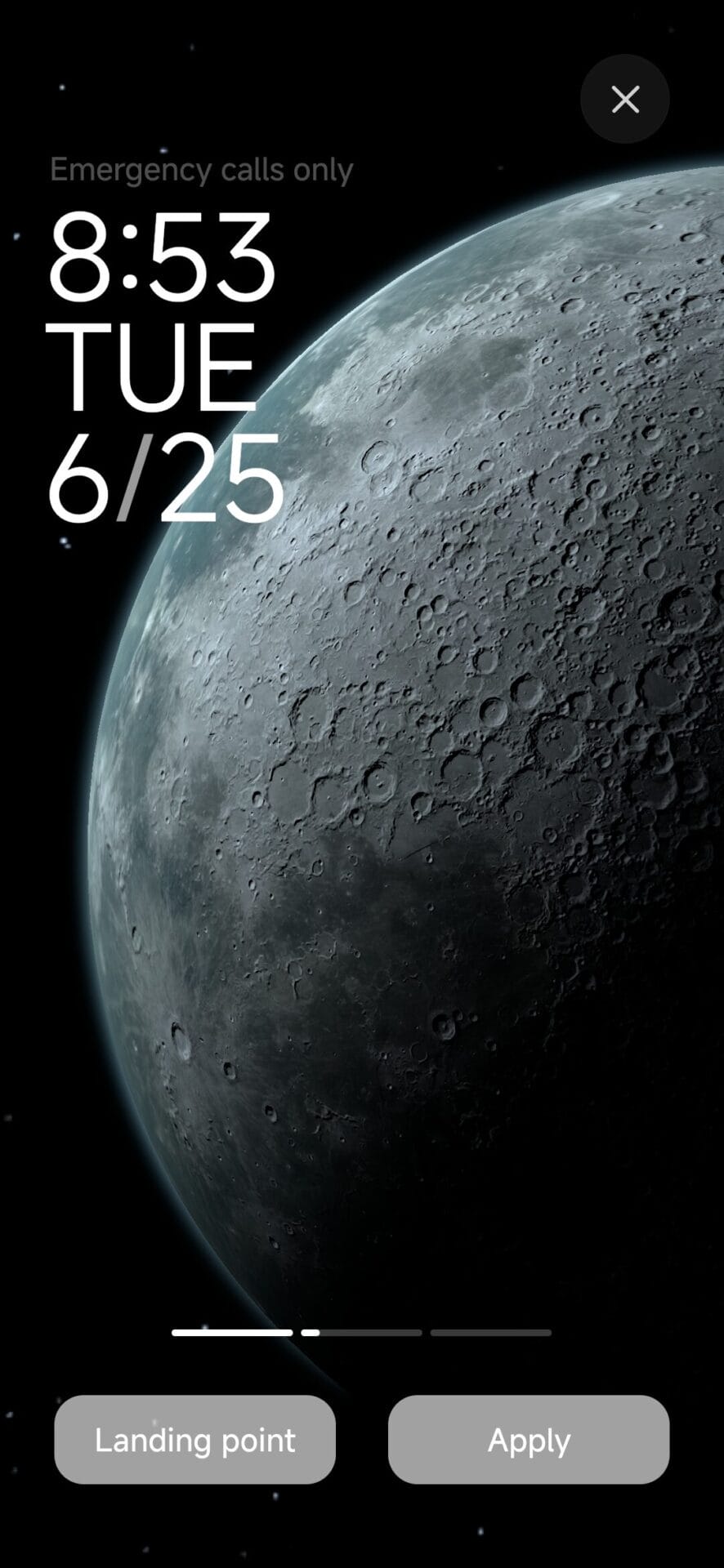
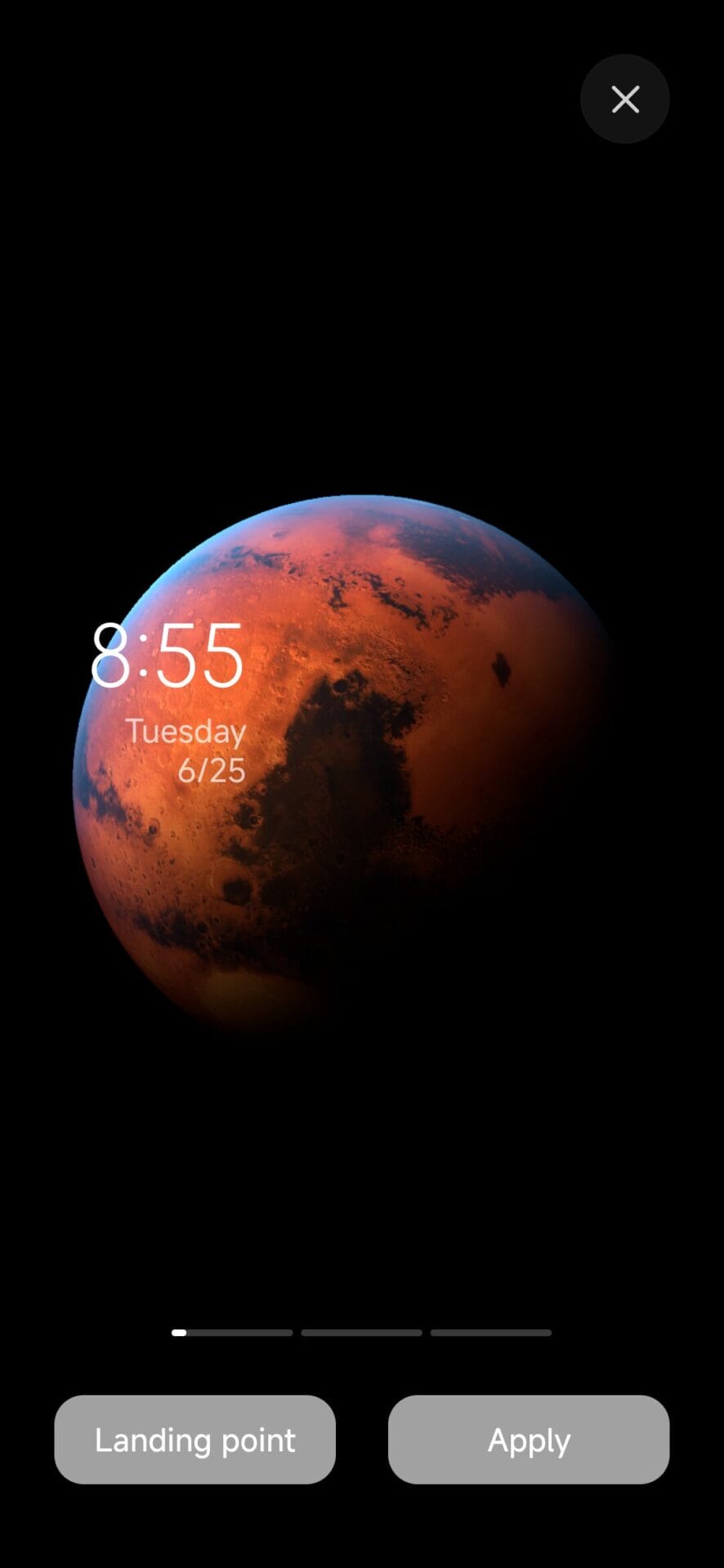
The most evident effect on battery performance is from dynamic wallpapers and animations. Super Wallpapers from Xiaomi work like real-time 3D scenes that are constantly rendering frame-by-frame rather than just showing static images.
These elements keep the GPUs active, use motion sensors, and prevent the device from going into low-refresh or deep-sleep states.
Impact Breakdown – Battery
Static black wallpaper: Best performance Video wallpaper: Increased power consumption, medium
Super Wallpapers: Up to 10–20% daily battery reduction
Dynamic widgets: Higher CPU and sensor polling
Users who would prefer higher endurance should refrain from motion-based themes and animated widgets.
Third-Party Themes: How to Optimize, Assess Risks, and Apply Best Practices
Third-party themes have many options to fine-tune but vary massively in the quality of the optimization. Larger image assets, icons that aren’t vector-based, or XML elements using deprecated attributes can make HyperOS utilize compatibility layers. This greatly increases memory usage and might lead to occasional frame drops and extra CPU cycles.
Characteristics of Battery-Friendly Themes
Simple vector icons
Static wallpapers
Dark UI background for AMOLED screens
No blur, glow, or motion effects
Minimal usage of widgets
Theme usage on Xiaomi does not reduce battery life across the board; rather, it depends on hardware employed—be it AMOLED or LCD, system architecture, which can either be MIUI or HyperOS, and the complexity of the theme used. If selected well—and better if lightweight, static, and optimized—users can easily enjoy personalization without compromising power efficiency.

 Login
Login