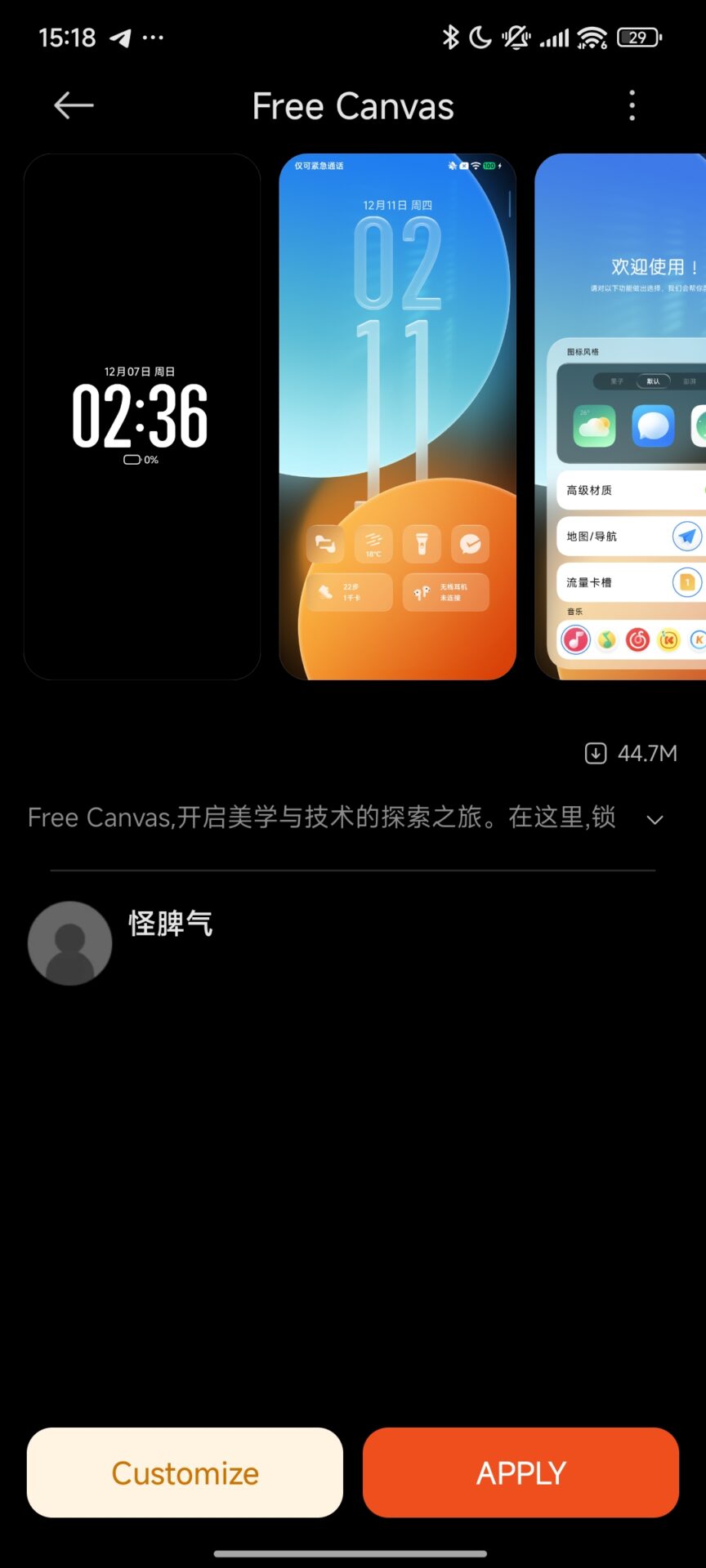
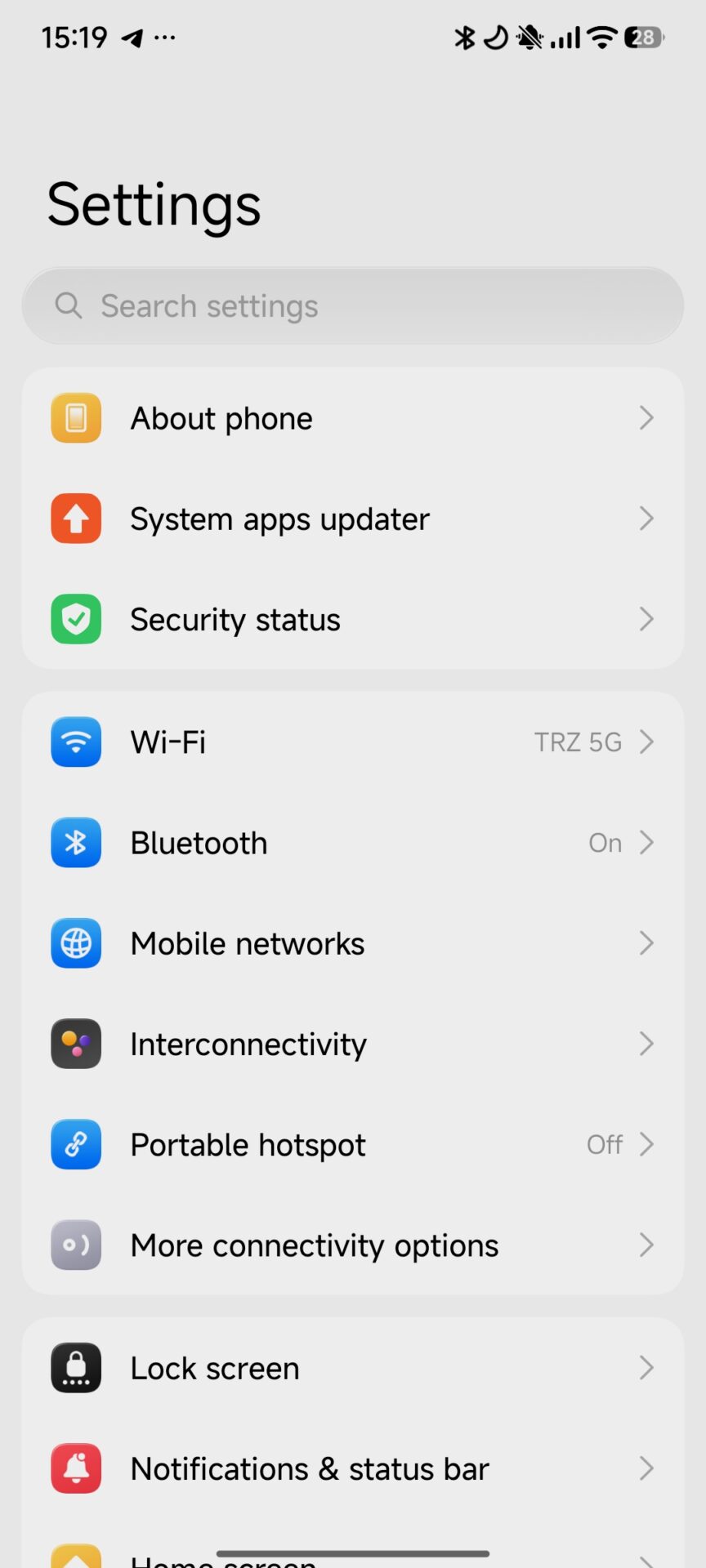
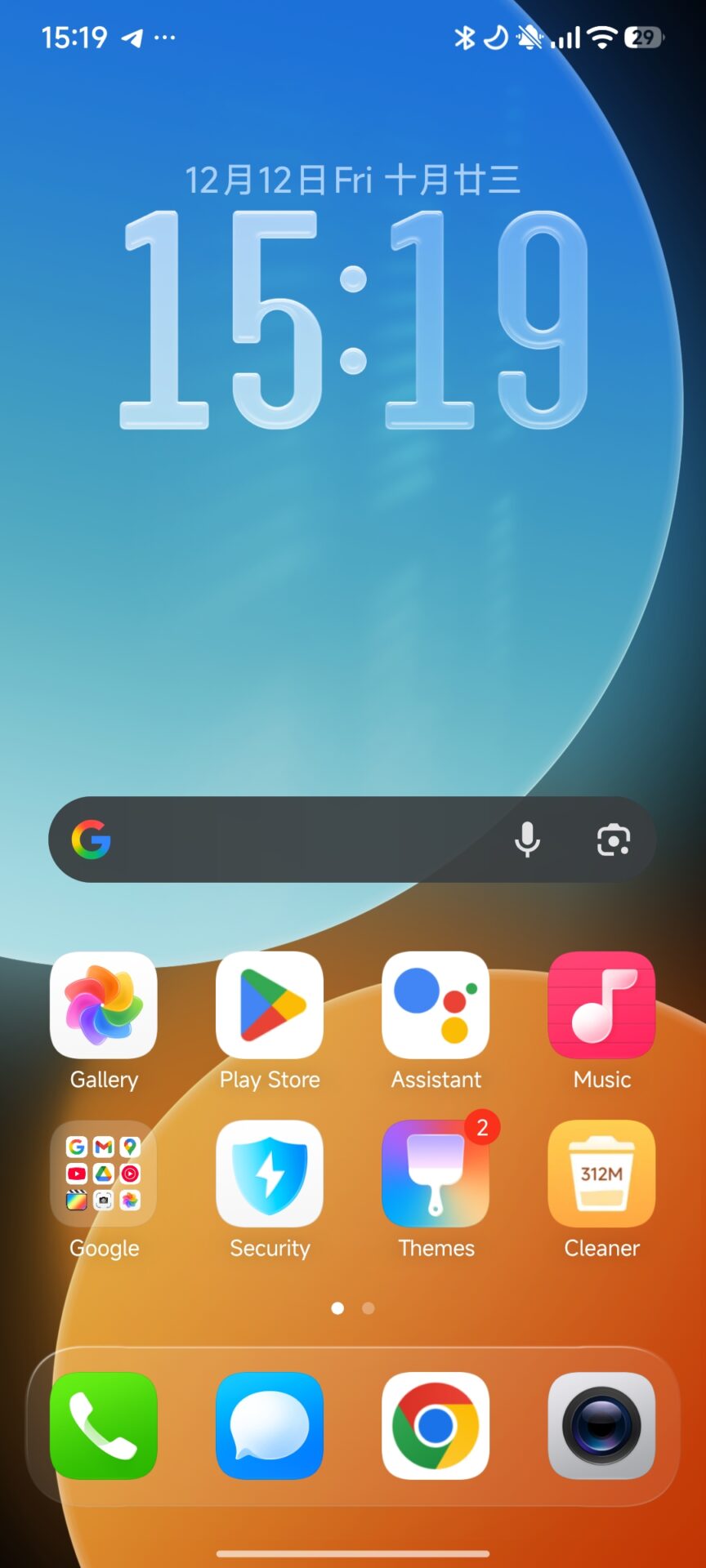
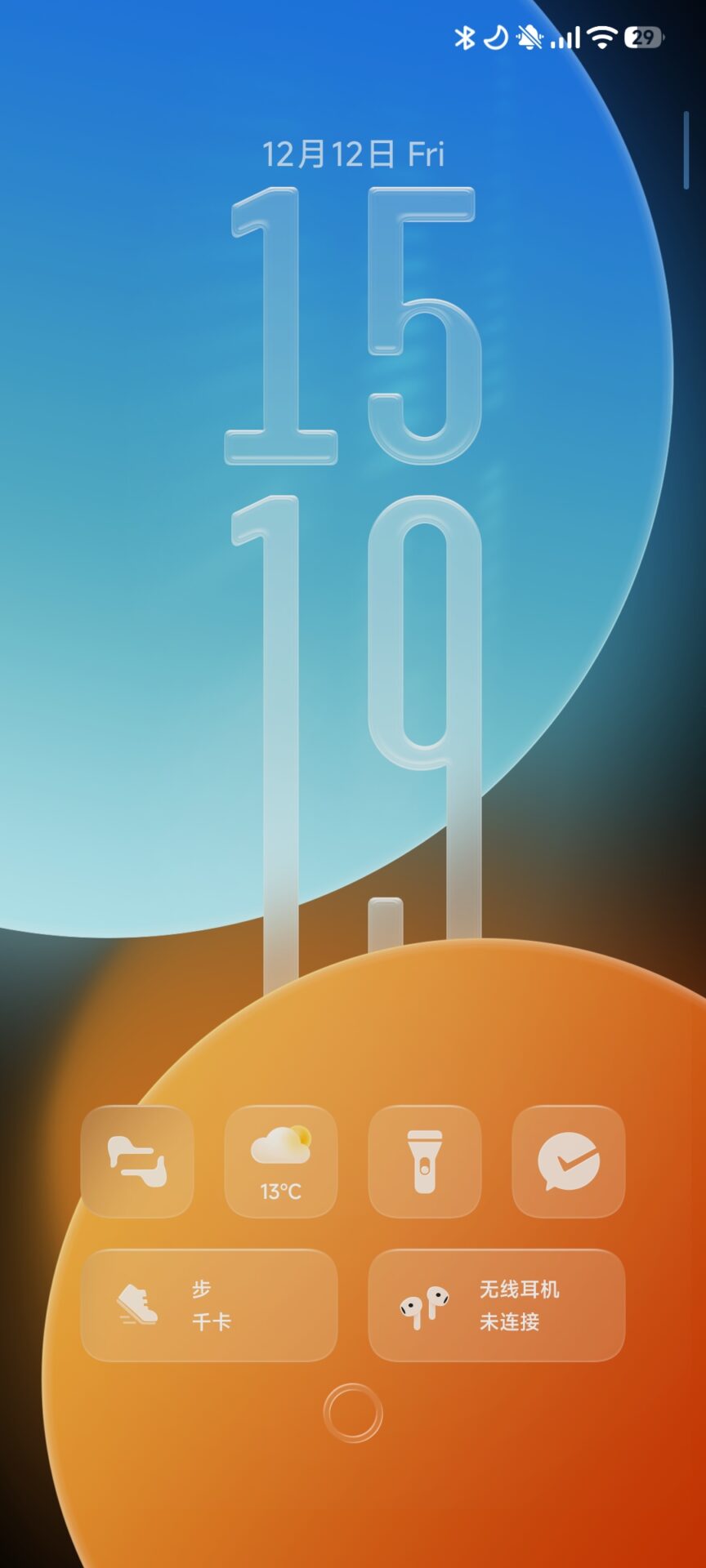
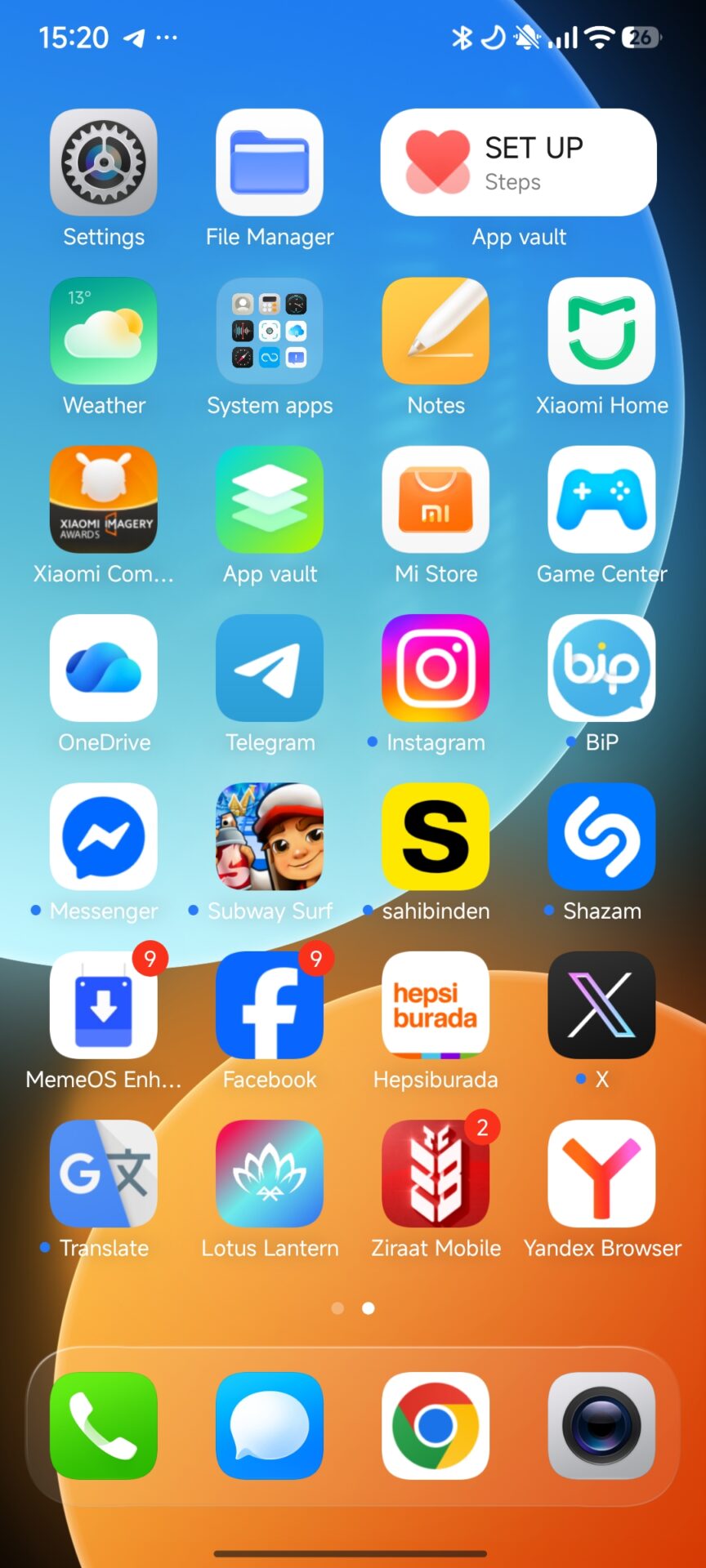
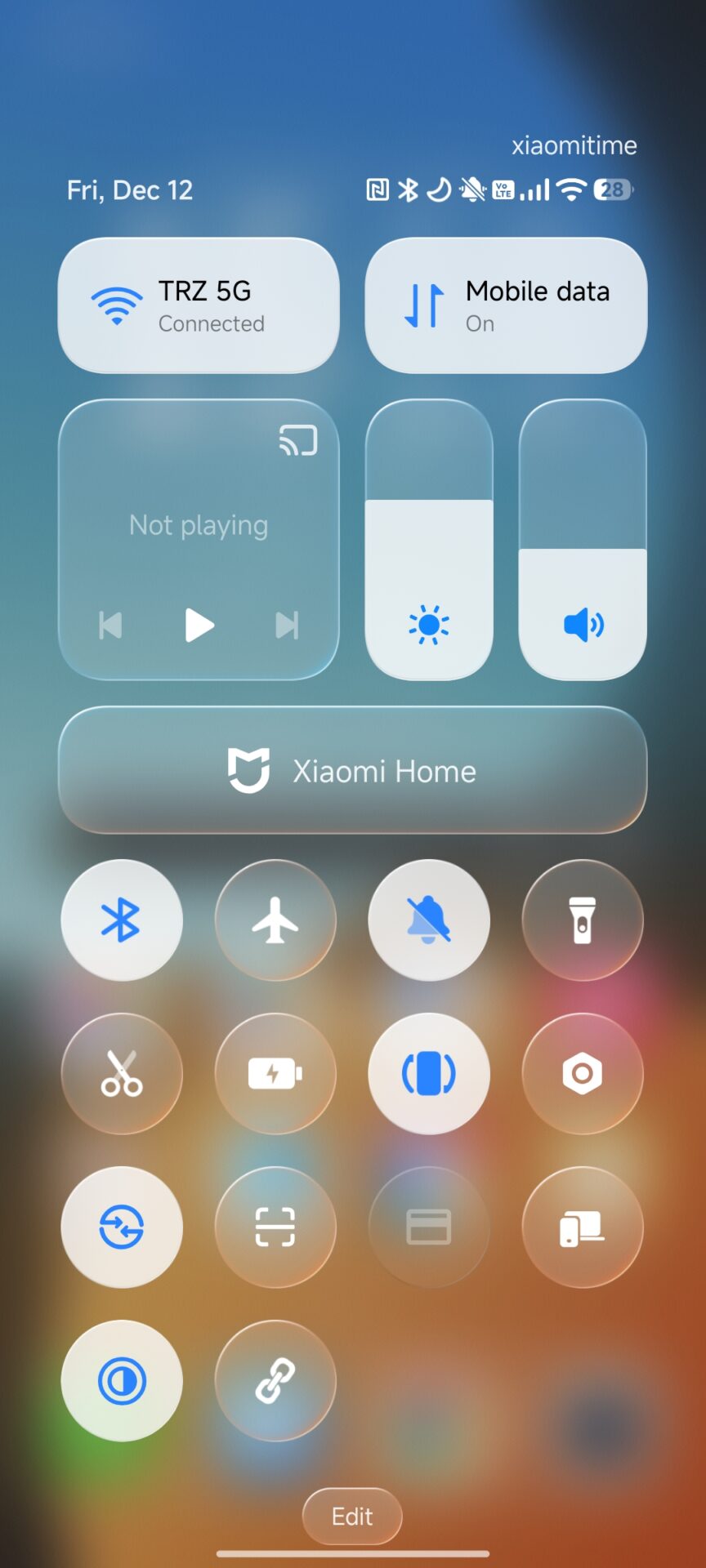
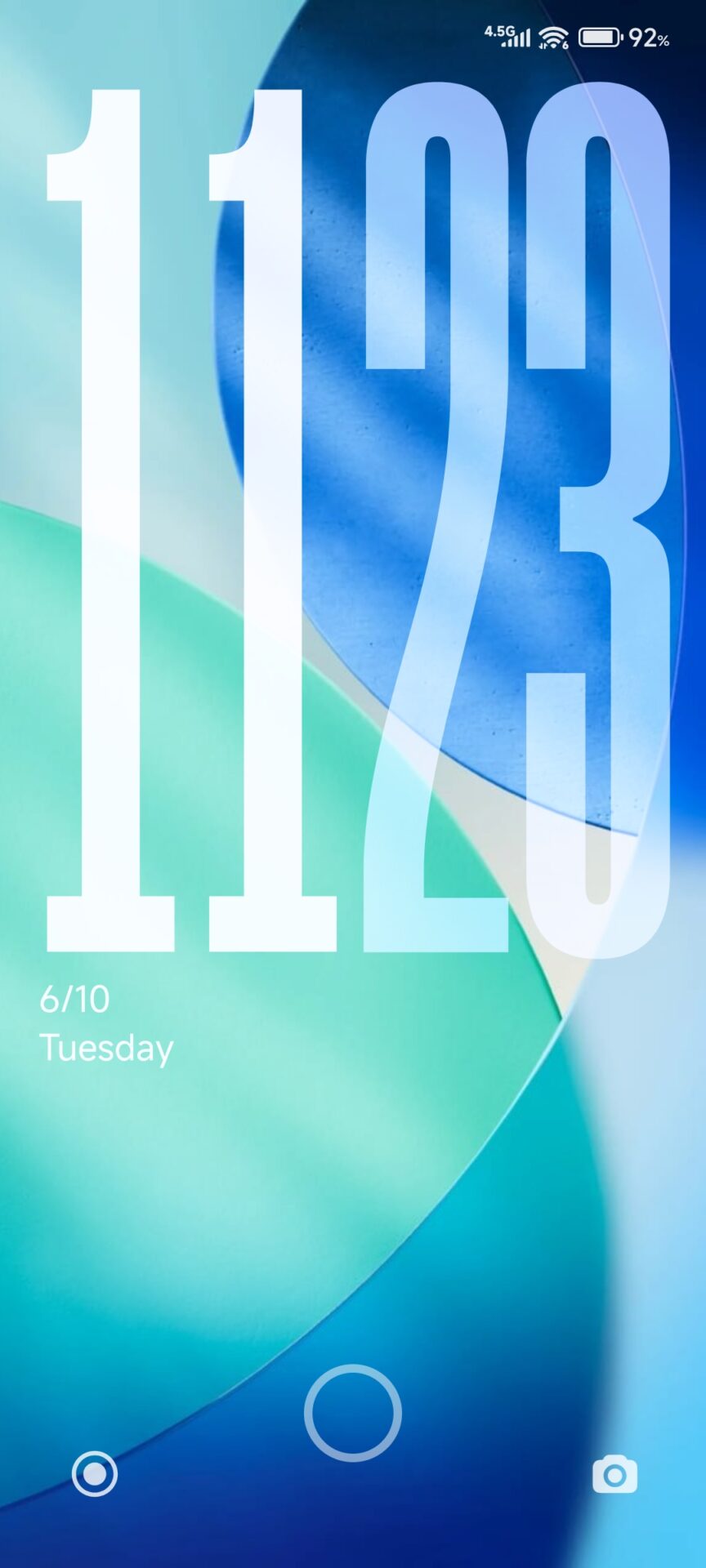
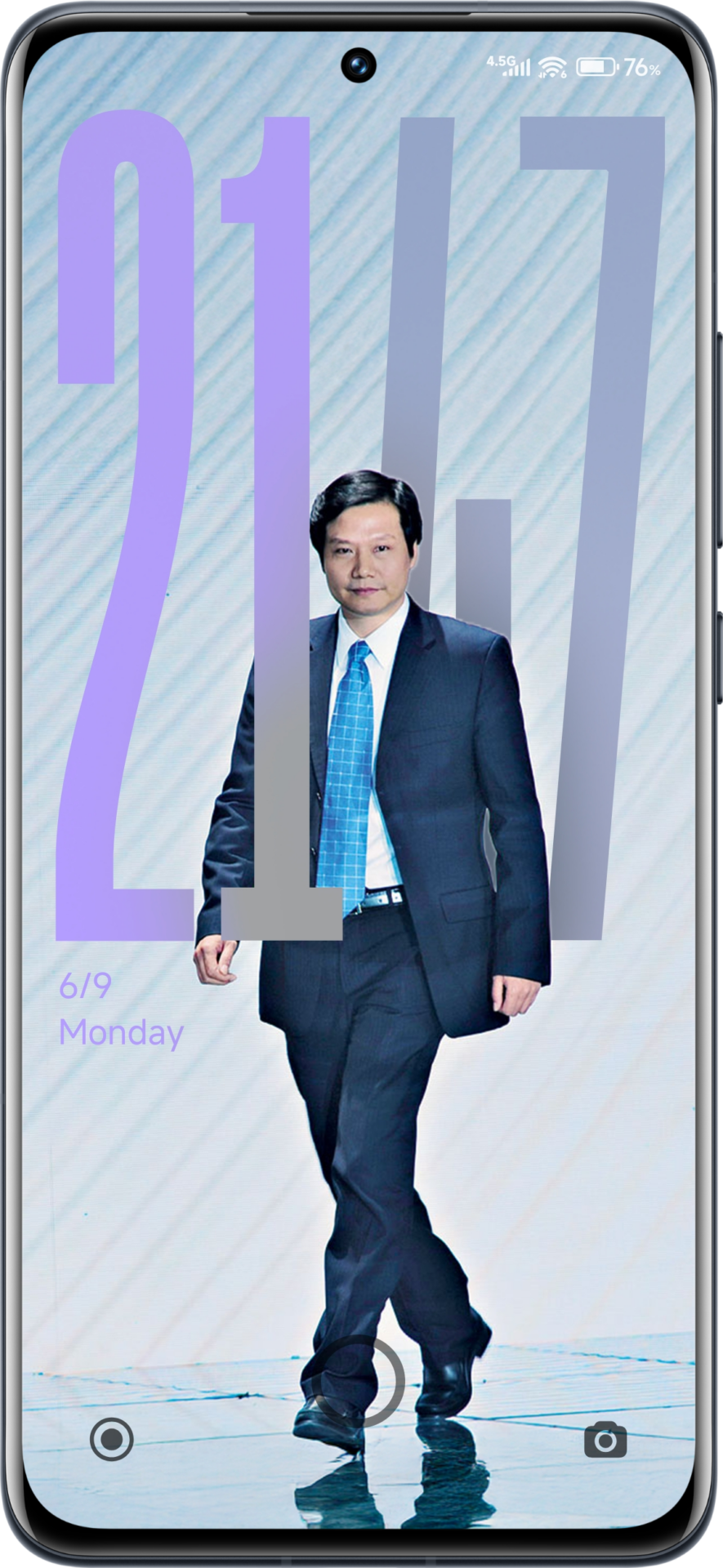
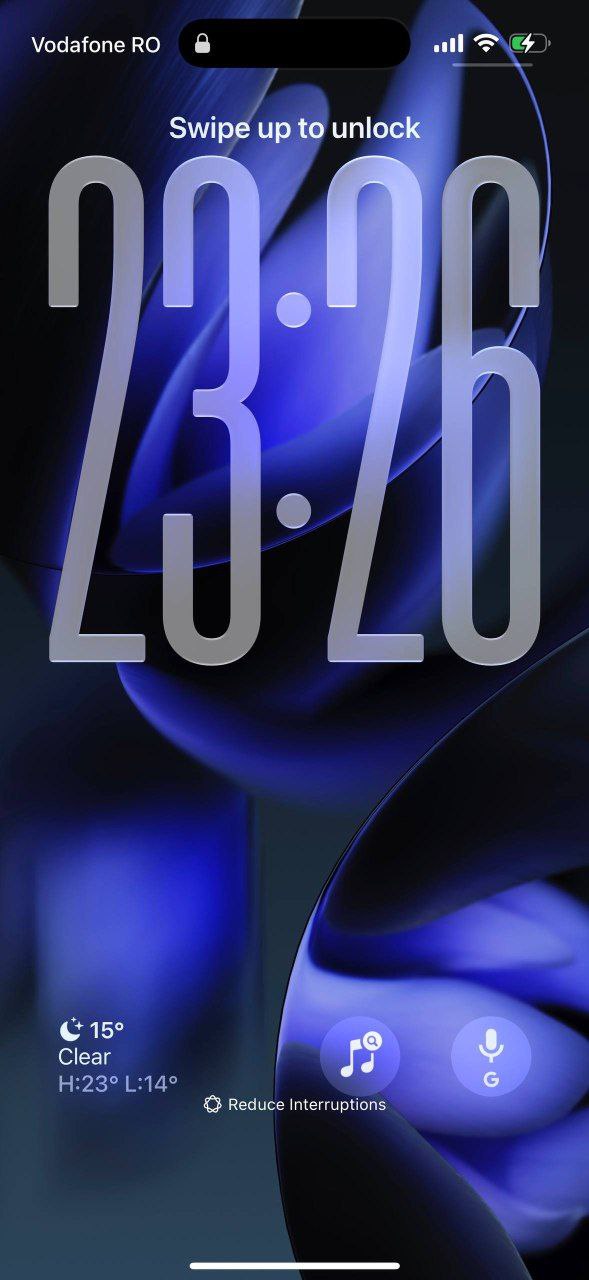
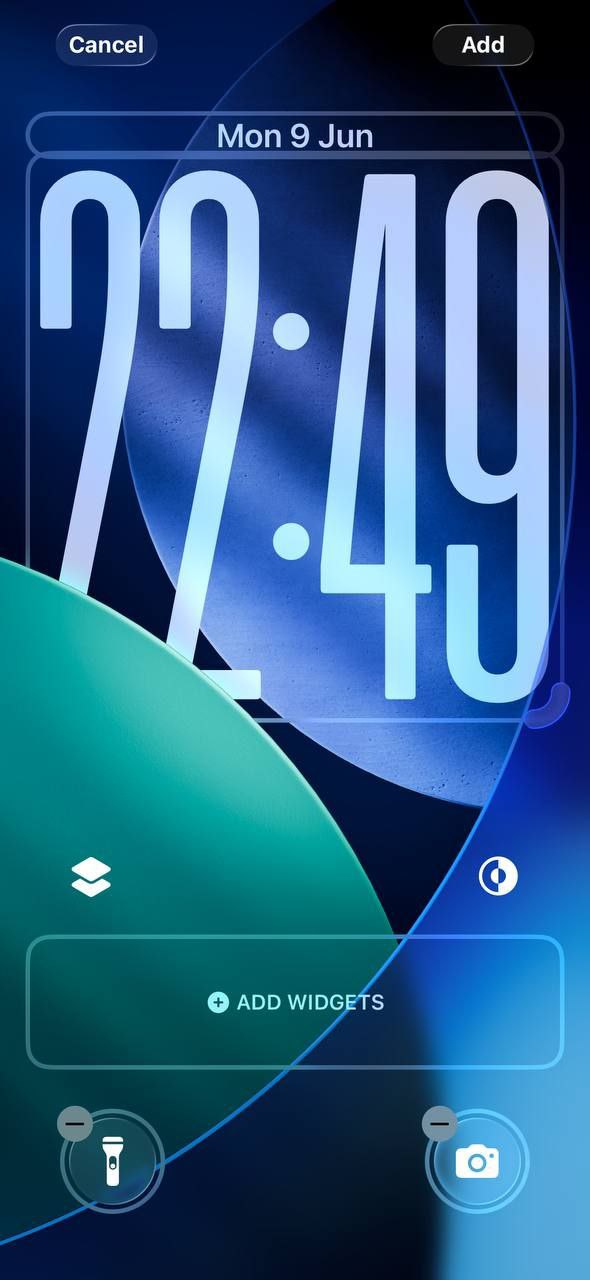
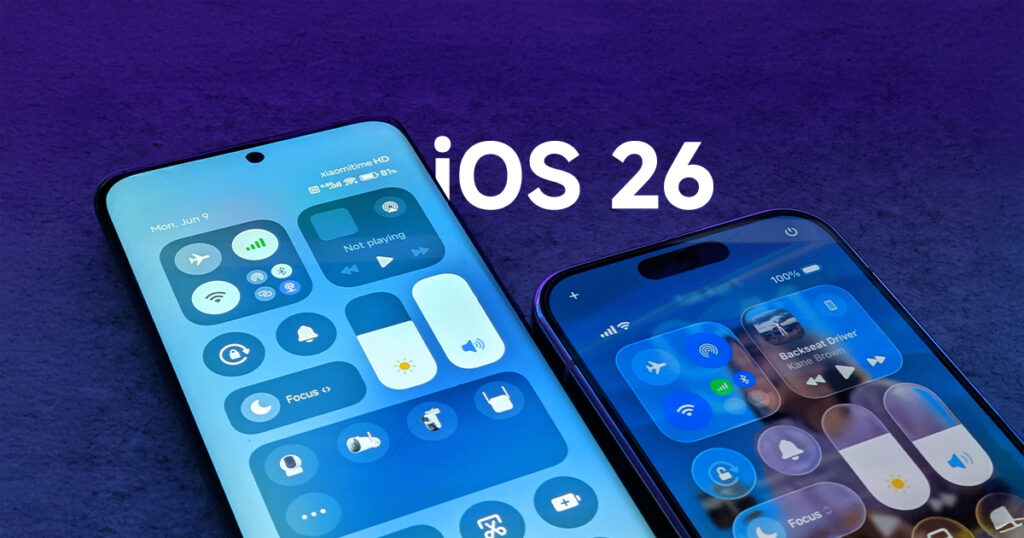
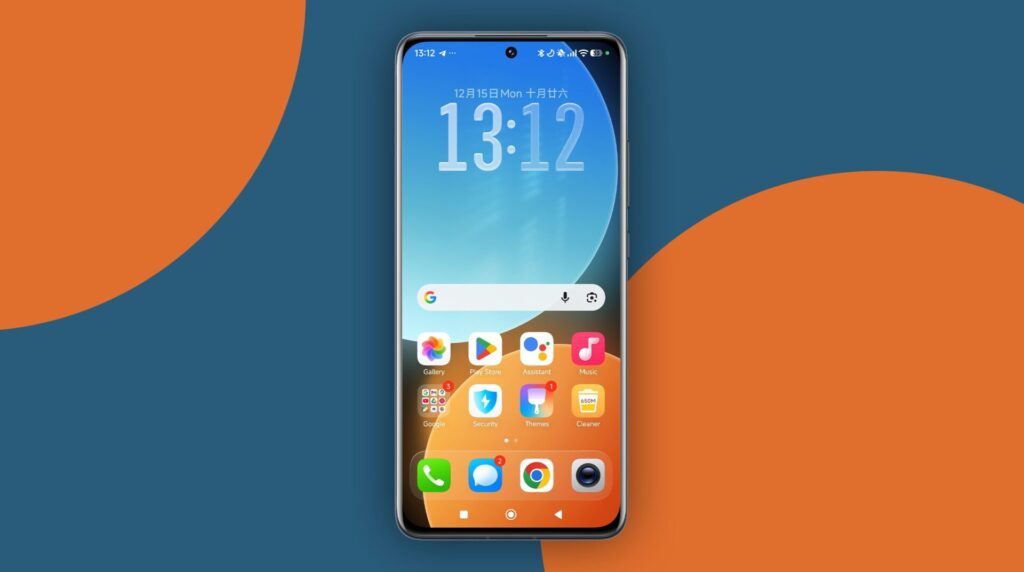
For users interested in replicating the visual sophistication of iOS 26 on Xiaomi devices running HyperOS, a range of customization strategies are now accessible. This guide presents a systematic approach to achieving an iOS-inspired interface while retaining the core functionality of HyperOS. The procedures outlined encompass the installation of modified system components, application of official wallpapers, and the configuration of specialized launchers and themes.
Installation theme
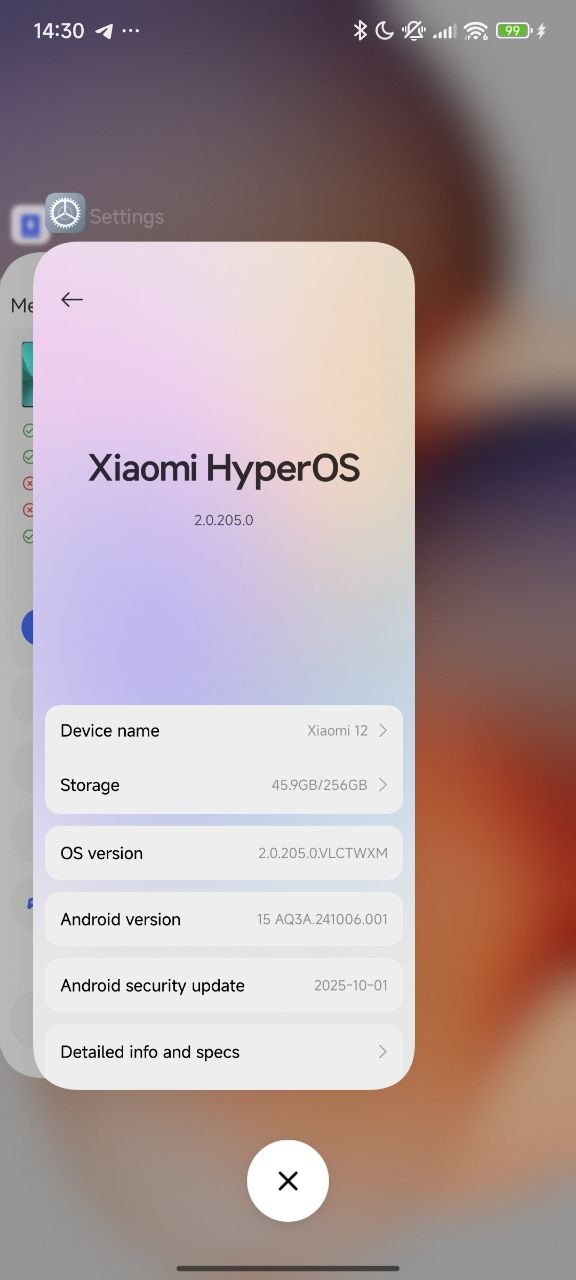
With the new theme installation feature, we can now install any theme. You can try the new iOS theme running on HyperOS 1, 2, and 3.
Authenticity in visual transformation relies on the use of high-resolution, official iOS 26 wallpapers. Curated collections are available online, optimized for a wide range of Xiaomi device screens. Installation of these wallpapers is recommended for both the home and lock screens to reinforce the consistency of the iOS aesthetic.
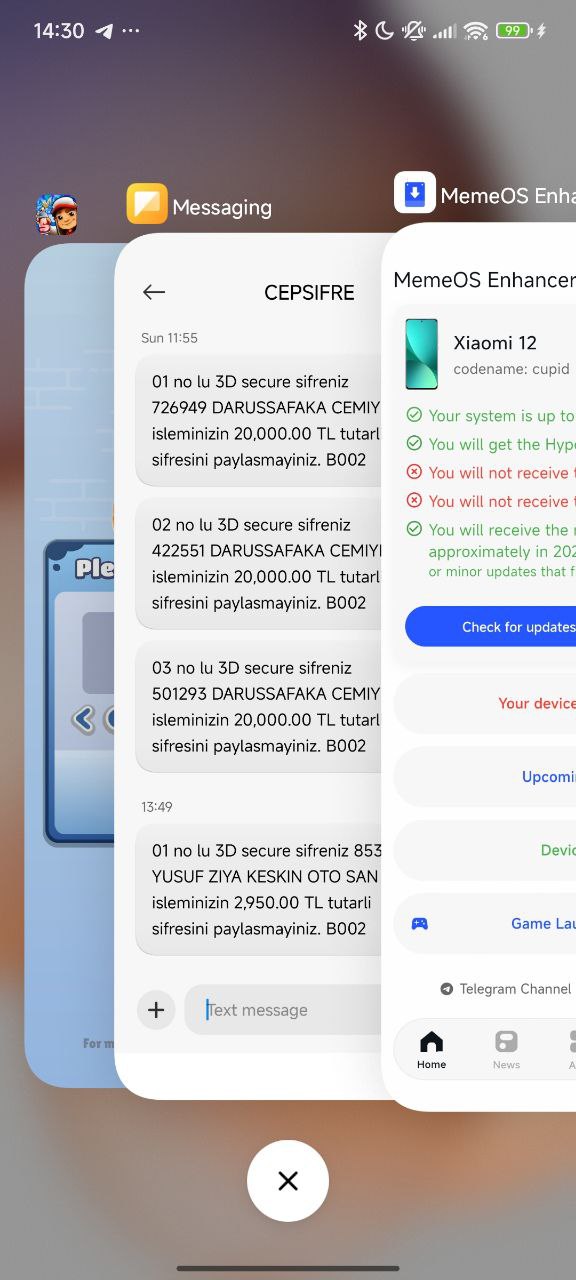
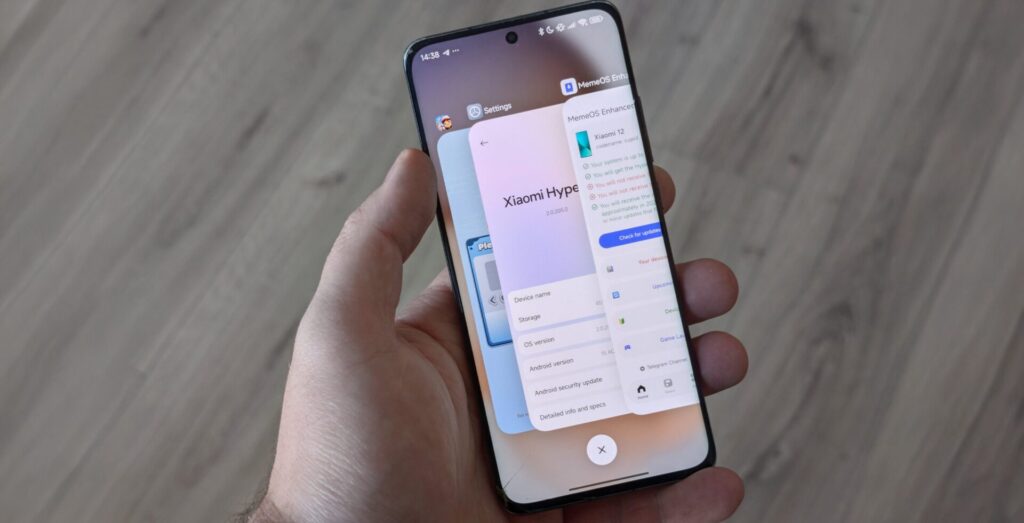
New official HyperOS 3 Launcher with iOS recents
The use of a new HyperOS 3 launcher is essential for replicating iOS 26’s distinctive app management interface. Such launchers introduce features including an iOS-style recent apps view and refined animation transitions. These modifications not only enhance visual fidelity but also maintain efficient system performance.
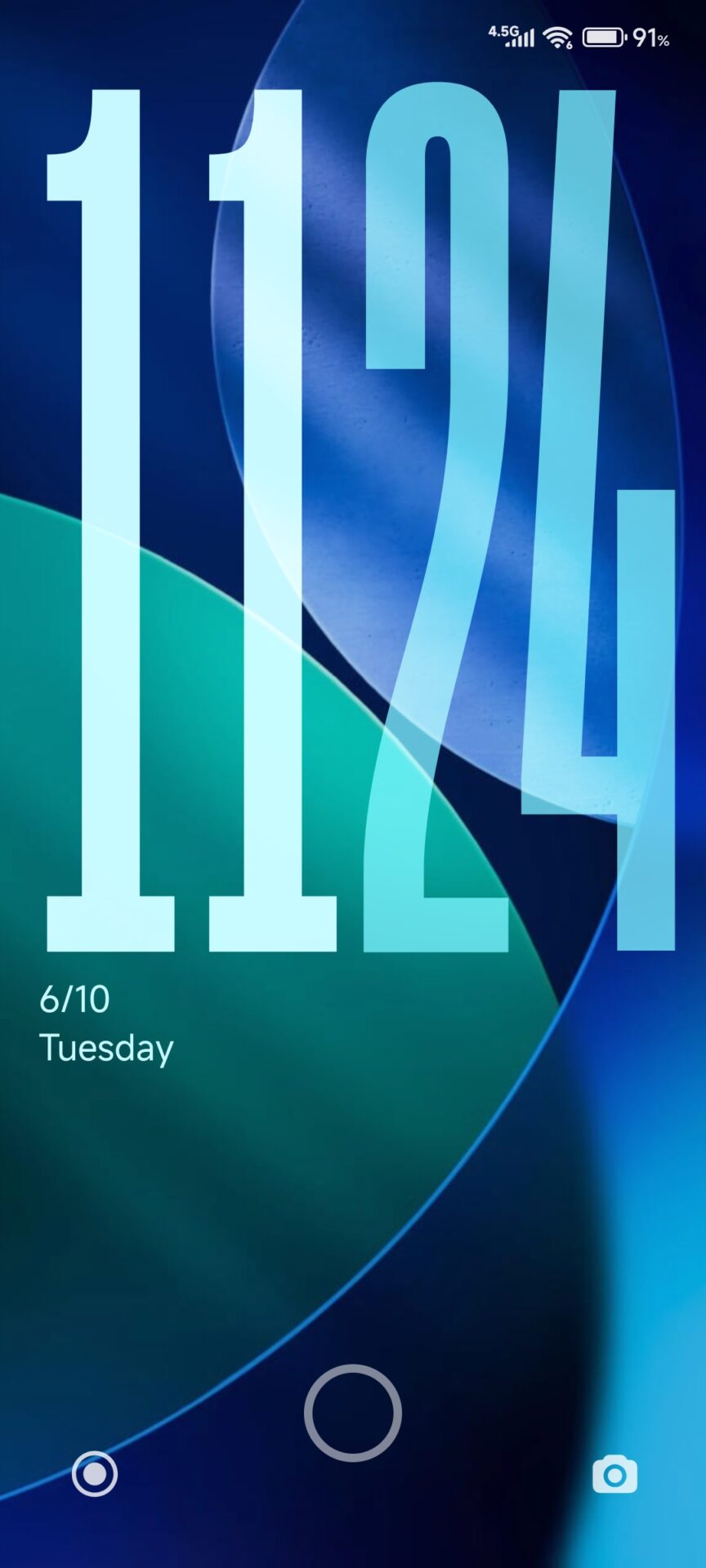
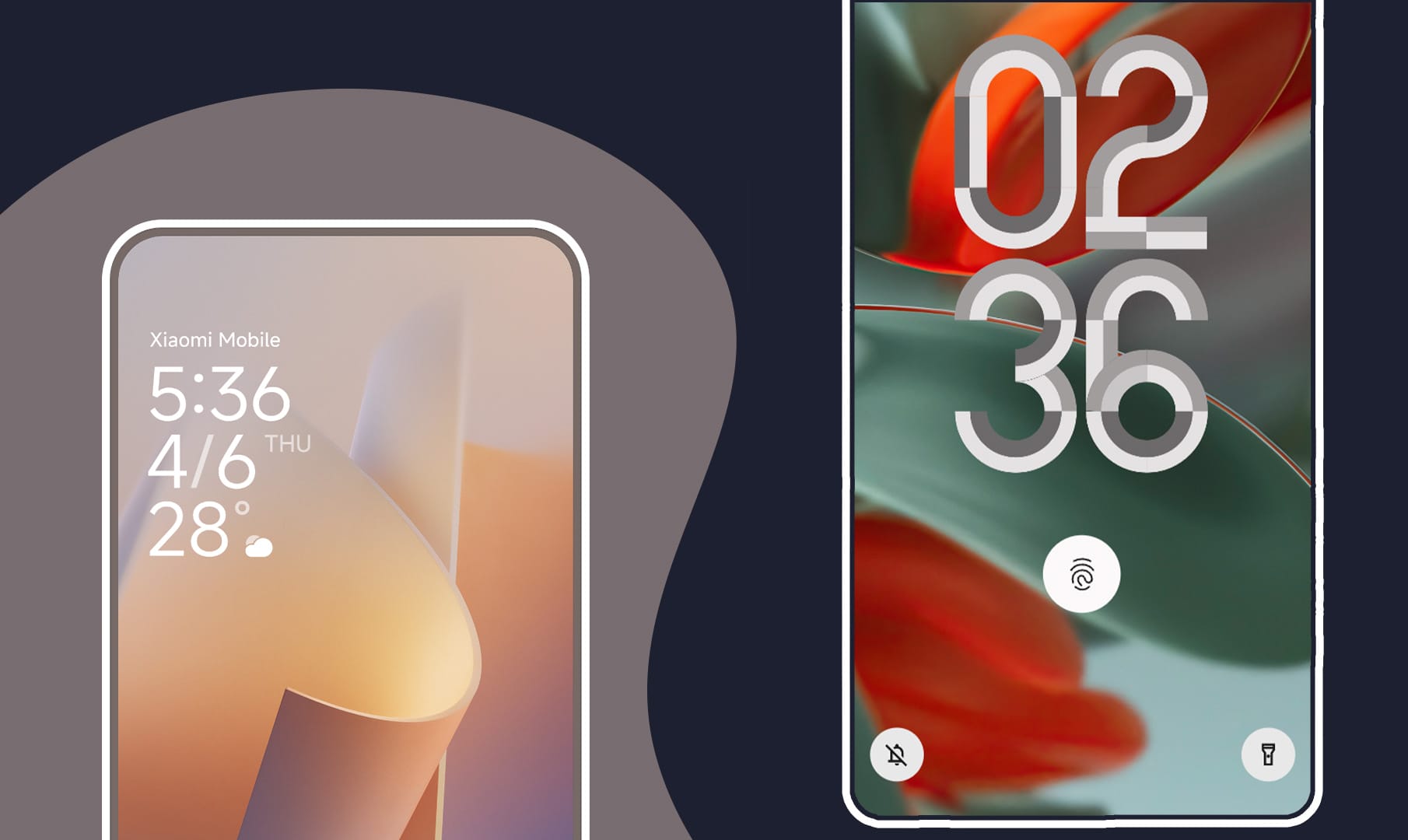
Customization of Lock Screen Clock Style
HyperOS provides a variety of clock style options, some of which closely resemble the lock screen clock introduced in iOS 26. Users can select the most appropriate style by navigating to device lock screen settings, thereby achieving greater visual alignment with Apple’s design language.
Additional Customization Tools
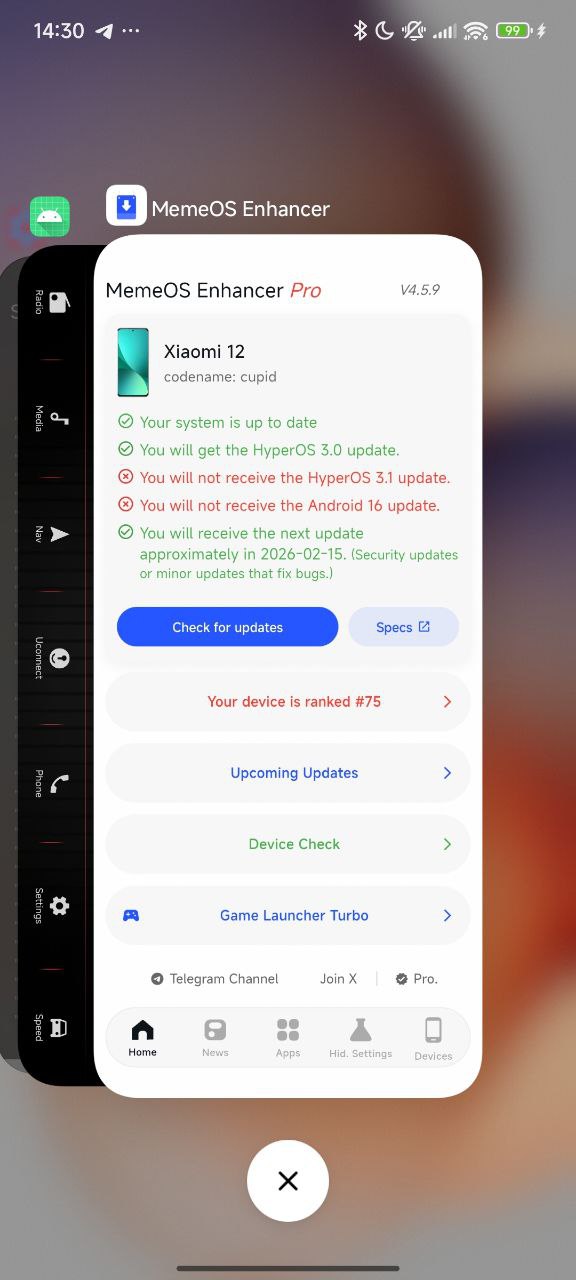
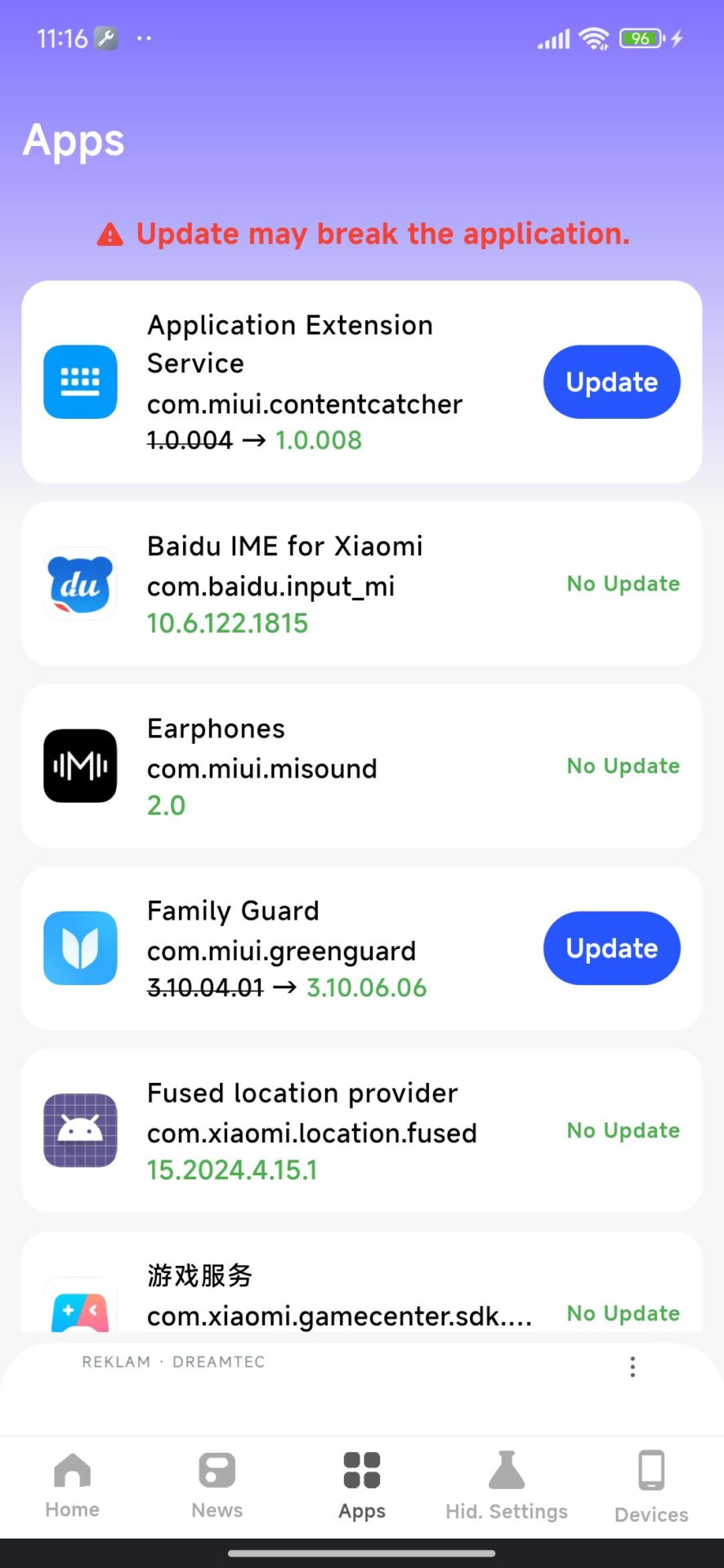
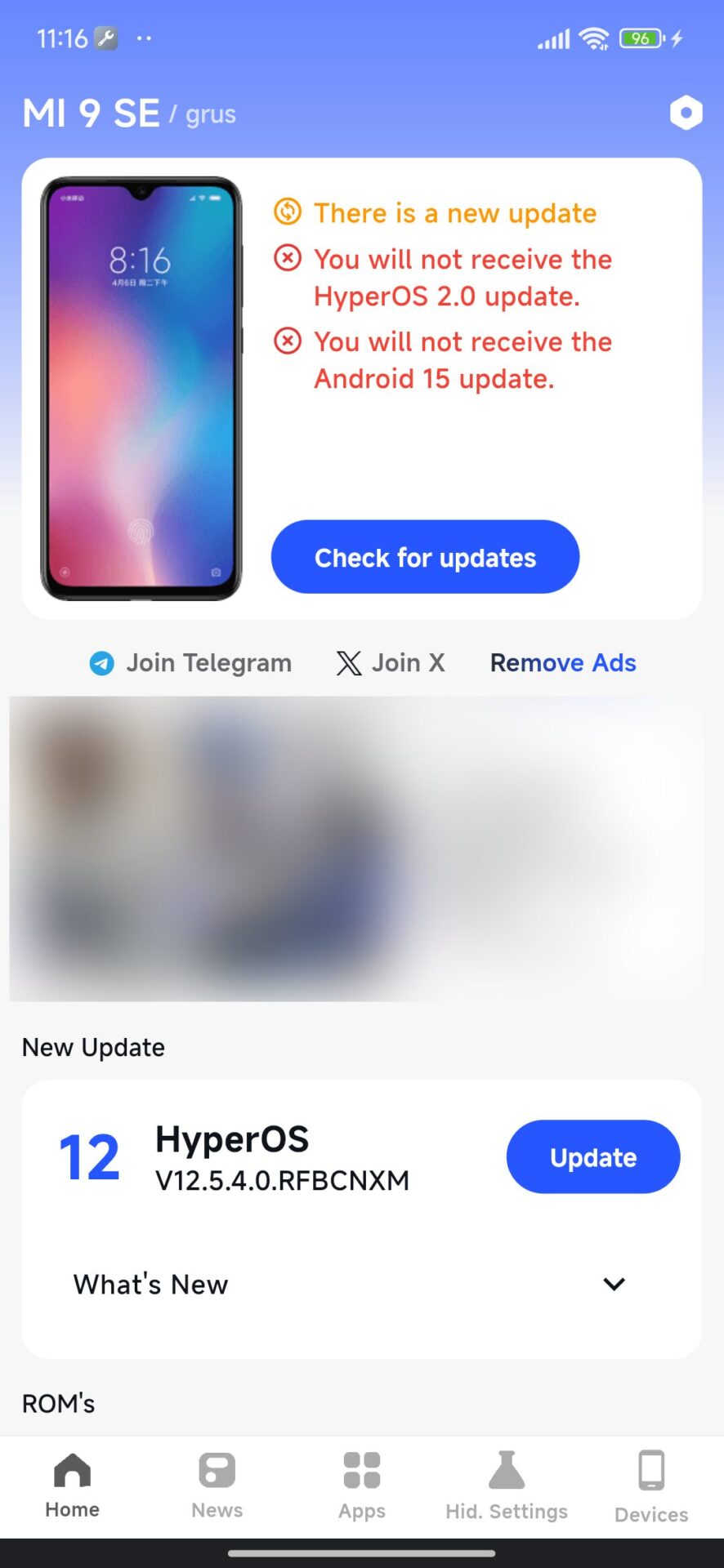
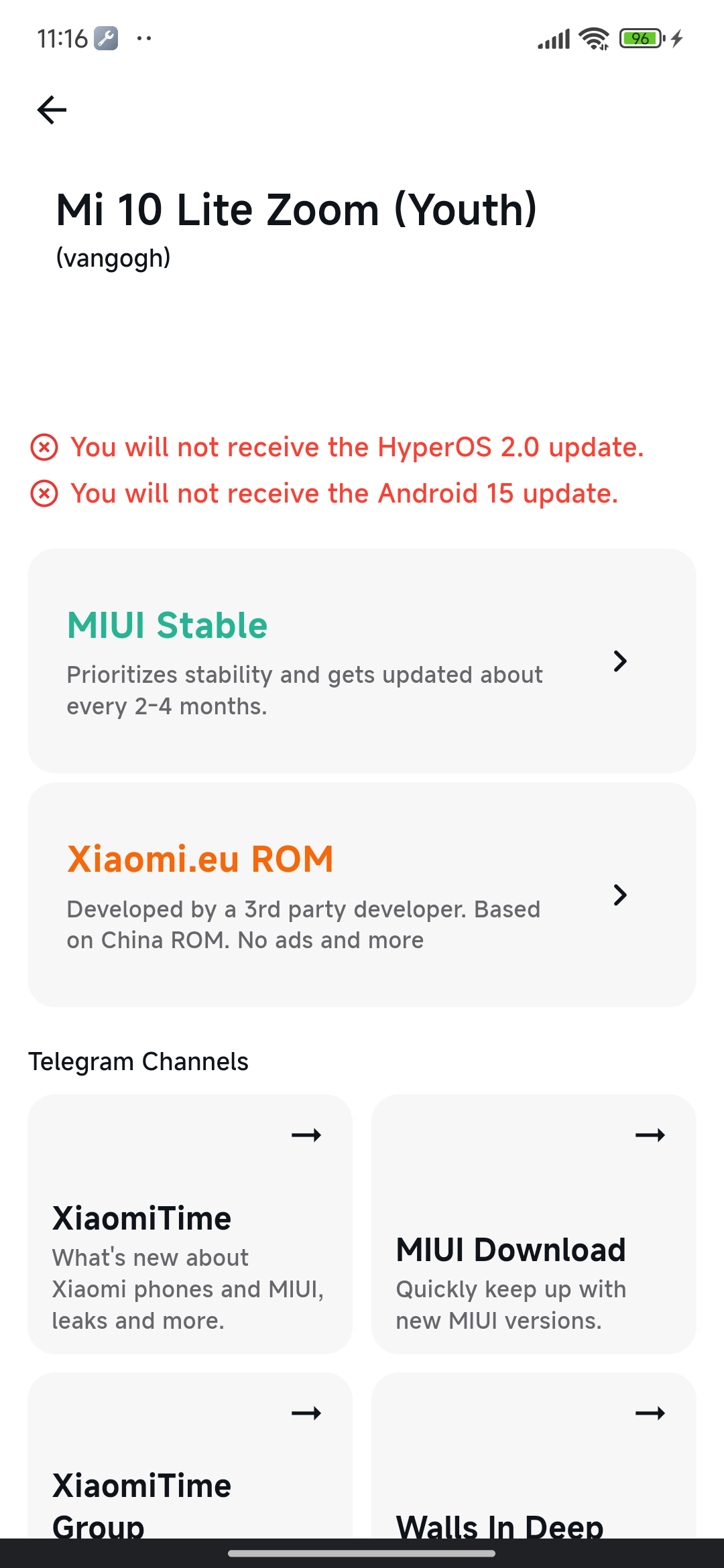
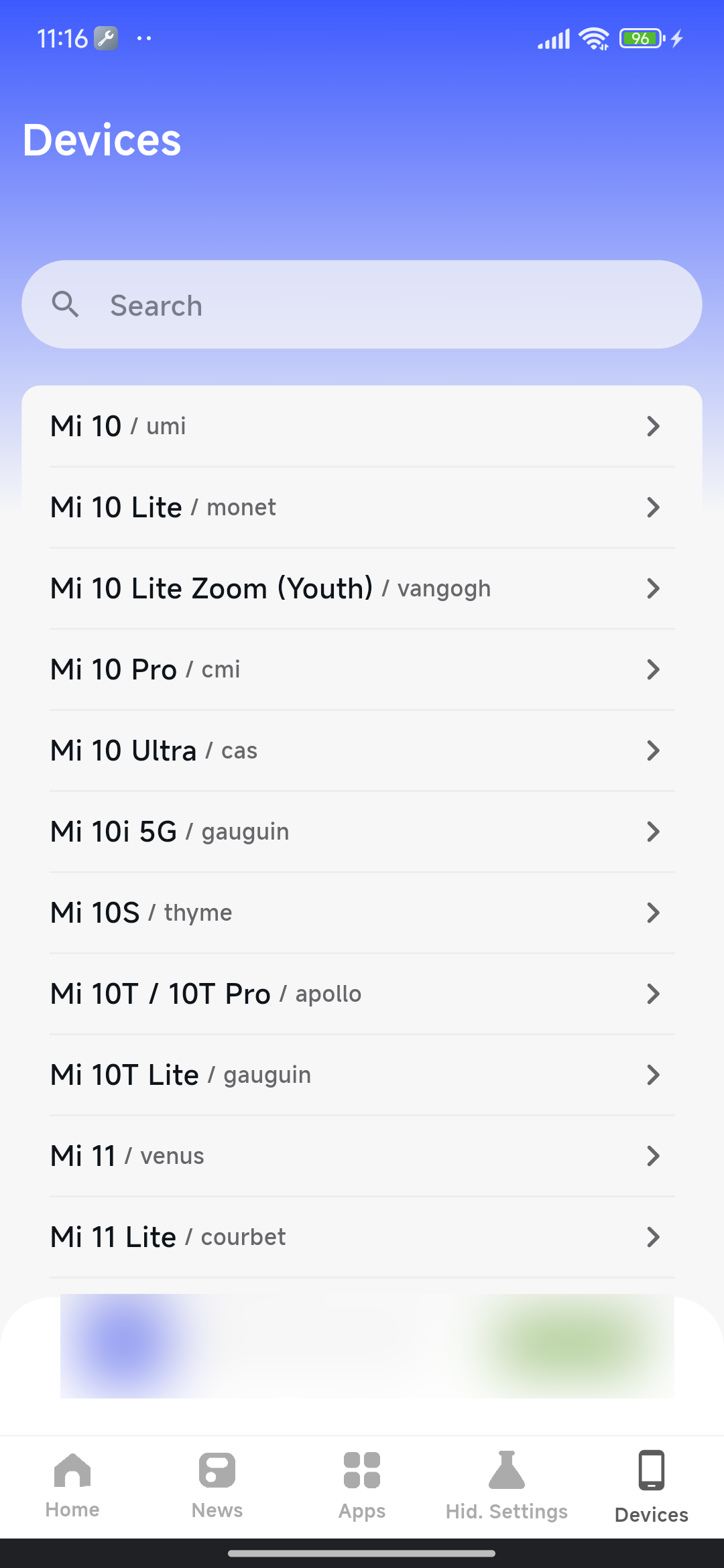
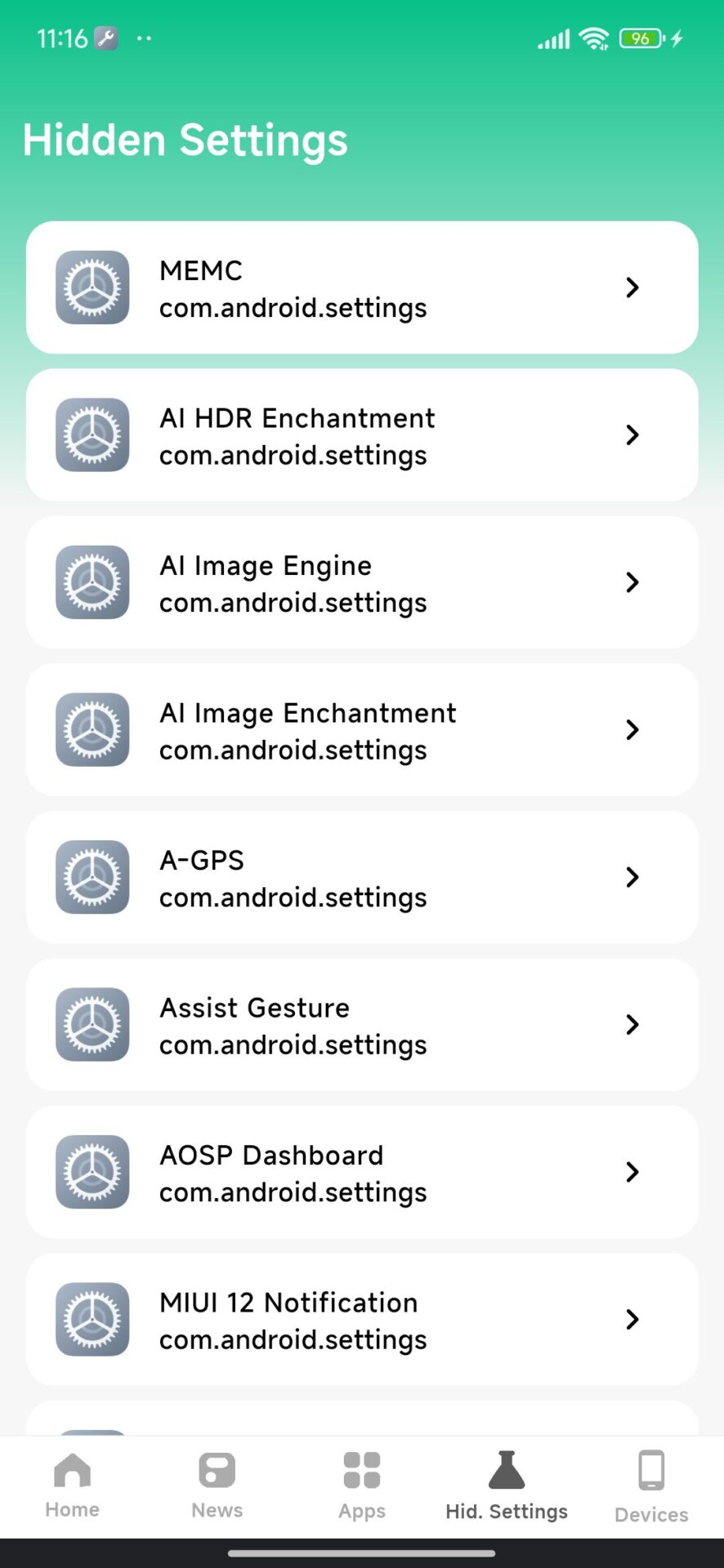
Advanced users may wish to employ utilities such as MemeOS Enhancer, available via the Play Store. This application enables access to additional hidden features, system app updates, and direct system modifications.
Xiaomi has now found a way to enable the much-awaited recent apps page in the style of the original iOS on older versions of HyperOS without having to wait for the latest version, HyperOS 3. This is particularly important to those users who are fans of the visual treatment for multitasking in the style of the original iOS but do not want to leave the Xiaomi camp.
What Is iOS-Style Recent Apps UI?
The recent apps screen, à la iOS, sees the traditional app switcher replaced by vertically stacked cards that blur and fade as users swipe through them. Xiaomi, for instance, experimented with the concept of vertically stacked cards after conducting its community survey of users in 2023, where the company asked users if they would want the iOS layout for recent apps.
In HyperOS 3, this functionality works without any issues and can easily be activated from the system settings itself. Notwithstanding this, the Xiaomi developers have also provided the required framework for activation of the functionality in older HyperOS versions.
How to Enable It on Older Versions of HyperOS
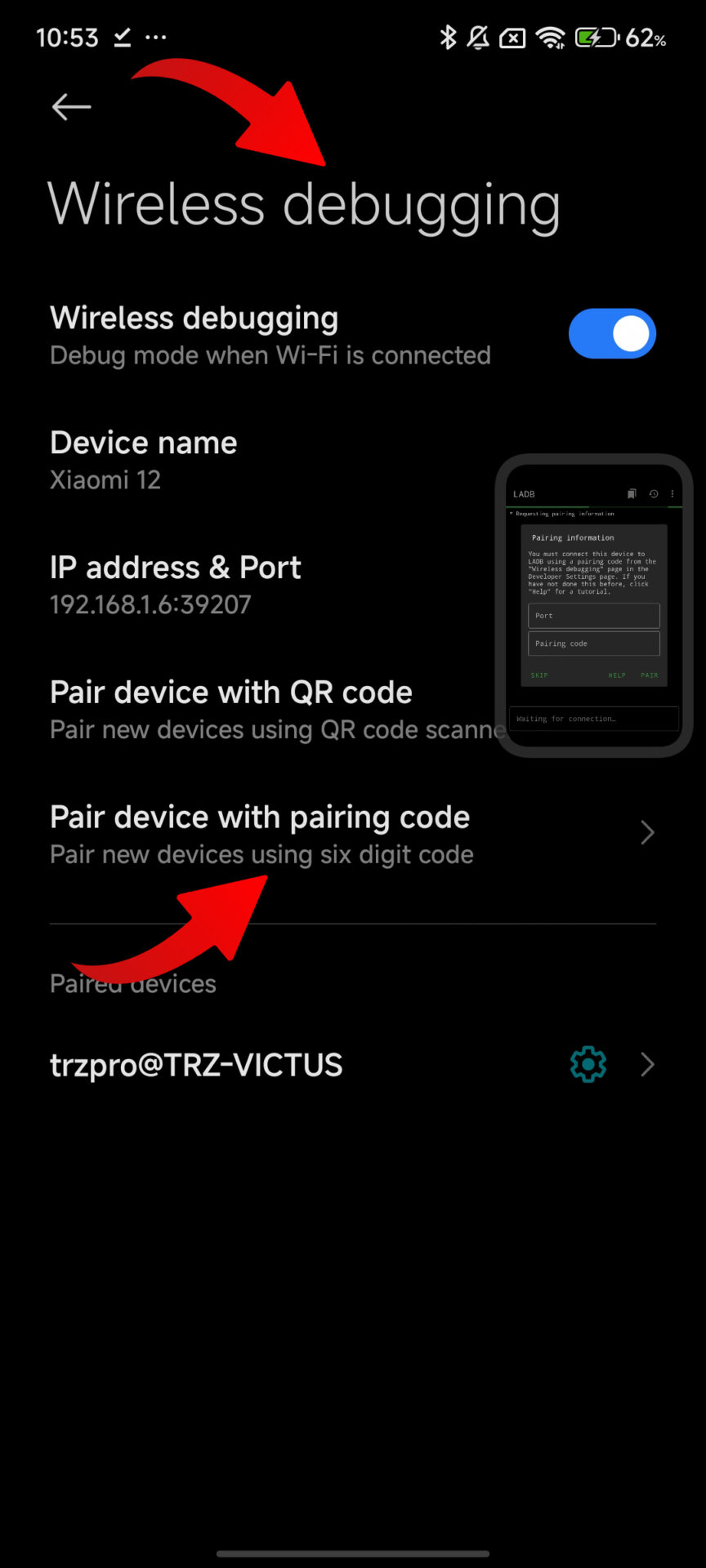
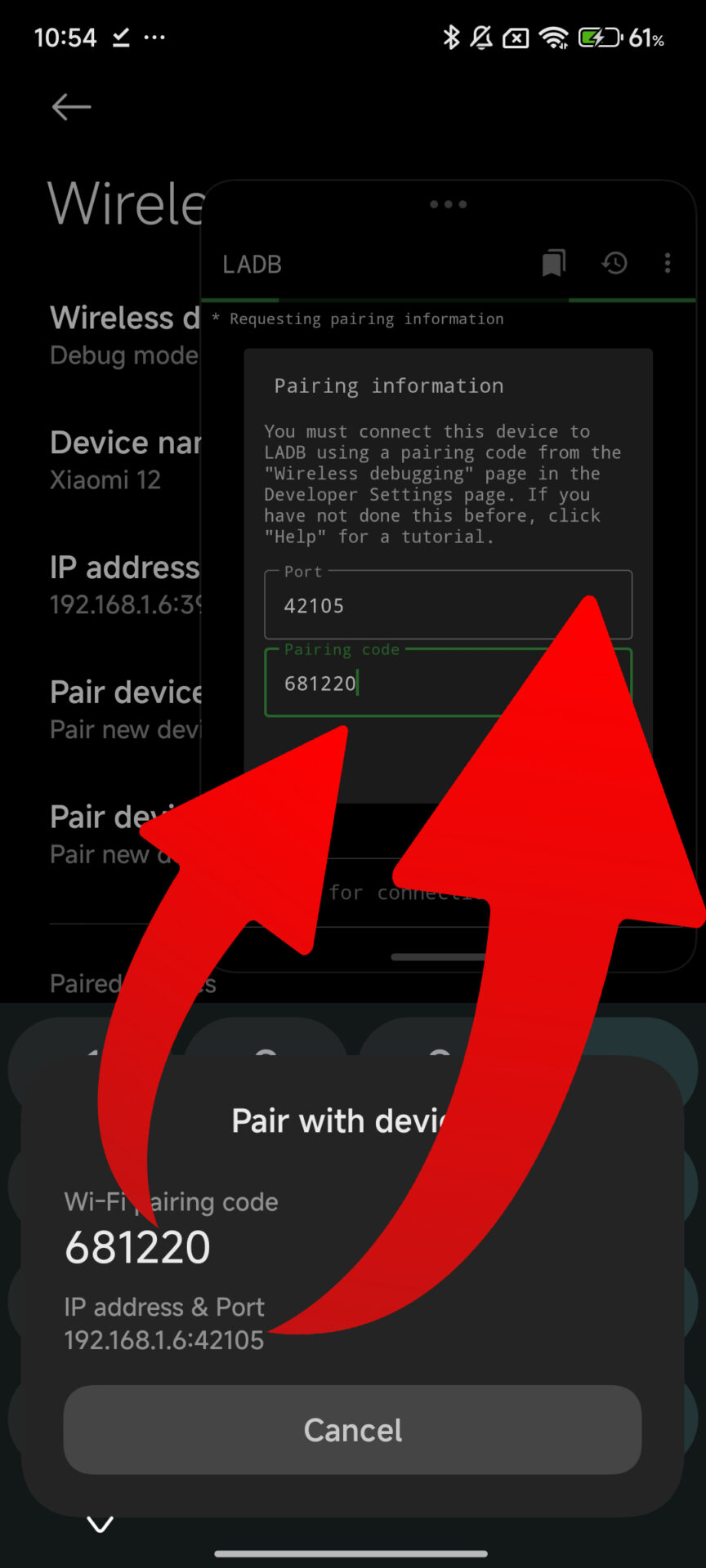
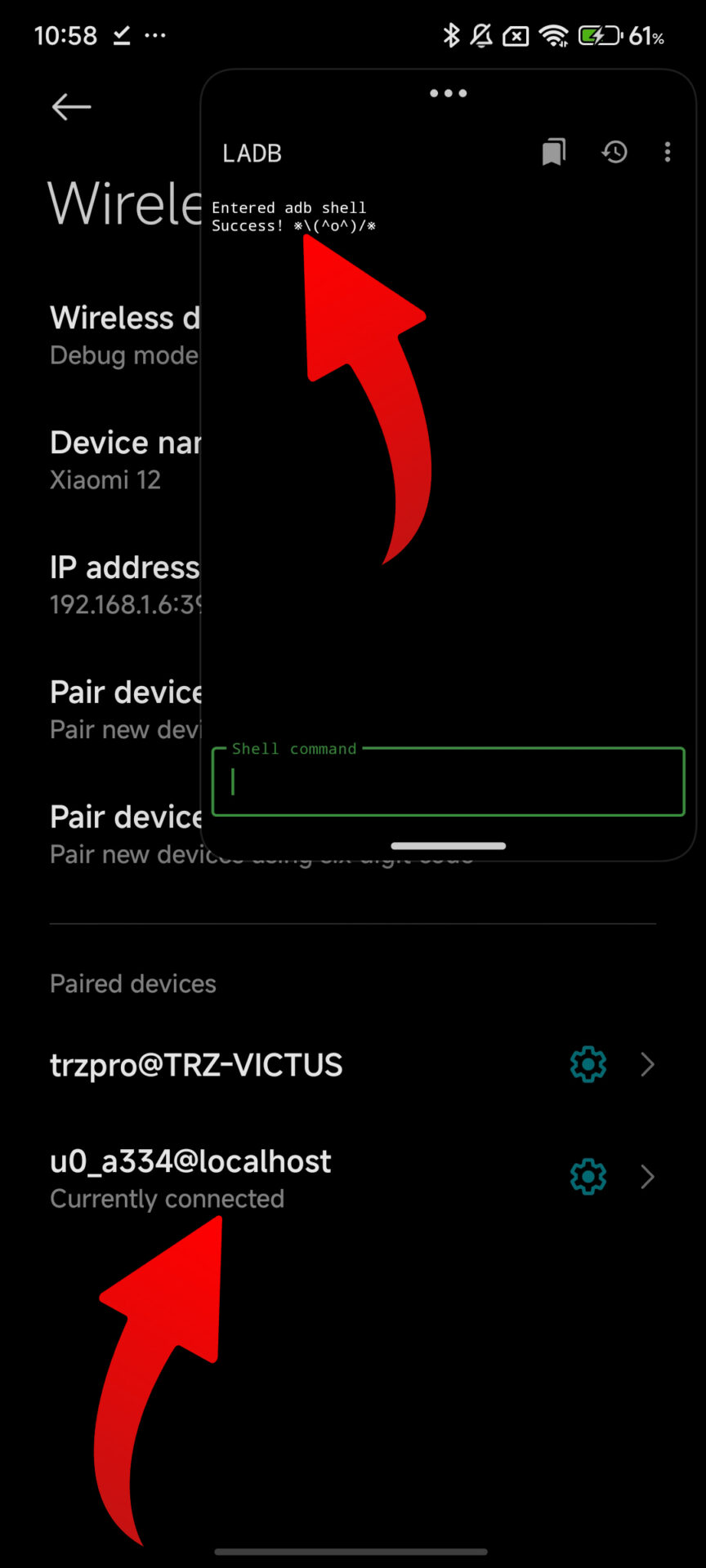
Before moving ahead, one must keep in mind that these steps do not need root access and are done using legitimate system parameters. A computer with ADB access or LADB setup is enough.
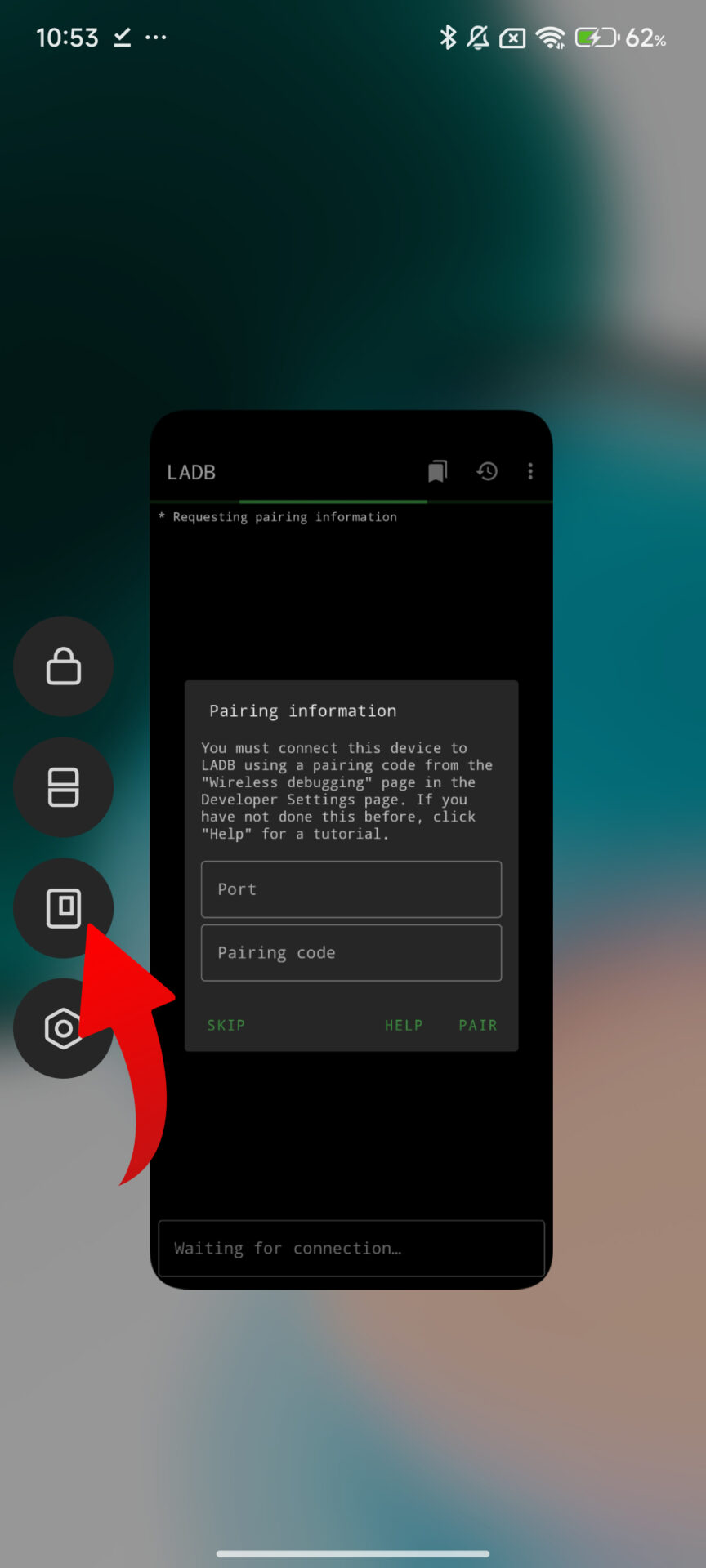
To enable the recent applications layout from the iOS style, just install latest HyperOS 3 Launcher and use the ADB connection to the device or the local ADB environment, and after that execute the command:
settings put global task_stack_view_layout_style 2
Once the command has been executed, the interface for viewing recently used applications transitions into the “card” layout. It is not necessary to reboot the device, though a reboot may help ensure that animations are stable on some devices.
LAdb installation
Go to Settings > About Phone.
Tap on HyperOS version several times until it says “You’re now a developer.”
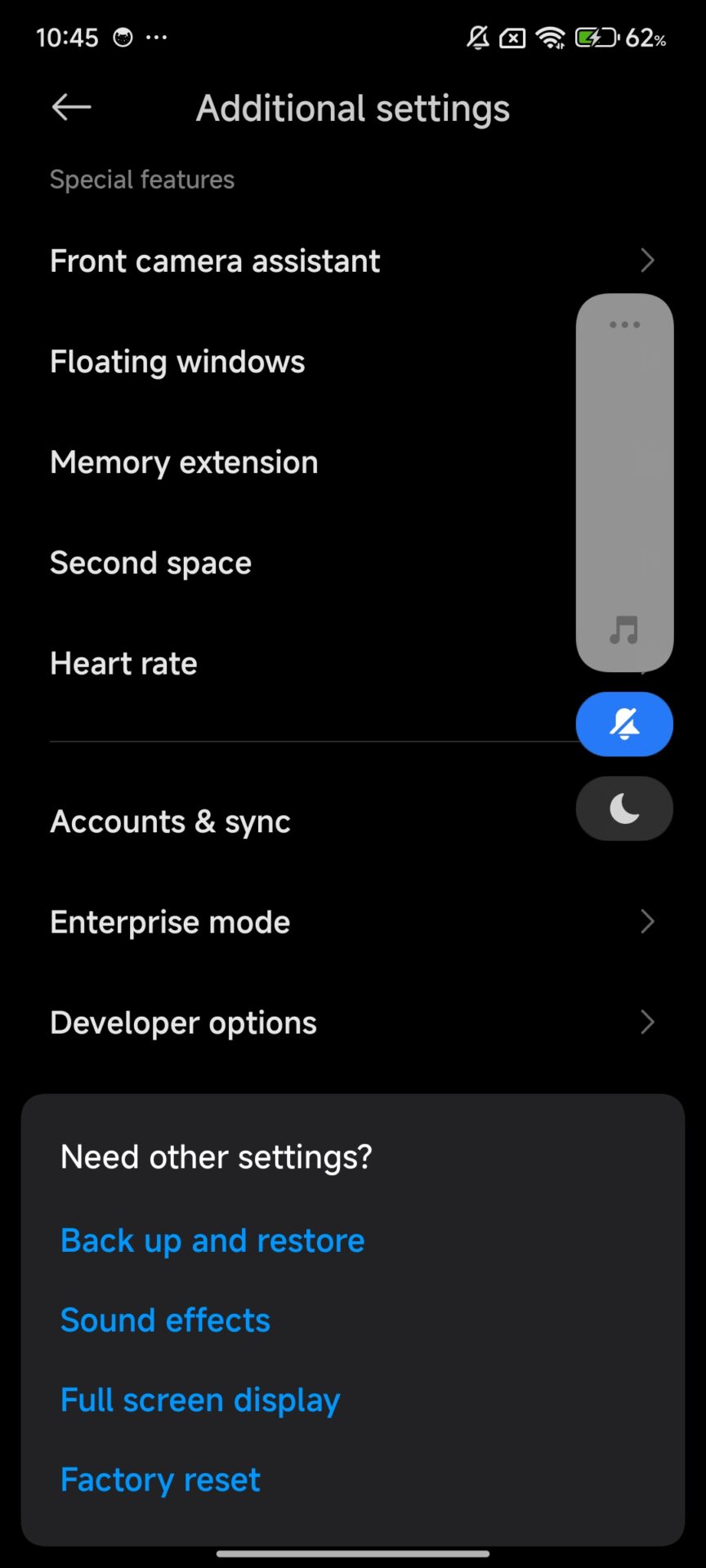
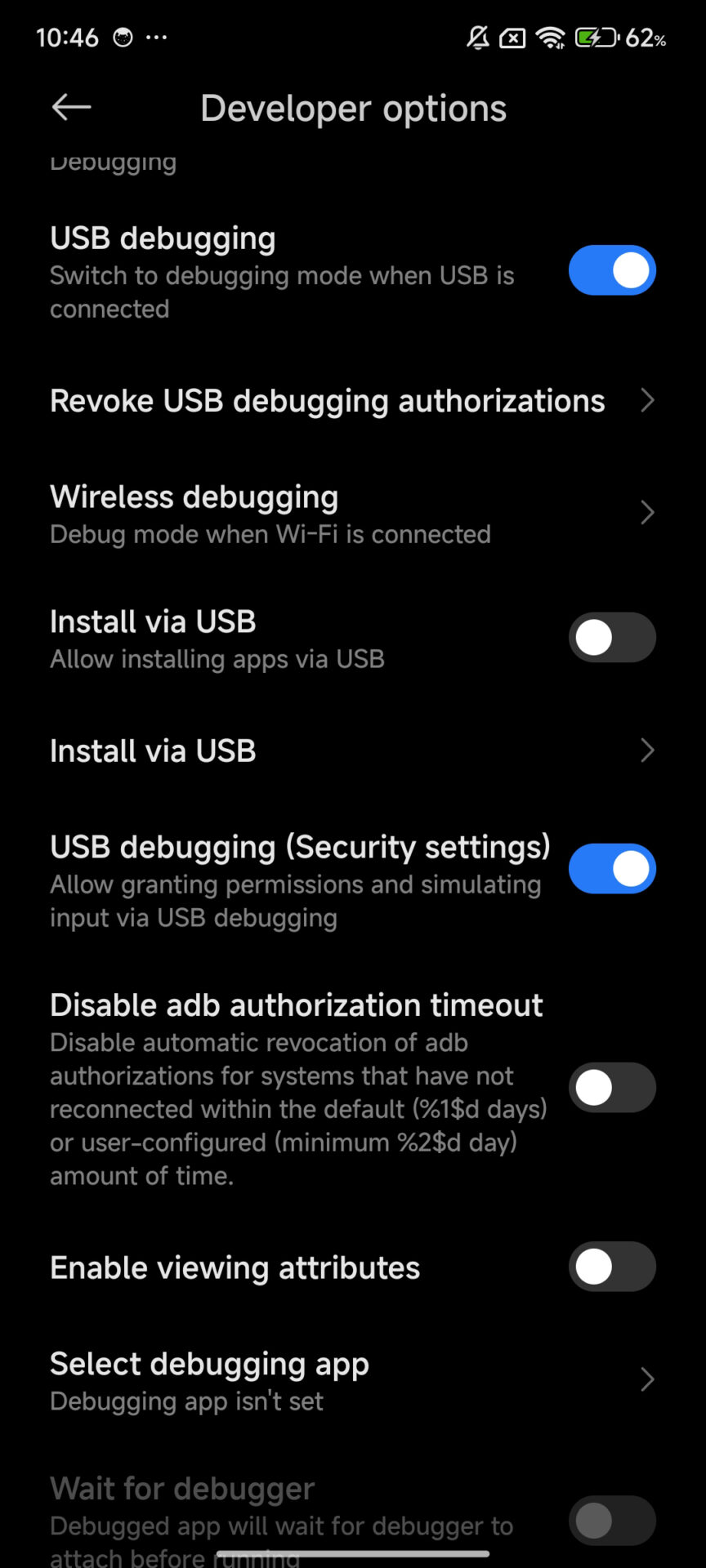
Go to Settings > Additional Settings > Developer Options.
Enable the following options:
USB Debugging
Install via USB
USB Debugging ON (Security Settings)
Download LADB
Behavior and Compatibility Details
When enabled, the animations are very close to Apple’s implementation, including the smooth vertical scrolling and blur effect on the cards while being offset on the screen. For devices with HyperOS 3, this same option is accessed from Settings > Recent Apps without any set commands.
Going by their testing and observations in the current beta, it is expected that Xiaomi will launch this interface on more devices when it releases HyperOS 3.1. It is also stable on most Snapdragon devices, including those running Snapdragon 8 Elite platforms.
Application Updates and Installation Information
Users who are interested in staying up to date with Xiaomi System Apps as well as its components can do so by obtaining the update through HyperOSUpdates.com or by using the MemeOS Enhancer downloaded from Google Play. The MemeOS Enhancer also allows users to have fun features, system updates, and update shortcuts.
As of this writing, though, the component version for this announcement is placed at RELEASE-6.01.03.1924, which is supportable on both HyperOS versions 3, and pick versions for earlier versions.
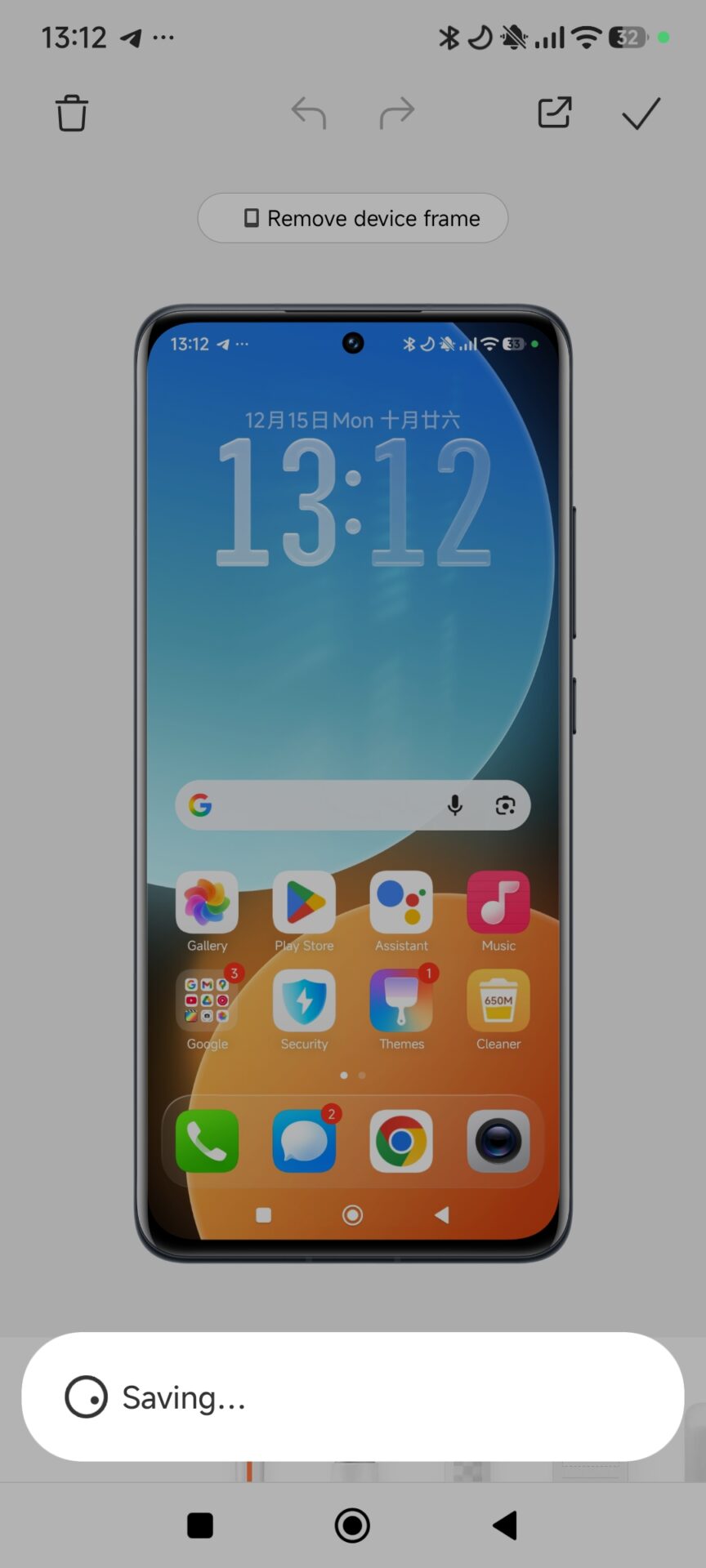
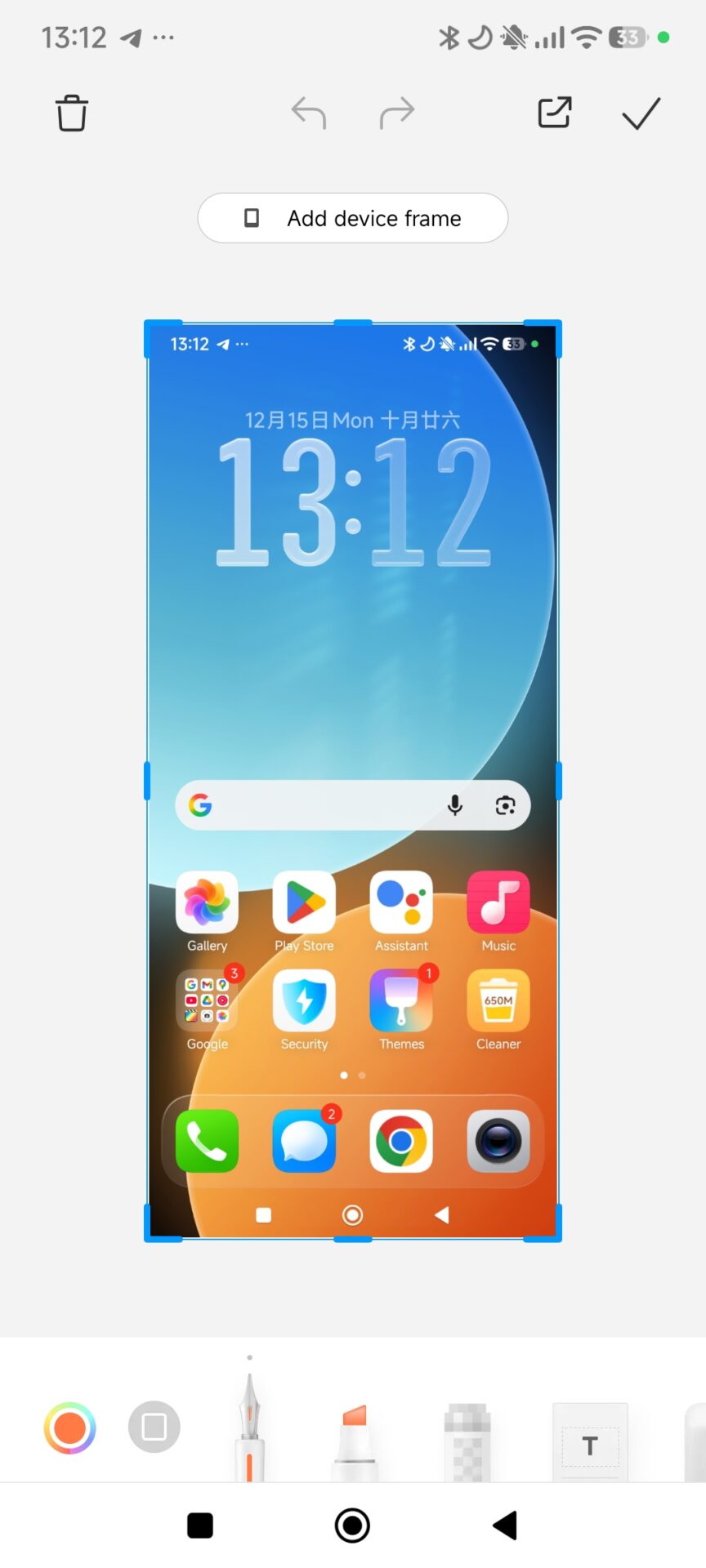
Some Xiaomi phones do not include the built-in screenshot frame feature found on newer HyperOS versions. This can be inconvenient for users who want clean, professional-looking screenshots with device frames for sharing or publishing. Fortunately, this limitation is not tied to hardware. With the right third-party solution, the same visual result can be achieved easily. By using a lightweight customization app, Xiaomi users can manually recreate screenshot frames while maintaining full control over resolution and alignment. This approach works consistently across different Xiaomi, REDMI, and POCO models and integrates well with existing HyperOS workflows.
Using Snapmod to add screenshot frames on Xiaomi phones
Snapmod is a customization-focused application that allows users to manually define screen frames for screenshots. It does not modify system files and works independently from Xiaomi HyperOS features, making it suitable for devices where the native screenshot frame option is missing.
After installing Snapmod, users can configure a custom device profile that precisely matches their phone’s display dimensions. This ensures that the final framed screenshot looks natural and consistent with official Xiaomi promotional images.
Step-by-step configuration process
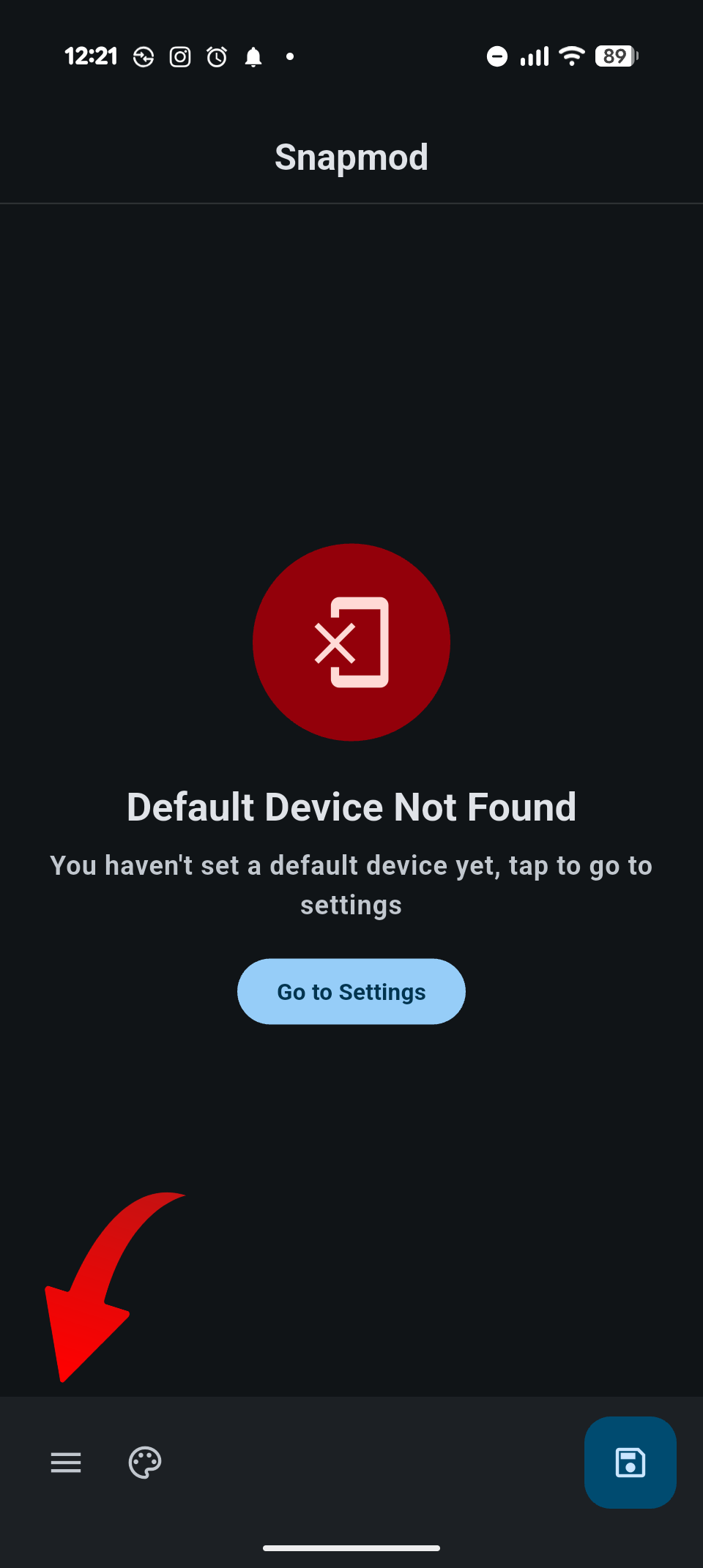
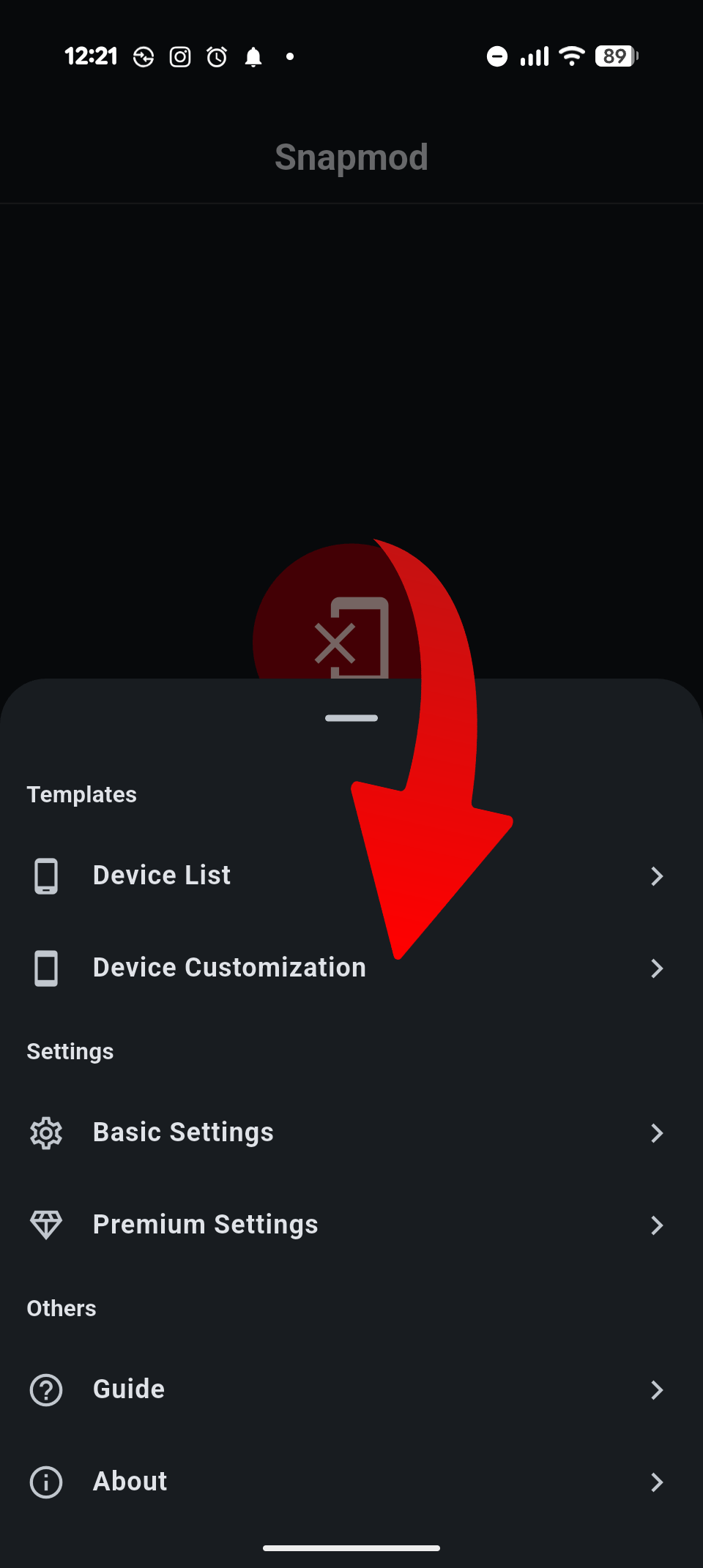
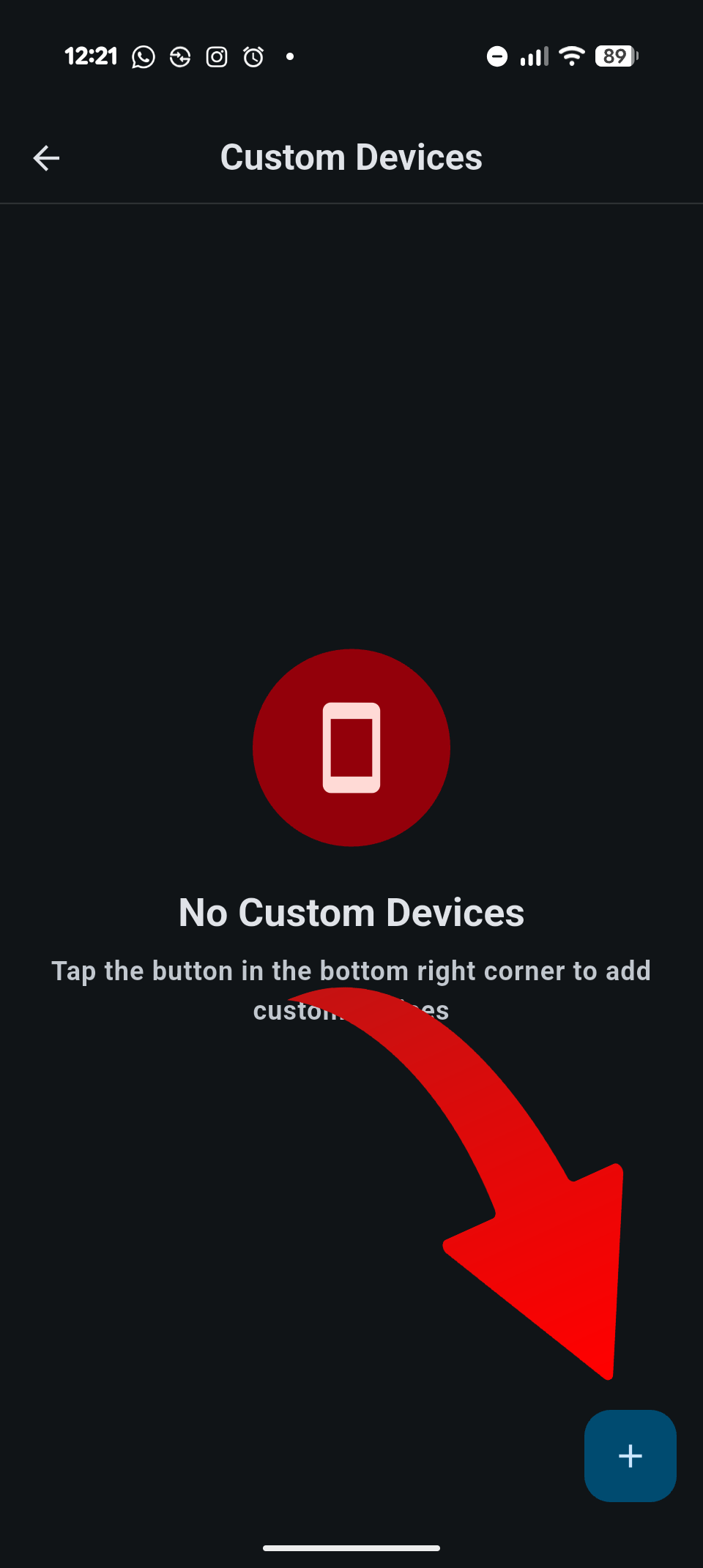
To begin, open the Snapmod application and access the main menu by tapping the three-line icon located at the bottom left of the screen. From there, select Device Customization and tap the plus icon in the bottom-right corner to create a new profile.
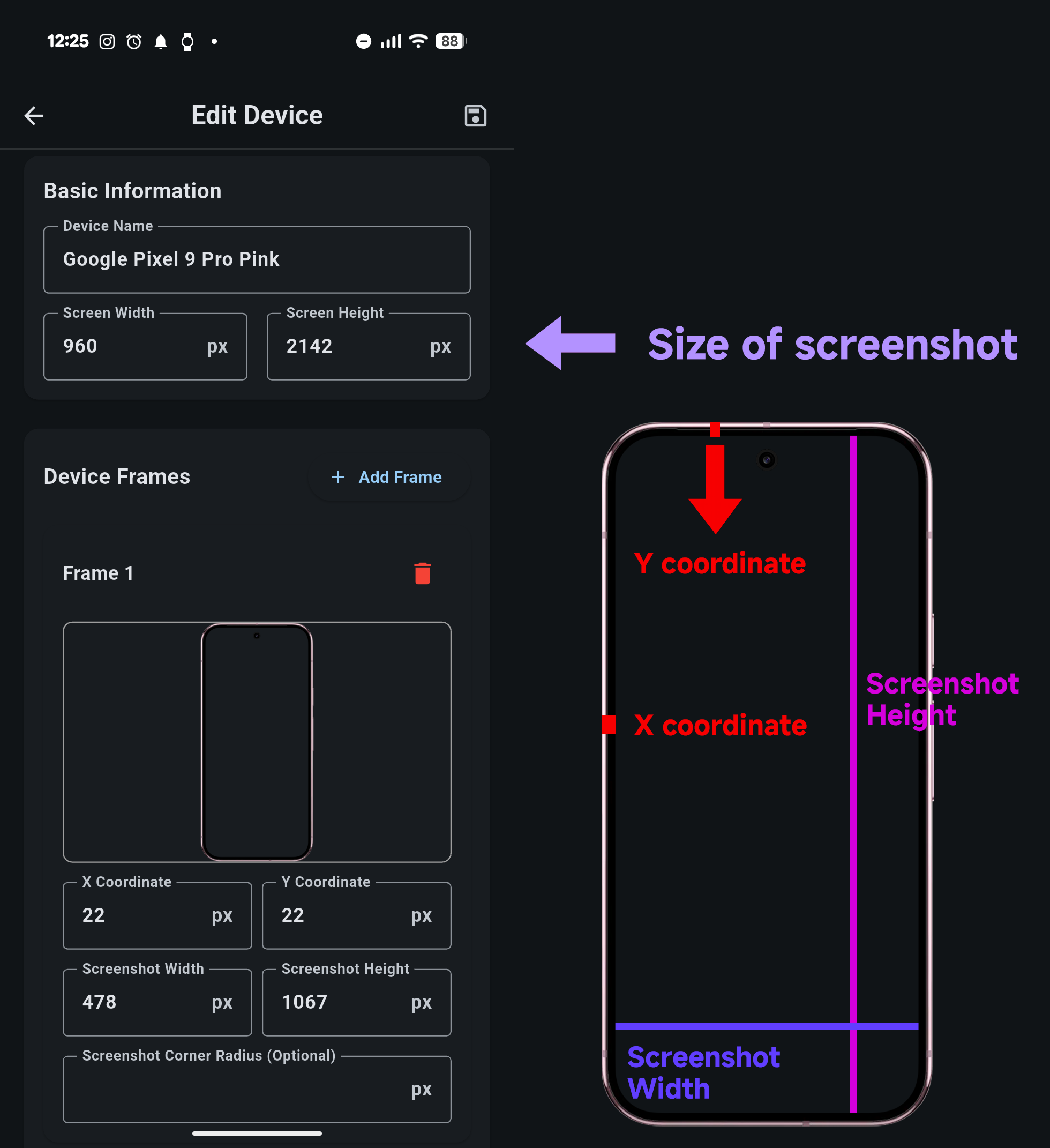
You will then need to enter several display-related values. The Screen Width and Screen Height should match your phone’s native screen resolution. The X Coordinate defines the vertical pixel distance between the screen content and the phone frame, while the Y Coordinate controls the horizontal spacing.
Next, set the Screenshot Width and Screenshot Height, which represent the exact pixel dimensions of the visible screen area inside the frame. Accuracy here is important for realistic results. Finally, upload a PNG image of your phone frame where the display area is transparent. This PNG acts as the visual shell around your screenshot.
Why this method works well on HyperOS devices
This manual approach offers flexibility that even built-in features may not provide. It allows Xiaomi users to maintain consistent visuals across different devices, including older models and POCO-branded global variants. Because Snapmod operates independently, it remains compatible with HyperOS updates and does not interfere with system stability.
For users who regularly share screenshots on social media, forums, or articles, this method provides a reliable workaround without waiting for official feature support. It also aligns well with Xiaomi’s design language when properly configured.
Xiaomi HyperOS offers a fast and modern system design, but many users want deeper customization and smoother performance. With a few advanced optimizations, it is possible to enhance imaging quality, improve responsiveness, and create a cleaner user interface. In this guide, we explore key enhancements such as GCam integration, UI customization, gesture optimization, and ADB-based system tuning.
Enhancing Imaging Performance with GCam
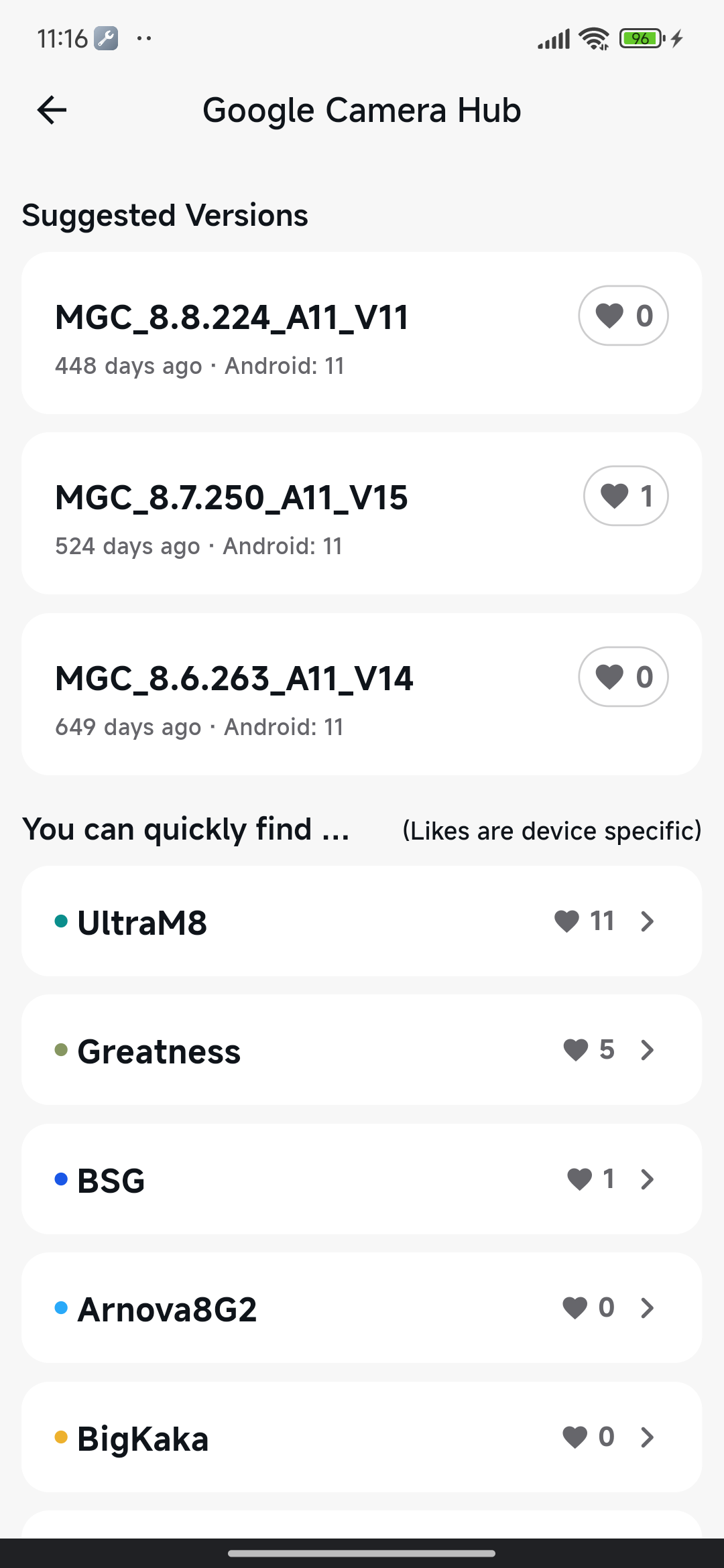
Google Camera (GCam) can significantly improve dynamic range, exposure balance, and night performance on HyperOS devices. Many Xiaomi models benefit from GCam’s HDR+ and Night Sight algorithms, especially when paired with the correct XML configuration.
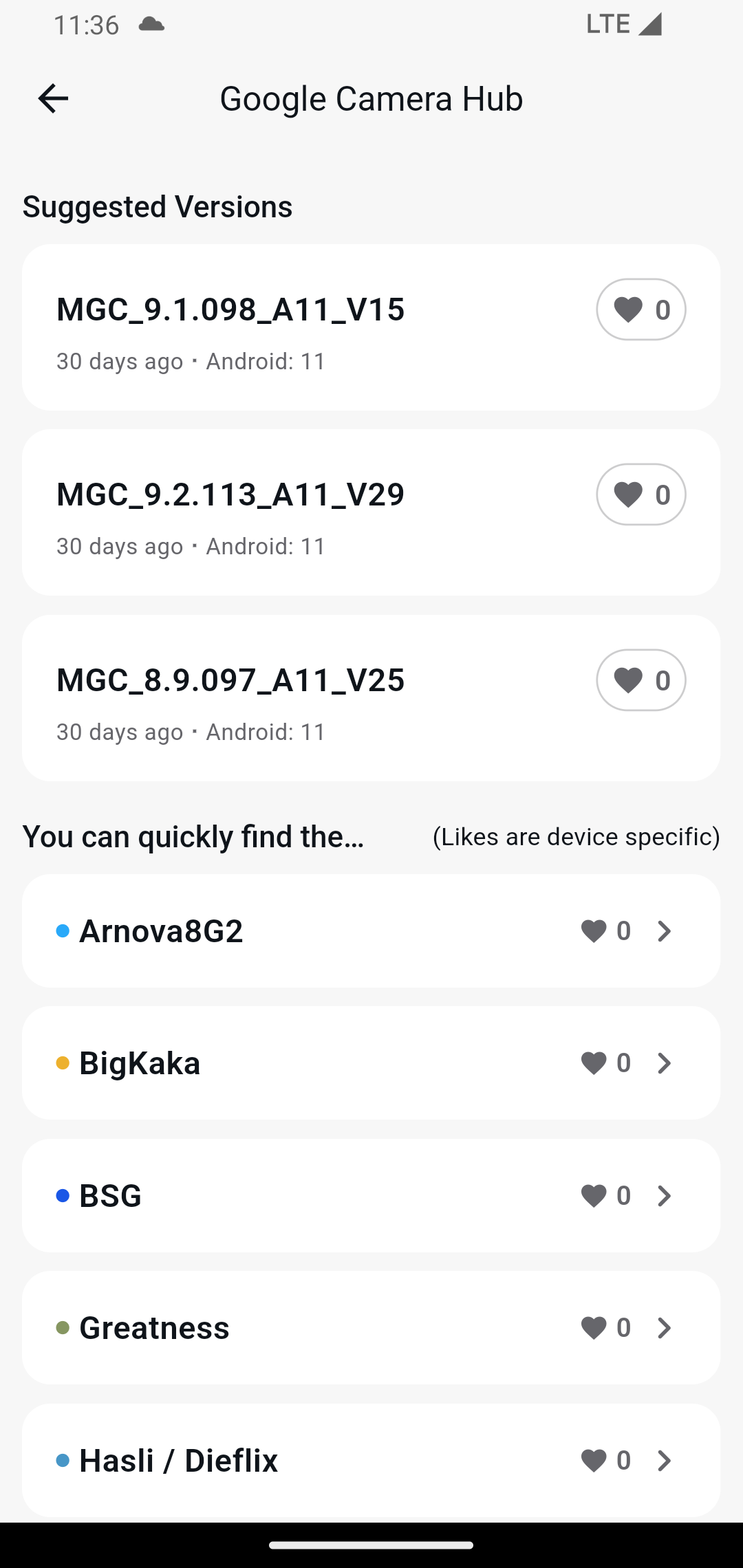
Installing GCam requires loading the APK and importing an XML profile. The correct configuration ensures proper color tuning, sensor mapping, and advanced feature support. After creating the /GCam/Configs/ directory, users double-tap the viewfinder’s black border to import their XML file. This step ensures correct calibration for Xiaomi’s image signal processor.
You can use GCamLoader application to get latest GCam.
Customizing the HyperOS Interface
Visual and sound customization tools allow users to make their device more personal and more functional.
Replacing Default Ringtones
HyperOS allows full customization of call tones by importing local audio files. Users simply navigate to Settings → Sound & Vibration to select or upload new tones. For dual-SIM devices, HyperOS also supports assigning different tones per SIM, increasing clarity in daily use.
Enabling Dynamic Animated Weather Wallpapers
HyperOS sometimes limits animated weather wallpapers on mid-range devices to preserve resources. Installing the Weather package restores full high-resolution animations. This version is originally designed for Xiaomi tablets but works effectively across HyperOS smartphones.
Switching to the App Drawer Layout
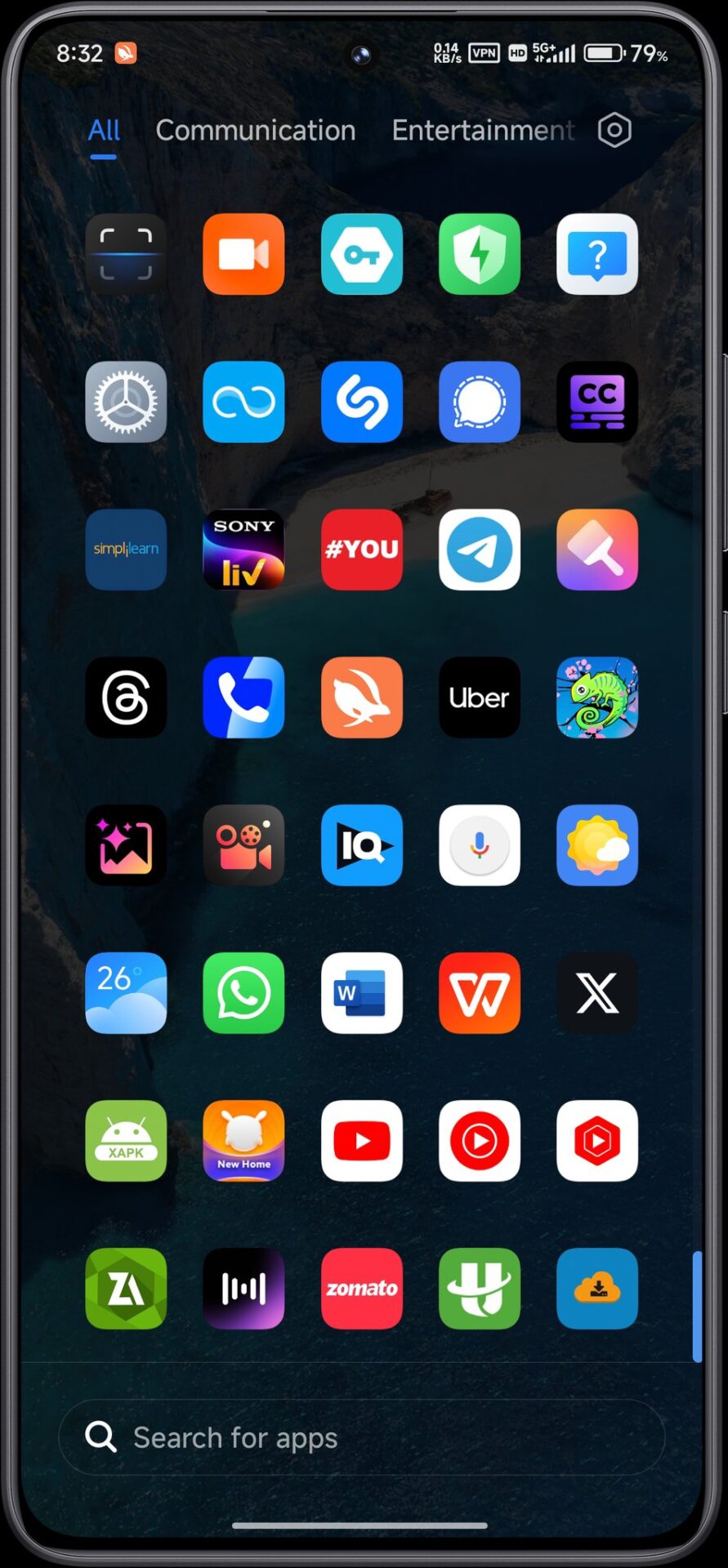
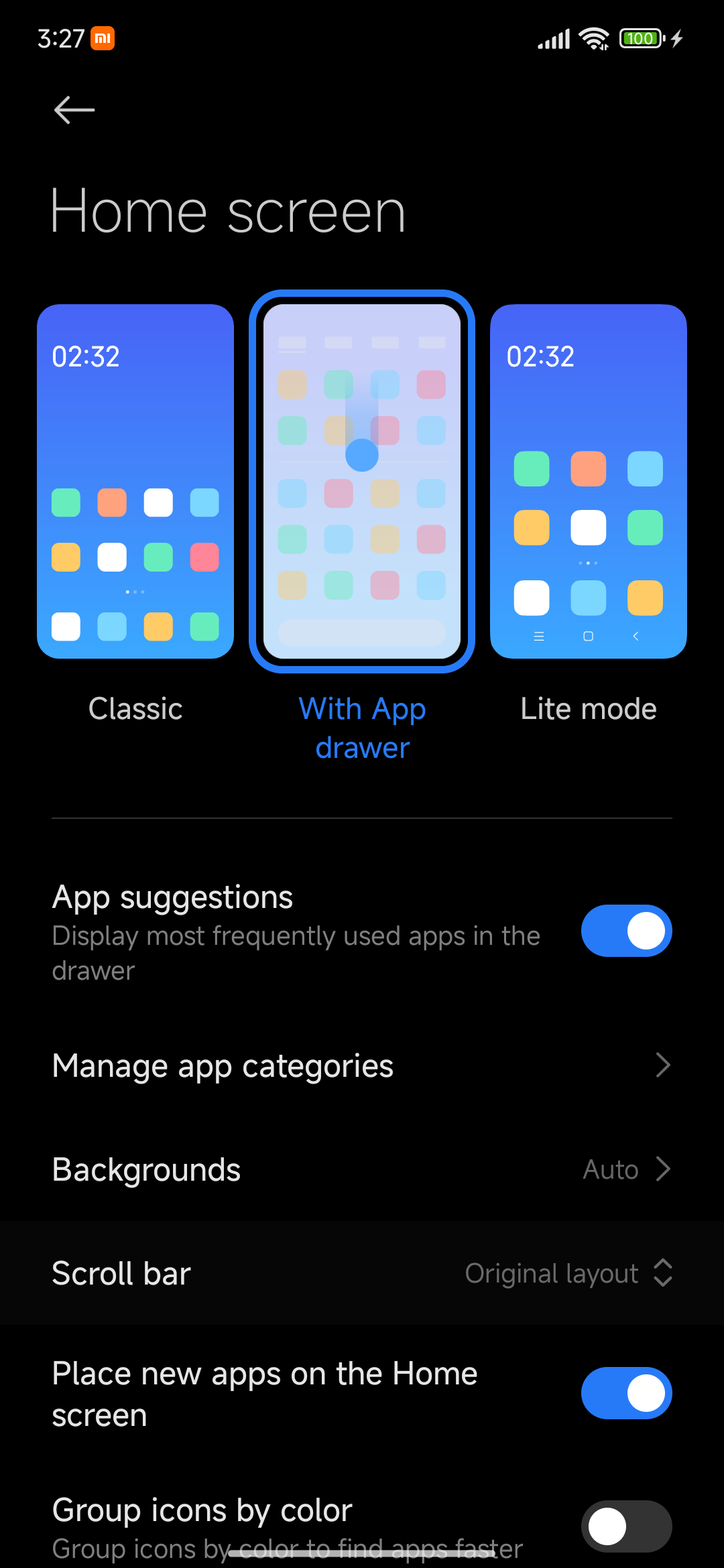
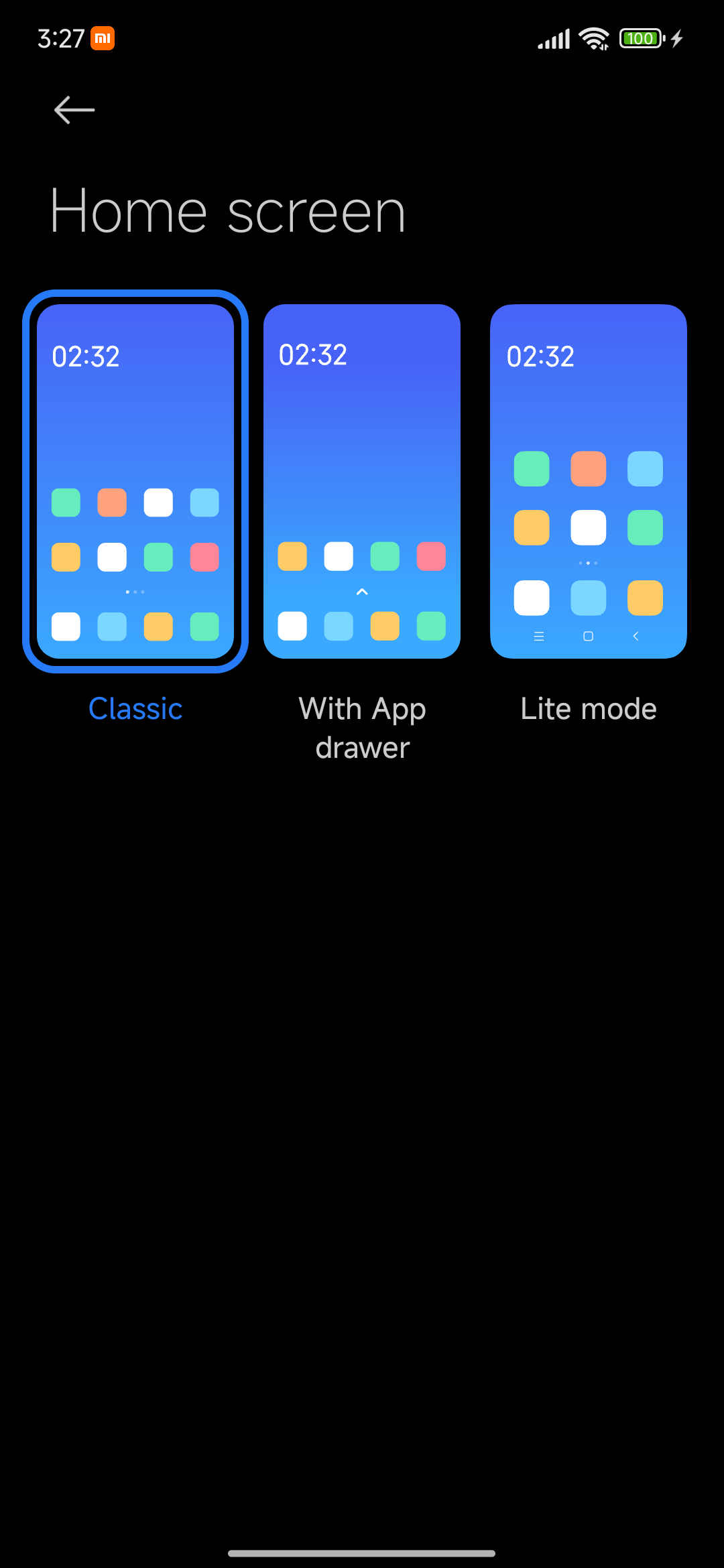
Users can enable App Drawer mode by going to Home Screen Settings → With App Drawer. This mode offers visual organization tools, category management, and a cleaner home layout.
Optimizing Gestures and Launchers
HyperOS restricts full-screen gesture support when third-party launchers are set as default. Power users often bypass this limitation using specialized methods. Tools such as Fluid Navigation Gestures (FNG) provide gesture overlays using Android Accessibility Services. This avoids system exploits while offering customizable swipe controls.
Deep System Optimization with ADB Debloating
ADB debloating removes unnecessary applications, improving RAM efficiency and reducing background power consumption. This method is safe when applied carefully and allows users to reinstall removed packages at any time.
Performance improvements in HyperOS depend on both visual settings and system balancing features.
Animation Scale Adjustments
Setting Window, Transition, and Animator scales to 0.5x creates an instantly snappier user experience. These changes reduce visual delay without impacting actual performance levels.
Using Performance Modes
HyperOS provides both automatic smart performance balancing and a high-power Performance Mode for demanding tasks such as gaming. Users can activate it via Settings → Battery → Performance Mode.-
Improving the Xiaomi HyperOS experience is a blend of thoughtful customization, correct tool usage, and ongoing system maintenance. By integrating GCam, fine-tuning visual and gesture settings, and carefully applying ADB optimizations, users can achieve a faster, cleaner, and more refined HyperOS environment. With responsible adjustments and regular system updates, HyperOS becomes a flexible, high-performance platform suitable for both casual and advanced users.
Those who are really unable to wait for the latest features and improvements of Xiaomi HyperOS, they can update in several ways in advance of the official release. Below is a step-by-step guide to do this on the MemeOS Enhancer, HyperOS Updates Android apps.
How to download HyperOS updates early?
Using 3 different methods you can download HyperOS updates early.
OTA Update Package Download: Download in any of the following sources like XiaomiTime Downloader, HyperOS Updates, or the HyperOS Downloader Android app to get the OTA update package.
Go to Device Settings: Go to Settings, then My Device.
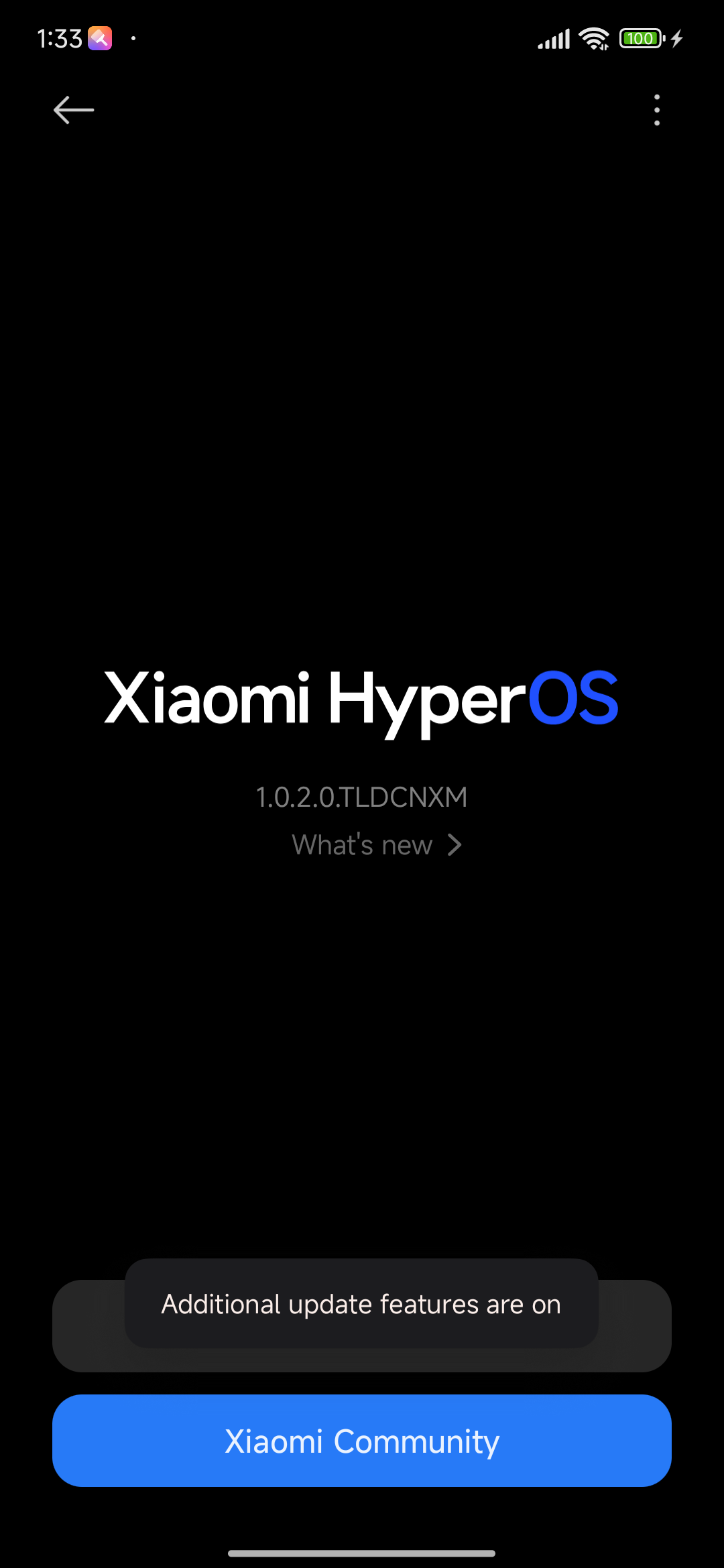
Activate Any Extra Features: Tap on the HyperOS logo multiple times until the message “additional features are on” appears. This will open up more update options.
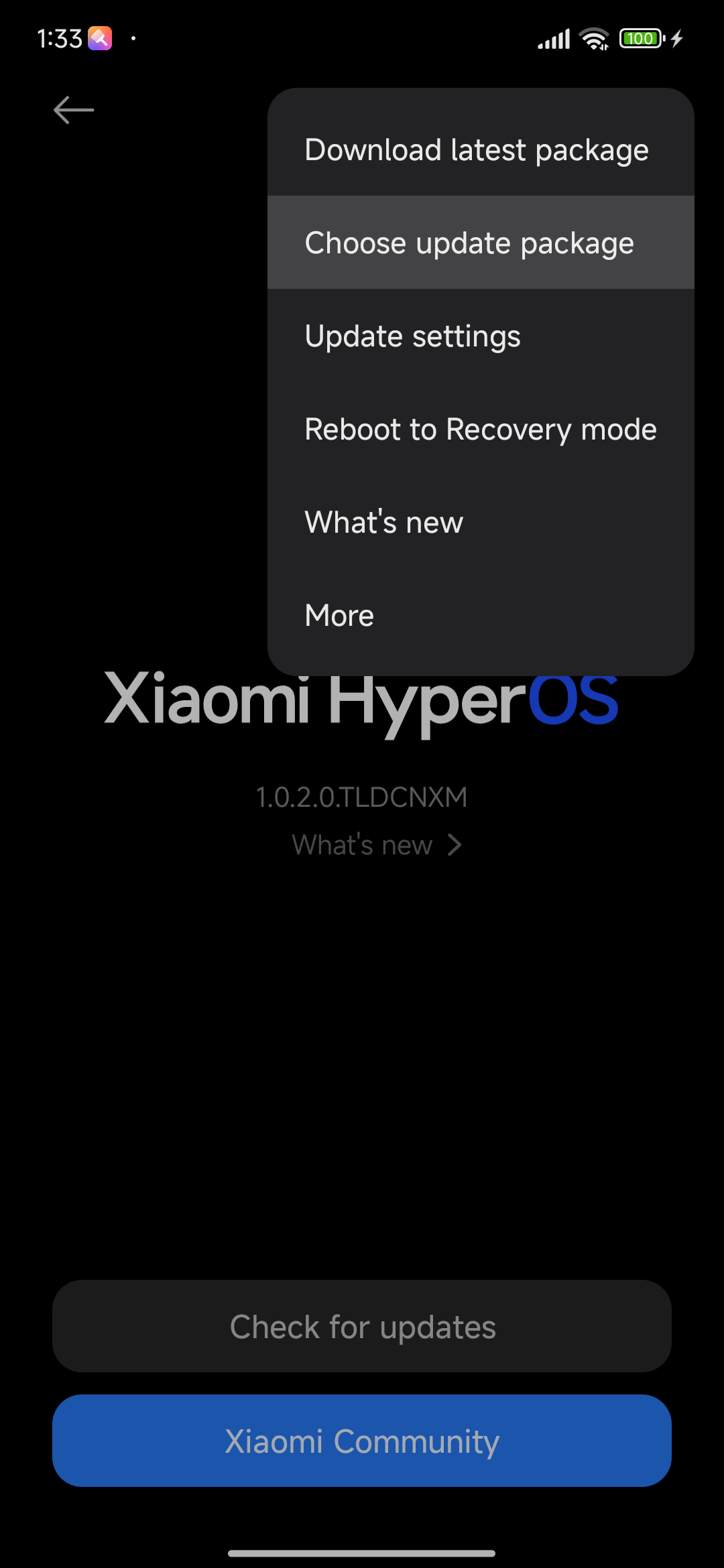
Click on Update Menu: Tap on the update menu by (open the hamburger menu) three horizontal lines.
Select the Update Package: Click on the “Choose update package.” From here, you can manually browse and select the file for updating.
Select Downloaded Package: Browse to the location where you saved the download of the package update and click on it.
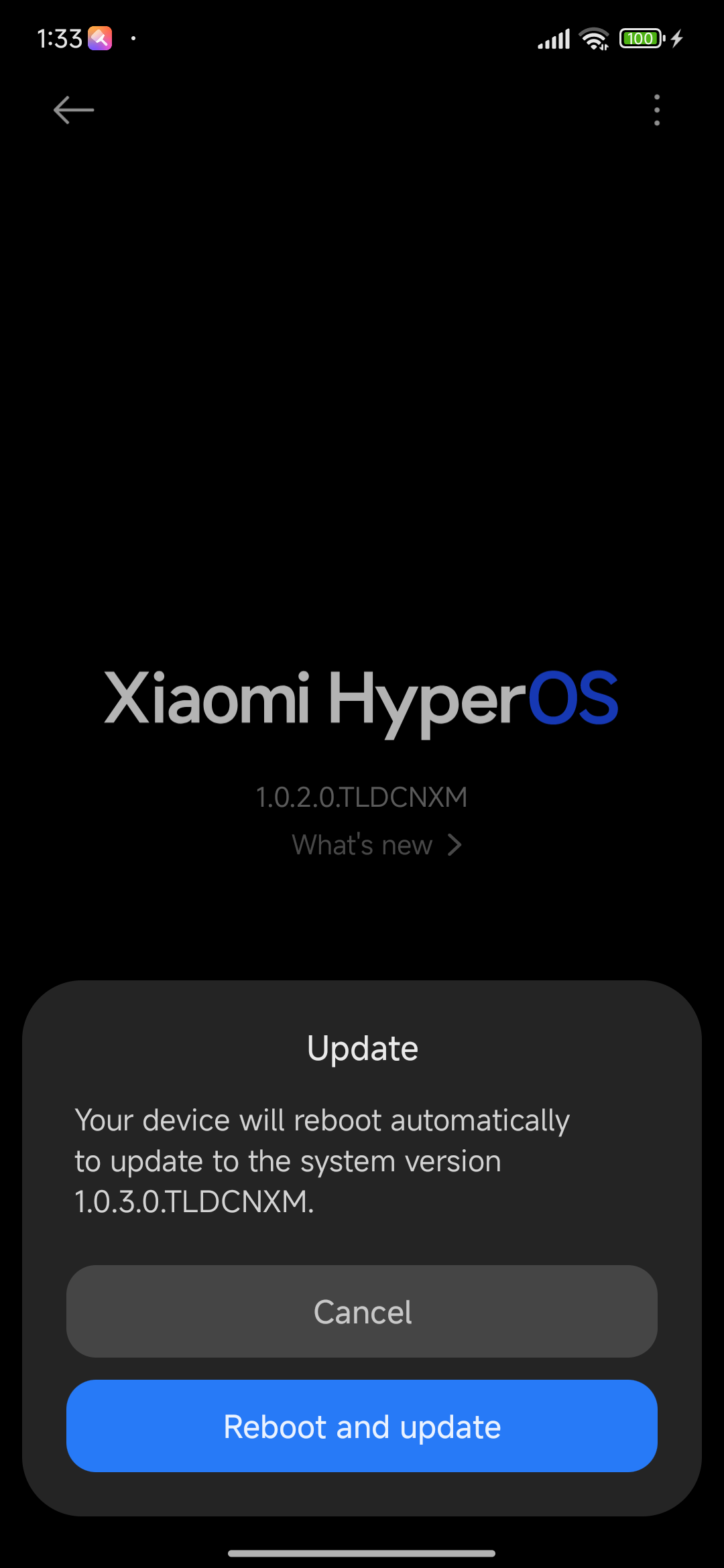
Confirm and Install: The system will ask you to confirm the installation. Tap Update, and the update process will start.
Method 2: Rename Trick V2
If the standard method doesn’t work, you can try this alternative approach. This method will work.
Download necessary files: Download the update file according to your current version number and the new version number that you would like to update to.
Go to Device Configuration: Head towards the path of Settings > My Device and thump your HyperOS logo until you see the “additional features are on” message.
Update Menu: Tap on the hamburger menu and press on the “Change update package”.
Choose the Current Version Package: Choose the package of your software’s current version.
Preparation for Update: Confirm the installation without closing the warning message.
Rename Files: Use file manager, rename the new version Zip file to the present version file name.
Replace Files: Copy the renamed new version file over the current version file.
Finish the Update: After that, go back to the app from the Recent section and tap Update. This is especially helpful for flitting between Mi Pilot ROMs and Stable ROMs or different region.
Method 3: With the Help of HyperCeiler (Root)
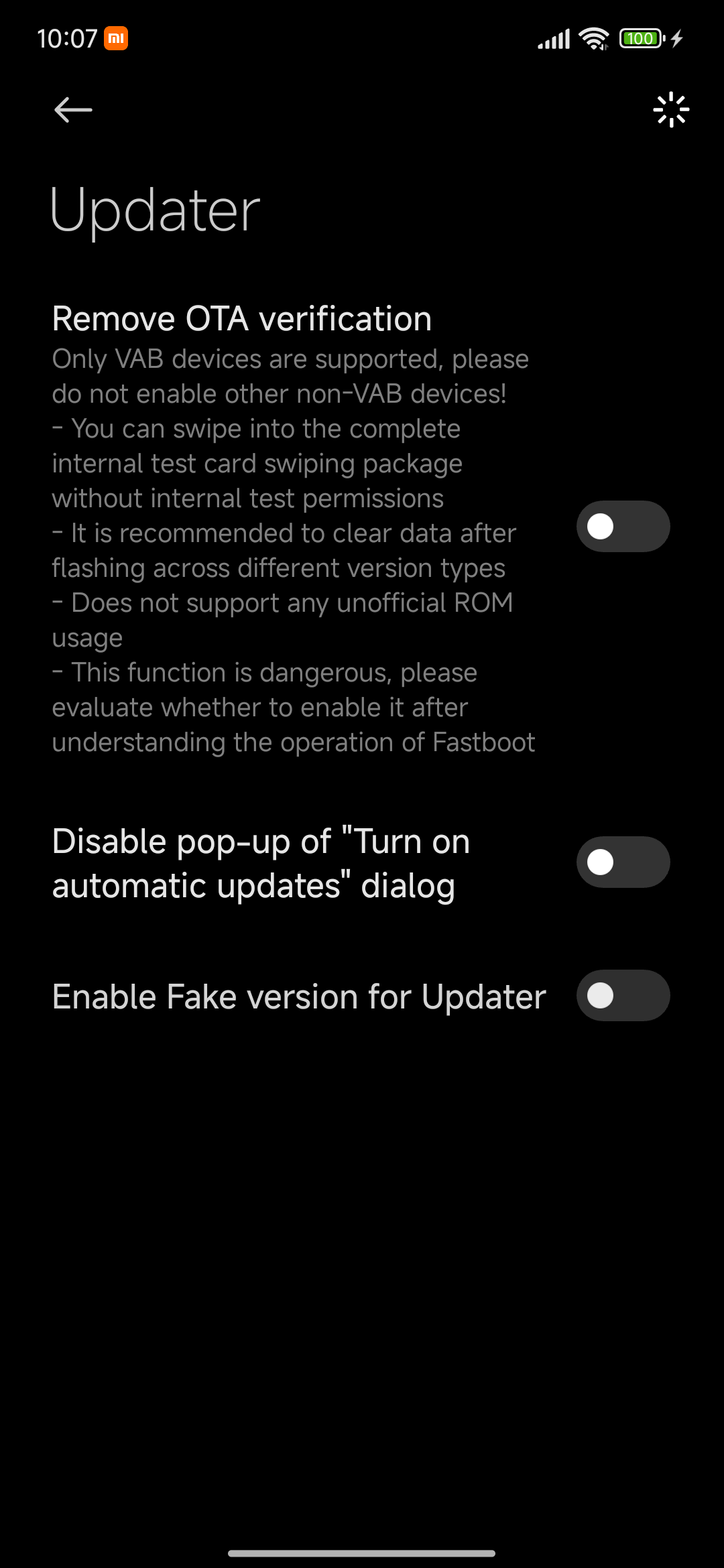
The module HyperCeiler enables bypassing of the version checks for rooted devices. If non-root methods doesn’t work, use this.
Open HyperCeiler: Launch the HyperCeiler app on an Android device.
Disabling Version Check: Go into the HyperCeiler application, navigate under Updater, and enable all options to turn off the version check.
Standard Method Applied: Once the version check is turned off, find out steps in Method 1 on how to implement the update.
Method 4: TWRP Recovery (Root)
TWRP, as in Team Win Recovery Project, is an open-source, custom recovery image for Android devices with a touch-capable interface for ease in handling advanced recovery and installation tasks.
Download the Update Download the update package you want to apply.
Enter TWRP Recovery Turn your phone off. Later, press the power and the volume up buttons simultaneously to power in TWRP recovery mode.
Install Updates In TWRP, tap on Install, then locate the ROM Zip file and select it. Now swipe to flash.
Reboot and Reflash TWRP Once the process finishes, just reboot the system. Note that it may also ask for reflashing TWRP image every time you flash any official update because it often replaces TWRP with Mi-Recovery.
This way, you will always be ahead in class and enjoy the new features of Xiaomi HyperOS prior to the official update release. Enjoy the discovery of new features and improvements!
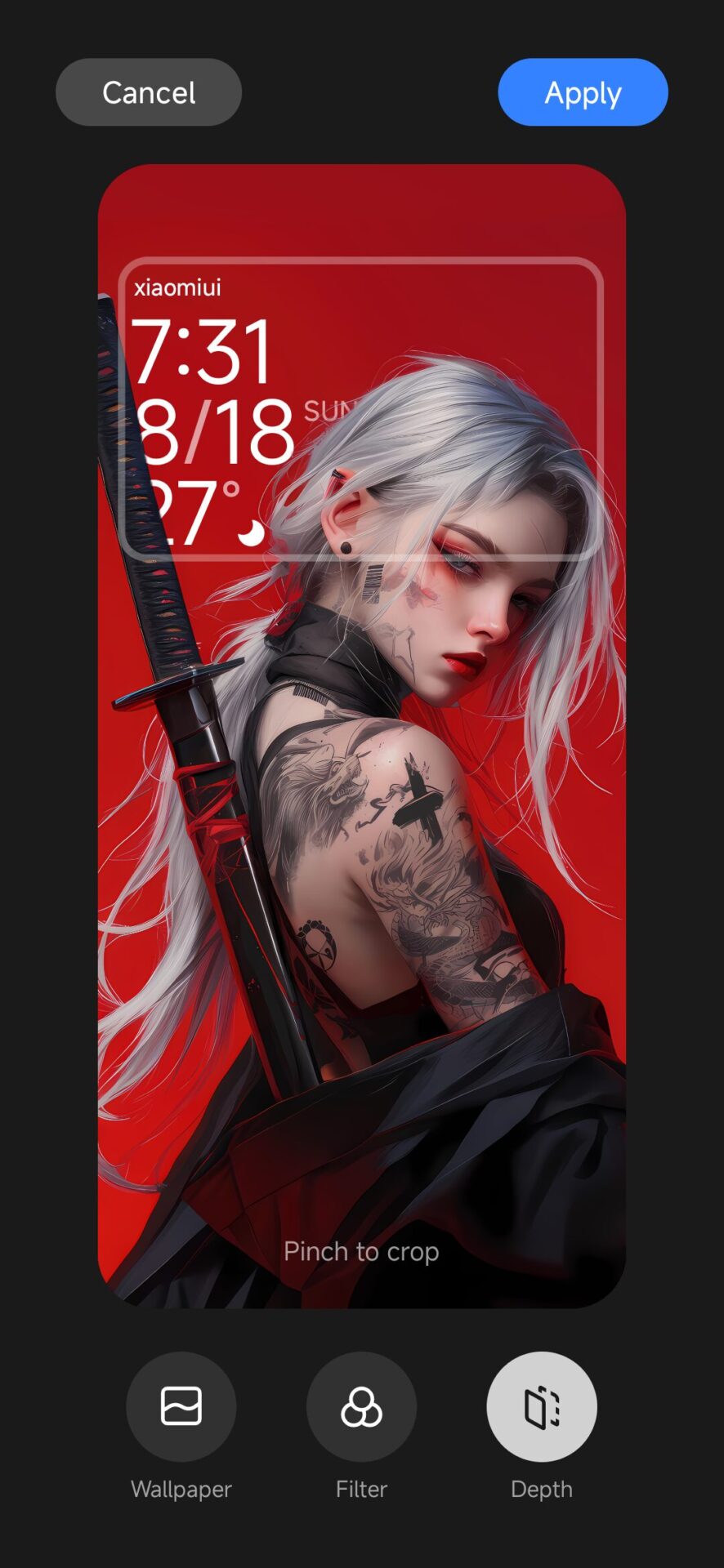
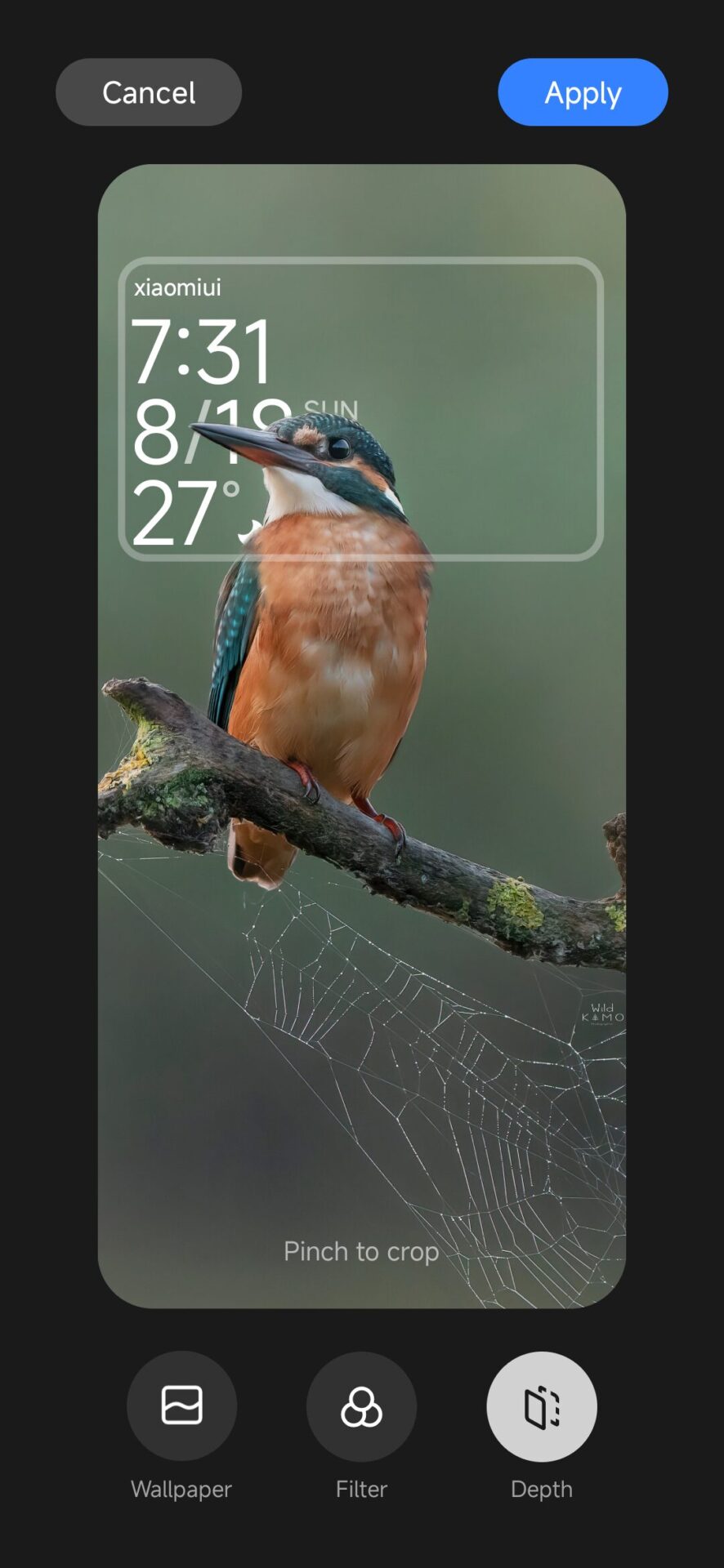
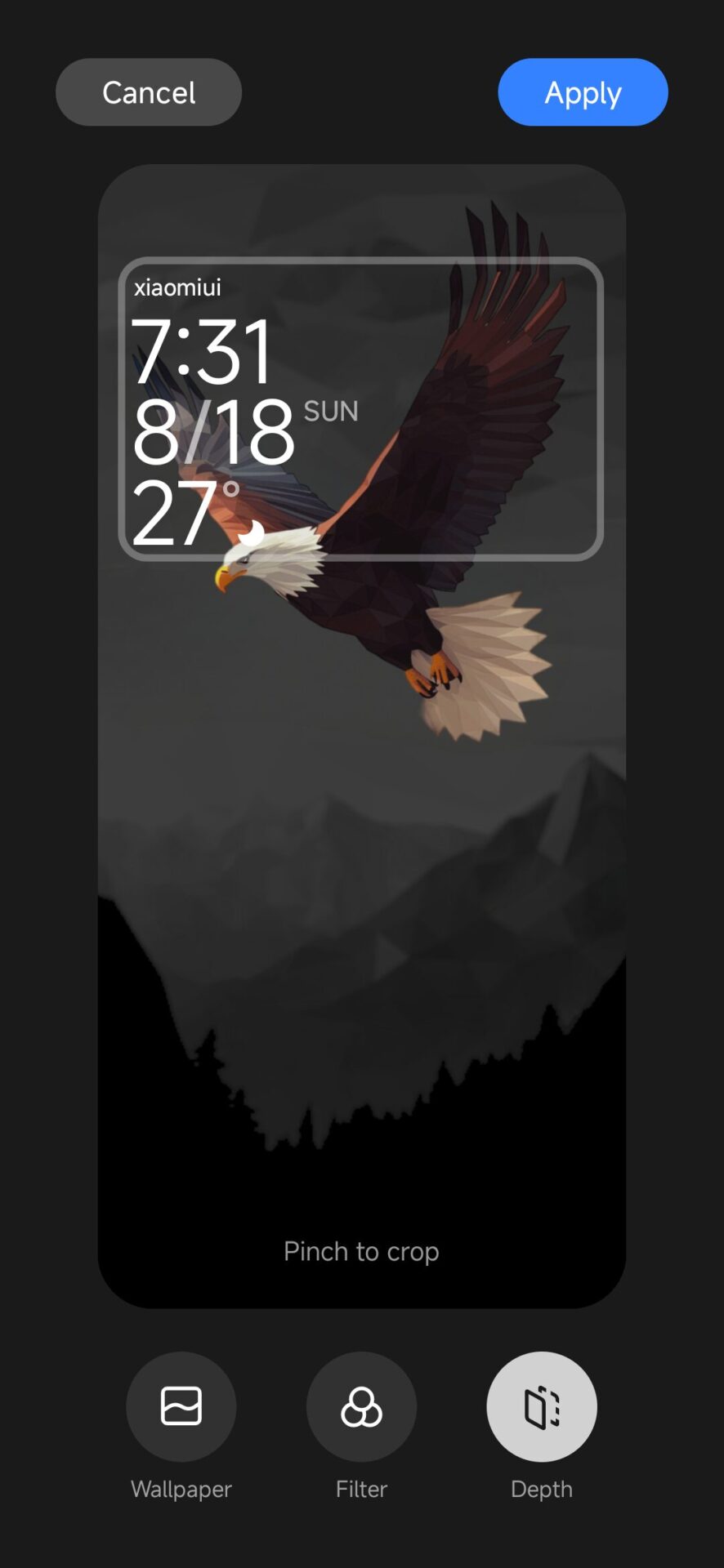
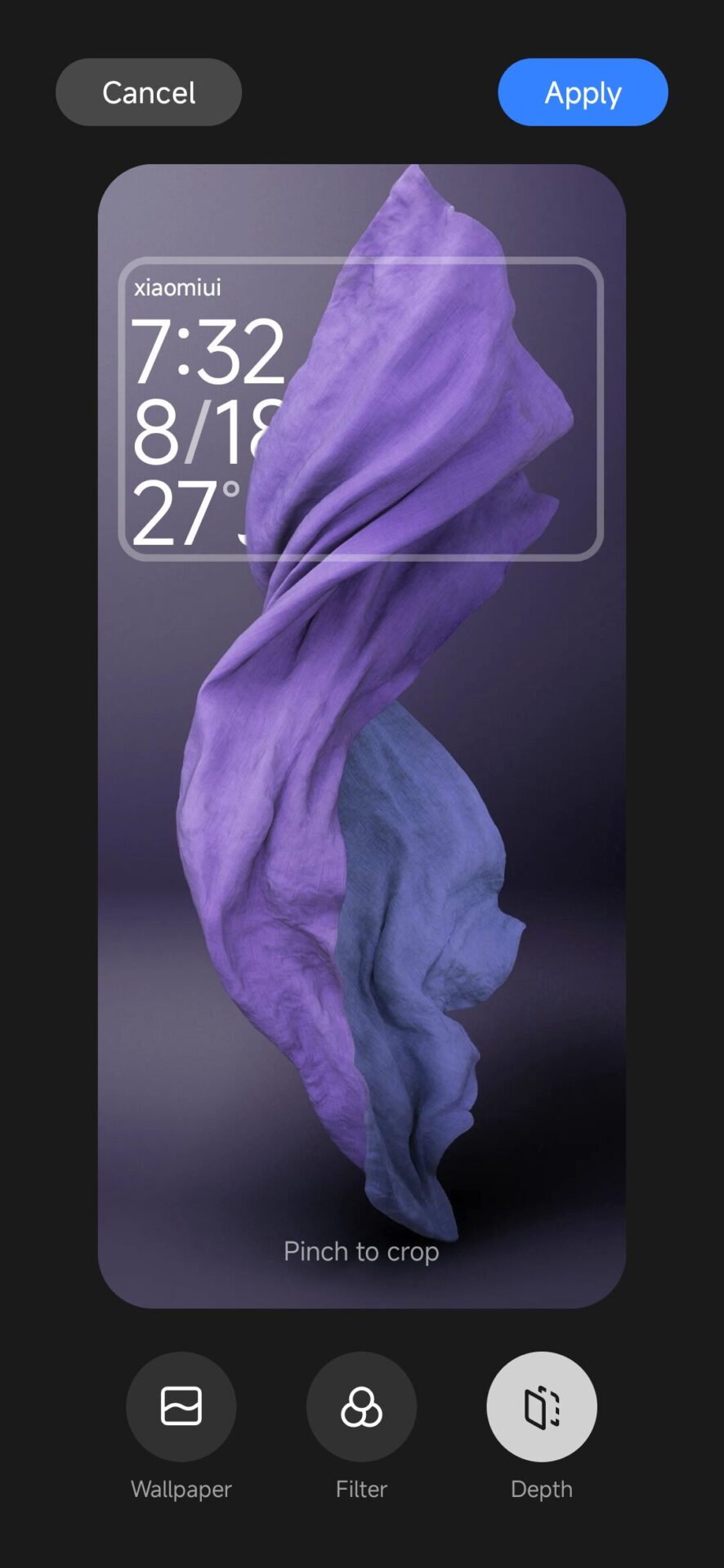
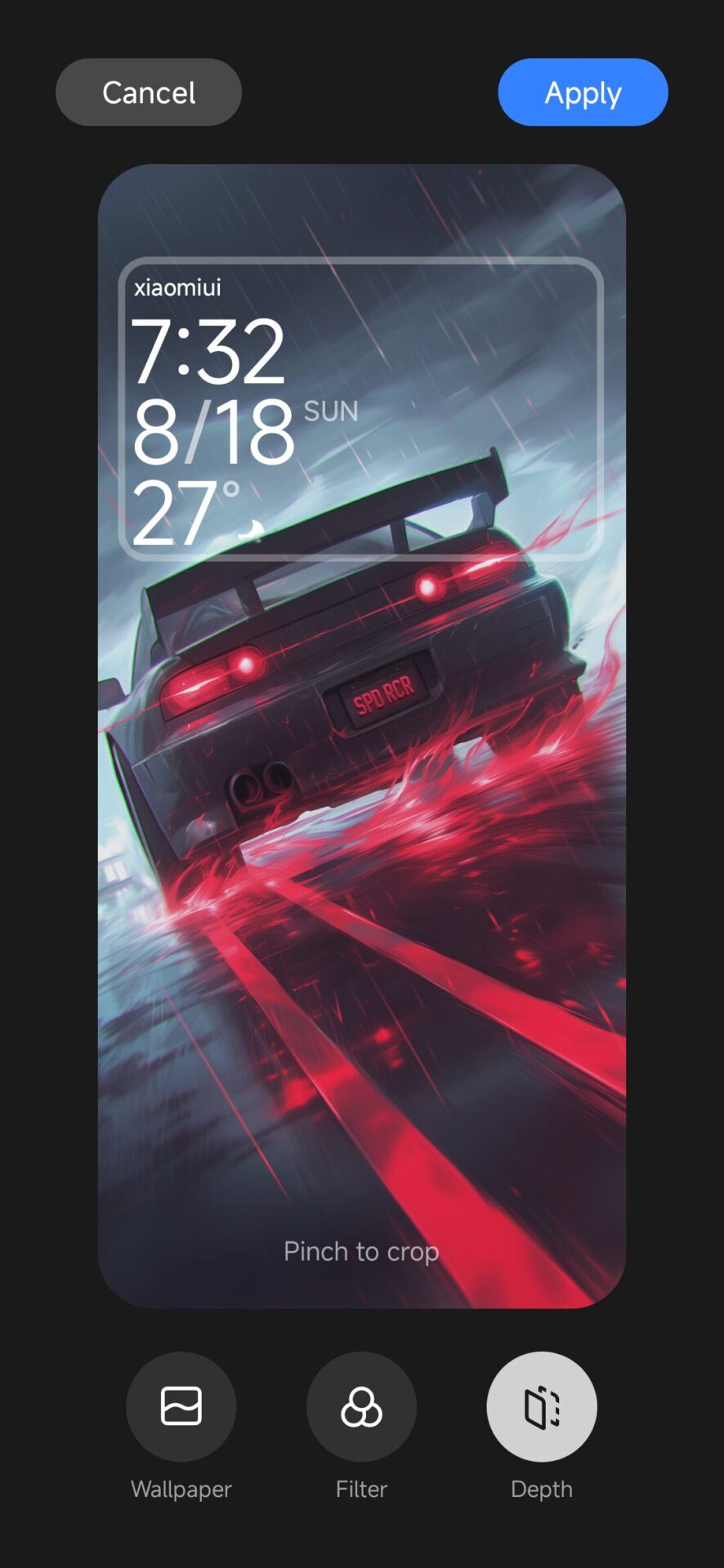
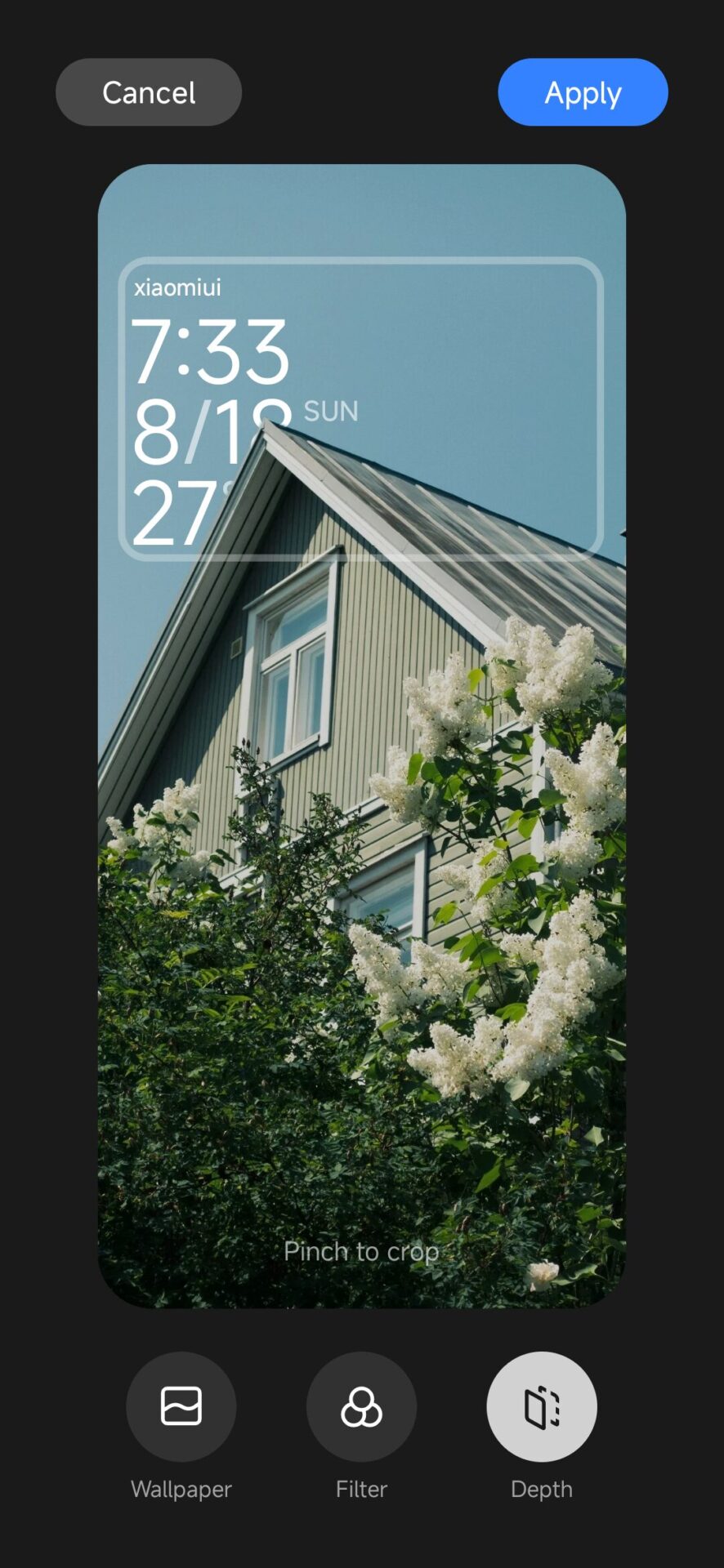
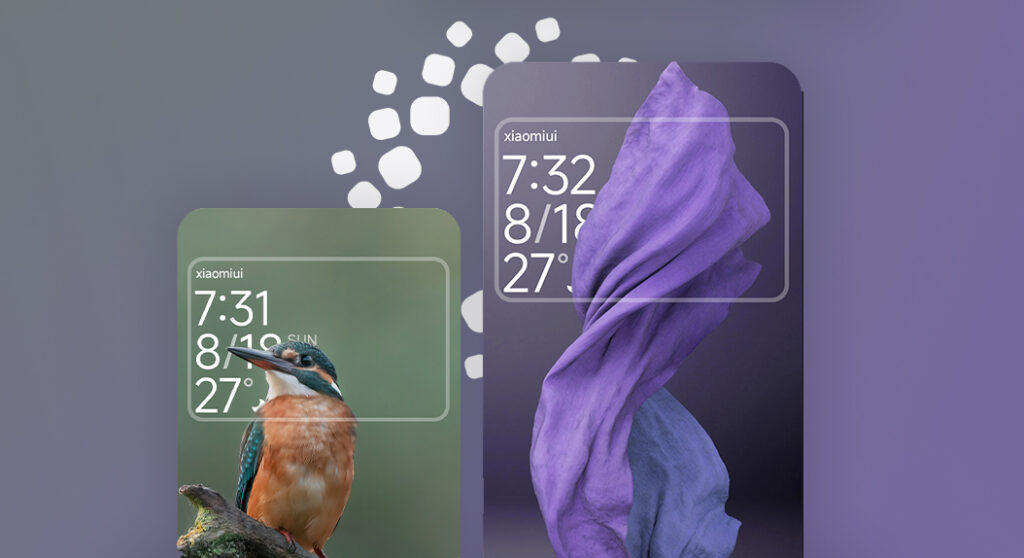
Some good news for Xiaomi fans! The all-new Depth Effect with HyperOS 3 for Xiaomi makes your lock screen wallpapers look dynamic and give them a 3D-like touch. A very popular feature in iOS has arrived in a Xiaomi, enabling a much more immersive and visually appealing experience. And today, to celebrate this, we present a collection of 58 wallpapers optimized for this feature, published exclusively on our Xiaomi fan website.
How to apply the wallpapers with depth effect to Xiaomi HyperOS 3
Activating depth effect on your Xiaomi device is quite simple. Here’s how you can customize your lock screen:
Enter the Lock Screen Customizer: Long press on an empty area of your lock screen to launch the customization of the lock screen.
Wallpaper: Select your picture from the gallery or download it from ours. The Depth Effect will automatically apply and give your lock screen an enthralling depth effect.
Why Depth Effect Wallpapers?
These depth effect wallpapers make the elements of the wallpaper float or show depth against the background. Not that it doesn’t already enhance the beauty of your device; it just makes everything look very fresh and modern every time you unlock your phone.
Exclusive Collection: 58 Depth Effect Wallpapers
To take full advantage of the feature, however, we’ve put together a special collection 58 free wallpapers supporting Depth Effect. Each of these is carefully selected to ensure it provides the best of visual experience when paired with Xiaomi’s HyperOS 3—ranging from a cool Pokémon theme to something as stunning as a forest theme.
Here are five previews to selected wallpapers from our Uwalls Telegram Channel. Dive into the full archive of 58 wallpapers and get the scoop on the Depth Effect for an impeccable visual experience on your Xiaomi device. To pick and download all wallpapers go to our Uwalls Telegram Channel.
Keep up to date with the HyperOS for Xiaomi Don’t miss new updates regarding features: save our website and visit us often to find out new wallpapers and other hot content about Xiaomi HyperOS. With the possibility of modifying the look of the Lock Screen using Depth Effect wallpapers, personal moments are becoming unique and interesting things each time the device is used. Have a look at the collection today and make the Xiaomi devices look amazingly alive with the Depth Effect feature under HyperOS 1.0. Stay tuned to our Xiaomi fan website for more tips, tricks, and updates. Happy customizing!
For Xiaomi users, it has become very important to choose between a MediaTek Dimensity or Qualcomm Snapdragon chipset, especially considering the brand’s expansion in flagship, affordable flagship, and mid-range categories. This review tries to explain how Xiaomi strategically applies Snapdragon chipsets on premium devices like Xiaomi 15 Ultra, while shifting the high-value devices to MediaTek-based ones like Xiaomi 15T Pro.
Xiaomi’s Dual-Vendor Strategy
Xiaomi’s chipset choices directly support its global market segmentation, ensuring each category of device receives the ideal balance of performance and cost.
Xiaomi incorporates Qualcomm Snapdragon platforms into premium products where, along with sustained performance, advanced ISP features, and next-generation connectivity are key. Xiaomi bases its value-focused T-series and selected POCO models on MediaTek Dimensity, where performance-per-dollar takes precedence.
Snapdragon in Flagship Models
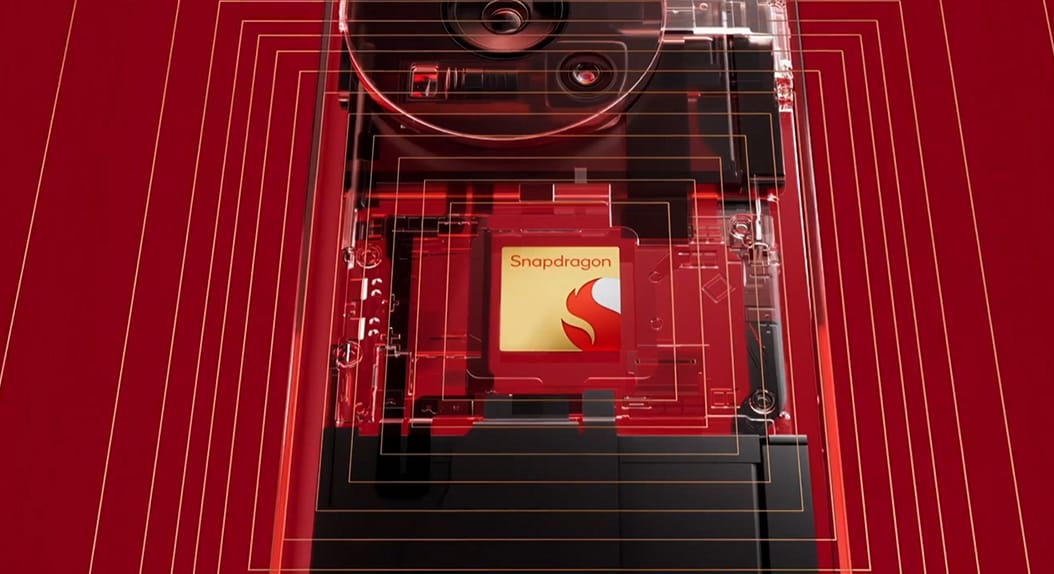
For years, Xiaomi has chosen Snapdragon for its high-end products. The Xiaomi 15 Ultra, powered by the Snapdragon 8 Elite built on a 3nm process, shows clearly how the company favors sustained thermal performance, advanced GPU capabilities, and superior camera processing. This ensures a flagship-grade user experience across heavy workloads, from high-end gaming to AI applications and pro photography.
MediaTek in Affordable Flagship Devices
MediaTek plays a strategic role in Xiaomi’s affordable flagship segment. The Xiaomi 15T Pro, powered with the Dimensity 9400+, achieves near-flagship CPU and GPU performance without compromising the much lower cost of the overall product. POCO models like the Poco X7 Pro (China: Redmi Turbo 4 variant) have the Dimensity 8400-Ultra for their functionality, achieving stable gaming performance with competitive power efficiency and strong thermal consistency during long sessions.
Performance, Efficiency, and Thermal Behavior
Performance characteristics between Snapdragon and MediaTek differ due to their core architecture and optimization strategies.
Peak Performance and Sustained Performance
The “all-big-core” strategy of MediaTek in its high-end chips yields strong peak benchmark results. However, under longer workloads, those chips will reach thermal limits sooner and throttle. The traditional Snapdragon P+E structure allows the SoC to distribute background and high-load tasks efficiently, maintaining superior sustained performance in long gaming sessions and heavy productivity use.
Power Efficiency and Battery Behavior
Snapdragon generally provides better efficiency in mixed daily use since it always features dedicated efficiency cores, hence providing longer screen-on time in flagship Xiaomi devices. MediaTek chips do well during short, intensive tasks and, quite often, run cooler in mid-range gaming conditions. This fact makes MediaTek strong in burst-based use while making Snapdragon better for long, continuous workloads.
Connectivity and Imaging Capabilities
Connectivity and the imaging experience are core to Xiaomi’s premium device strategy, in which Snapdragon maintains certain key advantages.
Modem and Wireless Performance
Snapdragon platforms give industry-leading 5G Advanced capability via the X75 modem, providing enhanced global roaming, advanced carrier aggregation, and AI-assisted signal optimization. This adds strong value for international travellers and users in dense urban networks.
MediaTek supports 5G and Wi-Fi 7 standards but lacks the proprietary modem features driven by AI on Qualcomm’s flagship platforms.
Camera Processing and ISP Quality
Qualcomm’s Spectra ISP forms the backbone of Xiaomi’s high-end image quality successes, especially when combined with Leica-tuned camera systems. It enables accurate color processing and better performance in low light conditions. MediaTek’s Imagiq ISP is getting better with time, and it’s supporting ultra-high-resolution sensors, but Snapdragon still has an edge in computational photography pipelines.
Software Longevity and Developer Support
Long-term software support is a priority for many Xiaomi device users, especially the modders or enthusiasts.
Custom ROM Support and Long-Term Maintenance
Snapdragon chipsets are far more compatible with custom ROMs thanks to the open kernel policies of Qualcomm and the highly developer-friendly documentation. In contrast, MediaTek has had limited availability of source code historically, which implies fewer options for long-term maintenance on community ROMs.
Inner Chip Strategy of Xiaomi
Xiaomi also develops its own silicon, including the XRING O1 platform. Though not currently widely deployed, a second-generation chipset to follow this one could help to further enhance Xiaomi’s autonomy and improve the long-term bargaining power the company could use against both Qualcomm and MediaTek. This also potentially shapes future generations of Xiaomi devices at all tiers.
Which Chipset Should Xiaomi Users Choose?
The ideal chipset depends on the user’s priorities and on the Xiaomi device category. Snapdragon still remains superior for flagship-level performance, advanced camera systems, global 5G capabilities, and long-term software longevity. MediaTek offers great performance per cost, particularly in Xiaomi’s affordable flagships and mid-range gaming devices, by offering efficient daily use and stable thermal behavior.
For Xiaomi buyers:
Choose Snapdragon for global connectivity, pro-grade photography, sustained gaming, and custom ROM potential.
Choose MediaTek for excellent value, fast burst performance, and cost-efficient mid-range gaming stability.
Both serve critical roles in Xiaomi’s multi-tier strategy for serving diverse global users effectively.
When purchasing a phone for one’s mom, dad, or grandparent, simplicity, reliability, and ease of use often come well ahead of raw performance. In 2025, this leaves us with two solid options from Xiaomi: the budget-friendly Redmi 14C and a refurbished Redmi Note 12 Pro. The Redmi 14C will provide a brand-new, zero-risk experience with the latest HyperOS, which also features a Simple Mode to switch to large icons. The refurbished Note 12 Pro impresses with its bright AMOLED screen, fast charging, and stereo speakers-all features that go toward increasing user comfort and accessibility.
Key Factors for Choosing a Senior-Friendly Xiaomi Phone
Screen Readability A large, bright display makes reading easy. The Redmi 14C’s IPS panel is generous in size, while the Note 12 Pro delivers richer contrast thanks to its AMOLED screen.
Audio Clarity Clear and loud stereo speakers are vital. The Note 12 Pro supports Dolby Atmos for richer sound, but the Redmi 14C also offers reliable stereo output in an affordable package.
Battery Life and Charging A high-capacity battery is essential, but so is fast charging. The refurbished Note 12 Pro supports 67 W fast charging, while the Redmi 14C provides 18 W charging in a budget format — ensuring practical use without long wait times.
Usable Interface For seniors, a simple, uncluttered UI matters most. The Redmi 14C runs the latest Android-based HyperOS with a Simple Mode, making navigation easy for those unfamiliar with smartphones.
Recommendation: Which to Choose?
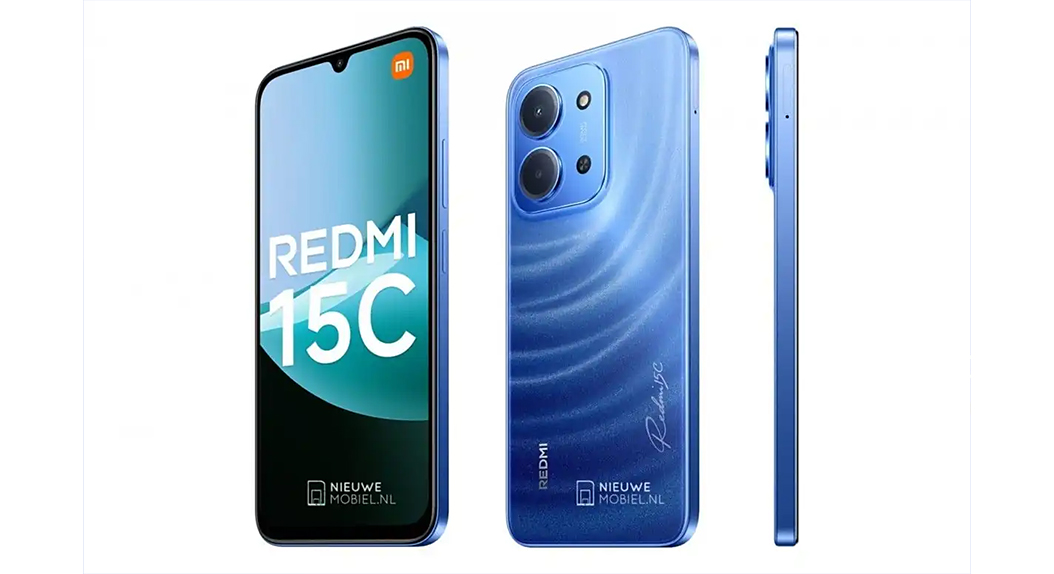
Go for the Redmi 15C if you want:
Brand-new device with full manufacturer warranty
The latest HyperOS with regular updates
A clean, easy-to-use interface for users who prefer simplicity
Choose the refurbished Redmi Note 12 Pro if the priority is:
Better display quality – AMOLED, high brightness
Stereo sound with richer audio experience
Fast 67 W charging to minimize the time spent plugged into a wall
Better performance
But it’s update life is finished
Tips for Safe Refurbished Purchase
Purchase from trusted certified resellers that offer a warranty – at least 12 months.
Check the refurbisher’s rating and return policy.
If possible, confirm the battery health percentage, as older phones will have degraded battery capacity.
If the phone supports updates, then users can install Xiaomi’s apps and system upgrades through using our app from the Play Store called theMemeOS Enhancer. This will give access to a variety of hidden features, system apps, and over-the-air updates/ These two models from Xiaomi will balance cost, usability, and comfort superbly. It doesn’t matter whether you want a brand-new device that is stress-free or more features with quick charging; one will surely fit your family’s needs.
In today’s world of smart living, creating a connected home is not about buying random gadgets but building a well-synced ecosystem. Xiaomi’s products under Global Edition let users devise a united smart home environment fusing automation, comfort, and accessibility all controlled on the Xiaomi Home app. Especially for markets like Turkey, Xiaomi’s Global lineup opens an affordable gateway into highly functional modern home automation.
Why You Should Choose Xiaomi Global Versions
When building a smart home with Xiaomi, one of the most important decisions is between the Global and China (CN) versions of products. Global versions are optimized for international markets, offering:
Full Google support, including Google Assistant integration.
Leaner software, without unnecessary local applications.
Global server compatibility enables all devices to connect under one region.
By contrast, Chinese versions require switching to “Mainland China” servers, which can split your ecosystem — Google Assistant won’t work, and your devices won’t show up together in the same app environment. To maintain full functionality, only use Global Edition devices and make sure your server is set to a global region.
The Control Center: Xiaomi Home App
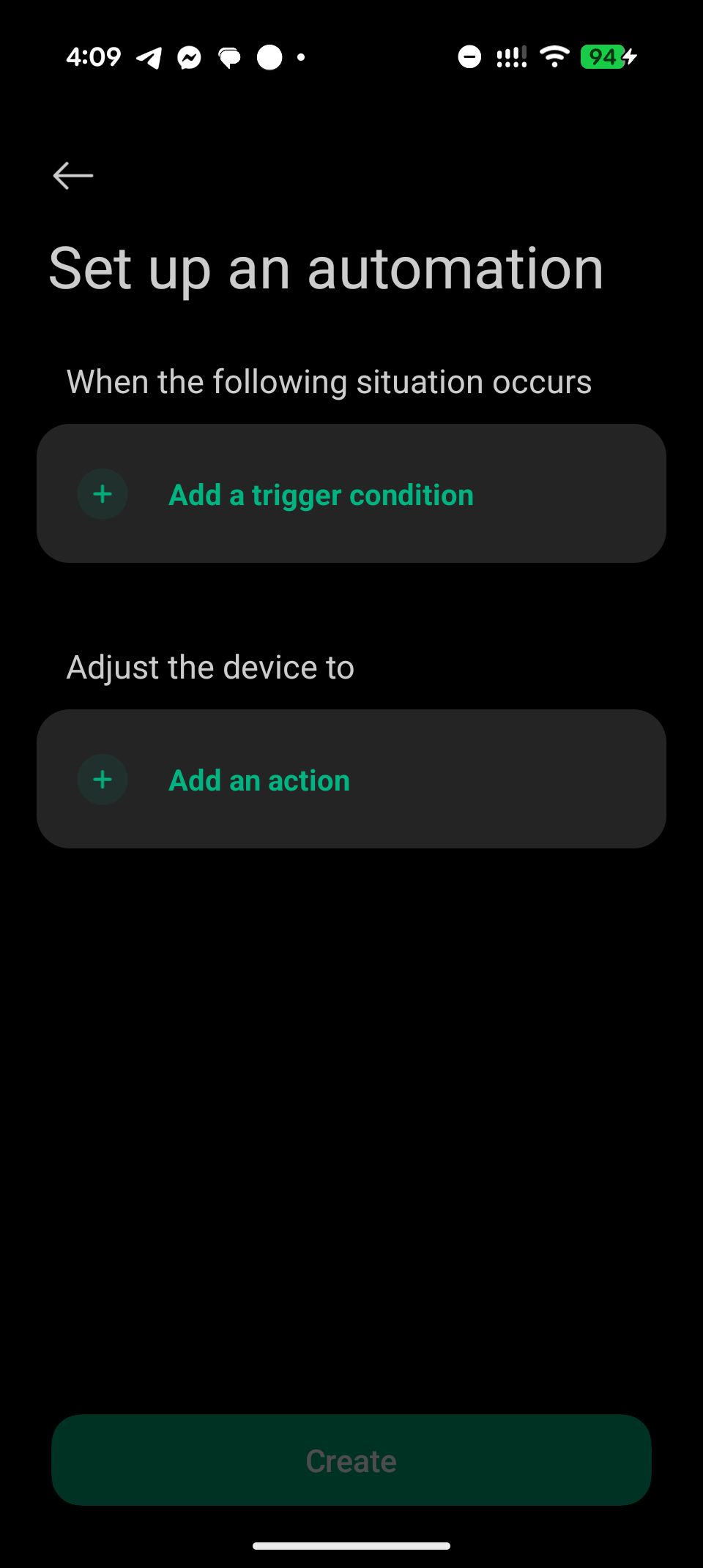
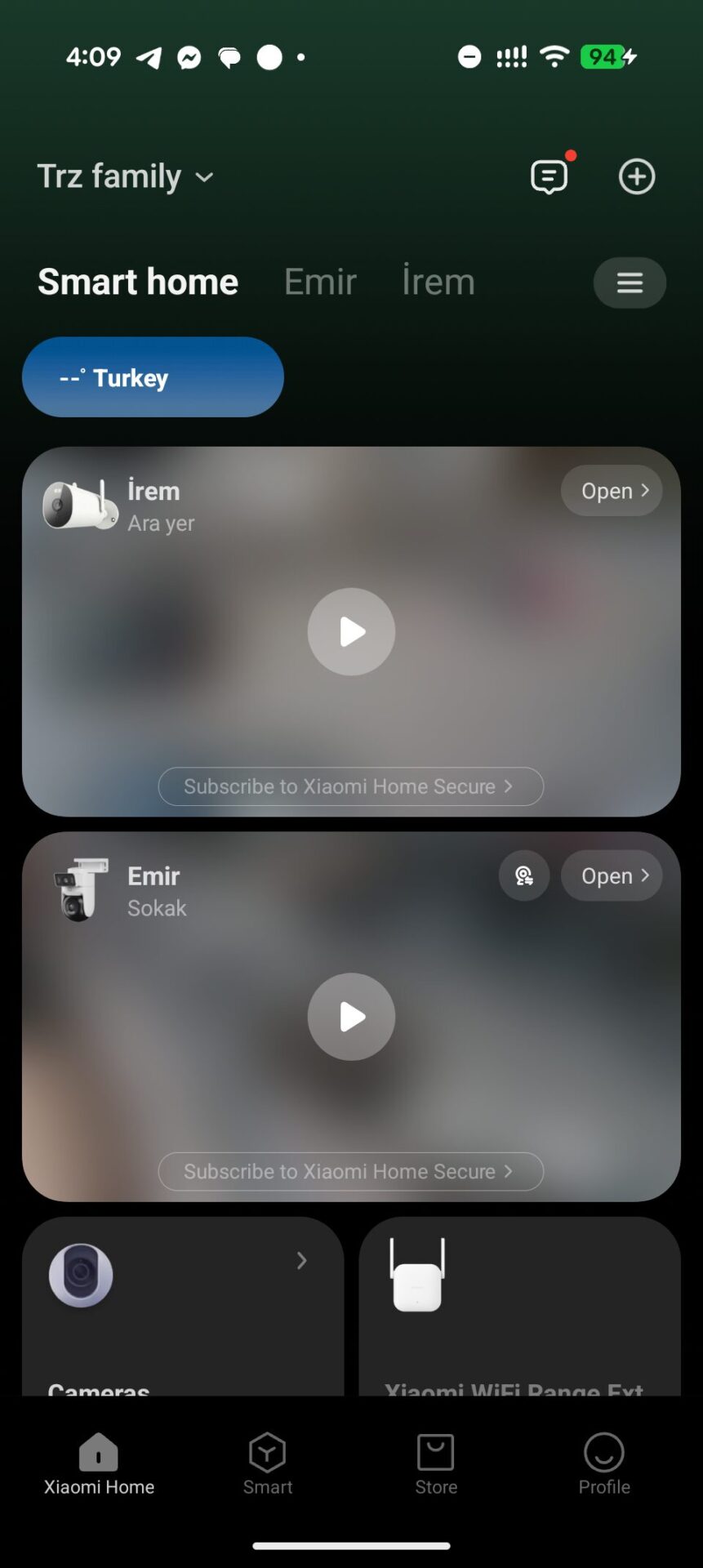
The Xiaomi Home (formerly Mi Home) app is the brain of your entire ecosystem. It lets users add, monitor, and automate devices from Xiaomi and its partner brands like Yeelight. You can create “Smart Scenes”-automation rules such as turning the lights on when a motion sensor detects any activity-or control devices remotely, even when you are away from home.
Xiaomi Smart Home Hub 2: The Ecosystem Heart
The key gadget for managing your connected environment is the Xiaomi Smart Home Hub 2 (Global Edition). It supports several communication protocols, including Zigbee, Bluetooth, and Bluetooth Mesh, which enable its compatibility with both older and newer Xiaomi devices.
Key Features:
Dual-band Wi-Fi (2.4GHz & 5GHz) and Ethernet connectivity for stability.
1GHz dual-core CPU and 128MB RAM for fast, reliable performance.
Supports up to 100 devices simultaneously.
It’s available for around $70 on local e-commerce platforms.
Affordable Alternative: Using Smart Cameras as Hubs
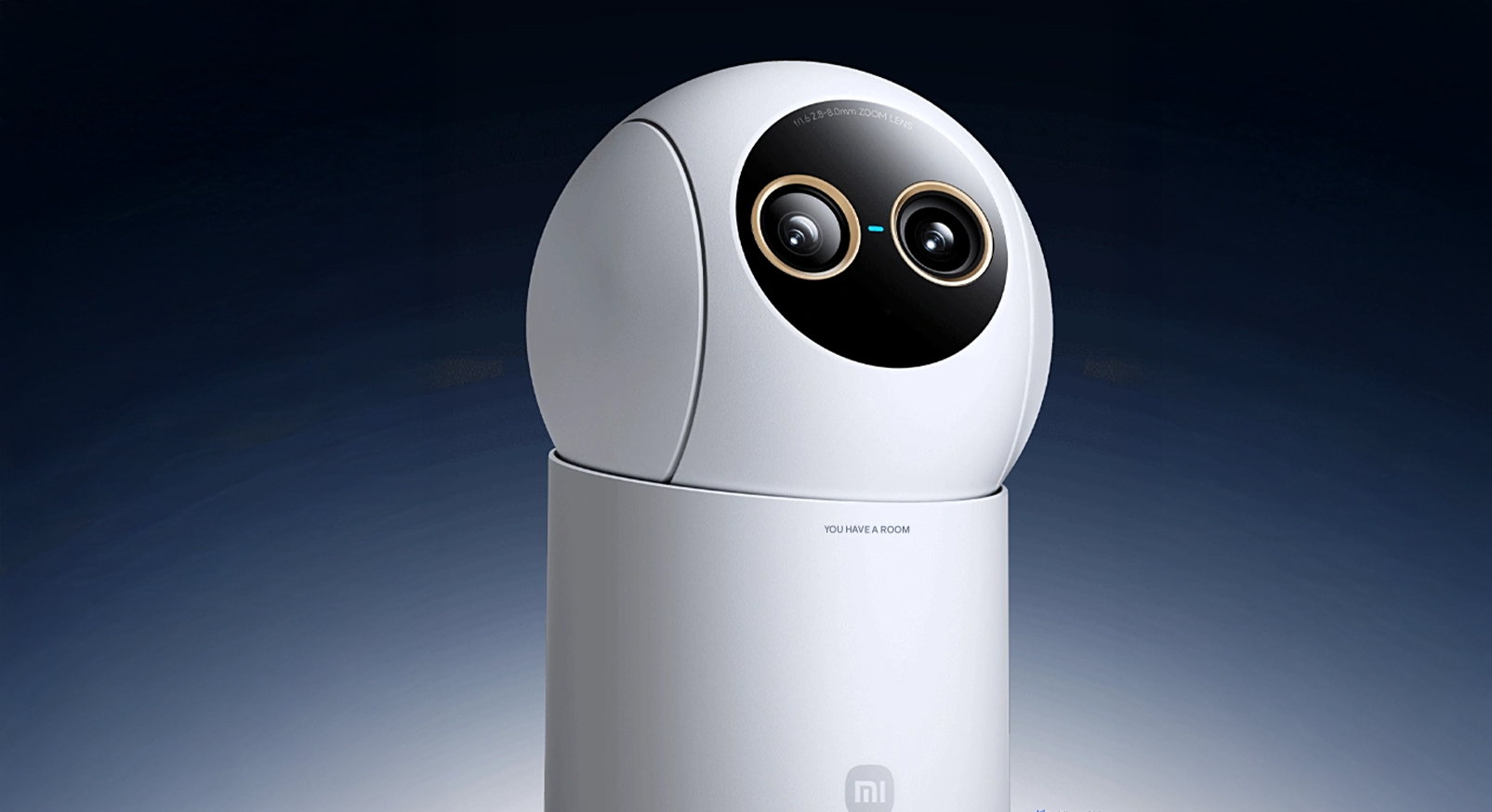
If you’re starting your smart home journey, some Xiaomi cameras can also serve as Bluetooth Mesh Gateways. For instance, the Xiaomi Smart Camera C500 Pro operates as both a high-resolution security camera and a Bluetooth hub, in a way enabling you to connect sensors like door or motion detectors without actually needing to buy a separate hub.
Living Room Comfort: Air, Light, and Entertainment
Air Quality
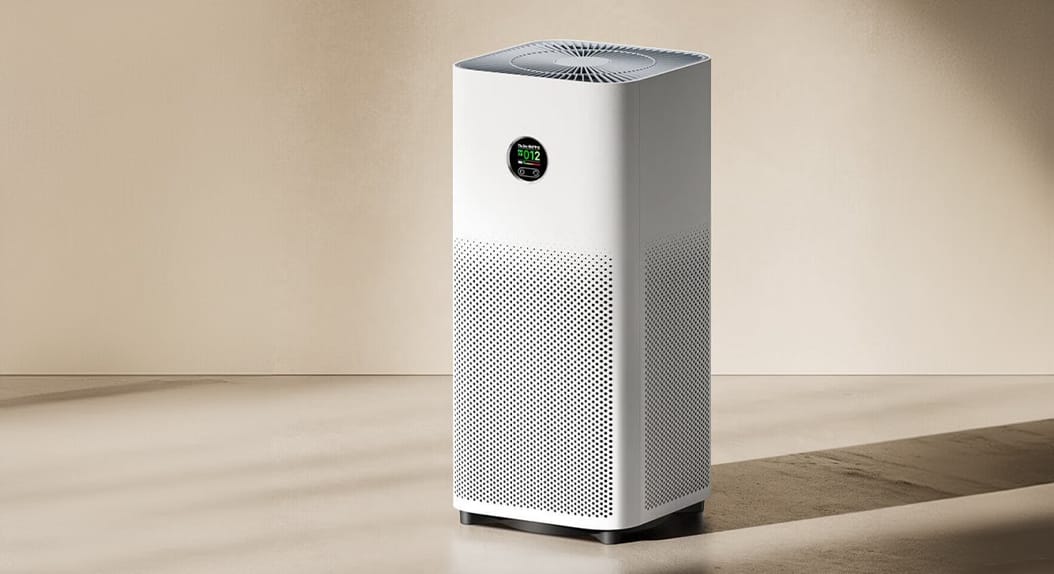
Xiaomi Smart Air Purifier 4 and 4 Pro employ TÜV Rheinland-certified filtration and Google Assistant support to maintain clean, fresh air while fitting seamlessly into your smart home setup.
Smart Lighting
Bulbs such as the Mi LED Smart Bulb Essential and Yeelight W3 offer dynamic color options, adjustable brightness, and automation via the Xiaomi Home app.
Integration of Entertainment
Devices like Xiaomi TV Box S (2nd Gen) and TV Stick 4K are not only allowing for viewing in 4K with Dolby Vision and Atmos support, but they are acting as voice control hubs through Google Assistant, which will let you say, “Hey Google, turn off the living room lights.”
Industrial America’s place at the pinnacle of world production was appropriate in every sense.
Cleaning and Maintenance
Both of these models, the Robot Vacuum X20 Max and the S40, offer great cleaning along with advanced mapping and scheduling. Integration with Xiaomi Home allows you to automate cleaning sessions when everyone leaves the house.
Smart Camera C500 Pro
Equipped with 3K resolution, HDR, and a physical privacy shield, this camera delivers both clarity and safety.
Smart Doorbell 3
It offers 2K video capture, AI human detection, and up to 72 hours of free cloud storage, which is controllable via the Xiaomi Home app.
Conclusion
These devices are available globally for Xiaomi Home
Living Room
Xiaomi TV Box S (2nd Gen)
Mi LED Smart Bulb Essential
Yeelight W3 Smart Bulb
Xiaomi Smart Air Purifier 4 Pro
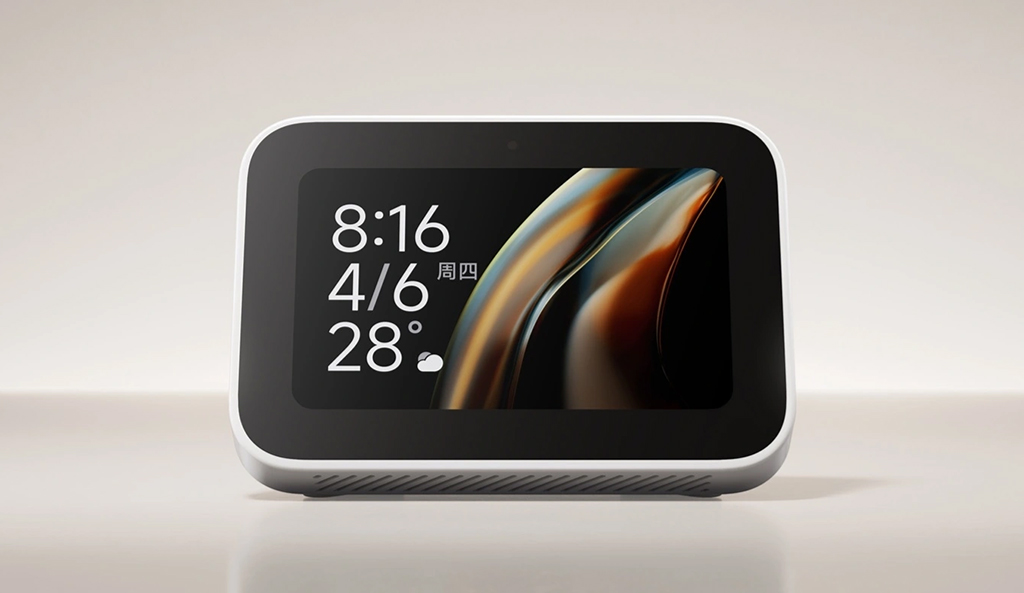
Xiaomi Smart Speaker (IR Control)
Xiaomi Smart Camera C500 Pro
Bathroom
Xiaomi Temperature & Humidity Sensor
Mi Smart Plug (to control water heater or hair dryer)
Xiaomi Motion Sensor (for automatic lighting)
Workroom
Xiaomi Desk Lamp Pro
Mi Smart Plug
Xiaomi Smart Air Purifier 4 Compact
Yeelight Lightstrip Plus
Xiaomi Smart Power Strip
Kitchen
Mi Smart Kettle Pro
Xiaomi Smart Plug (for coffee machine or air fryer)
Xiaomi Motion Sensor (to trigger lights)
Xiaomi Air Purifier 4 Compact
General / Whole Home
Xiaomi Smart Home Hub 2
Xiaomi Door & Window Sensor 2
Xiaomi Motion Sensor 2
Xiaomi Smart Camera C500 Pro (as Bluetooth Mesh Gateway)
Xiaomi Smart Doorbell 3
Xiaomi Robot Vacuum X20 Max
Xiaomi Smart Speaker with Google Assistant
With Global Edition products, Xiaomi can make one’s home fully connected and ensure stability, privacy, and compatibility with Google. Whether one starts small with a few smart bulbs or plans a complete automation setup, the global ecosystem from Xiaomi represents a very powerful and inexpensive way toward a truly intelligent home.
Xiaomi is still the king of gaming smartphones in 2025 with its extensive lineup of high-performance but affordable phones. If you are a person who appreciates the POCO F series for its flagship level of performance, the Xiaomi T series for balance performance, or the Redmi Note Pro+ for a budget phone experience, Xiaomi has something in store for every gamer to cater to their requirements. Each series offers a specific blend of speed, efficiency, and cooling technology specifically designed for gaming.
POCO F Series – The game-changing champion
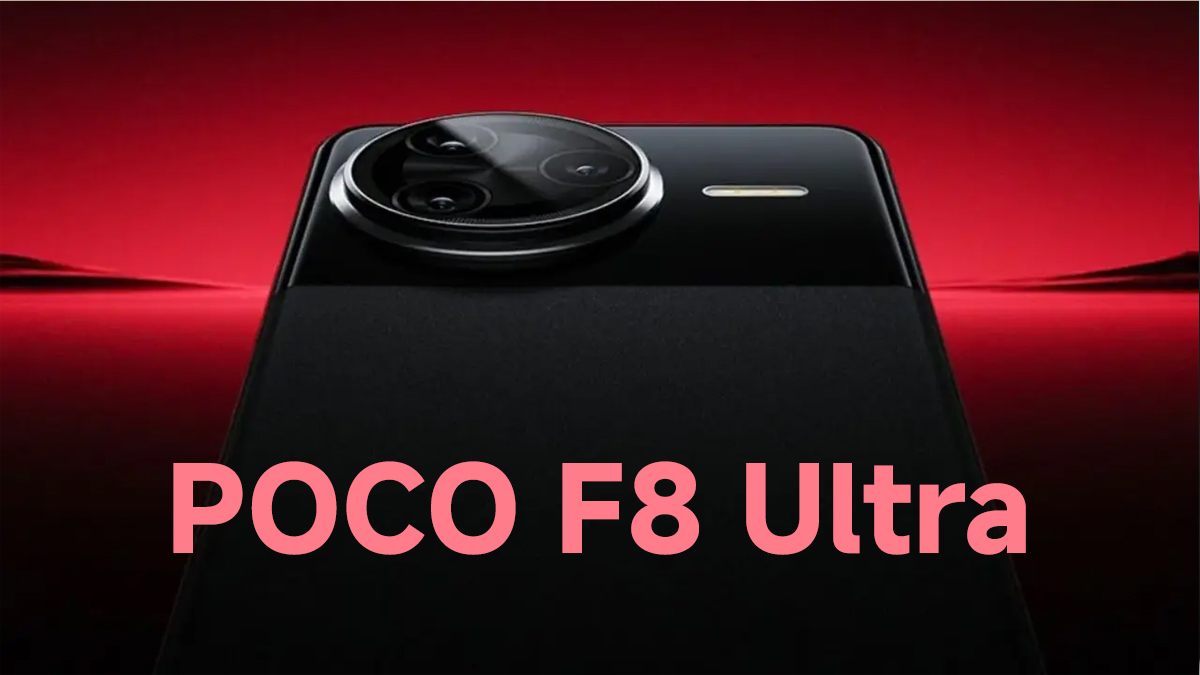
The POCO F series remains among the most gaming-friendly phone lines for enthusiasts. Powered by premium chips like the Snapdragon 8 Elite, great cooling mechanisms, and high refresh rate AMOLED displays, POCO F phones deliver buttery-smooth gaming even on the graphically heaviest of games. With large batteries and fast charging support, they are ideal for marathon gaming sessions without overheating or performance throttling.
Xiaomi T series
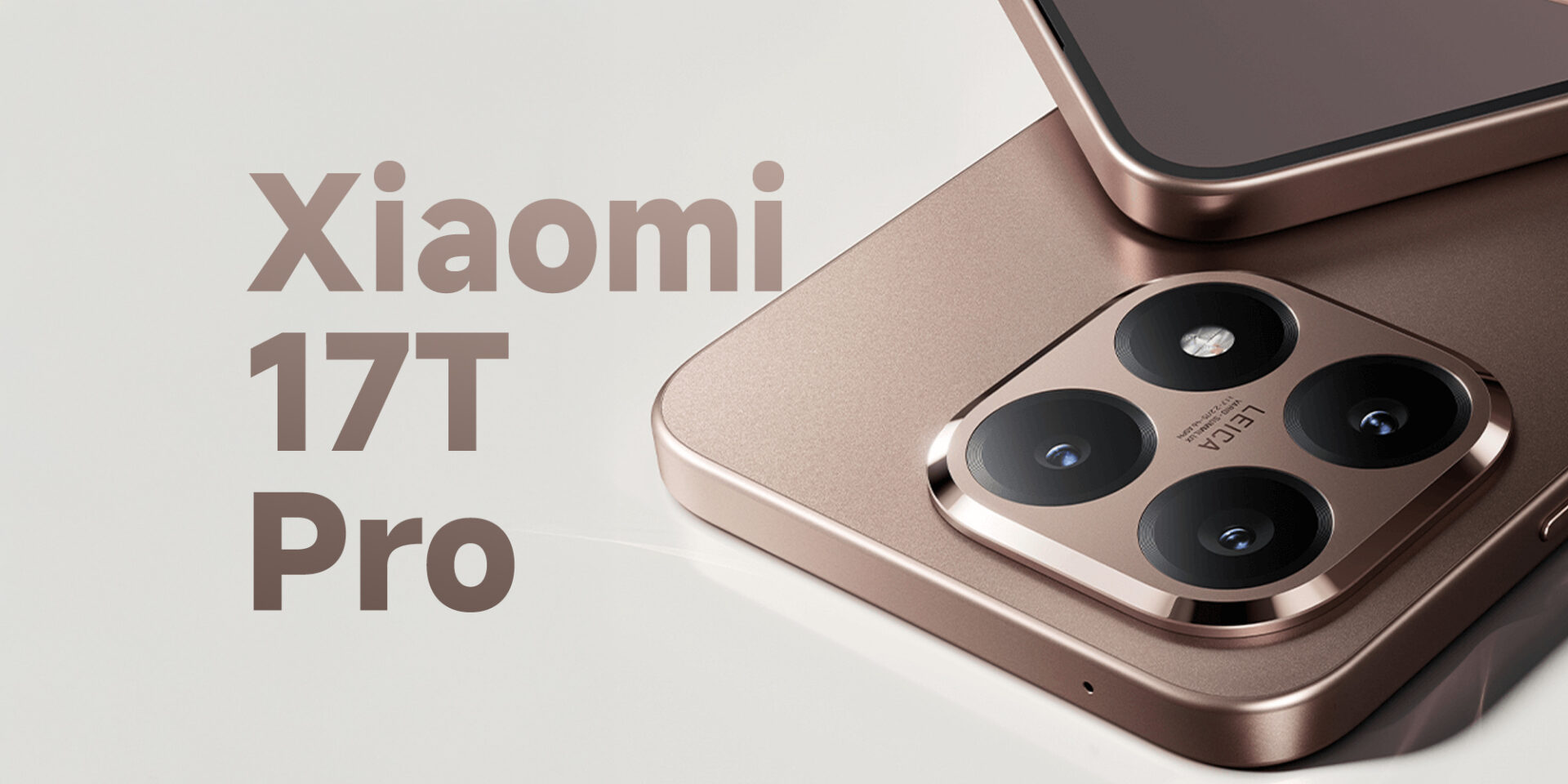
The Xiaomi T series (also called the Redmi K Ultra series in China) is another excellent choice for gamers seeking near-flagship performance for mid-range costs. Such phones tend to have high-performance processors, better vapor chamber cooling, and 120Hz displays. The Xiaomi T series offers top-notch performance together with sleek design, thus suitable for gaming as well as everyday usage.
Redmi Note Pro+ series – The budget gamer’s choice
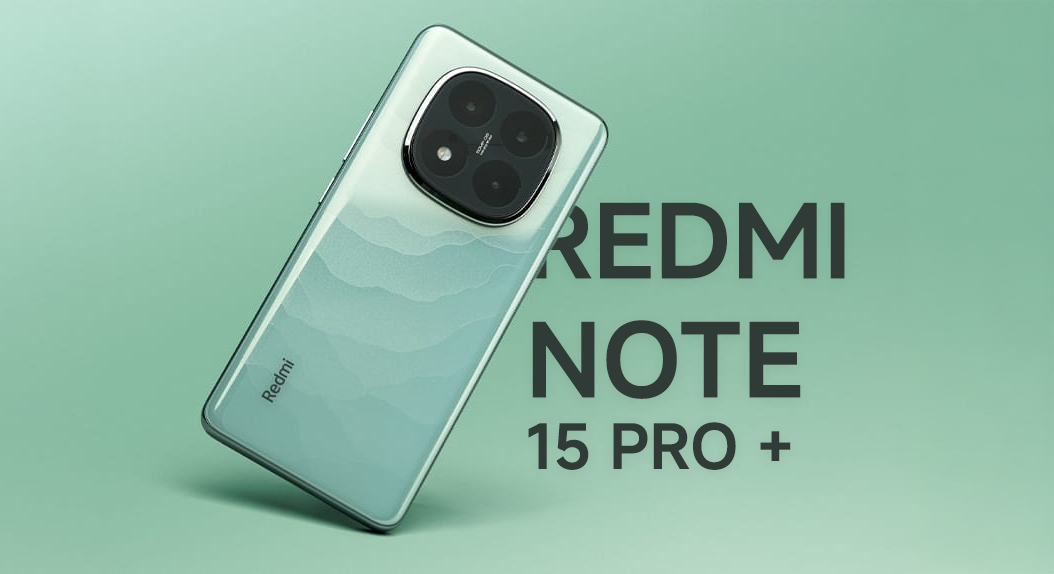
For people seeking great gaming performance at affordable prices, the Redmi Note Pro+ is an excellent choice. It may not compete with mainline chips but delivers optimized mid-grade processors, optimized GPU performance, and smooth 120Hz panels—all for a superior balance of price vs. gaming quality.
POCO X Series – Balanced and affordable
The POCO X series bridges the gap between budget and flagship performance. It is targeted towards casual gamers who want decent gaming performance with not a compromise on battery life or camera capability. They often inherit software optimizations from higher-end POCO F models to deliver consistent frame rates in mainstream mobile games.
Last words
Whether you are a high-end competitive gamer or just a casual player, Xiaomi’s diverse series from the POCO F, POCO X, Redmi Note Pro+, and Xiaomi T series offers capable devices in every price tier. Their match of strong hardware, efficient cooling, and MIUI/HyperOS optimizations puts Xiaomi among the very best brands for mobile gaming in 2025.
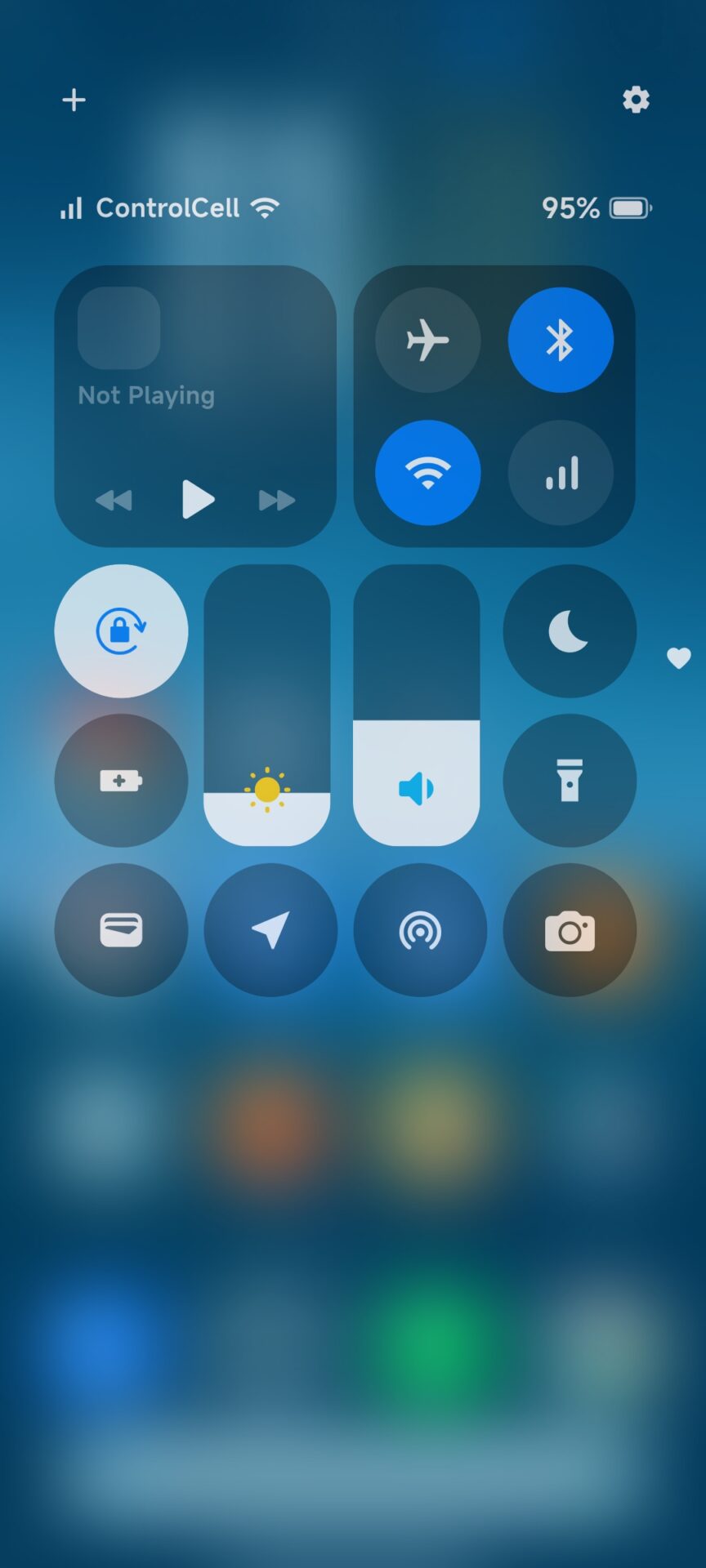
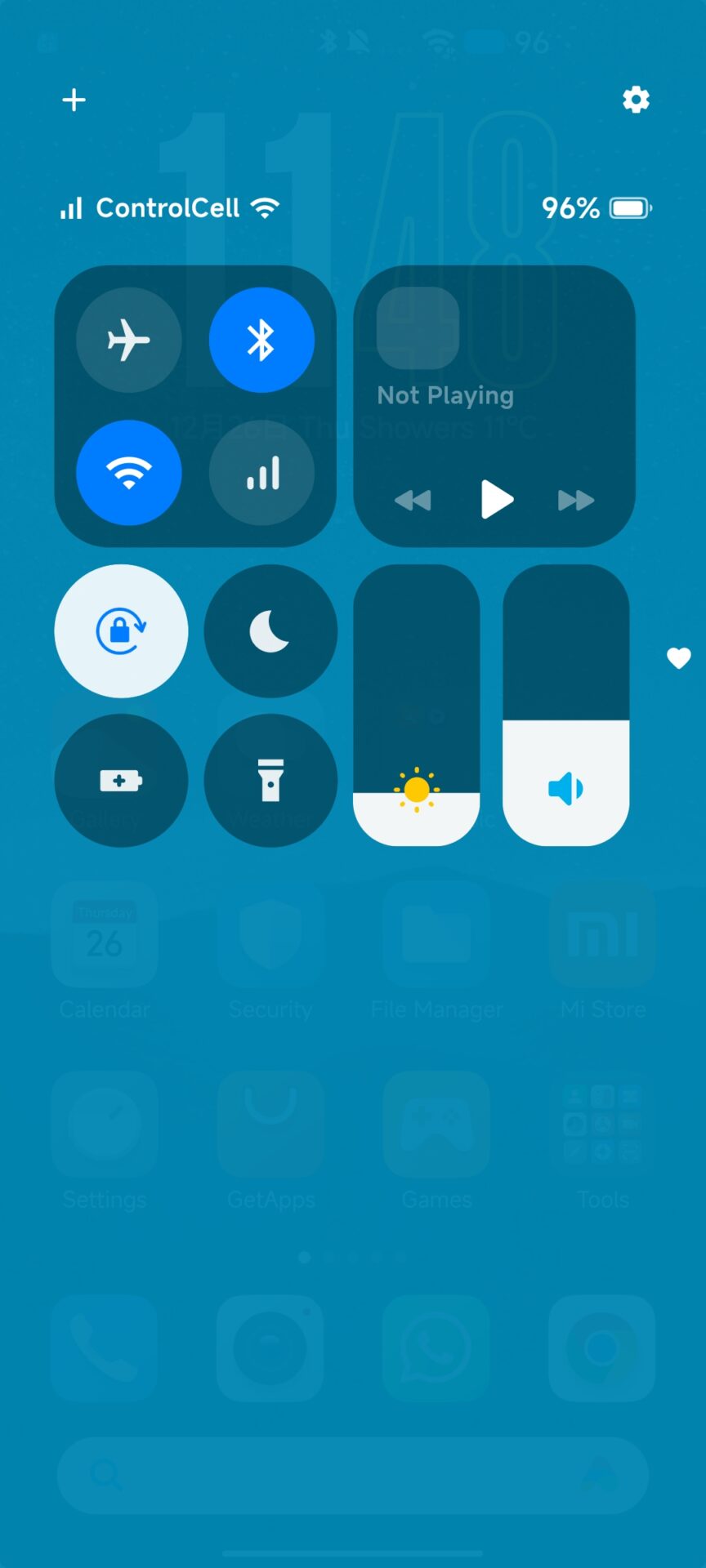
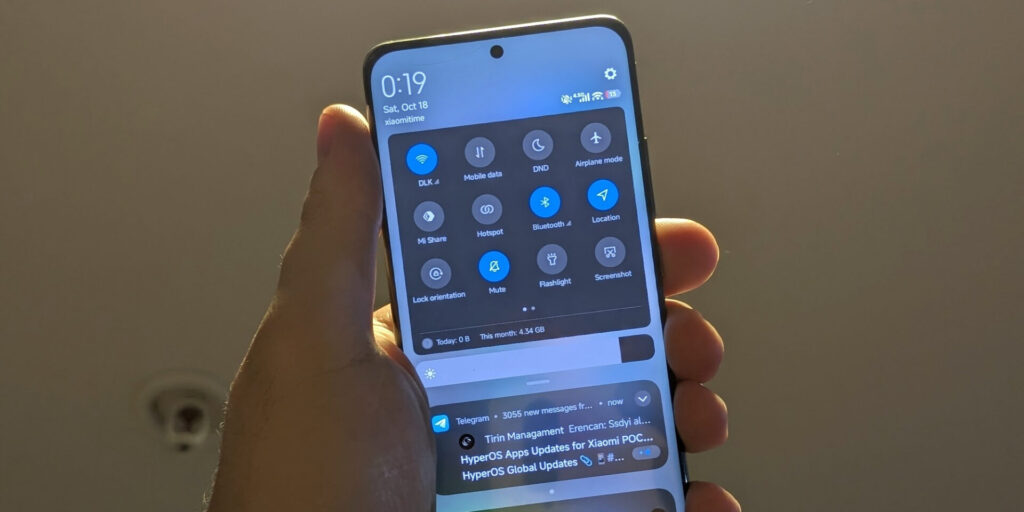
Some Xiaomi low-cost phones such as Redmi 15, Redmi 14C, and Redmi 13X still make use of the traditional Android-way control panel instead of the modern iOS-inspired Control Center on premium phones with HyperOS. The limitation here is primarily due to hardware and performance aspects, which hamper seamless rendering of advanced animations and transitions.
Despite this, Xiaomi users do not have to forgo the new design and features. With the help of third-party customization software like Control Center 18, it can be configured to resemble the new Control Center look on most Redmi and POCO phones.
Why Some Xiaomi Devices Don’t Have the New Control Center
Xiaomi’s updated Control Center—introduced alongside HyperOS 1.0—brings a clean layout, smoother animations, and adaptive brightness controls similar to iOS 18. However, not every device meets the required performance standards. Entry-level models with limited GPU and memory capacity may experience lag or frame drops when running the new UI, which is why Xiaomi restricts the feature to mid-range and flagship smartphones.
However, Xiaomi’s software platform is still flexible. Although your phone doesn’t natively support the latest control center, you can nonetheless enhance the visual experience with third-party solutions like Control Center 18, basically cloning the appearance and functionality of the HyperOS Control Center.
Get the New Control Center with Control Center 18
If your Redmi or Xiaomi phone does not have the new Control Center directly installed on it, you can easily replicate it with Control Center 18. This is a nearly exact layout with fluid animations, toggleable toggles, and swift access to your most frequently used settings.
Or, you can find additional Xiaomi tweaking software at HyperOSUpdates.com or get MemeOS Enhancer from the Play Store to enable system elements that are invisible to everyone else, manually upgrade Xiaomi apps, and benefit from unique HyperOS features.

 Login
Login