Normal view

Received yesterday — 19 December 2025

Xiaomi 17 Ultra Leica APO lens explained: Real differences vs old telephoto

19 December 2025 at 01:50

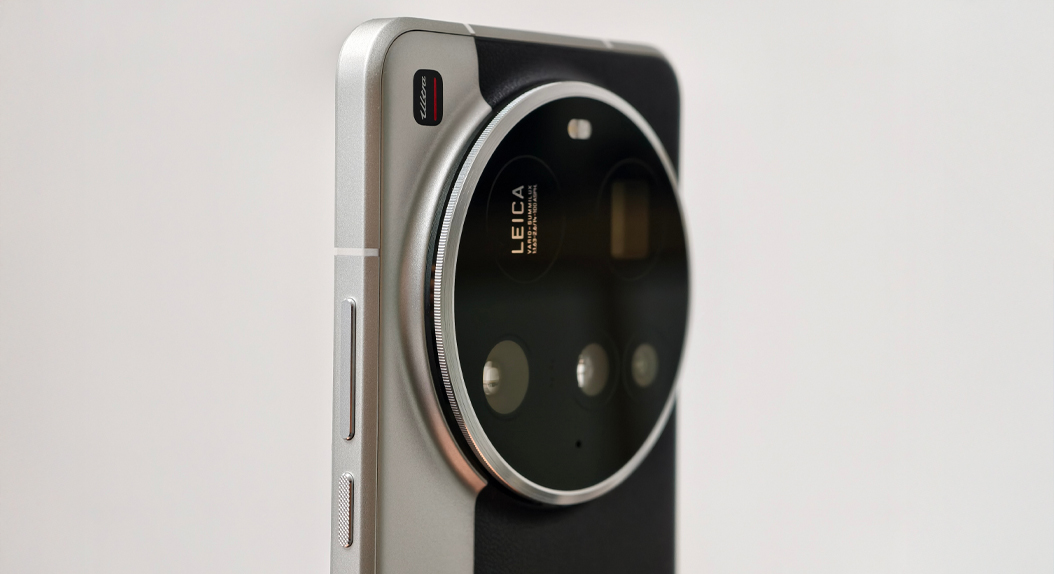
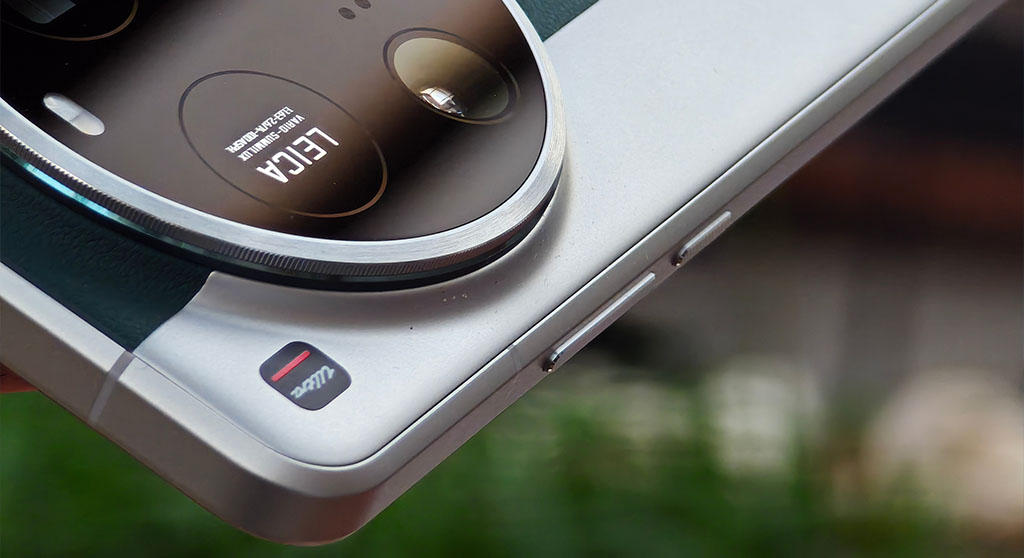
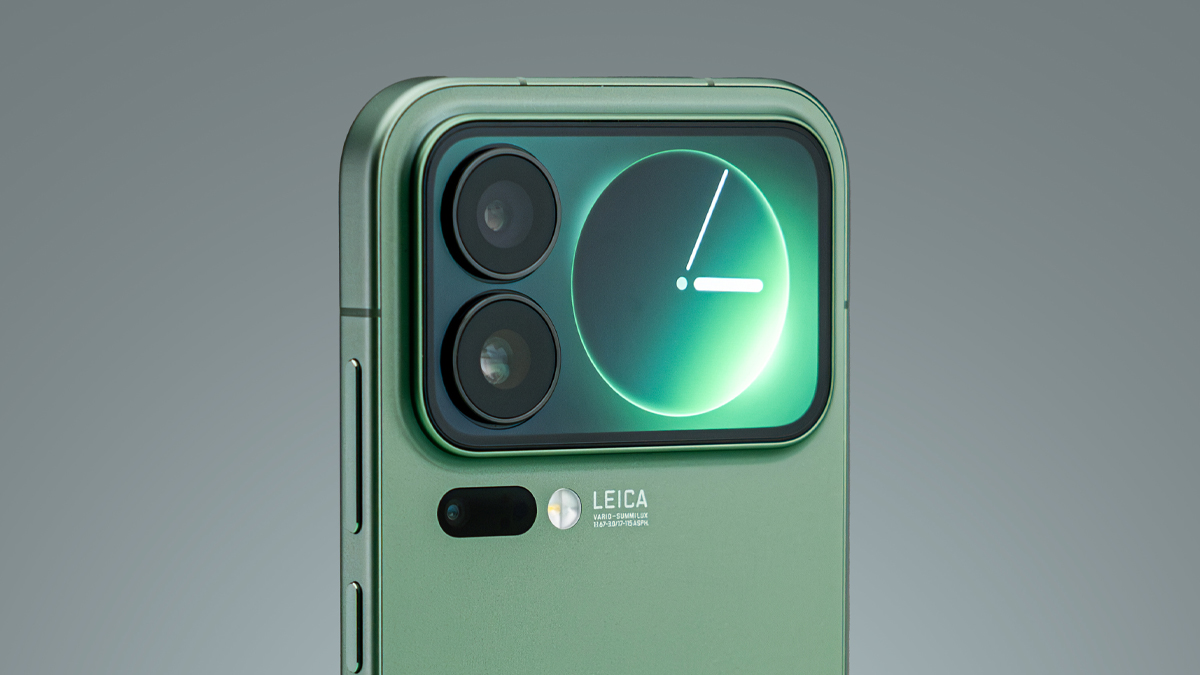
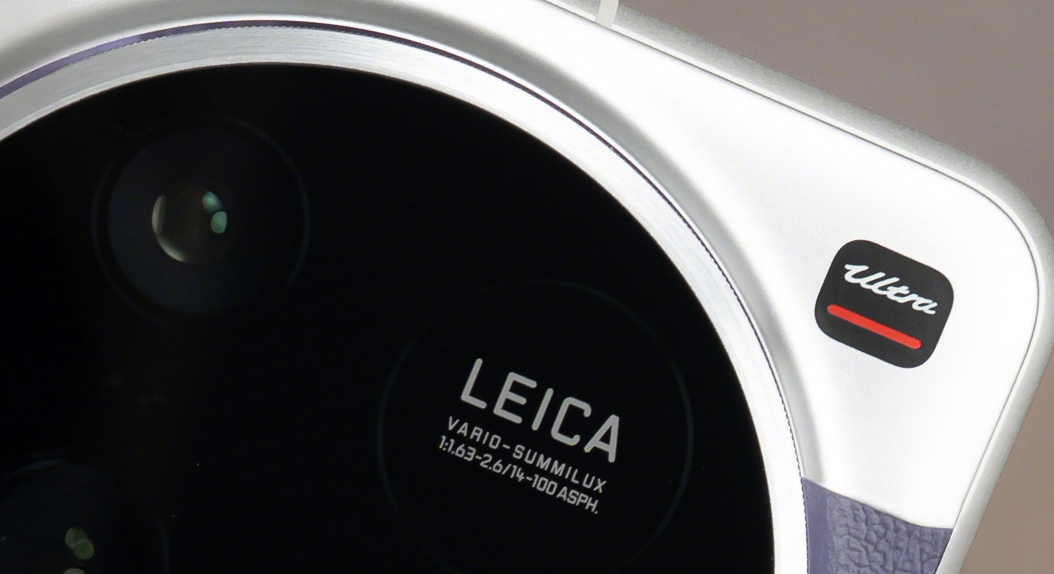
The Xiaomi 17 Ultra is definitely a sharp turn in developing mobile cameras and shifting the focus from heavy software processing back to optical quality. Introducing a Leica APO-certified telephoto lens coupled with a 200MP sensor, Xiaomi aims at essential image accuracy rather than fixing images through post-processing. This strategy is in line with the long-term imaging strategy and extensive partnership with Leica.

What is Leica APO technology?

Leica APO stands for apochromatic lens design, which is a very high optical standard for a smartphone. The main goal of such a design is to correct color dispersion at the physical lens level, even before light reaches the sensor.

In standard lenses, different colors of light are focused at slightly different points. This results in color fringing, especially around high-contrast edges. Leica APO lenses are engineered to bring red, green, and blue light into a single focal plane. Thus, images show cleaner edges, higher micro-contrast, and more accurate color rendition without relying on software correction.
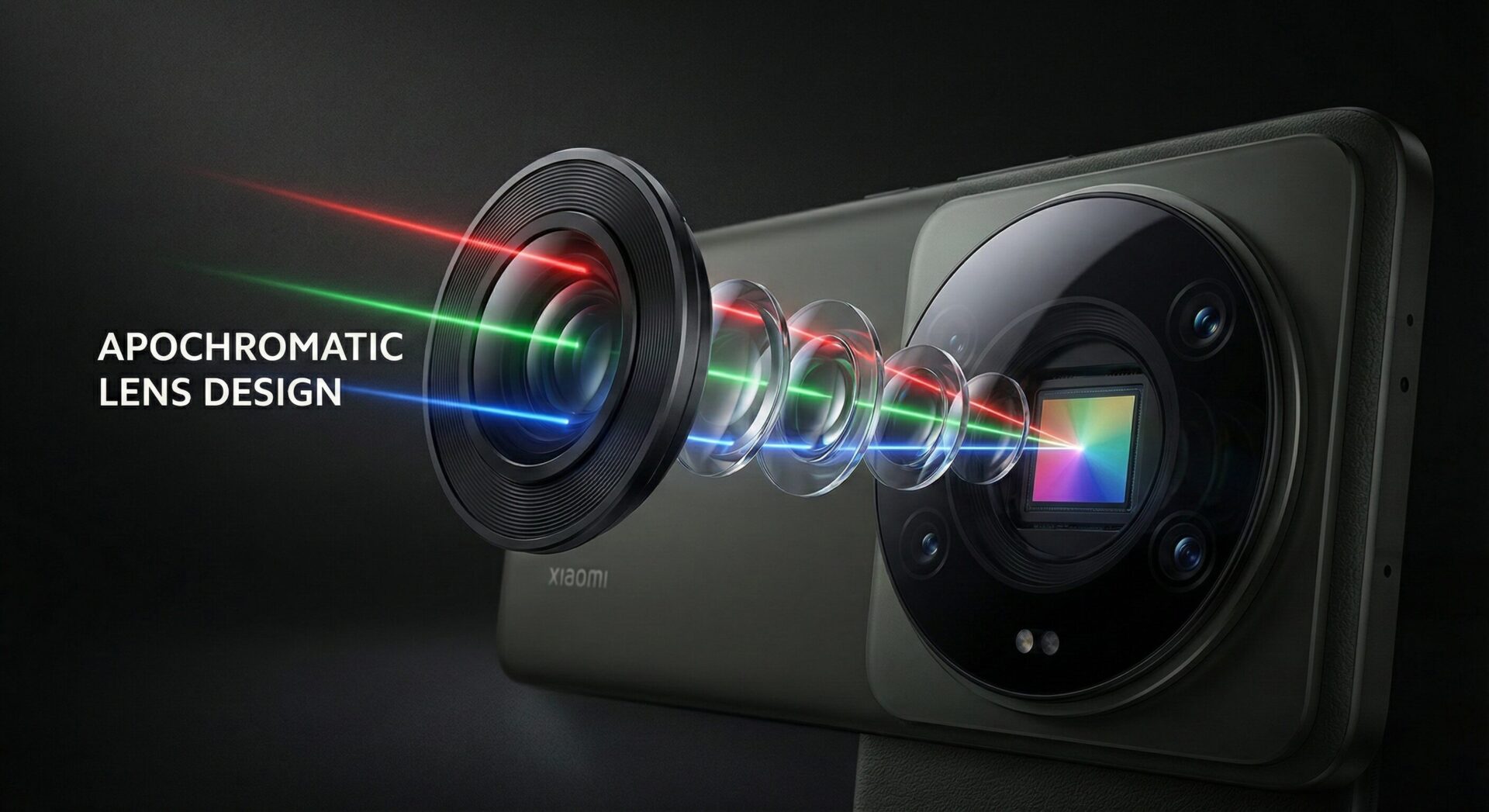
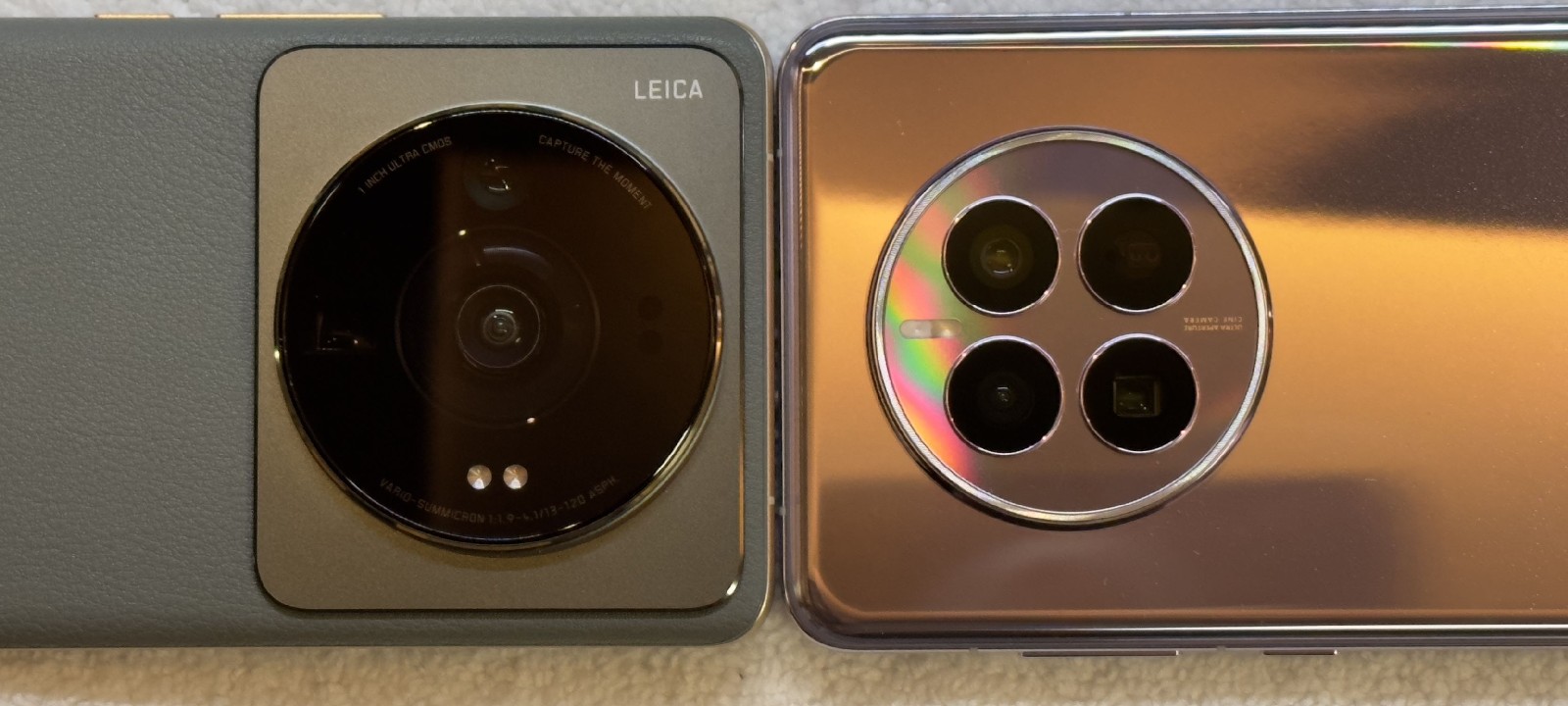
Leica Apo

APO vs. Standard Mobile Telephoto Lenses

Standard telephoto lenses employ an achromatic design, which corrects only two colour wavelengths. The famous brand Leica aligns three principal wavelengths by APO lenses, ensuring minimal chromatic aberration.
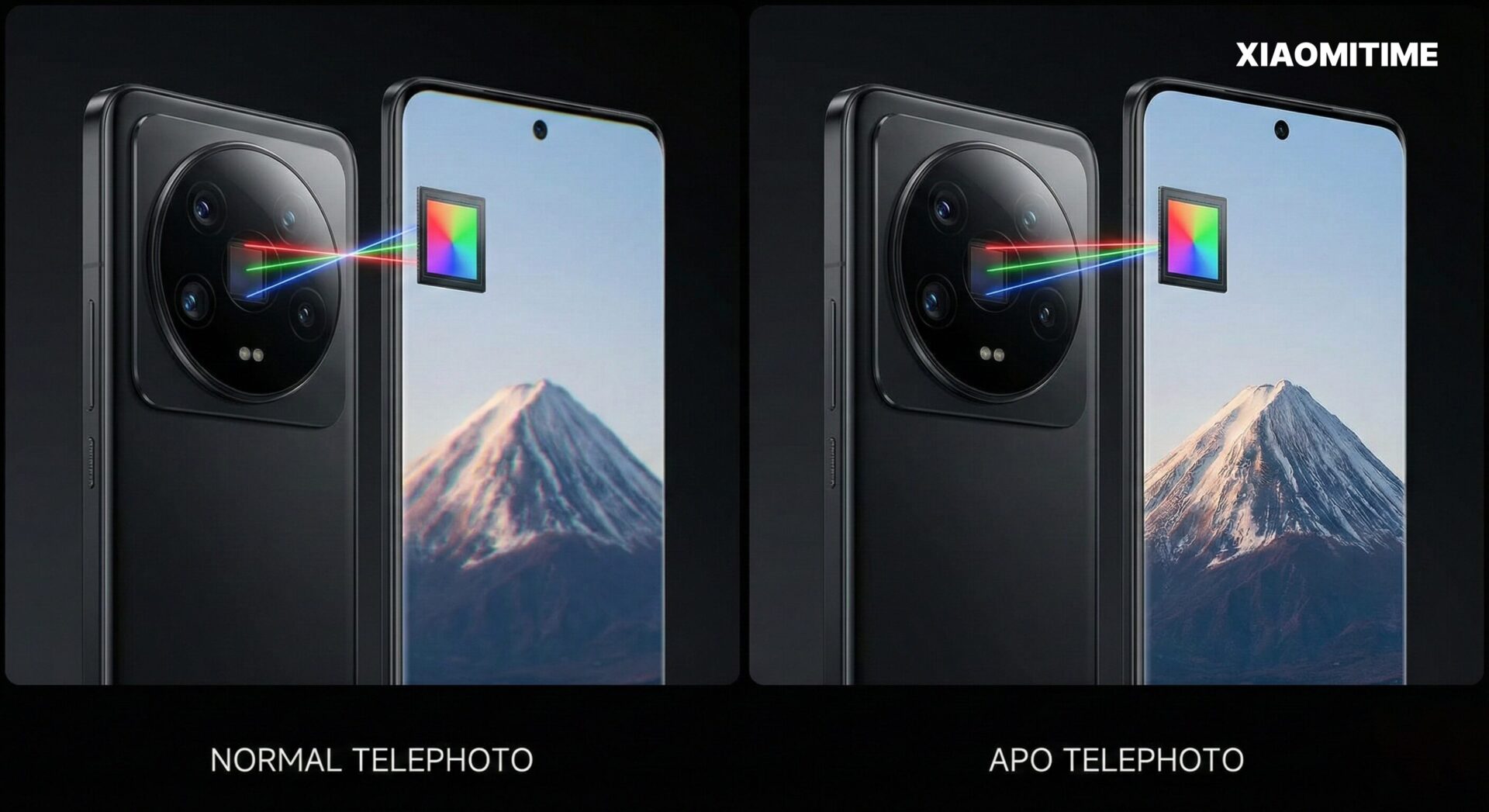
APO vs standart camera lens

Optical Structure-How Different is Xiaomi 17 Ultra?

And the Xiaomi 17 Ultra does not rely on older W-type or traditional L-type periscope designs alone, but introduces a floating APO telephoto structure optimised for large sensors.
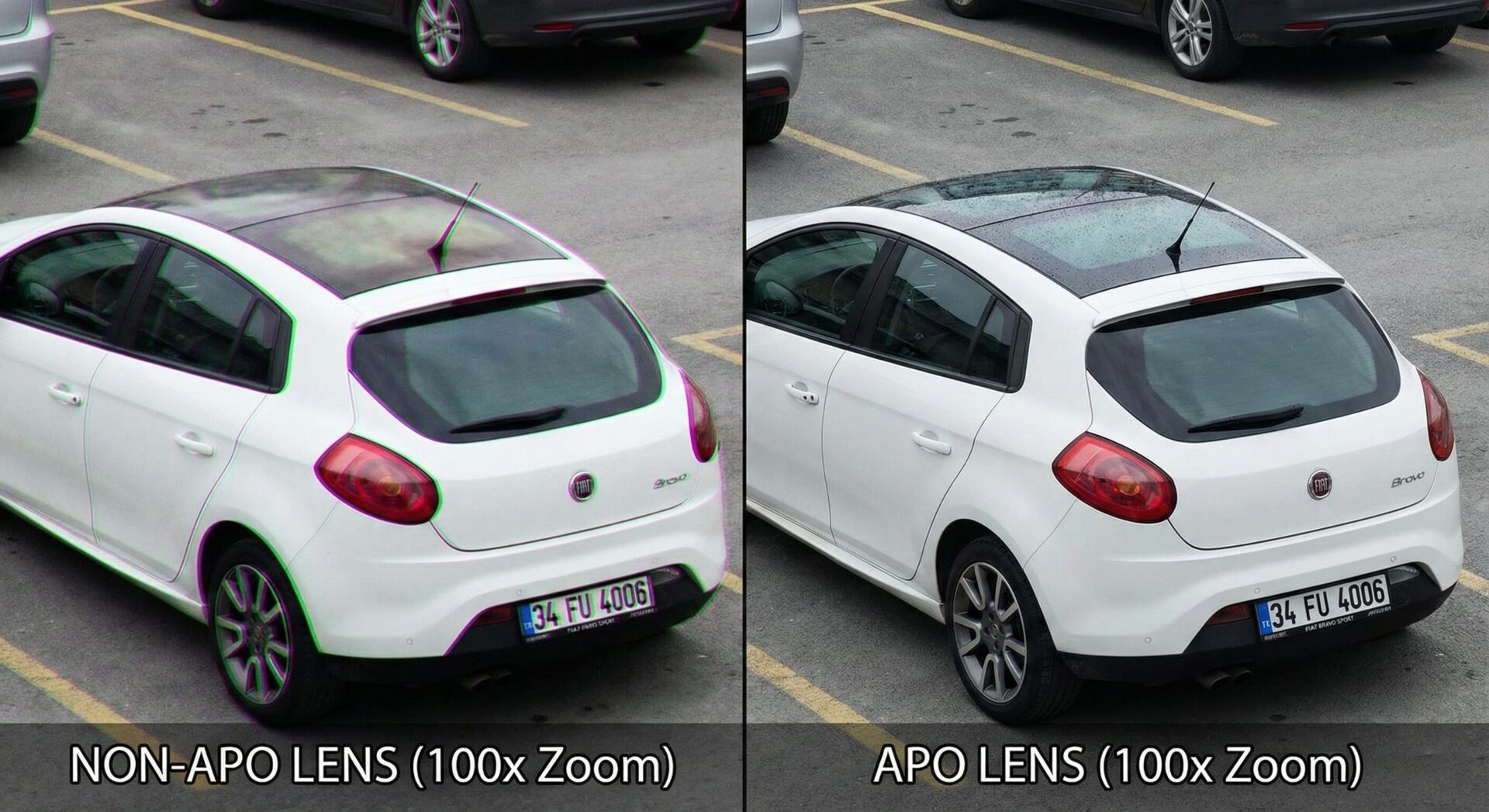
APO vs regular lens comparison by AI

First, before going into details, it should be noted that the structure of a lens directly influences light efficiency, focus range, and image consistency.

Feature Normal Lens (Achromatic) APO Lens (Apochromatic)
Color Focusing Brings 2 colors (Red/Blue) to a common focus point. Brings 3 colors (Red/Green/Blue) to a common focus point.
Edge Quality Purple/Green fringing (Chromatic Aberration) may be visible. Edges are clean and colorless (fringing-free).
Sharpness Good, but can look soft at 100% zoom. Very high, razor-sharp clarity and contrast.
Cost & Build Cheaper and easier to manufacture. Much more expensive, heavier, and uses complex glass elements.

Key Structural Advantages

  • Single optimized prism path reduces the light loss often found in older multi-reflection systems.
  • Floating focus mechanism enables precise focusing from long distances down to close-range macro shots.
  • High light transmission: To accord with consistent image quality in both day time and low-light scene scenarios.

This design will improve optical efficiency without sacrificing the compactness of the module to a factor that would not fit in a smartphone.

200MP Sensor Integration and Image Quality

Meanwhile, the APO lens of Leica in Xiaomi 17 Ultra works together with a 200MP Samsung ISOCELL HP9 sensor. This is indispensable, as the ultra-high-resolution sensor takes extremely tight optic tolerance.

For normal shooting, the sensor employs pixel binning to boost sensitivity to light. With its large resolution, it’s sensor-level cropping instead of digital enlargement when zooming is used, which preserves more detail and avoids many common zoom artifacts. Practical Benefits for Users Smaller color fringing – cleaner images

  • Consistent sharpness at all focal lengths
  • Natural color profile according to Leica’s imaging profile
  • Improved telephoto performance under low lighting conditions

APO Leica: Why It Matters for Mobile Photography

Equipped with Leica APO technology, the Xiaomi 17 Ultra delivers images with a more optically clean look rather than a heavy, digitally enhanced taste. The reduction of aggressive software correction can allow pictures to maintain more natural textures and color balance.

17 ultra poster

This technique does provide much better consistency between the main camera and the telephoto camera, one of the general weaknesses for many smartphones.

The Leica APO telephoto system on the Xiaomi 17 Ultra means a significant step toward mobile imaging. Not stuck between higher megapixels or stronger algorithms, Xiaomi has invested in optical precision down to the level of hardware. Combined with a 200MP sensor and advanced lens structure, this provides much clearer colors, higher detail, and more reliable zooming. Equally, the Xiaomi 17 Ultra sets a very strong reference point for users looking to understand what camera-focused smartphones are capable of in their modern iterations.

Received before yesterday

Xiaomi’s 2025 “Best of” smartphones: Camera, value and audio

17 December 2025 at 07:00

In 2025, it’s apparent that Xiaomi has broken away from its usual position as a “price-performers” brand and has carved out a reputation as a multi-layered “global technology leadership brand”. The company’s smartphones have a specific “best of” approach in terms of their usage and have committed to a “segmentation,” “convergence,” and “leadership” approach in the technology space.

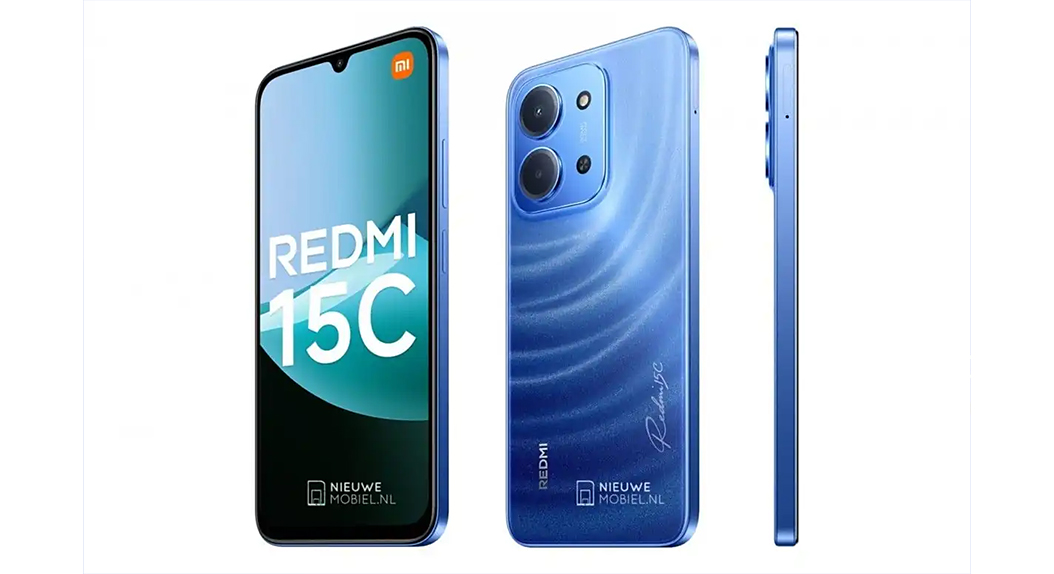
Redmi 15C 5G: Redefining Budget Smartphones in 2025

Redmi 15C remains the most available smartphone from Xiaomi in the year 2025, but it also shows how the budget segment has matured as a whole. Xiaomi now considers budget smartphones not as disposable tech but as long-term ecosystem entrants.

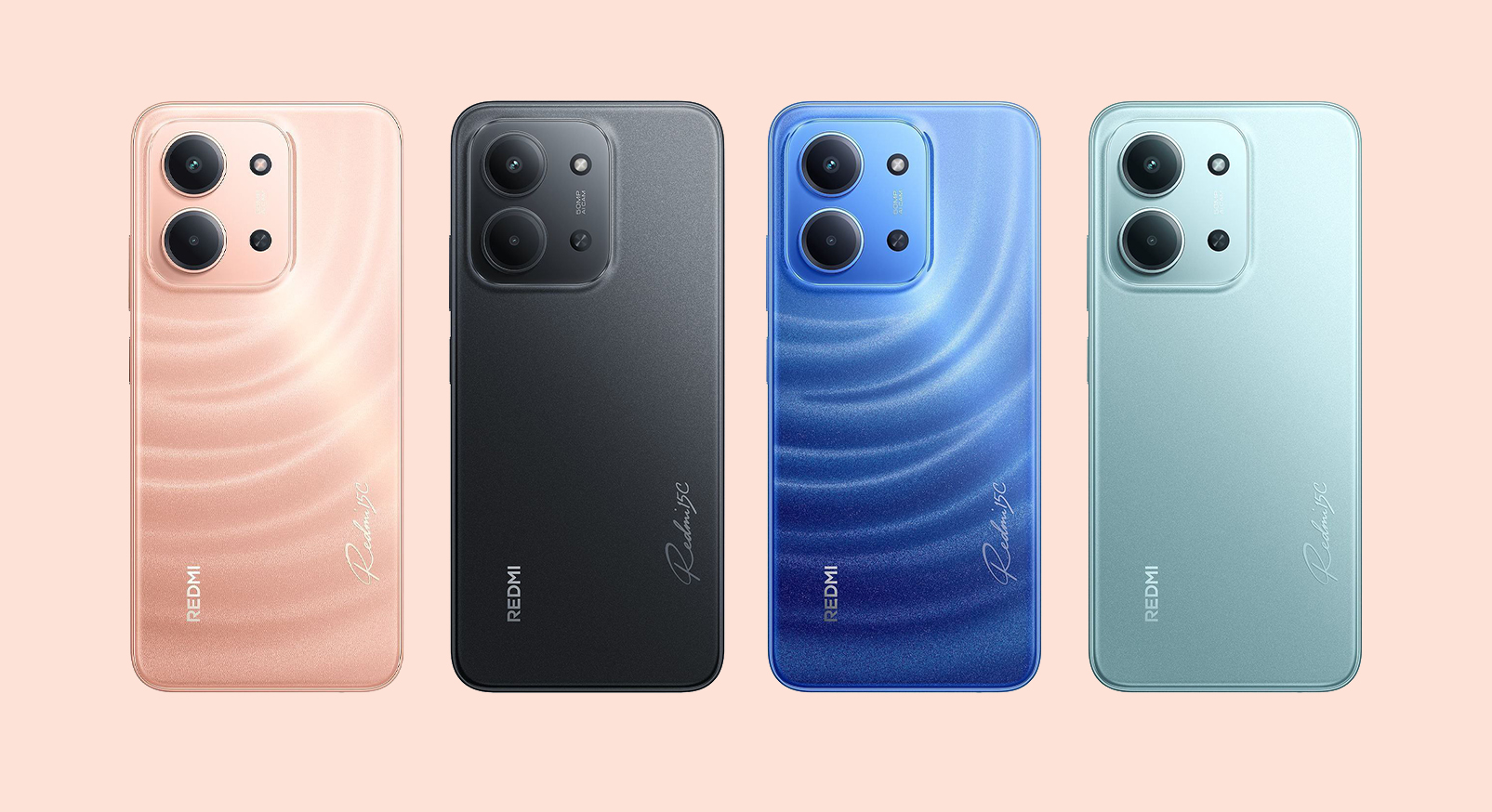
REDMI 15C 2 REDMI 15C

The brain of the Redmi 15C is powered by MediaTek’s Dimensity 6300 5G chipset, manufactured on the 6nm process, ensuring optimal efficiency. As a result, the processor is able to deliver optimal HyperOS performance despite its low power consumption. The smartphone comes along with a large 6.9-inch IPS LCD display and a refresh rate of 120Hz, a first in the lower-end segment.

Battery life is, of course, the defining aspect. As it comes with a 6,000 mAh battery, fast charging of 33W, the Redmi 15C is more focused on reliability than anything else. It is, in many ways, designed to suit first-time users, those who use it in an organizational setup, and even school-going kids. In Xiaomi’s lineup of offerings in 2025, it is basically a reflection of a superior foundation sinking into the budget category.


Xiaomi 15 Ultra: The New Standard for Mobile Camera Photography

In relation to technology, Xiaomi’s boldest move for 2025 comes through its offering in the form of the ‘Xiaomi 15 Ultra.’ The device is clearly a flagship for imaging capabilities by Xiaomi, and unlike other brands that rely on software improvements for their enhanced imaging capabilities, Xiaomi has opted for optical innovation.

Xiaomi 15 Ultra

It comes with a 1-inch 50MP main camera and a variable aperture system to enable natural depth control and better low-light shooting. It further includes a 200MP periscope telephoto camera tailored for high-fidelity long-range shooting with negligible loss of detail. The partnership with Leica holds significance here and goes beyond color science to calibration and optics.

Xiaomi 15 Ultra 1

The Xiaomi 15 Ultra uses the Snapdragon 8 Elite chip to deliver flagship performance for computational photography. The device has an 8K recording option and other flagship camera features with its HyperOS. The product falls in the flagship category. However, there is a greater purpose for this product beyond its sales. The product serves as a technology benchmark for elevating the imaging story for the brand.


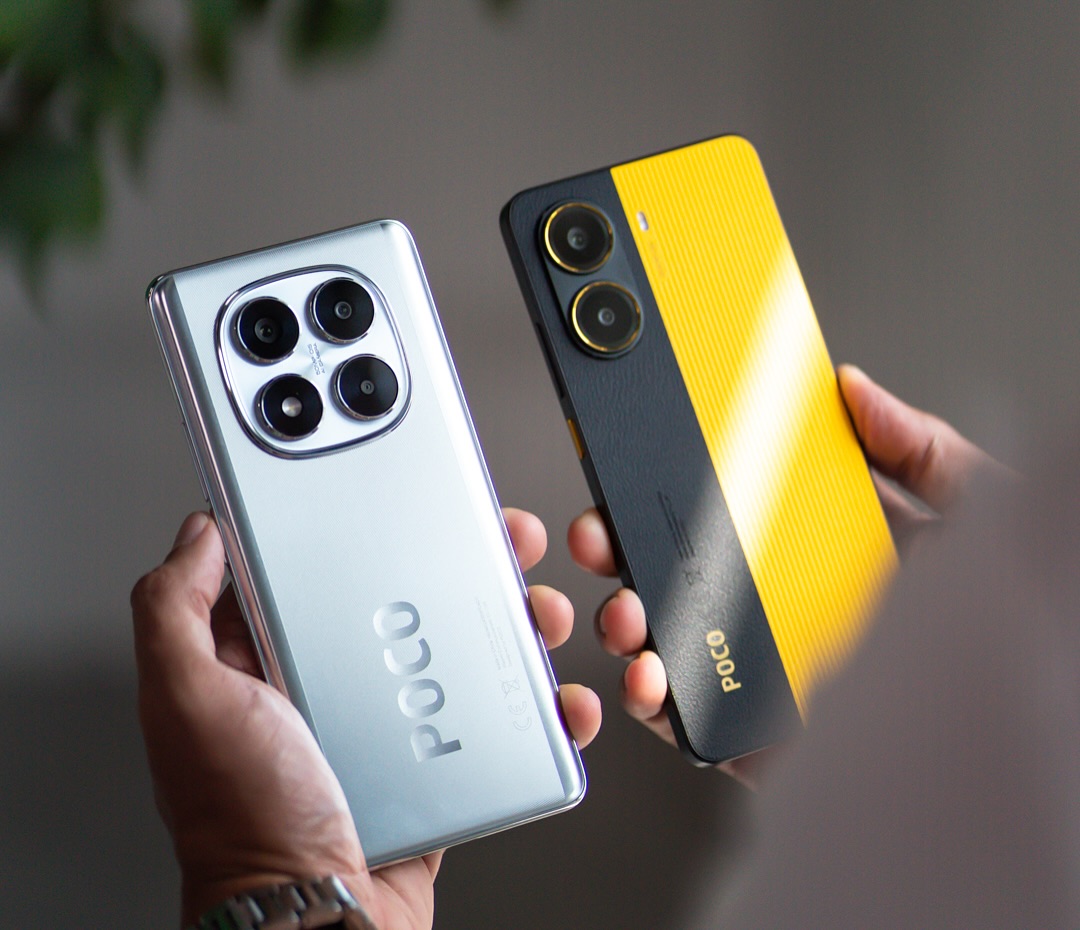
POCO X7 Pro — The New Definition of Value for Performance

In terms of users who want the best possible features with their expenses regulated, the POCO X7 Pro comes out as the most balanced device from Xiaomi in 2025. This device showcases Xiaomi’s improvement with respect to performance optimization within budgets.

POCO X7 Pro

It comes with a MediaTek Dimensity 8400 Ultra chipset that provides near-flagship CPU performance. This further qualifies the POCO X7 Pro for applications involving intense gaming. It also sports a 1.5K AMOLED screen with a 120Hz refresh rate. This element further adds a lot to the POCO X7 Pro because it provides clear imagery that consumes less battery.

Durability is another strategic strength. With IP68 water and dust resistance, the POCO X7 Pro brings flaghip protection to an entry where it has never fit before. Despite the compromised camera performance, this is in line with the brand’s performance-oriented positioning. As of 2025, the POCO X7 Pro is the sincerest effort by Xiaomi to cater to those customers seeking long-term value at a non-premium pricing position.


Xiaomi 17 Pro Max: Innovation as a Strategic Statement

The Xiaomi 17 Pro Max is, without a doubt, the most experimental and visionary product of this brand within the current year. Even the naming convention shows the brand’s intention, directly associating with the global top league of flagships.

The hallmark of this technology is the secondary display at the back of the handset that is AMOLED and is meant for providing functionality and not just for showing off the technological capabilities that the display supports. This technology has the ability to enable high-quality self-portraits using the rear-facing primary camera system and is innovations that redefine content creation on the smartphone technology platforms.

Xiaomi 17 Pro Max 19

Technologically, the presence of the Qualcomm Snapdragon 8 Elite processing platform coupled with the large-capacity battery measuring 7,500 mAh with a silicon-carbon battery complements Xiaomi’s dedication to sustained performance and battery life. The Xiaomi 17 Pro Max, therefore, is not a smartphone for the mass-market consumer but a showpiece for Xiaomi’s technological prowess to disrupt traditional designs.

POCO F8 Ultra: Establishing A New Standard For Smartphone Sound Quality

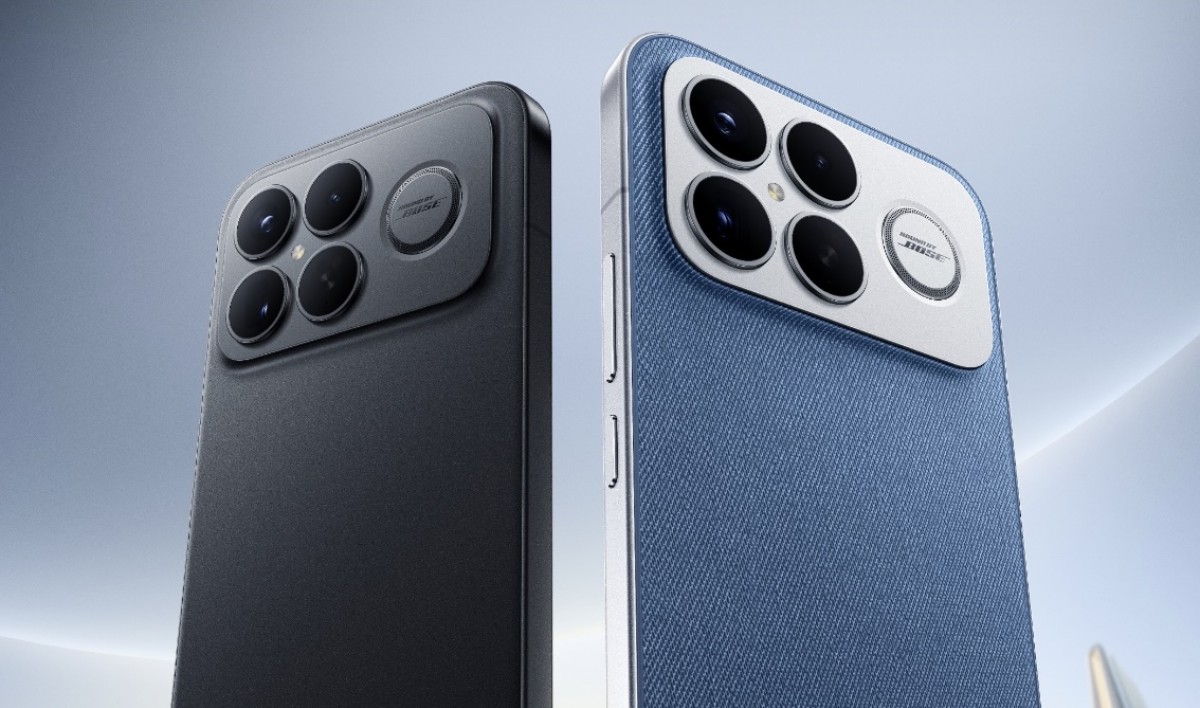
Mobile audio is commonly constrained by physical limitations. However, the POCO F8 Ultra breaks the mold through effective engineering. The device is regarded as the audio-capable smartphone of 2025 because it emphasizes audio innovations on the hardware level.
The product comes along with a 2.1-channel speaker system and a dedicated low-frequency speaker. This makes it possible to achieve a much deeper bass along with a better separation of music compared to the regular stereo speakers in smartphones. The device combines the power of the Snapdragon 8 Elite SoC and a high-capacity battery in the POCO F8 Ultra.

F8 Ultra

As opposed to its previous POCO series, the F8 Ultra does not target the cutting-edge smartphone segment on the basis of its affordable price tags. It, in fact, carves out a special segment for itself where its users, above all, give importance to the audio features, thus supporting Xiaomi’s specialization strategy.

What to Learn from Xiaomi’s 2025 “Best Of” Product Line

Xiaomi’s 2025 smartphone lineup indicates a mature and thoughtful segmentation strategy. The company does not adopt a strategy of banking on a flagship product alone. Rather, innovation is spread across a series of brands and product categories. Xiaomi has now made high-capacity batteries, high refresh rate displays, and connectivity a norm. In 2025, Xiaomi is no longer just a contender on feature specifications alone. Instead, it is developing a distinct vision for every major user segment, starting with budget-conscious consumers and moving on to electronics enthusiasts interested in maximum mobile capability.

Xiaomi HyperOS 3 vs iOS 26 vs OneUI 8: Which one is best?

13 December 2025 at 12:34

In The mobile operating system market, as of 2025, has transcended the realms of hardware competition and entered a new era characterized by AI integration, ecosystem development, and design optimization. The market is ruled by three schools of operating philosophy – Xiaomi HyperOS 3Samsung OneUI 8, and Apple iOS 26. The operating philosophy of each operating system dictates the operating principles, each differing by Apple’s Design Centric attitude, Samsung’s Utility Smart approach, and Xiaomi’s Ecosystem Centric hybrid model.

Within this dynamic ecosystem, Xiaomi strives to harmonize quality design and open flexibility. Based on the company’s Human × Car × Home vision, HyperOS 3 succeeds the company’s initiatives, blending aesthetic flexibility with smart connectivity among devices ranging from smartphones to cars.

Apple iOS 26: The “Liquid Glass” Paradigm

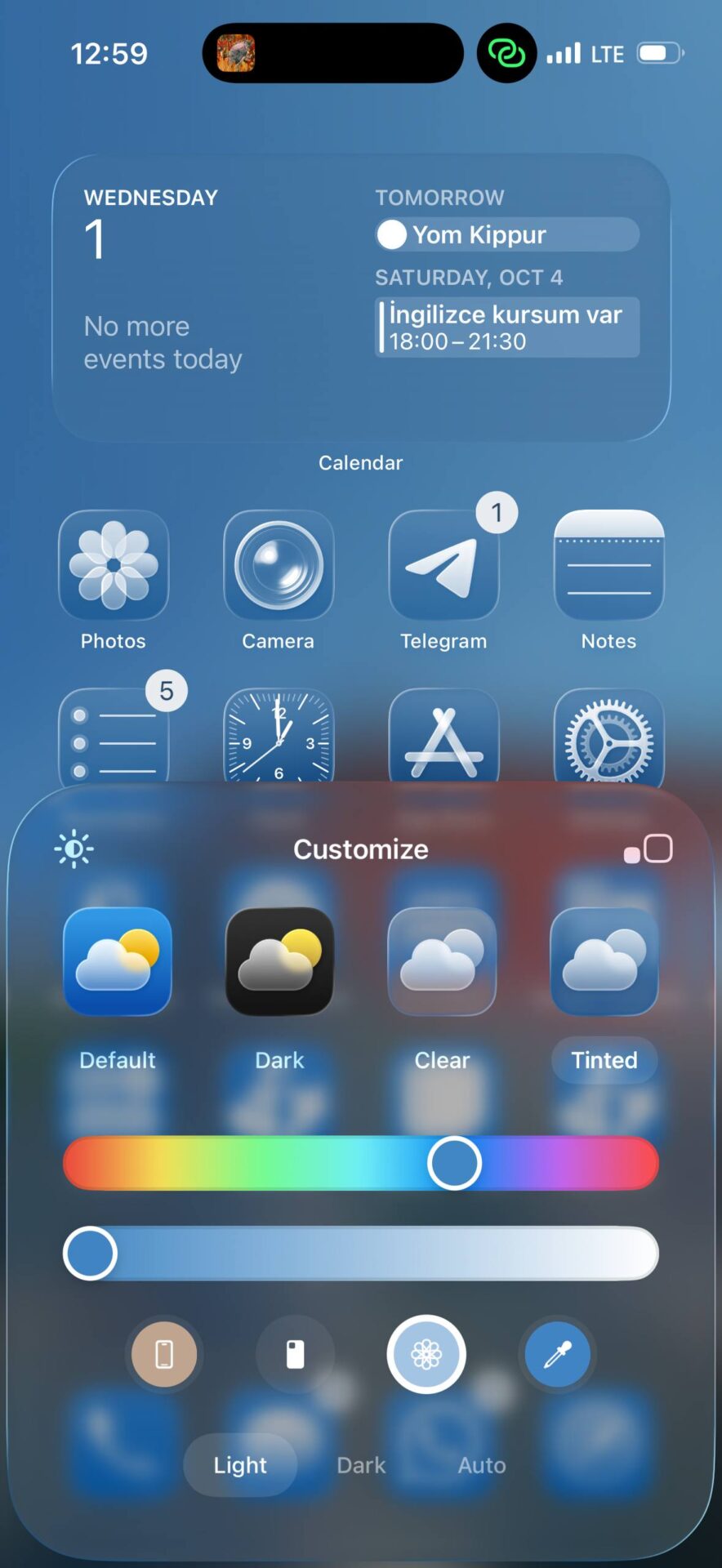
In The visual transformation is so radical that they have termed it Liquid Glass, the most dramatic change to their UI since iOS 7. The semi-transparent UI copied glass optics as glass indeed reflects and refracts light dynamically. While its aesthetic effect is dramatic, users have complained that they could not read well, so they included a Tinted Mode in their iOS 26.1 upgrade, a rare departure by Apple, which often favors aesthetics over utility.

iOS 26 iOS 26 5

Samsung OneUI 8: Pragmatic Intelligence

The Samsung approach elevates dependability and artificial intelligence integration rather than focusing on what the visuals hold. The decision to pass on Google’s Material 3 Expressive design philosophy enhances Samsung’s gesture of independence by centering their approach on dependability and productivity features like KnoxDeX, and AI Agents. OneUI 8, therefore, establishes a clear distinction as a stand-alone operating system.

OneUI 8 1 OneUI 8 2

Xiaomi HyperOS 3: Hybrid, or rather, ‘Premium

HyperOS 3 combines the elegant interface features inspired by iOS with the flexibility offered by Android operating systems. The new operating system features rounded icons, smooth blur effects, and the HyperIsland, which is the Xiaomi interface name for a feature similar to Dynamic Island found on other devices by a competing brand, iOS. The new operating system will feature an interface familiar to iOS devices but will still come with strong roots in Android, as designed by developers

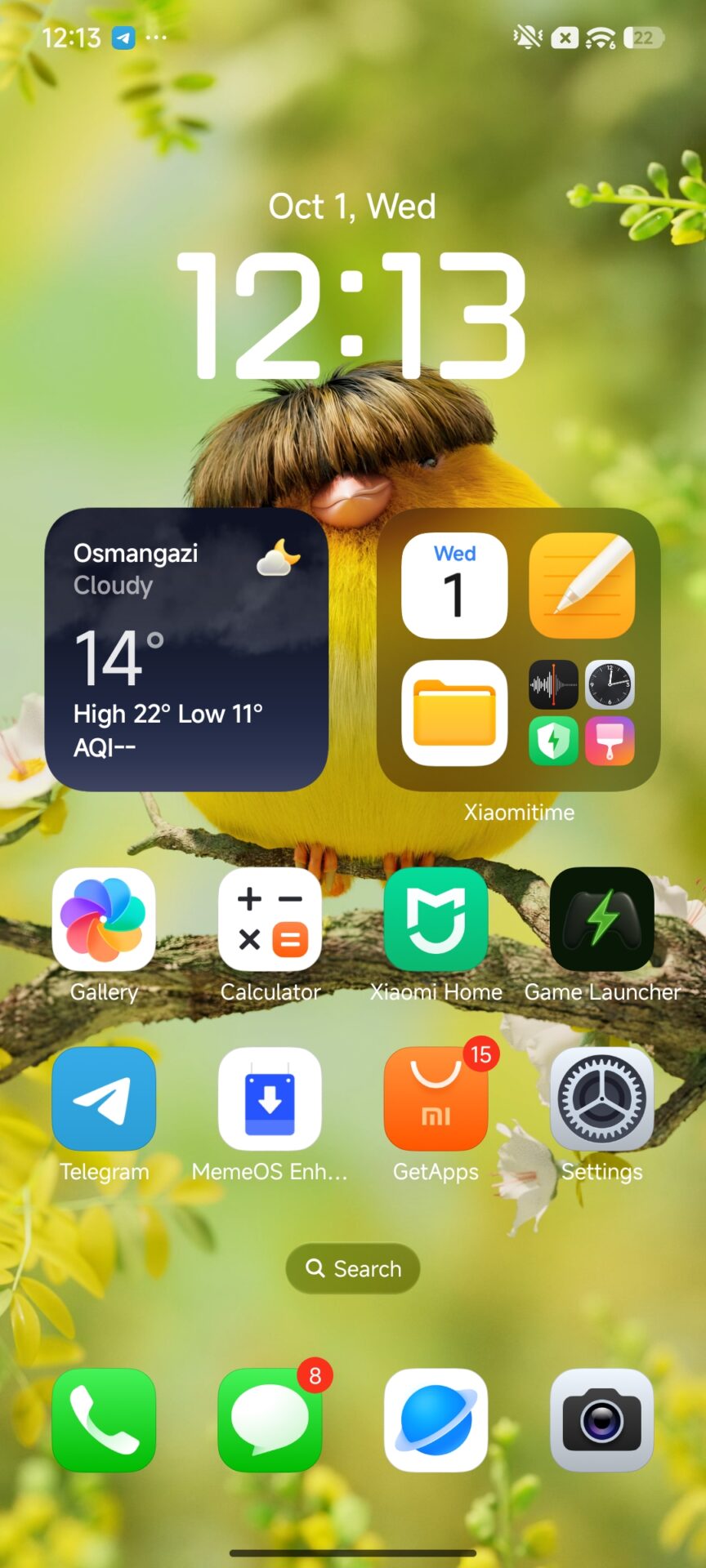
HyperOS Theme 3 HyperOS 3 Launcher 11

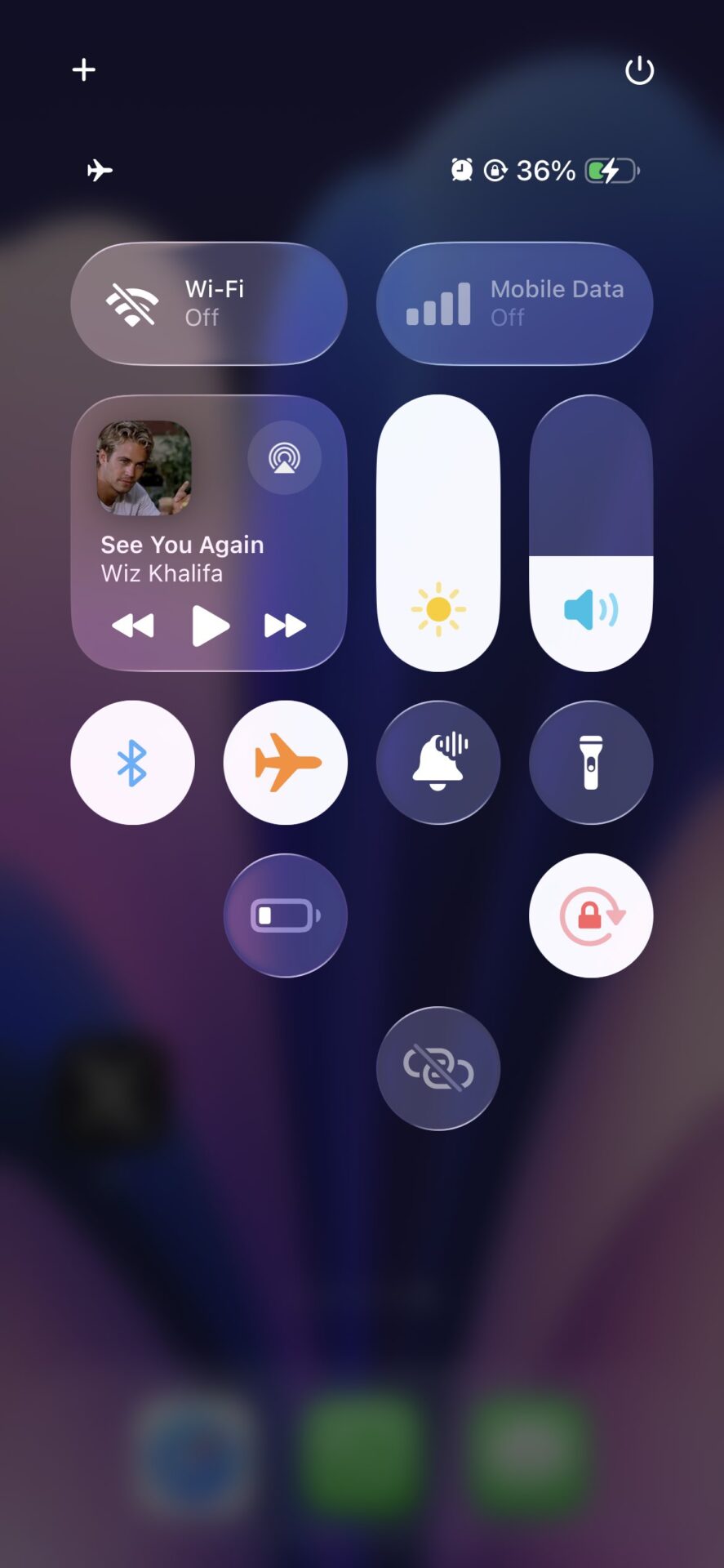
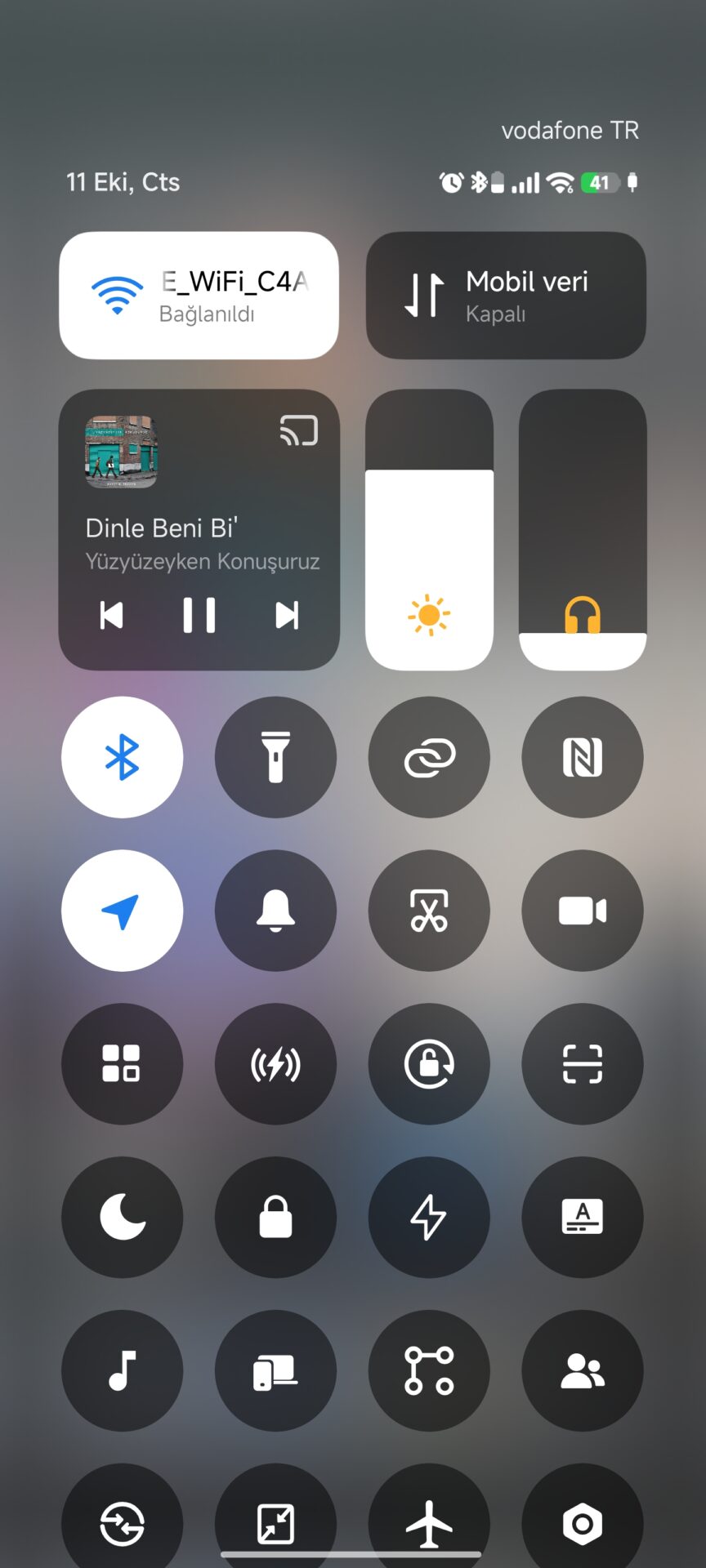
Control Center: Freedom vs. Refinement

  • Apple iOS 26: Offers full customization, so users can move, resize, and organize tiles, which is the first big move toward personalization by Apple.
  • Samsung OneUI 8.5 carries this even further, allowing the resizing of buttons, which is perfect optimization for power users.
  • Xiaomi HyperOS 3, on the other hand, provides visual sophistication but insufficient customization. Even as its Live Blur Effect provides immaculate clarityfunctionality flexibility is subordinate to its peers. For the Android operating system

Home Screen Intelligence

  • The Samsung company converts their launcher into an “AI-powered query hub” by utilising the Finder AI, which supports various other AI models, including Gemini and Gauss AI. The Samsung company modifies their
  • Apple stresses Personal Aesthetic Control, which involves widget placement and On-Device Apple Intelligence Features.
  • Xiaomi‘s HyperAI enhances the launcher by making it an ecosystem control center, capable of connecting phones, tablets, as well as smart devices around a person’s living space. Additionally, the technology offers functions such as AI Writing, Image Recognition, and Voice Transcription.

Animation and Navigation: The Feel of Speed

  • Apple iOS 26 employs a physics-based Jelly Effect that simulates realistic movement.
  • Xiaomi HyperOS 3 achieves near-iOS fluidity with responsive transitions — especially on flagship models. However, animation performance varies across hardware tiers.
  • Samsung OneUI 8 emphasizes speed and consistency, prioritizing responsiveness over aesthetic expression.

Update Strategy: Three Paths to Longevity

  • Apple continues to dominate simultaneous deployment, rolling out iOS updates globally across all eligible devices on Day 1.
  • Samsung leads in software longevity, offering up to seven years of support for flagship models.
  • Xiaomi, however, follows a broad deployment strategy, targeting an extensive range of devices across price segments — reflecting its commitment to inclusivity rather than exclusivity.

Final Thoughts

The 2025 OS competition is a matter of performance, but even more, philosophy.

  • Apple perfects beauty and emotion.
  • Samsung masters function and control.
  • Xiaomi balances ecosystem unity and user freedom.

TrueNAS 25.10 “Goldeye” Brings NVMe-oF, OpenZFS 2.3.4, and Enterprise Virtualization Upgrades

29 October 2025 at 16:01

Building on the foundation of TrueNAS 25.04 “Fangtooth,” iXsystems has released TrueNAS 25.10 “Goldeye”, a major update designed to enhance performance, simplify system management, and strengthen enterprise capabilities. The new release incorporates modern storage technologies, refined data handling through OpenZFS 2.3.4, and expanded virtualization support for high-performance environments. TrueNAS 25.10 introduces NVMe over Fabric (NVMe-oF), […]

The post TrueNAS 25.10 “Goldeye” Brings NVMe-oF, OpenZFS 2.3.4, and Enterprise Virtualization Upgrades appeared first on UbuntuPIT.

Is the Xiaomi Mi 8 still usable in 2025?

28 November 2025 at 20:14

Now, in 2025, using a Xiaomi Mi 8 poses a significant question: can a 2018 flagship still be capable of providing a meaningful experience in today’s advanced HyperOS ecosystem? Whereas newer devices, such as the Xiaomi 14 or POCO F6 Pro, offer much more modern hardware, the Mi 8 still appeals to users who appreciate the principles of sustainability and long-term value. This article investigates the practical usability of the Mi 8, its software potential, and performance over time. For more technical analyses, you might want to check our coverage on HyperOS featurescustom ROM support, or bootloader policies.

Mi 8 Hardware Strengths in 2025

The Snapdragon 845 inside the Xiaomi Mi 8 is a chip that even by entry and mid-range standards in 2025 still holds up pretty well in terms of single-core responsiveness. With efficiency gains aside, the SD845 still keeps web browsing, daily multitasking, and interface rendering remarkably smooth.

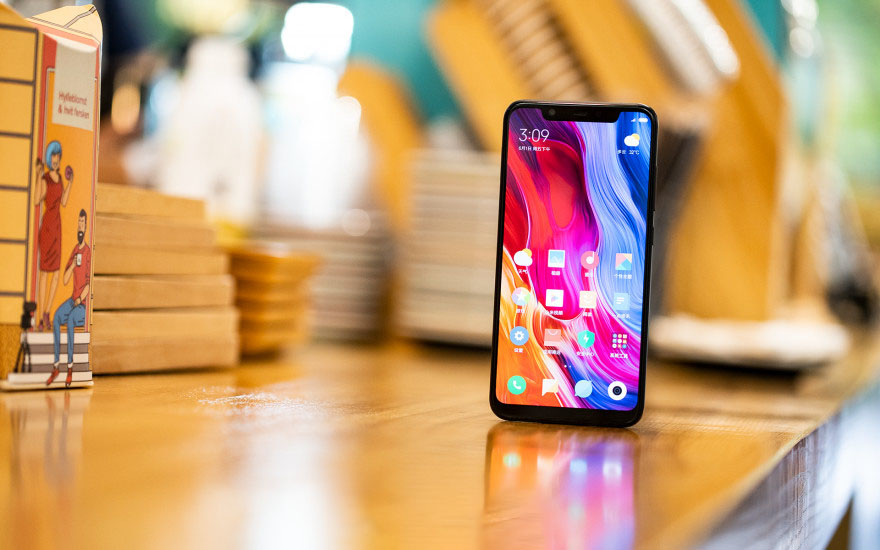
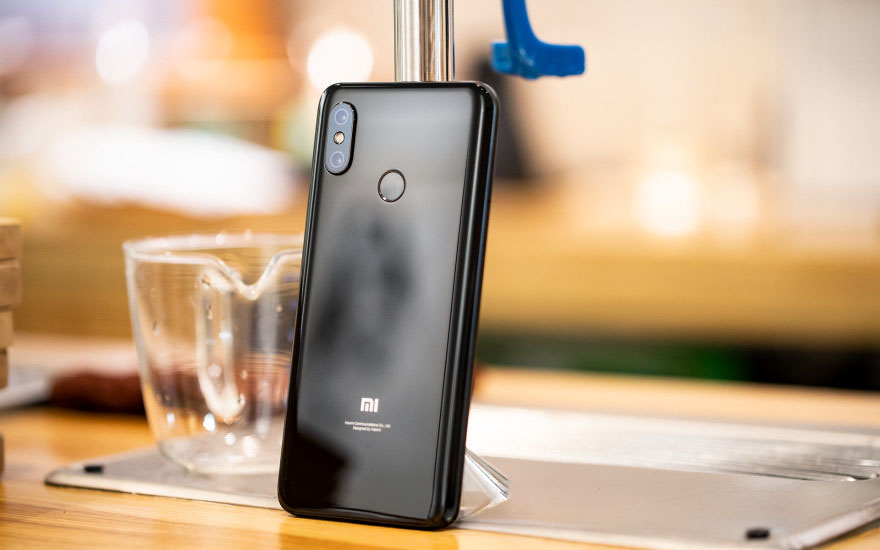
Xiaomi Mi 8 3

GPU Performance and Gaming Capability

Before looking at specific game performance, it is worth noting some of the structural advantages of the GPU. The Adreno 630 still outclasses most 2024–2025 entry-level processors, so for more casual or broadly compatible titles like PUBG Mobile or Call of Duty Mobile, the Mi 8 supports medium to high settings with smooth frame pacing. This makes it a very compelling option for those who want an affordable gaming device without sacrificing too much in terms of user experience.

Showcase Experience and Longevity

Still, the 6.21-inch AMOLED panel of the Mi 8 provides rich contrast and deep blacks, hence it is still better than the usual LCD panels used on budget 2025 smartphones. However, in respect to users who have gotten used to the 120Hz display of new Xiaomi and POCO models, the 60Hz refresh rate may appear limited.

Xiaomi Mi 8 6

Long-Term Durability Considerations

After seven years of usage, the likelihood of OLED degradation increases, especially on second-hand units. Minor burn-in or slight peak brightness reduction will be apparent on devices that were mostly used with static UI elements. Despite this possibility, well-preserved units still provide great visual quality for media consumption.

Software Status and Upgrade Paths

The Mi 8 does officially top out at MIUI 12.5 based on Android 10, which no longer meets 2025 security standards. Still, the device enjoys arguably one of the most robust custom ROM ecosystems of any older Xiaomi model.

Community Support and Modern Android Versions

Due to its openness towards open-source, the Mi 8 runs Android 14 and even early builds of Android 15, thanks to LineageOS and similar projects. This extends usability by a mile, enhances security, and improves performance by removing all the legacy MIUI processes. Custom ROM installation becomes crucial for users who rely on modern applications.
Security, Integrity, and Banking Apps

Banking applications and Google Wallet require passing Google’s Play Integrity checks. These require users to employ modules like Integrity Fix or fingerprint spoofing to maintain compatibility with a custom ROM. This works reliably if set up and kept up to date correctly but demands technical knowledge and regular updating for uninterrupted operation.

Camera Performance with Modern Apps

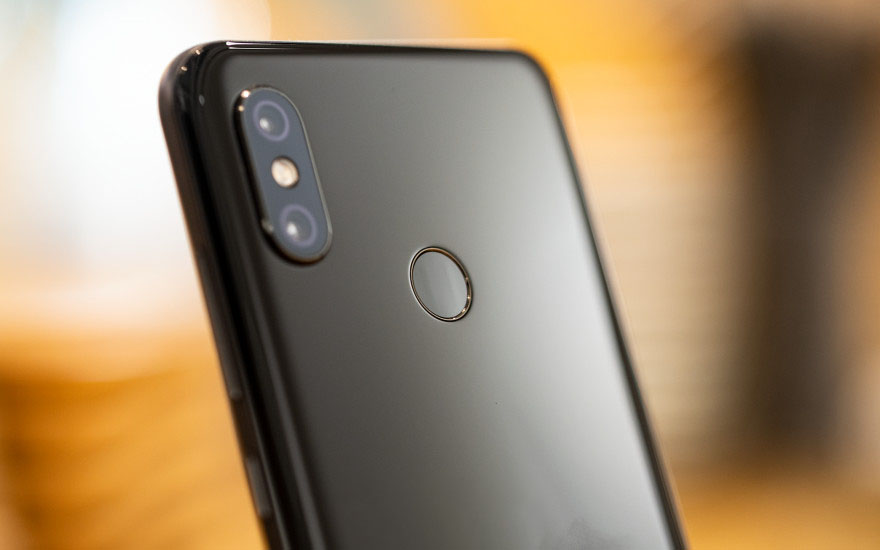
In 2025, the Mi 8’s camera hardware might seem outdated, but thanks to computational photography tools, such as GCam ports, it greatly enhances output quality. Image clarity and HDR performance are still competitive with many modern mid-range offerings, as is night photography. Video recording up to 4K 60FPS also still outclasses many affordable smartphones that top out at 1080p.

Xiaomi Mi 8 4 Xiaomi Mi 8 1

Thus, using a Xiaomi Mi 8 in 2025 is a practical option only for users who are comfortable with software modification and understand the implications of running community ROMs, finding sustainability to be more important than convenience.

Although the official support is already over, this powerful processor along with reliable camera capabilities and an active developer community can help keep it running viable, provided that conditions are appropriate. For the everyday consumer, however, a modern Xiaomi or POCO model offers a more seamless long-term solution.

8 Xiaomi camera innovations that redefined mobile photography

11 November 2025 at 17:17

The past decade has seen Xiaomi transform from a fast follower to a true pioneer in the area of smartphone camera technology. While the Mi 8’s camera setup was modest enough, the brand has come a long way to produce Leica-designed wonders such as Xiaomi 14 Ultra. This extensive study identifies eight groundbreaking technologies that brought about a change in Xiaomi’s camera perspective—from pixel race to sensor technology, ISP development, and AI technology. Learn about how Xiaomi has made its way to the list of most-technologically-advanced smartphone camera brands. Related reading:

The Megapixel Milestone: Mi Note 10 & The Era Of “All-Scenario” Photography

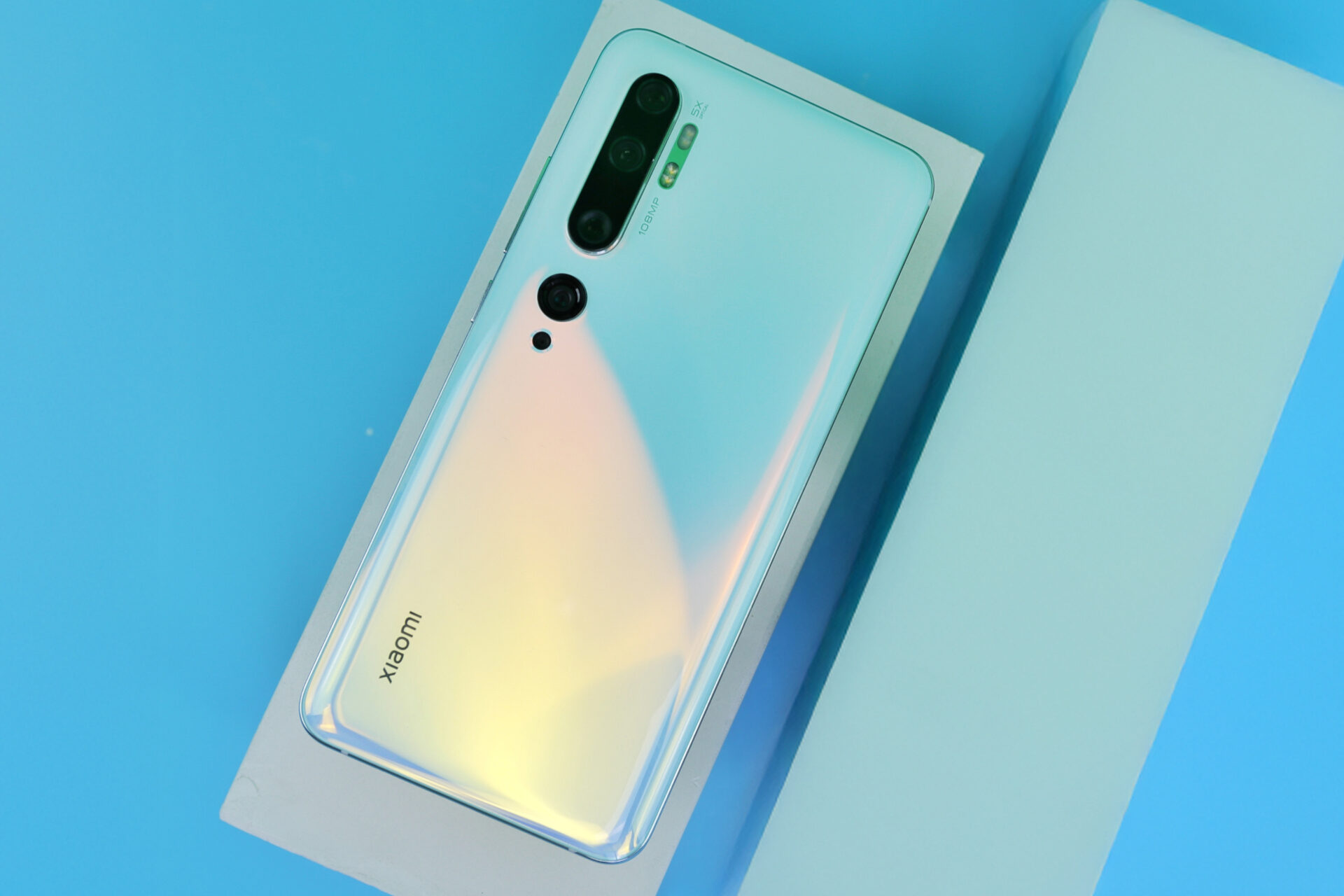
The Mi Note 10 (Mi CC9 Pro in China) was the first significant move by Xiaomi in the international photography arena with the world’s first 108MP penta-camera solution. A joint development with Samsung, the 1/1.33-inch HMX camera sensor producedGroundbreaking pixel count—12 times higher definition than 4K. But there was more to the story; Xiaomi brought with it the “All-Scenario” ideology that combined five distinct camera lenses to cater to all photography requirements—wide to macro. Though this technology was revolutionary in terms of capturing details, it also made Xiaomi realize the limits of image processing; hence, the company embarked on developing its own imaging processor to reduce dependence on others.

Mi Note 10 Pro

Imaging Independence: The Surge C1 ISP

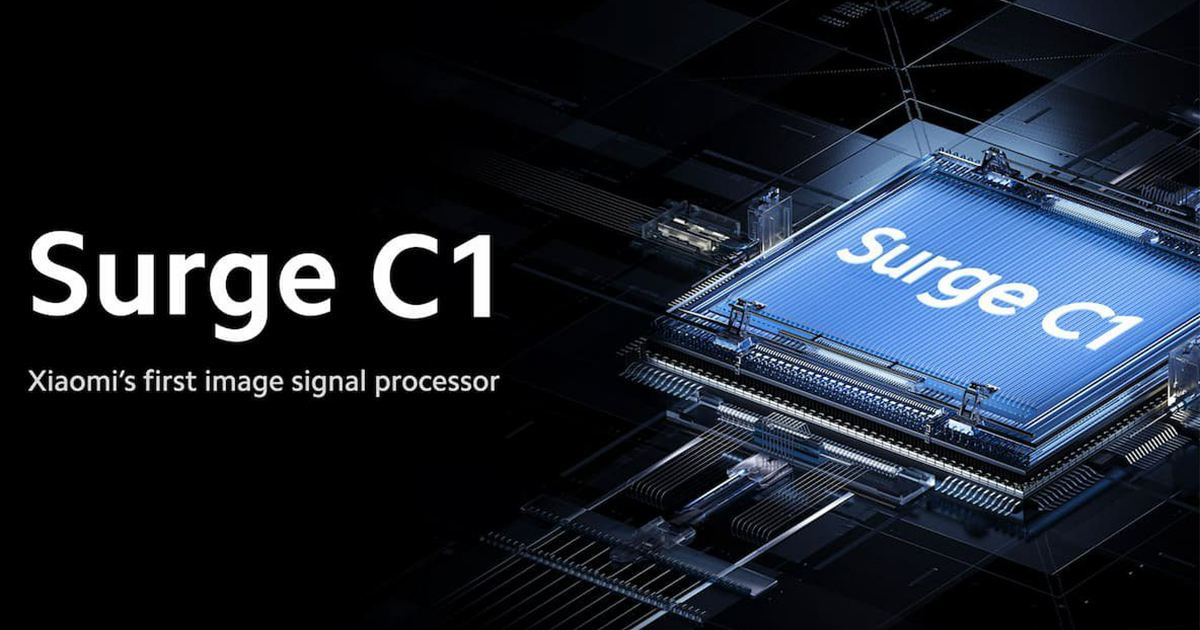
The Mi Mix Fold was accompanied in the market by the Surge C1 ISP; this was the first proprietary ISP that Xiaomi had come up with. The ISP aimed to boost the “Holy Trinity” functions in imaging processing; these include Auto Focus (AF), Auto Exposure (AE), and Auto White Balance (AWB). The Surge C1 processor had dual filters with double signal efficiency. Thus, by controlling the imaging pipeline, Xiaomi was able to hone its camera signature—towards establishing the technology basis for Leica Authentic and Vibrant models that later became standard in its flagships.

Surge C1

Breaking Boundaries – Periscope Zoom Technology in Mi 10 Ultra

Xiaomi set the standard to be “Ultra” with Mi 10 Ultra. Equipped with 48MP 1/2.0-inch Periscope Sensor with 120mm telephoto reach and 120x digital zoom, this device was already breaking boundaries with telephoto camera imaging. In contrast to other devices that had to settle with lower-quality secondary cameras, this company made sure that every camera in this device was outstanding—aptly called “Zoom King” by DXOMark. “This model has transformed the camera philosophy of Xiaomi to ‘no compromise on the lenses’.

Mi 10 Ultra

Mechanical Innovation: The Liquid Lens

Redefining the boundaries of optical technology, Xiaomi launched the world’s first smartphone Liquid Lens with the Mi Mix Fold smartphone. Notably designed to mimic the function and structure of the human eye, the bionic lens was capable of adjusting its curvature to enable telephoto and macro photography within milliseconds. The technology was particularly essential in addressing the space constraints presented by folding smartphones.

The One-Inch Era: Sony IMX 989 and Co-Development

The Xiaomi 12S Ultra was the first phone to use the 1-inch Sony IMX989 sensor uncut—a joint development with Sony in a $15 million R&D investment. The collaboration was the dawn of a new era—Xiaomi was no longer assembling components; rather, they began to copartner in imaging hardware design to produce professional photography. The outcome? A new industry standard for natural depth, low light sensitivity, and sensor efficiency.

Flagship Xiaomi

Leica Partnership—When Art and Engineering Converge

The collaboration in 2022 between Xiaomi and Leica further reinforced the brand identity in terms of camera capabilities. From Xiaomi 12S Ultra onwards, customers enjoyed the features of Leica Authentic and Vibrant, the Summicron lens’ perfect focus, and Leica’s exclusive visual storytelling expertise that fills the gap between technical photography and artistic storytelling. Through this collaboration, Xiaomi was transformed from “a company that innovates in hardware to one that influences camera culture.”

Leica

Adaptive Aperture and AI Focus: Intelligent Photography

The Xiaomi 13 Ultra and 14 Ultra brought variable aperture (f/1.63-4.0) features to allow manual camera adjustments to depth-of-field effect properties. They further featured Xiaomi ProFocus with impressive AI-powered technologies that supported accurate motion and eye tracking capabilities similar to those found on professional Sony Alpha camera models. These achievements placed Xiaomi in a leading position within AI optical engineering.

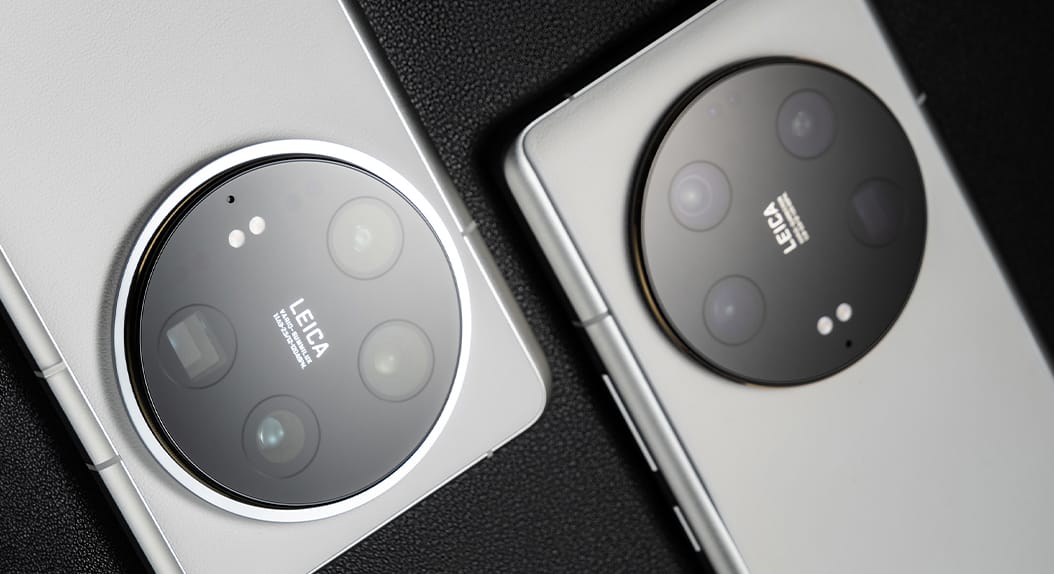
Did Xiaomi remove the Surge C chip in the Xiaomi 14 Ultra

The Future of Xiaomi Imaging

From 108MP cameras to joint development with Leica cameras and Surge processors, the camera development trajectory of Xiaomi exemplifies a move from spec war to sense perfection. In each successive version, there has been an increase in vertical integration to redefine boundaries in camera technology. In the current era of camera technology with AI, computational optics and neural enhancement are areas that.

I used the Xiaomi Smart Air Purifier 4 Pro for 30 days — The results surprised me

11 November 2025 at 03:06

As long as I can remember, my apartment has been a sort of silent war zone for myself and my loved ones, with dust, odor, and allergens. Despite my personal best efforts to keep everything spick and span, it is clear that I have been fighting a losing battle with undetectable particles in the air. All these reasons prompted me to put my Xiaomi Smart Air Cleaner 4 Pro to test for 30 days. Economically priced models such as 4 Lite and 4 Compact by this popular brand cost below $100.

First Impressions: Design, Setup, and Smart Features

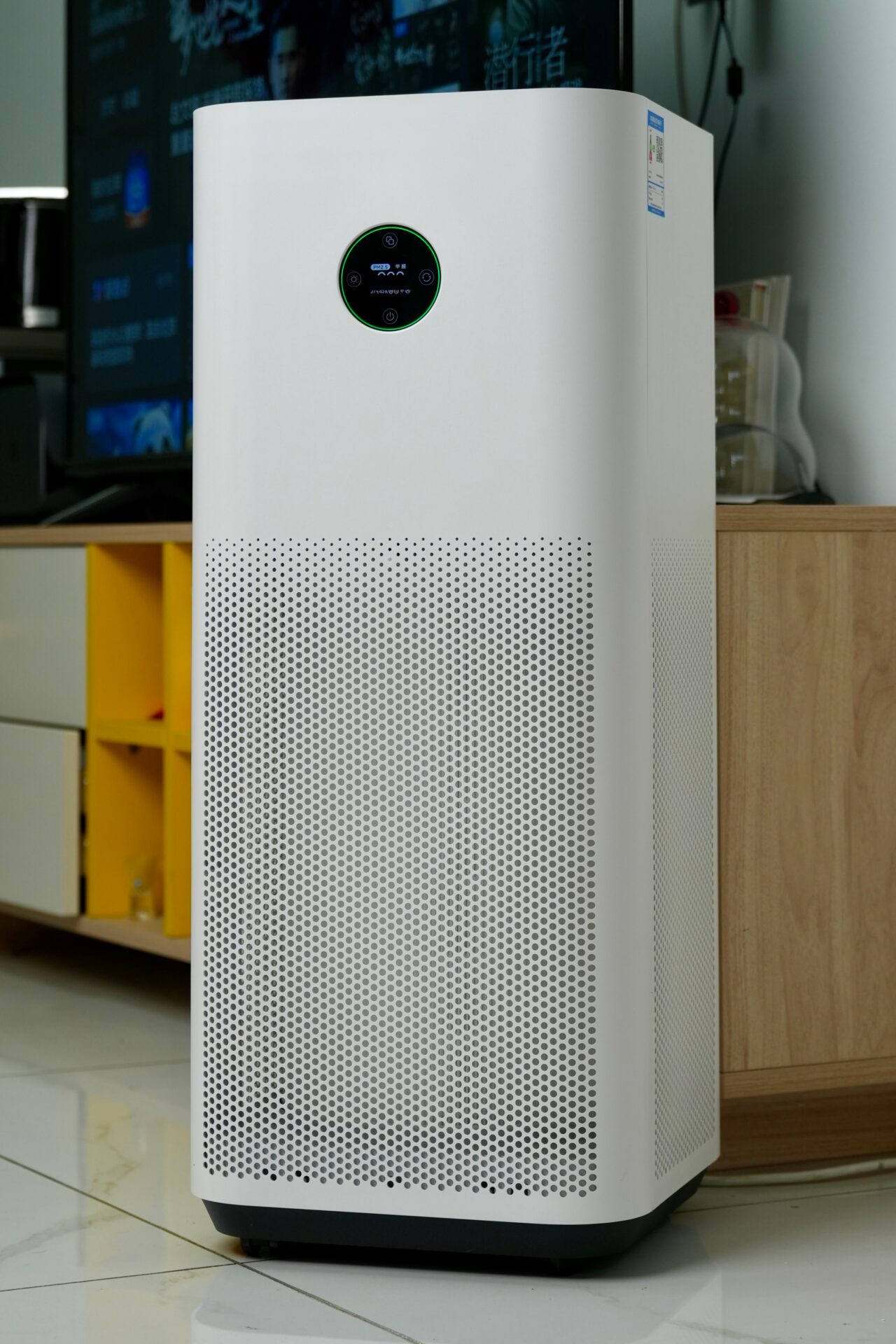
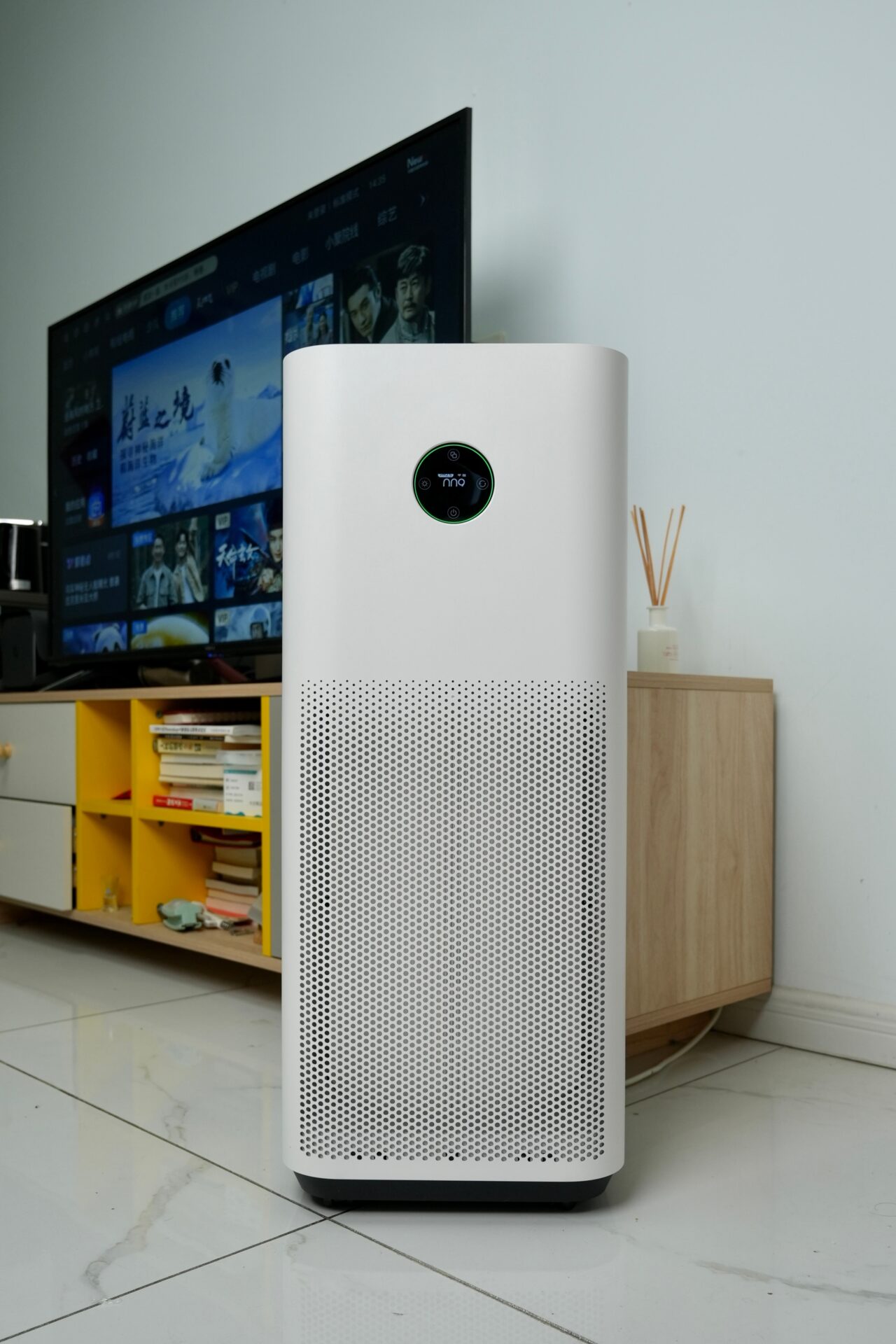
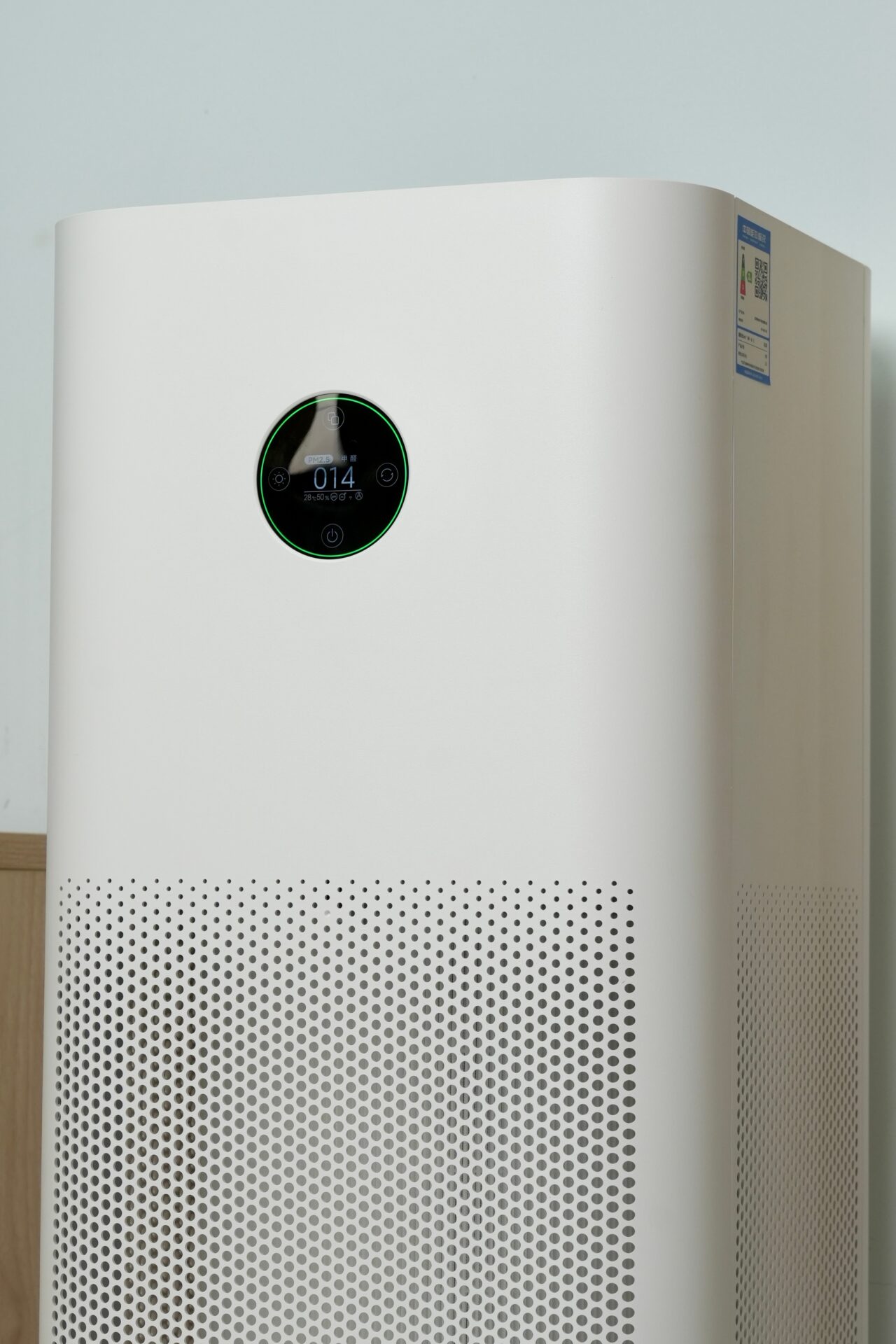
The design is sleek and contemporary with a minimalist aesthetic and a 360-degree intake fan that can be easily incorporated with any decor. The installation process only required about two minutes via the Mi Home app, which allows one to monitor and control air quality and fan speed, ionization, and scheduling.

It is interesting to note that this app is not merely a complement but a companion app. Functions such as screen brightness and ionizer function control cannot be done without it. Those who purchase this innovative product will thus be part of a broader smart ecosystem created by this technology giant called Xiaomi.

Purifier 4 Pro H 16 Purifier 4 Pro H 17 Purifier 4 Pro H 18 Purifier 4 Pro H 19

The Results: Dust, Odors, and Allergy Solutions

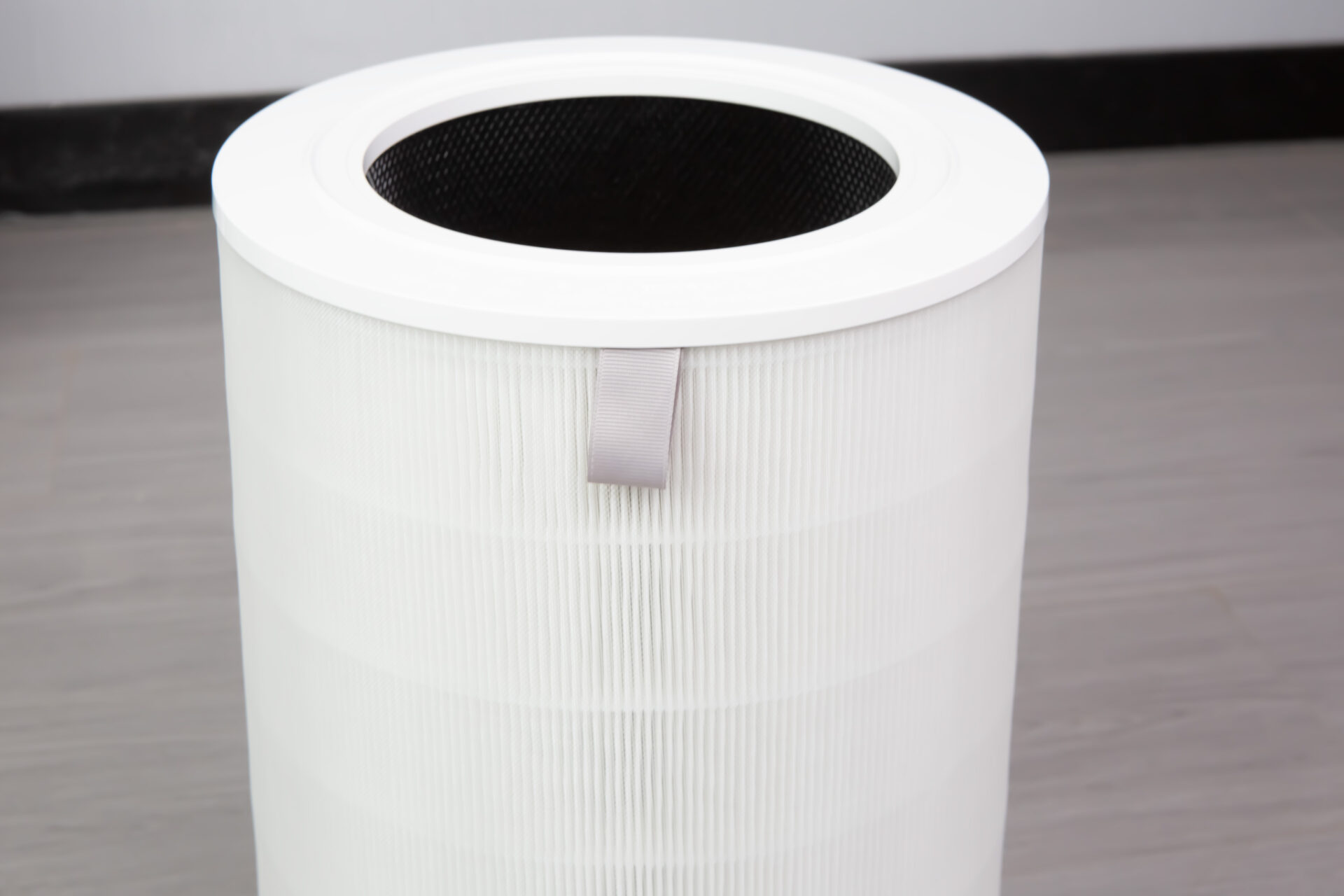
During this 30-day test period, I put the 4 Pro up against three common home problems: odor, dust, and allergies. Odor Control The cooking smells decreased significantly. The purifier’s PM2.5/PM10 sensors sensed and responded to all changes instantly, and the 3-in-1 activated carbon filter eliminated smells in 30 minutes. Allergy Reduction Being a TÜV Rheinland Allergy Care Certified device, this purifier is especially geared towards targeting micro-particles like pollen and dander. I have found relief in congestion issues in a matter of weeks, which is a claim made by several Xiaomi users, who have found this purifier to be a “life changer for all those with allergies.”

Dust Reduction

Although it did work well to purify airborne dust, it is not entirely necessary because, according to specialists, only what is floating in the air will be trapped by purifiers.

Purifier 4 Pro H 6 Purifier 4 Pro H 7

Measuring Performance and Energy Efficiency

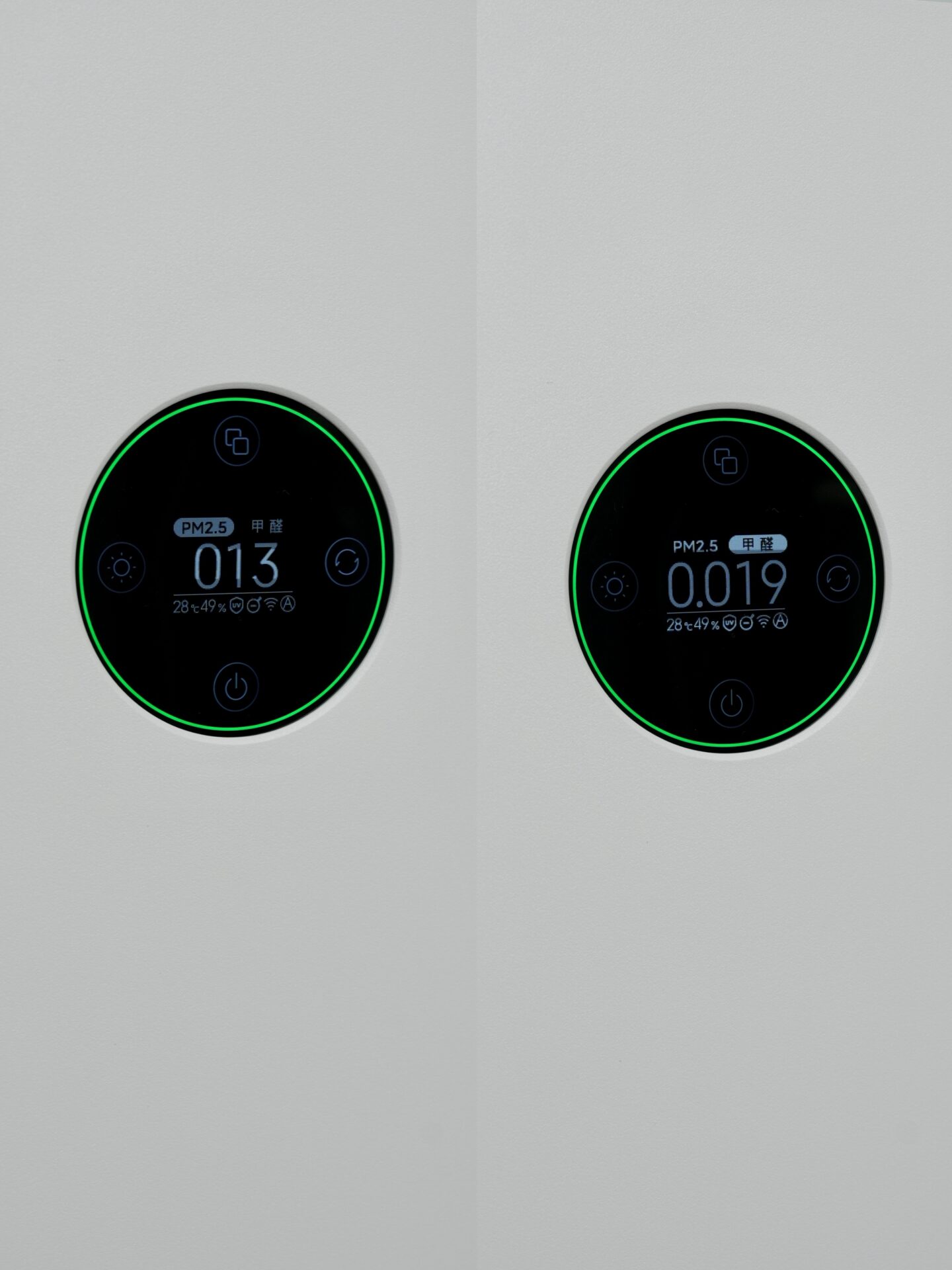
The Purifier 4 Pro has a Particle CADR of 500 m³/h, cleaning a 40 m² (430 sq. ft.) area in under 15 minutes. According to independent testing, with all models, including even the smallest 4 Lite, it is proven to increase air quality by 95% in smaller rooms. The 4 Pro’s dual PM2.5/PM10 laser sensor enables it to distinguish between various pollutants such as smoke and pollen.

Its energy usage is remarkably low. Its 33W motor is quietly working with little energy even when it’s used for 24 hours non-stop.

Purifier 4 Pro H 11 Purifier 4 Pro H 12

The Drawbacks: Auto Mode and Filter Availability

Despite the intentions of Xiaomi’s Auto Mode to adjust fan speeds constantly, I found it to be a bit passive. At times, it would let air quality deteriorate before doing anything. Using custom schedules through Mi Home App worked much better. However, a more concerning issue presented itself: availability of filters. Many consumers struggle finding a replacement filter for particular models, such as 4 Pro. Without these replacement filters, it would be difficult for consumers to have a functional purifier for extended periods.

An Excellent Product with One Critical Fault

After 30 days, I can say without a doubt that there was a difference in air quality. The air in my home even smelled cleaner, and my allergies have disappeared. The Xiaomi Smart Air Purifier 4 Pro is on par with brands such as Dyson and Coway — but it is cost-effective. However, it is necessary to verify availability of spare filters locally prior to purchase. Without these, even the best offering from Xiaomi is impossible to sustain.

If you have a means where you can source good filters, then without a doubt, one of the best value-for-money air purifiers out there is the Xiaomi Smart Air Purifier 4 Pro.

The best Xiaomi car accessories for every budget in 2025

10 November 2025 at 07:31

In fact, Xiaomi’s car accessory division is not something secondary—it’s actually one of the foundational pillars that define its vision for a broadened ecosystem. Now, in this analysis, we are going to see not only how Xiaomi, with its principal brand lineups but its 70mai and Mijia subsidiaries as well, aims to revolutionize automotive technology but how it integrates Smart Living, Mobile Fun, and Automotive Security into a comprehensive ecosystem called Xiaomi HyperOS. From vehicle security (Dash Cam) to power solutions (Chargeamps & Jump starters).

Xiaomi’s Automotive Ecosystem: The Importance of Car Accessories

Unlike other hardware manufacturers, Xiaomi’s major approach or vision is to deliver a common user experience. The third component in this nexus formed between these three entities—the home and the smartphone—takes shape in Xiaomi’s Car. With Xiaomi’s SU7, its first electric car model, Xiaomi has formally entered into a new market. Orient propositions

With Xiaomi HyperOS connection to vehicles, users are afforded easy access to data, music, smart devices, and cloud-related functions. With this model, Xiaomi stands to benefit not only as a producer of electronic devices but initially as a mobility experience provider that integrates elements like comfort, smartness, and automation.
70mai Leads the Way to Smart Vehicle Safety

As a car electronics brand exclusively owned by Xiaomi Corporation, 70mai specializes in innovation related to dash cams. These products are characterized by the use of Sony STARVIS 2 sensors with high resolution, AI motion detection technology, and HDR night driving optimization.

Some of its major models are

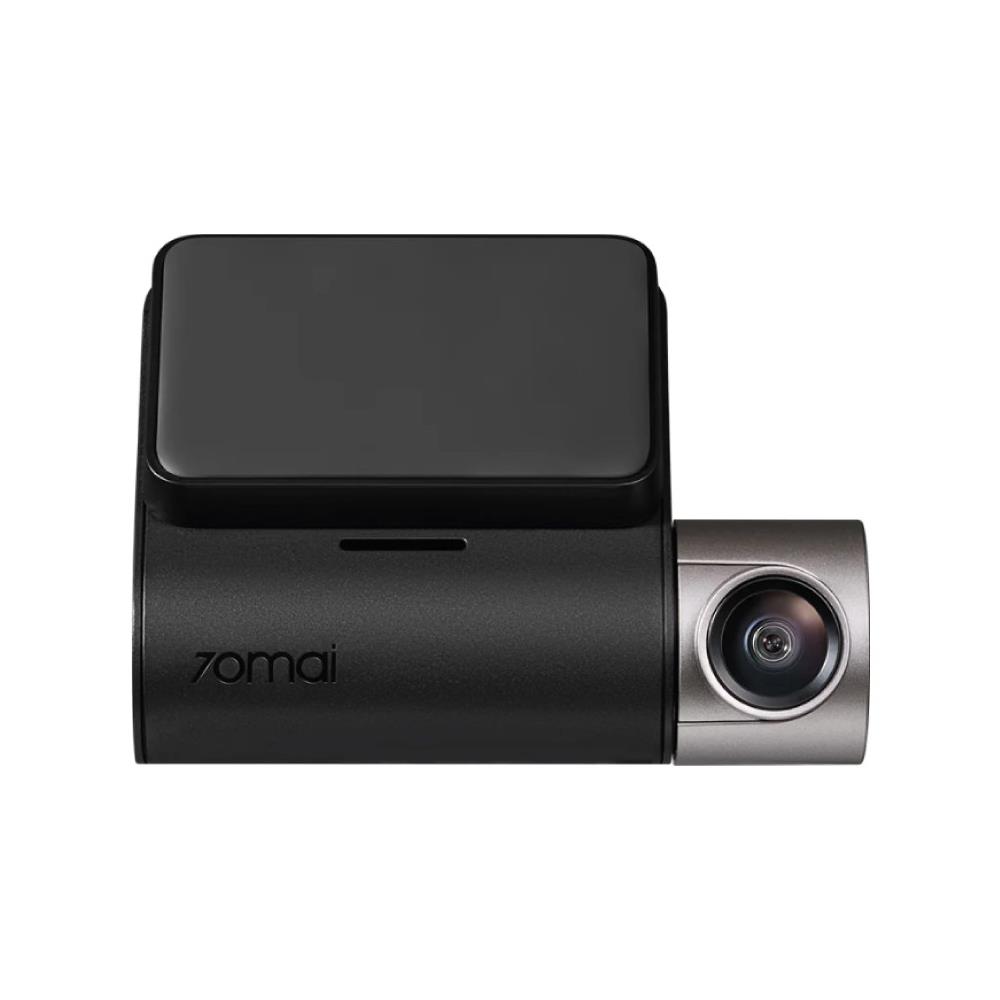
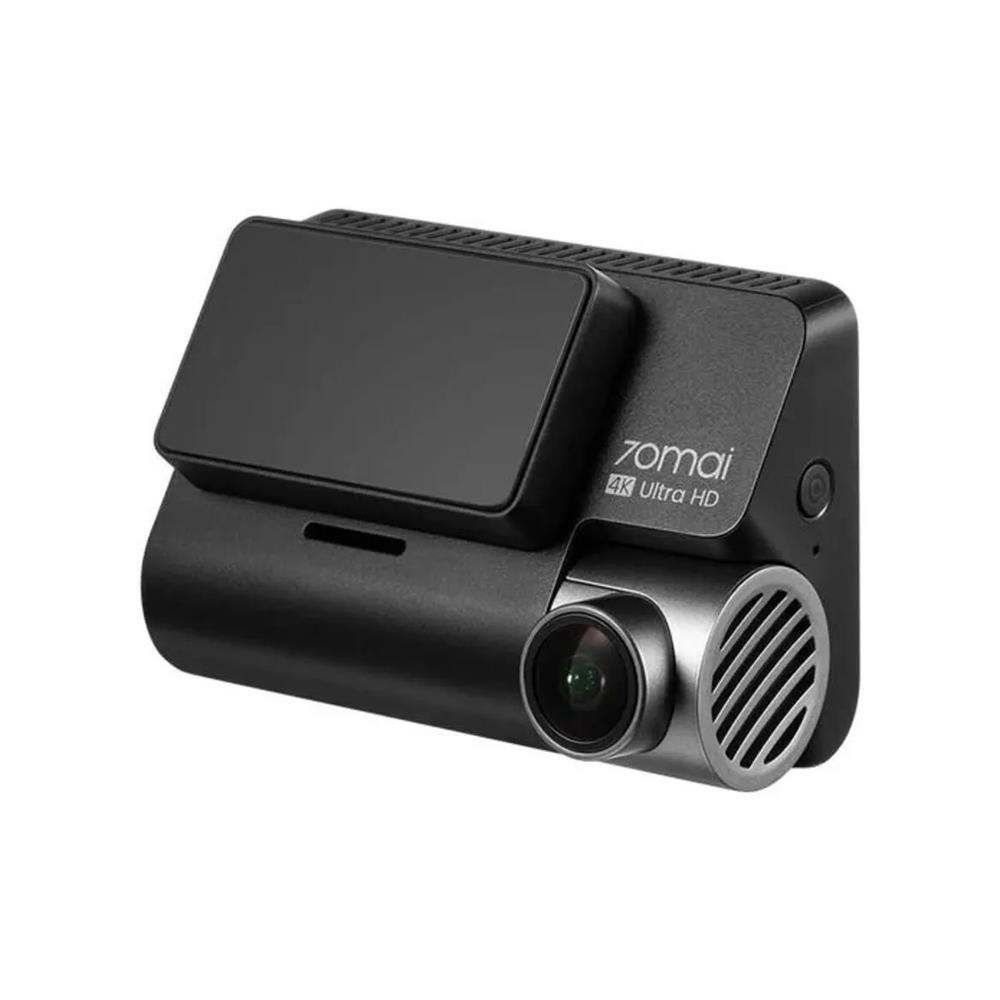
  • 70mai A810 (Flagship) – With true 4K resolution using a Sony STARVIS 2 IMX678 image sensor.
  • 70mai A510 (Middle range) – 2.5K video with IMX675.
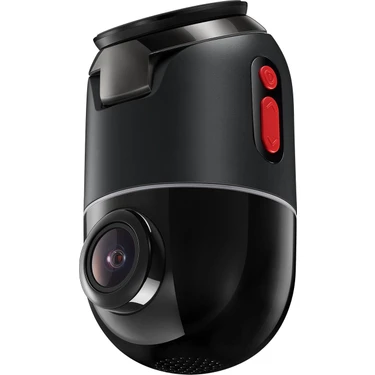
  • 70mai X200 Omni (Innovation Model) – Motorized 360-degree rotation with AI movement tracking.

The A810, in particular, has received praise for its exceptional clarity and affordability, outperforming other 4K models priced nearly twice as high.

70mai X200 Omni A510 A810

Mijia: Comfort and Power for Every Journey

In-car charging devices by Xiaomi are a reflection of its HyperCharge ideology, similar to that found in its flagship devices. These charging devices deliver charging speeds similar to those found in 100W or 120W devices.

Emphasized products are:

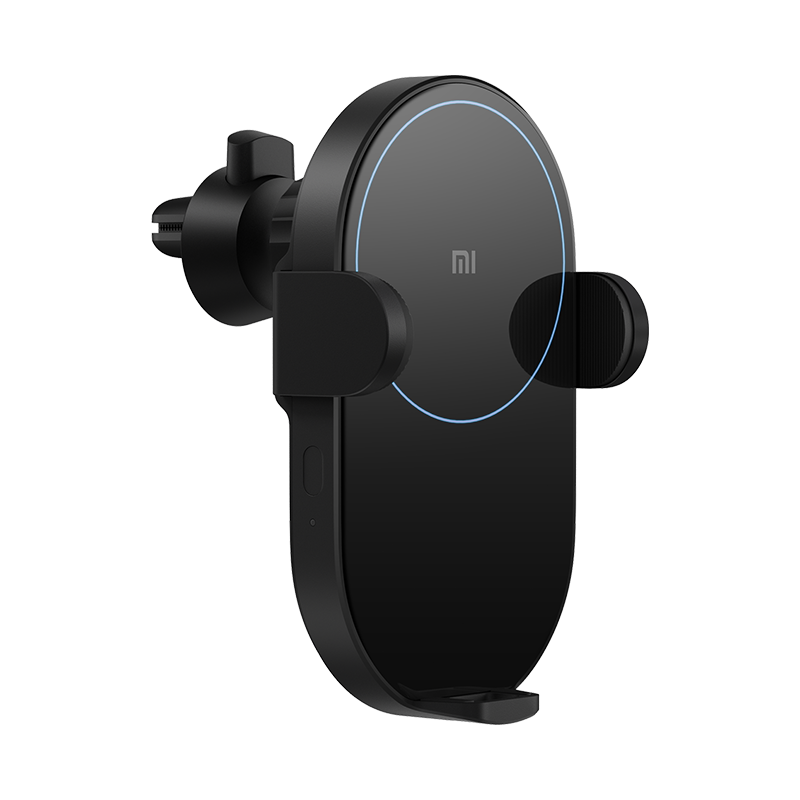
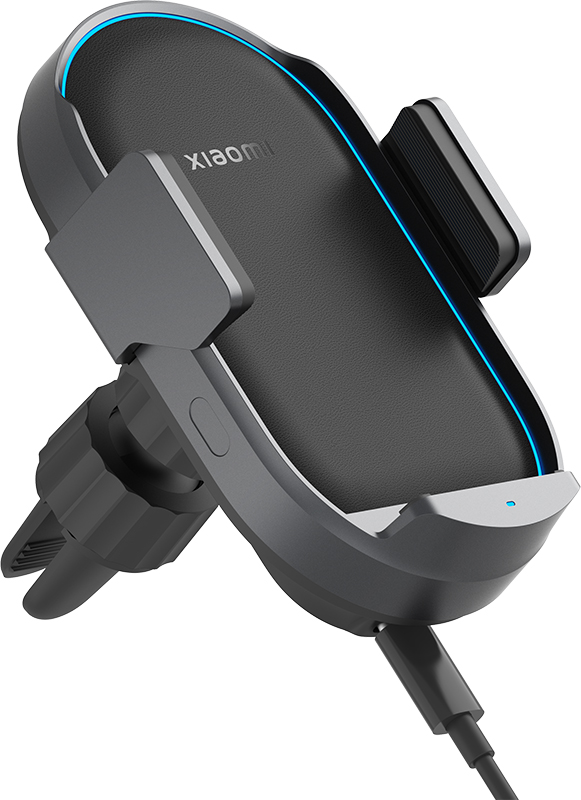
  • Xiaomi 50W Wireless Car Charger Pro – With automatic gripping mechanism, cooling function, and fast Qi charging for Xiaomi 14 Ultra phones.
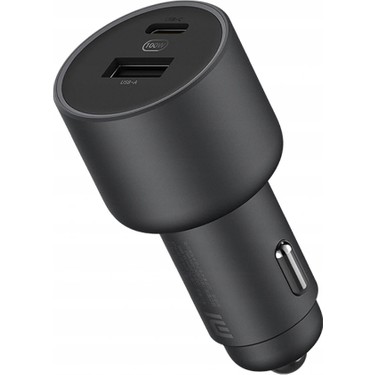
  • Xiaomi 100W Car Charger (1A1C) – Dual-port charging system designed to charge both laptops and mobile phones.
  • Xiaomi 20W Wireless Charger – Portable charging solution compatible with all devices.
Xiaomi 20W Wireless Charger Xiaomi 100W Car Charger 1A1C Xiaomi 50W Wireless Car Charger Pro

These devices enable Xiaomi’s car power system to become an essential extension of its innovation in smartphones.

Future Outlook: From Accessories to Integrated Automotive Intelligence

Xiaomi’s foray into the automobile industry not only revolves around automobile accessories but encompasses establishing a bridge between humans, vehicles, and residences. With an expanded line of vehicles and the integration of HyperOS into an increasing number of devices, these automobile accessories are set to forge a smart mobility ecosystem.

Xiaomi, 70mai, and Mijia’s collaboration makes sure that people are able to enjoy a smart, efficient, and safe driving experience regardless of budget. With that in mind, Xiaomi isn’t just integrating technology into vehicles. They are actually redefining how technology accompanies us.

The hidden MIUI 6 features you can still find in HyperOS

9 November 2025 at 21:59

With MIUI 6 in 2014, Xiaomi presented a turning point in its approach to software. With its ” Visually Stunning. Stunningly Simple. ” approach to design, MIUI 6 was not merely an interface but a complete overhaul—the sort that occurs when technology meets art. To date, a decade later, the same “code vein” lives on in Xiaomi HyperOS (2025) technology that drives everything from smartphone to tablet to electric vehicles to IoT devices.

MIUI 6’s Minimalist Aesthetic and the Emergence of Xiaomi’s Design Philosophy

Part of the launch with the Android 5.0 Lollipop’s Material Design revolution was when MIUI 6 introduced a flat design. The following UI eliminated features like shadows, textures, or gradients if not essential. The flat design introduced to MIUI 6 was not only based on design but was based on hardware limitations since its introduction to improve GPU performance in devices like MIUI’s Mi 4.

“Less clutter, more focus”: That’s MIUI 6’s design ideology. Today, “minimal intelligence“ remains a design principle in forming HyperOS. But “minimal intelligence” has transformed itself into a more dynamic and natural user interface.

Xiaomi Mi4

HyperOS and “Alive Design” Revolution

In 2024, Xiaomi reinterpreted its interface design language based on “Alive Design”, which was conceptualized along with famous designer Kenya Hara. Unlike MIUI 6’s static minimal design, Hyper OS seeks to make its interface “come alive.”

In these areas, the following objectives are

  • Real-time rendering: Light and shadow reflection akin to glass.
  • Responsive animations: Elements responding naturally to touch and motion.
  • Nature-inspired colors: these are colours obtained directly or indirectly from nature.

“A perfect example” of this focus on functionality is “the new Weather app, which animates rain, sunlight, and clouds in real-time to create an immersive experience” because “it makes something informative into something aesthetically pleasing,” which increases its

The United Control Center That Withstood Time

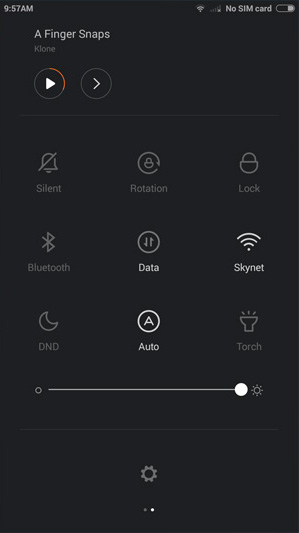
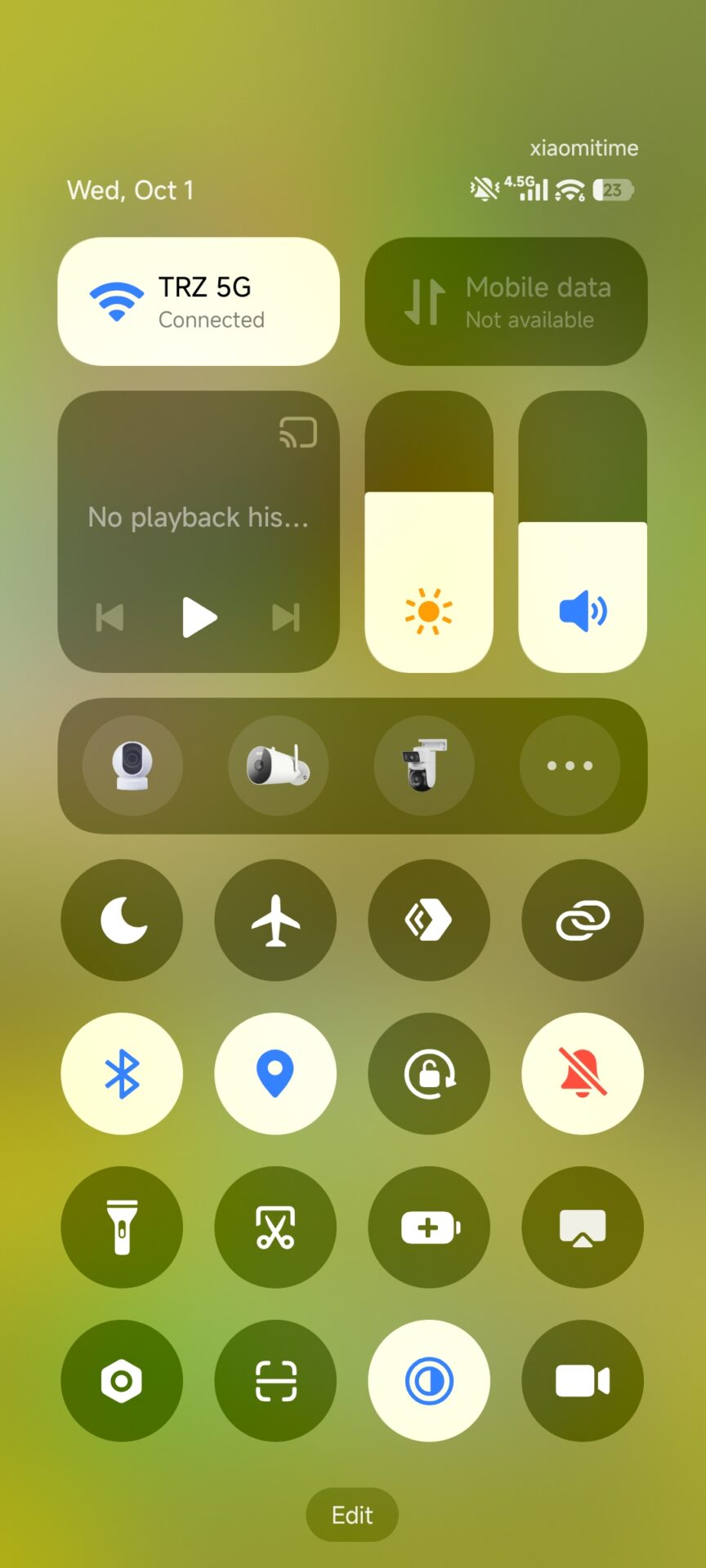
One of the most iconic features of MIUI 6 was its unified notification panel. Also, when MIUI 12 introduced a two-part interface (Notifications and Control Center), Xiaomi had a very convincing reason for doing so – 90% of users preferred it that way.

But HyperOS retains this heritage silently. Users can opt to return to the classic unified panel using these steps:

  • Settings → Notifications & Control Center → Control Center Style.

And to keep its user-friendly ethos alive for those who value integrationlessness over individuation—because Xiaomi does value both innovation and its heritage—there’s a hidden feature in MIUI 6.

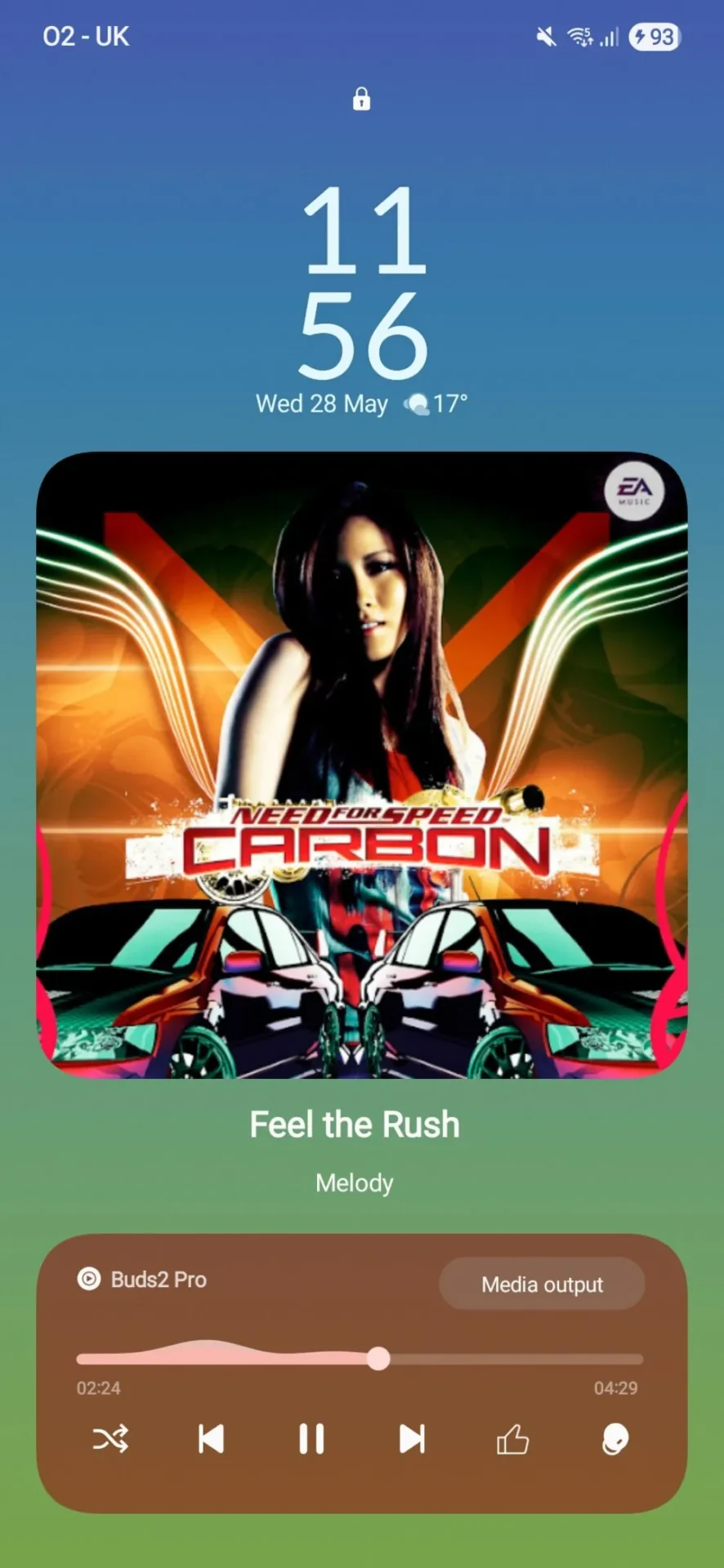
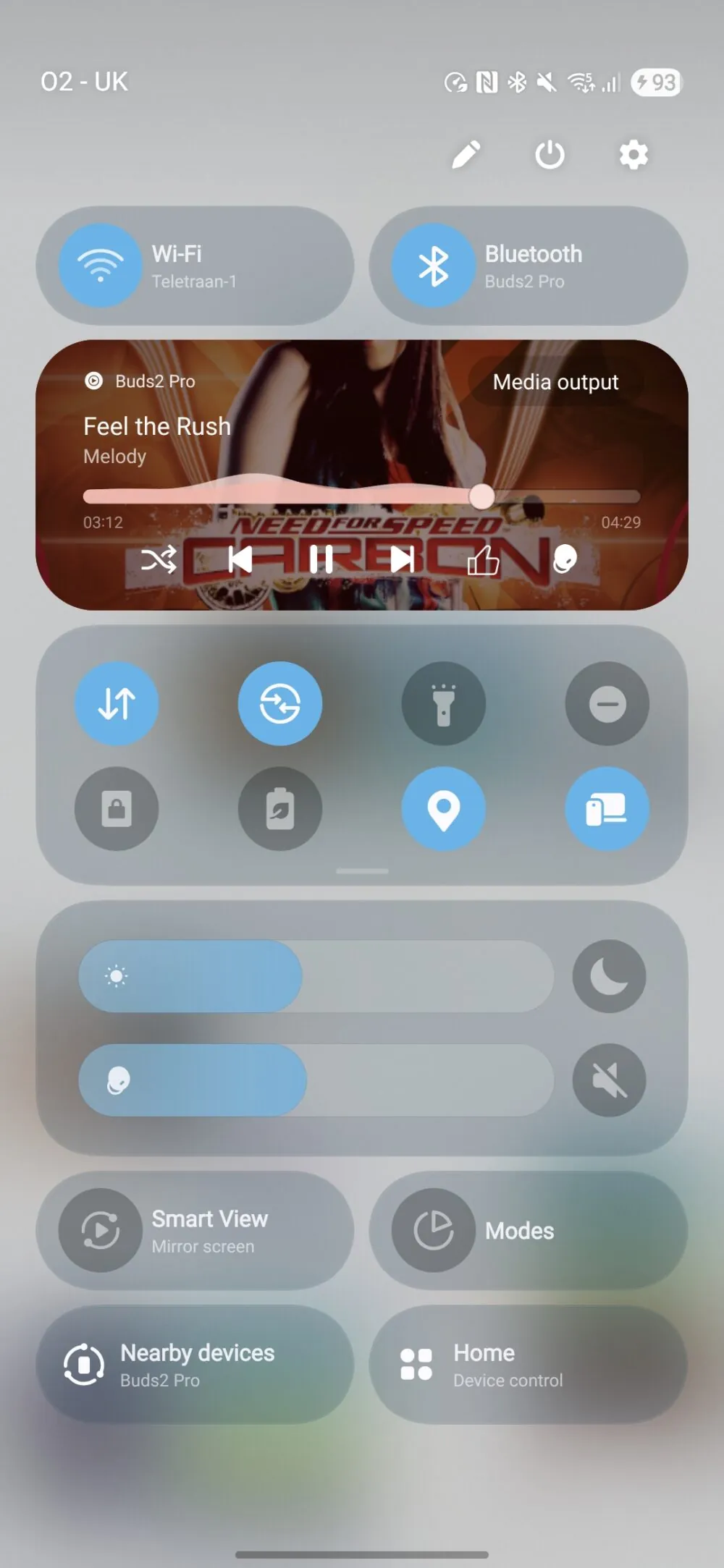
MIUI 6 Control Center HGyperos cONTROL center

Security & Privacy: One of MIUI 6’s Greatest Legacies

MIUI 6 was one of the first Android interfaces to provide integral app permissions, virus protection, and app locker functionality. These features not only remain but are more advanced than ever.

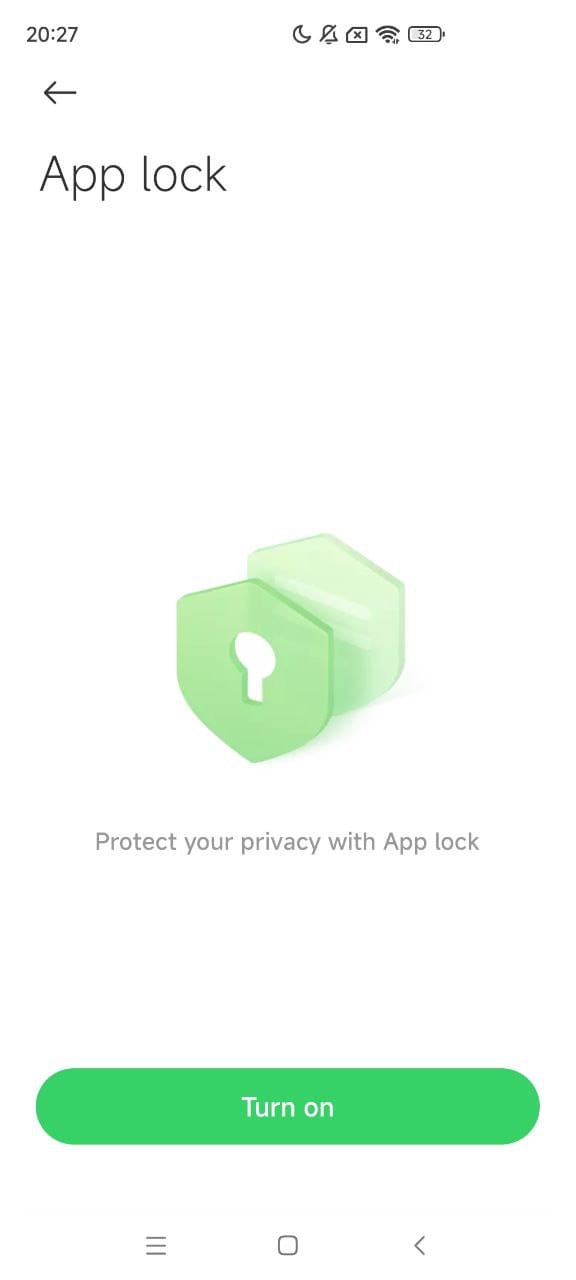
  • App Lock continues to be an essential feature in SettingsAppsApp Lock. It gets upgraded to include finger or face unlock features.
  • Security Scan remains focused on detecting malware prior to install, enabled with improved detection engines such as AVL.
  • HyperOS carries a Privacy Dashboard which provides an entire access overview for data that has happened in the past 24 hours. It traces its roots directly to MIUI 6’s Permission Manager.

“This ever-changing endeavor shows that Xiaomi’s vision lies not only in raising phone-level security but in extending ecosystem security to devices within its “Human x Car x Home” ecosystem.

HyperOS App Lock UI

A Decade of Design Philosophy: From Simplicity to Symbiosis

Upgrading MIUI 6 to Hyper OS does not qualify to be ‘upgraded’ but a philosophical journey. MIUI 6 was intended to make smartphones efficient. Hyper OS intends to make ‘all’ devices from Xiaomi ‘live’ together. Essentially, what started off with “simplify your phone” has now turned into “harmonize your life”.

Fedora Linux 43 Lands: Wayland-Only GNOME, RPM 6.0, and Major Developer Upgrades

28 October 2025 at 22:47

Fedora Linux 43 is now available, marking one of the project’s most comprehensive overhauls in recent years. The release focuses on a unified Wayland desktop, enhanced system security, and upgraded developer tooling. Fedora’s new foundation completes the move to DNF5 and RPM 6.0, bringing faster performance, stronger cryptography, and more flexible image building across desktop […]

The post Fedora Linux 43 Lands: Wayland-Only GNOME, RPM 6.0, and Major Developer Upgrades appeared first on UbuntuPIT.

FreeBSD 15.0-BETA3 Released: Improved WiFi, VM Images, and Security Fixes

25 October 2025 at 23:22

The FreeBSD Project has announced the release of FreeBSD 15.0-BETA3, the third beta build in the 15.0-RELEASE cycle. The update brings several critical fixes, improved WiFi compatibility, and expanded image availability for VMs, containers, and cloud platforms. FreeBSD 15.0-BETA3 introduces a series of refinements and security updates aimed at improving system stability and hardware support. […]

The post FreeBSD 15.0-BETA3 Released: Improved WiFi, VM Images, and Security Fixes appeared first on UbuntuPIT.

Why I Finally Settled on Linux Mint Cinnamon after Testing 12 Distros

25 October 2025 at 14:01

For years, I bounced between different versions of Windows and Linux, always hoping to find a system that just worked, something stable, complete, and free from constant tweaking. I’ve always appreciated the open-source philosophy behind Linux, but too often I found myself spending more time fixing problems than actually using my computer. A few years […]

The post Why I Finally Settled on Linux Mint Cinnamon after Testing 12 Distros appeared first on UbuntuPIT.

TrueNAS 25.10 “Goldeye” Brings NVMe-oF, OpenZFS 2.3.4, and Enterprise Virtualization Upgrades

29 October 2025 at 16:01

Building on the foundation of TrueNAS 25.04 “Fangtooth,” iXsystems has released TrueNAS 25.10 “Goldeye”, a major update designed to enhance performance, simplify system management, and strengthen enterprise capabilities. The new release incorporates modern storage technologies, refined data handling through OpenZFS 2.3.4, and expanded virtualization support for high-performance environments. TrueNAS 25.10 introduces NVMe over Fabric (NVMe-oF), […]

The post TrueNAS 25.10 “Goldeye” Brings NVMe-oF, OpenZFS 2.3.4, and Enterprise Virtualization Upgrades appeared first on UbuntuPIT.

Fedora Linux 43 Lands: Wayland-Only GNOME, RPM 6.0, and Major Developer Upgrades

28 October 2025 at 22:47

Fedora Linux 43 is now available, marking one of the project’s most comprehensive overhauls in recent years. The release focuses on a unified Wayland desktop, enhanced system security, and upgraded developer tooling. Fedora’s new foundation completes the move to DNF5 and RPM 6.0, bringing faster performance, stronger cryptography, and more flexible image building across desktop […]

The post Fedora Linux 43 Lands: Wayland-Only GNOME, RPM 6.0, and Major Developer Upgrades appeared first on UbuntuPIT.

FreeBSD 15.0-BETA3 Released: Improved WiFi, VM Images, and Security Fixes

25 October 2025 at 23:22

The FreeBSD Project has announced the release of FreeBSD 15.0-BETA3, the third beta build in the 15.0-RELEASE cycle. The update brings several critical fixes, improved WiFi compatibility, and expanded image availability for VMs, containers, and cloud platforms. FreeBSD 15.0-BETA3 introduces a series of refinements and security updates aimed at improving system stability and hardware support. […]

The post FreeBSD 15.0-BETA3 Released: Improved WiFi, VM Images, and Security Fixes appeared first on UbuntuPIT.

Why I Finally Settled on Linux Mint Cinnamon after Testing 12 Distros

25 October 2025 at 14:01

For years, I bounced between different versions of Windows and Linux, always hoping to find a system that just worked, something stable, complete, and free from constant tweaking. I’ve always appreciated the open-source philosophy behind Linux, but too often I found myself spending more time fixing problems than actually using my computer. A few years […]

The post Why I Finally Settled on Linux Mint Cinnamon after Testing 12 Distros appeared first on UbuntuPIT.

Why I Finally Settled on Linux Mint Cinnamon After Testing 12 Distros

18 October 2025 at 00:28

For years, I bounced between different versions of Linux distributions, always hoping to find a system that just worked, something stable, complete, and free from constant tweaking. I’ve always appreciated the open-source philosophy behind Linux, but too often I found myself spending more time fixing problems than actually using my computer. A few years ago, […]

The post Why I Finally Settled on Linux Mint Cinnamon After Testing 12 Distros appeared first on UbuntuPIT.

Stellar Repair for MySQL – Product Review

12 December 2024 at 21:02

MySQL Database Recovery Tool by Stellar is designed to assist in resolving various issues that may occasionally arise while managing MySQL and MariaDB databases.

It can efficiently repair all inaccessible or corrupted database objects (tables, primary keys, views, triggers, etc.) created in the InnoDB and MyISAM MySQL database engines without altering or deleting the original databases.

MySQL versions 8.x, 6.x, 5.x, 4.x, and 3.x are compatible as of writing, and since it’s available for Windows, Ubuntu, and Red Hat-based distributions, you can easily recover your MySQL database on these systems. Otherwise, you can copy the MySQL data folder from an unsupported OS to either Windows or Linux, repair it, and move it back to the original OS.

After saving the repaired database in MySQL or MariaDB formats, this tool allows us to save it in various other file formats, such as SQL Script, CSV, HTML, and XLS, which can be crucial when repairing MySQL on a system without MySQL or MariaDB installed.

Pros & Cons

ProsCons
Available for Windows, Ubuntu, and Red Hat-based distributions.Not available for macOS.
Efficiently can repair the latest version of MySQL and MariaDB databases.It’s proprietary software.
Export the database file in SQL script, CSV, HTML, and XLS file formats.It’s premium software with a free trial given, which can only perform repairs and display the repaired database but does not apply the changes.
The “Save log report” option allows viewing and analyzing the log content later for forensic analysis.The software’s license key is quite expensive compared to alternatives.
A user-friendly interface that allows navigation and selection of the MySQL data directory for repairing corruption and applying necessary patches.It’s not completely ready for Linux systems. You might need to move your MySQL data folder to Windows for repair, as the Windows version of this tool works perfectly.

How to Install MySQL Database Recovery Tool on Linux

Since it’s available for both Windows and Linux (especially Ubuntu and Red Hat-based distributions), I’ll show you the steps to install it on a Linux distribution.

So, start by navigating to its product page to download Stellar Repair for MySQL, select “Linux“, and then click on “Free Download” (you can begin with the free version and activate it with a license key later).

Stellar Repair for MySQL

You’ll be redirected to the Linux download page, where you can download the package file based on your Linux distribution type. For example, clicking the download button under “For CentOS Redhat” will download the “.rpm” file, while “For Ubuntu” will download the “.deb” file.

Download Linux version 64 bit to repair MySQL database

Once the file is downloaded, open your terminal, navigate to the “~/Downloads/” directory, and execute one of the following commands according to your Linux distribution.

# Navigating to Downloads directory
$ cd ~/Downloads/

# Installation Command for Ubuntu-based distributions
$ sudo dpkg -i ./StellarRepairforMySQL-U.deb

# Installation Command for Red Hat-based distributions
$ sudo rpm -i ./StellarRepairforMySQL.rpm

When the installation is finished, you can launch the program by searching “Repair for MySQL” in the Activity Overview.

Repair MySQL database

Usage

When launched for the first time, it prompts you to provide the current logged-in username (auto-detected) and password. Before entering the credentials, make sure the logged-in user has sudo privileges to allow the program to perform repairs without interruption.

Privileges to repair MySQL database

Once logged in, you will be presented with the dashboard where you can activate the program using a license key (which is only needed when you want to apply the changes), but for demonstration purposes, you can test it without a license key.

To achieve this, stop your MySQL services and copy the MySQL data folder, typically located at “/var/lib/mysql” in Linux, to a safe location like your home directory for use as a backup.

$ sudo systemctl stop mysql
$ cp /var/lib/mysql $HOME/

Afterward, open the “MySQL Database Recovery Tool” and click the “Select Database” option.

Stellar Repair for MySQL

A prompt will pop up asking to select the relevant MySQL version and data folder. Since I use the latest MySQL version, I will select the “MySQL 8.x” option and “provide the path to the MySQL data folder” that needs repair.

Select data folder

Next, you will see a list of databases detected by the program from the provided MySQL data folder path. Simply “Select the database that needs repair” and proceed by clicking the “Repair” button.

Select database to repair

Now, it will look for errors or corruption in the selected database, perform the necessary steps to recover it, and display a success message once completed.

Repair complete message

Since the MySQL data folder that I’ve provided does not have any issues or corruption, it did not detect any errors, as shown in the log report below. However, in your case, it might be different.

When you’re done repairing, make sure to start the MySQL service.

$ sudo systemctl start mysql

How to Remove MySQL Database Recovery Tool from Linux

This article wouldn’t be complete without including the removal steps, so in the future, if you no longer need this tool, you can easily uninstall it from your system using the default package manager via the terminal.

# Removal Command for Ubuntu-based distributions
$ sudo apt remove stellarrepairformysql

# Removal Command for Red Hat-based distributions
$ sudo dnf remove stellarrepairformysql

Wrap Up

The Stellar MySQL Database Recovery Tool works perfectly on Windows, but I encountered difficulties using it on Linux. For instance, providing the MySQL data folder path and selecting the target database for repair resulted in an “Either incorrect path or no tables in the database” error message.

At first glance, I thought it might be a database issue, but after some trial and error, I moved the data folder in Windows and repeated the same steps, which worked without issues. This suggests that the Linux version of this tool is not fully ready and requires a workaround to function properly.

I’m still exploring this tool myself and will continue updating this article with new updates. If you have any questions or queries regarding the tool, feel free to ask them in the comment section.

Till then, peace!

The post Stellar Repair for MySQL – Product Review appeared first on Linux TLDR.

How to Install RQuickShare (NearbyShare/QuickShare) on Linux

7 December 2024 at 11:23

RQuickShare is a Rust implementation of the smartphone NearbyShare/QuickShare feature for Linux and macOS. It’s a free, open-source, lightweight tool designed to seamlessly transfer files between desktops and smartphones.

There are very few options available in the settings; you can only adjust the default bootup settings, run in background settings, and change the download directory to something else.

You can install it on your Linux system using the DEB package for Debian and Ubuntu-based distributions, the RPM package for Red Hat and Fedora-based distributions, or the Snap package.

If you dislike installing applications on your system, don’t worry; it also comes as an AppImage that you can use without installing, but make sure your system has the libfuse2 package installed (the step will be shown later on this article).

In this quick tutorial, I’ll show you how to quickly install RQuickShare on major Linux distributions such as Debian, Ubuntu, Red Hat, Fedora, Arch, and more.

How to Install RQuickShare on Linux

The RQuickShare package is available in two variants: main and legacy. The main variant offers future support and the latest features, while the legacy variant is only for use if you’re on an older version of your Linux distribution, though it is not recommended.

To start, visit the GitHub download page and download the appropriate distribution package for your Linux system. For instance, you can download the DEB package for Debian and Ubuntu-based distributions, the RPM package for Red Hat and Fedora-based distributions, the Snap package for the Snap package manager, and the AppImage package for portable versions.
downloading rquickshare for linux

Once the download is complete, open your terminal from the application launcher or use the Ctrl+Alt+T shortcut, then follow one of the provided instructions to install it on your Linux system.

On Debian and Ubuntu-Based Distributions

# Navigate to the downloads directory
$ cd ~/Downloads/

# Install the DEB Package
$ sudo apt install ./r-quick-share-main_*_amd64.deb

On Red Hat and Fedora-Based Distributions

# Navigate to the downloads directory
$ cd ~/Downloads/

# Install the RPM Package
$ sudo rpm install ./r-quick-share-main_*-x86_64.rpm

On Arch and Manjaro-Based Distributions

For Arch Linux, you can quickly install it from the AUR (Arch User Repository) using an AUR helper such as Yay.

$ yay -S r-quick-share

Using Snap Package

It’s not currently available on the Snap Store, but you can download the Snap package and install it using the following command:

# Navigate to the downloads directory
$ cd ~/Downloads/

# Install the Snap Package
$ sudo snap install --dangerous r-quick-share_*_amd64.snap

Using AppImage

The AppImage requires libfuse to function properly, so make sure it is installed on your Linux distribution before using the RQuickShare AppImage.

# On Debian and Ubuntu-based distributions
$ sudo apt install libfuse2

# On Red Hat and Fedora-based distributions
$ sudo yum install fuse fuse-devel

Once the installation is complete, you can navigate to the download directory, assign executable permissions, and run it just like a shell script.

# Navigate to the downloads directory
$ cd ~/Downloads/

# Assign Executable Permission
$ sudo chmod u+x ./r-quick-share-main_*_amd64.AppImage

# Launch AppImage
$ ./r-quick-share-main_*_amd64.AppImage

How to Use RQuickShare on Linux

Once the installation is complete, you can find and launch it from the application menu. Upon your first launch, you’ll see the following screen where RQuickShare will scan for nearby devices (with Quick Share) connected to the same network.

RQuickShare main windows

To customize settings like auto-launch on boot, keeping the application running in the background, and the default download directory, click the gear icon in the top right corner.

RQuickShare settings windows

When you’re ready to transfer a file, simply drag and drop or select your file, and make sure both devices are on the same Wi-Fi network. Once the other device is discovered, click on it to share your file from your desktop to your smartphone.

Sharing file from desktop to mobile using RQuickShare

That’s it! This way, you can share your file between your desktop and smartphone in a quick and easy way.

Wrap Up

RQuickShare is a fantastic tool that lets you easily share files between your desktop and smartphone. Most modern smartphones come with QuickShare or NearbyShare, so you don’t need any external applications installed on your smartphone; just install RQuickShare on your desktop and start sharing your files.
The post How to Install RQuickShare (NearbyShare/QuickShare) on Linux appeared first on Linux TLDR.

How to Setup SOCKS5 Proxy Server on Linux Using MicroSocks

14 June 2024 at 13:46

VPNs are popular these days, but many users still prefer using a SOCKS proxy to tunnel network connections through them, as it offers faster internet connections and is ideal for managing torrent traffic, despite the generic drawback of unencrypted traffic.

You can even access blocked sites in your country using a SOCKS proxy. There are many public SOCKS proxy servers available, but as mentioned earlier, traffic on a SOCKS proxy is not encrypted, so using a public one could be risky.

In this article, I’ll show you how to install and set up a SOCKS5 proxy server on Linux using MicroSocks.

MicroSocks: A Lightweight SOCKS5 Proxy Server

MicroSocks is a lightweight and multi-threaded SOCKS5 proxy server designed to robustly handle requests on servers with low resources by consuming minimal resources and gently denying new connections during heavy loads instead of aborting them.

It supports IPv4, IPv6, DNS, uses TCP (no UDP currently) for network proxy, and allows users to connect with or without a password or by providing a one-time password, all without needing to create or edit any configuration file.

Let’s now see how to install MicroSocks on popular Linux distributions like Debian, Ubuntu, Linux Mint, Red Hat, Fedora, Rocky Linux, Arch, or any others.

Install MicroSocks on Linux

MicroSocks is available in most Linux repositories, such as Debian, Ubuntu-based distributions, and Arch systems, where you can quickly install it using one of the appropriate commands based on your Linux distribution.

# On Debian, Ubuntu, Kali Linux, Linux Mint, Zorin OS, Pop!_OS, etc.
$ sudo apt install microsocks

# On Arch Linux, Manjaro, BlackArch, Garuda, etc.
$ sudo pacman -S microsocks

On Red Hat and Fedora-based distributions, or on older Debian and Ubuntu distributions, you can build and install it from the source, which also provides you with the latest version.

To start, ensure the development tools are installed on your Linux system, then run the following series of commands to install MicroSocks from source.

$ wget http://ftp.barfooze.de/pub/sabotage/tarballs/microsocks-1.0.4.tar.xz
$ tar -xvf microsocks-1.0.4.tar.xz && cd microsocks*/
$ make && sudo make install

Once the installation is complete, the MicroSocks executable file will be added to the “/usr/local/bin” directory.

Start MicroSocks SOCKS5 Proxy Server

Now that the installation is complete, the “microsocks” command is available to use, but before that, let’s look at a few options you can use with it.

OptionDescription
-1It allows you to authenticate once, after which your IP address will be included in a whitelist, enabling you to connect to the proxy server later without authentication.
-qDisable logging.
-i ip-addressSpecify the IP address to listen on; not providing one means listening on all network interfaces in the server (default is “0.0.0.0“).
-p portSet the port to use for listening (default is “1080“).
-u user” and “-P passwordSpecify the username and password for authentication in plain text, which can be anything regardless of existing users on the server.

In my case, I’ve set up the MicroSocks proxy server on a DigitalOcean VPS and started it using the following command, which listens on all server IPs with port 8484, the username “proxyuser“, and the password “securepassword“.

$ microsocks -1 -p 8484 -u proxyuser -P securepassword

Output:

starting microsocks server

To connect to the above MicroSocks proxy server from the local machine, run the following command, replacing the green highlighted fields with the correct proxy server information.

$ curl --socks5 user:password@server-ip:port https://www.google.com/

Output:

connecting to microsocks proxy server

Once you do that, your local machine will be whitelisted for the MicroSocks proxy server due to the “-1” option, allowing you to configure SOCKS5 with your browser or Linux system without providing credentials.

To connect to your MicroSocks proxy server from Firefox, navigate to “Preferences“, then “General“, scroll down to the “Network Settings” section, and click on “Settings“.

firefox network settings

Then, ensure you enable manual proxy configuration, select SOCKS v5, and provide the host and port number of your SOCKS5 proxy server.

configuring SOCKS5 on firefox

Your Firefox is now configured with the MicroSocks proxy server, so all your browsing will go through the proxy server. If you encounter a connection failure error, make sure to re-execute the previous curl command.

To connect your local machine (running on GNOME) with the MicroSocks proxy server, first open “Settings“, navigate to “Network“, and then “Proxy“.

navigating to proxy section

Next, toggle the “Network Proxy” and choose the “Manual” configuration.

enabling proxy configuration

Finally, enter the host and port of your MicroSocks proxy server in the “SOCKS5 HOST” section and save the changes.

configuring SOCKS5 on ubuntu

You now have your system running on GNOME, connected to your MicroSocks proxy server.

Allow MicroSocks Proxy Server Listening Port on Firewall

If you are running an Ubuntu system with UFW (Uncomplicated Firewall), you need to open the port your proxy server listens on. First, check the firewall status:

$ sudo ufw status

If it’s active and running, then open the port for the MicroSocks proxy server, which by default is 1080; however, since I’ve opted for a custom port of 8484 using the “-p” option, I need to allow this port with the following command:

$ sudo ufw allow 8484/tcp

Output:

allowing firewall to microsocks proxy server

Create MicroSocks Proxy Server Systemd Service

To keep the MicroSocks proxy server running in the background and autostart on boot without any manual intervention, you can create a Systemd service.

To begin, open your terminal and create a Systemd service file using the command below.

$ sudo nano /etc/systemd/system/microsocks.service

Then copy-paste the following snippet.

📝
If you’ve installed the MicroSocks proxy server from source, ensure to replace “/usr/bin/microsocks” with “/usr/local/bin/microsocks“. Additionally, you can add or remove the existing “-u” and “-P” options as needed.
[Unit]
Description=microsocks SOCKS5 server
Documentation=https://github.com/rofl0r/microsocks
After=network.target auditd.service

[Service]
EnvironmentFile=/etc/microsocks.conf
ExecStart=/usr/bin/microsocks -1 -u ${MICROSOCKS_LOGIN} -P ${MICROSOCKS_PASSW}

[Install]
WantedBy=multi-user.target

Save and close the file, then create a MicroSocks configuration file for the user and password variables used in the above Systemd service file.

$ sudo nano /etc/microsocks.conf

Copy and paste the following snippet, ensure to replace the user and password information with the correct MicroSocks proxy server details. Also, if you’ve customized the port or restricted IP in the Systemd service file, set their values accordingly in this configuration file.

# used by the systemd service file
MICROSOCKS_LOGIN="proxy-user"
MICROSOCKS_PASSW="proxy-password"

Save and close the file, then use the following command to enable and start the service:

$ sudo systemctl enable --now microsocks.service

To verify the status of the service, run the “systemctl status microsocks” command.

checking MicroSocks service status

Uninstall MicroSocks from Linux

To uninstall the MicroSocks proxy server from your Linux system installed via the package manager, run:

# On Debian, Ubuntu, Kali Linux, Linux Mint, Zorin OS, Pop!_OS, etc.
$ sudo apt remove microsocks

# On Arch Linux, Manjaro, BlackArch, Garuda, etc.
$ sudo pacman -R microsocks

If you have installed it directly from the source, then run:

$ sudo rm /usr/local/bin/microsocks

To disable and remove the Systemd service, run:

$ sudo systemctl disable --now microsocks.service
$ sudo rm /etc/microsocks.conf

If you’ve allowed the MicroSocks listening port on UFW, then execute the following command to locate its index number:

$ sudo ufw status numbered

Then remove the corresponding port using the “sudo ufw delete [no]” command.

The post How to Setup SOCKS5 Proxy Server on Linux Using MicroSocks appeared first on Linux TLDR.

❌